Max HU

37 posts

Max HU

Max HU

@Max_Min_Hu

Seawater desalination, ZLD, MLD, Water treatment, WWT, Brine mining, DTRO, CDRO, CDNF
Hong Kong Katılım Aralık 2024
242 Takip Edilen1 Takipçiler
Max HU
Max HU@Max_Min_Hu·
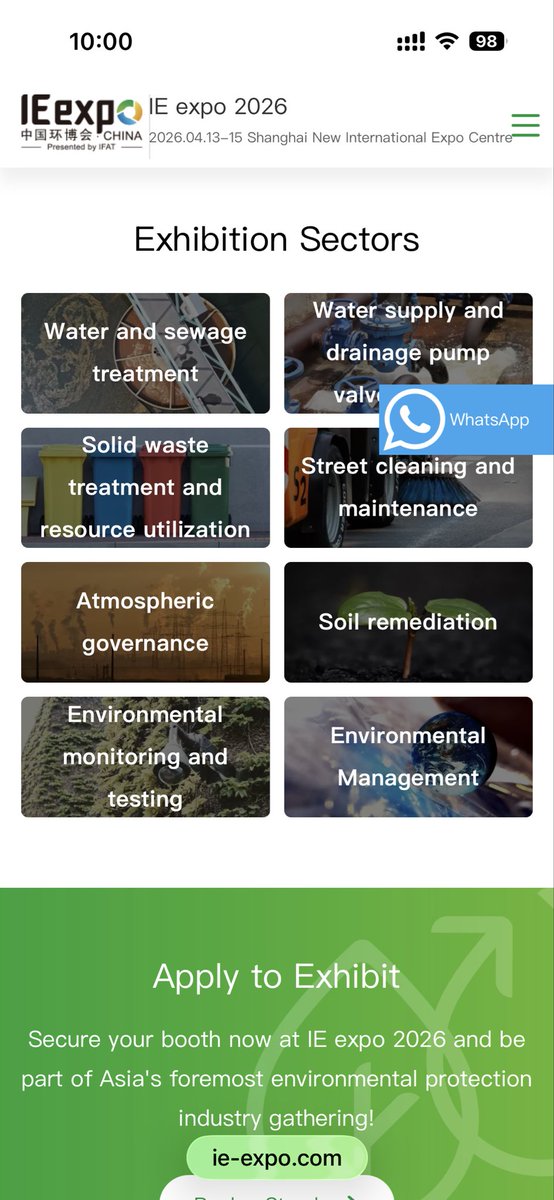
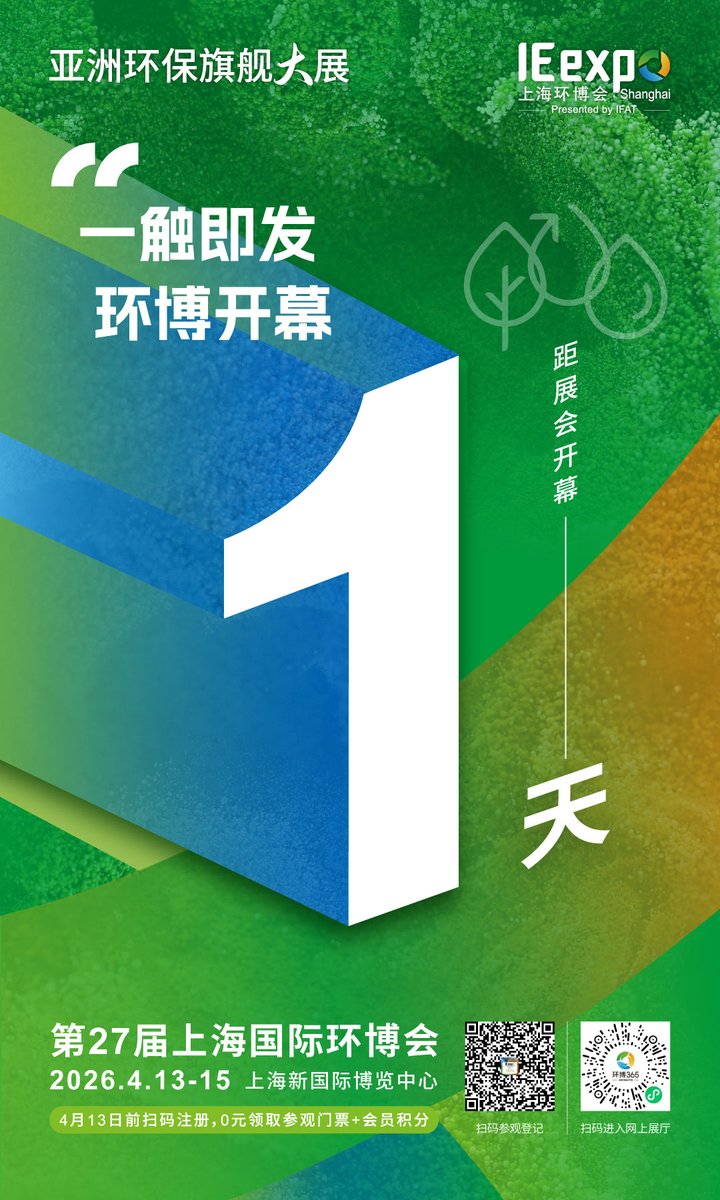
The IE expo 2026 is just around the corner! I was always busy with presentations and client reception in the past , I’ll finally be able to take a good look around. Is there anything specific you're interested in? Let me know—I’d be happy to check it out on your behalf. #Expo
Max HU tweet mediaMax HU tweet media
English
0
0
0
8
Max HU
Max HU@Max_Min_Hu·
@karpathy Looks great! Just wondering does it support multi-device sync? Is the data secure? And are the token costs high?
English
0
0
0
16
Andrej Karpathy
Andrej Karpathy@karpathy·
LLM Knowledge Bases Something I'm finding very useful recently: using LLMs to build personal knowledge bases for various topics of research interest. In this way, a large fraction of my recent token throughput is going less into manipulating code, and more into manipulating knowledge (stored as markdown and images). The latest LLMs are quite good at it. So: Data ingest: I index source documents (articles, papers, repos, datasets, images, etc.) into a raw/ directory, then I use an LLM to incrementally "compile" a wiki, which is just a collection of .md files in a directory structure. The wiki includes summaries of all the data in raw/, backlinks, and then it categorizes data into concepts, writes articles for them, and links them all. To convert web articles into .md files I like to use the Obsidian Web Clipper extension, and then I also use a hotkey to download all the related images to local so that my LLM can easily reference them. IDE: I use Obsidian as the IDE "frontend" where I can view the raw data, the the compiled wiki, and the derived visualizations. Important to note that the LLM writes and maintains all of the data of the wiki, I rarely touch it directly. I've played with a few Obsidian plugins to render and view data in other ways (e.g. Marp for slides). Q&A: Where things get interesting is that once your wiki is big enough (e.g. mine on some recent research is ~100 articles and ~400K words), you can ask your LLM agent all kinds of complex questions against the wiki, and it will go off, research the answers, etc. I thought I had to reach for fancy RAG, but the LLM has been pretty good about auto-maintaining index files and brief summaries of all the documents and it reads all the important related data fairly easily at this ~small scale. Output: Instead of getting answers in text/terminal, I like to have it render markdown files for me, or slide shows (Marp format), or matplotlib images, all of which I then view again in Obsidian. You can imagine many other visual output formats depending on the query. Often, I end up "filing" the outputs back into the wiki to enhance it for further queries. So my own explorations and queries always "add up" in the knowledge base. Linting: I've run some LLM "health checks" over the wiki to e.g. find inconsistent data, impute missing data (with web searchers), find interesting connections for new article candidates, etc., to incrementally clean up the wiki and enhance its overall data integrity. The LLMs are quite good at suggesting further questions to ask and look into. Extra tools: I find myself developing additional tools to process the data, e.g. I vibe coded a small and naive search engine over the wiki, which I both use directly (in a web ui), but more often I want to hand it off to an LLM via CLI as a tool for larger queries. Further explorations: As the repo grows, the natural desire is to also think about synthetic data generation + finetuning to have your LLM "know" the data in its weights instead of just context windows. TLDR: raw data from a given number of sources is collected, then compiled by an LLM into a .md wiki, then operated on by various CLIs by the LLM to do Q&A and to incrementally enhance the wiki, and all of it viewable in Obsidian. You rarely ever write or edit the wiki manually, it's the domain of the LLM. I think there is room here for an incredible new product instead of a hacky collection of scripts.
English
2.9K
7.1K
59K
21.1M
太阳闯关记
太阳闯关记@dachaoren·
26年最新出炉,全程高能。 斯坦福教授AI讲座,本质上就是把未来3年谁赚钱,谁被淘汰,提前剧透了一遍。 看懂的人已经在布局了,看不懂的人还在拼命学技术。
中文
757
1.5K
7.1K
679.3K
财经数据库
财经数据库@caijingshujuku·
清华心理系高才生,用9分钟!教会你看懂这个世上98%的人。 此视频在墙内已被封杀!
中文
52
811
3.7K
313.2K
亚洲金融 Asia Finance
亚洲金融 Asia Finance@AsiaFinance·
突发:中国赢得霍尔木兹海峡?伊朗正与8个国家进行谈判,拟允许这些国家的船只通过霍尔木兹海峡,但前提条件是相关石油贸易须以人民币进行结算。日本已同意以人民币向伊朗支付款项。日本五大商社和财阀,每年在中国挣多少钱?用人民币结算是最好套利?川普怎么宣布又“赢”了?
中文
121
18
168
181.2K
千寻 🌸
千寻 🌸@Crypto_QianXun·
2026 年,我只用 Google Gemini 做股票研究! 不是让它给建议, 也不是用来预测。 而是在下场之前, 先把自己要冒的风险想清楚。 下面是我真实在用的 10 个提示词
中文
320
188
735
218.4K
Max HU
Max HU@Max_Min_Hu·
@AlchainHust @grok 下载文档,或者帮我生成一个PDF文件下载链接,能直接下载并保存到手机端
中文
1
0
0
1.1K
花叔
花叔@AlchainHust·
这两天已经不下5个出版社编辑老师找我合作出版OpenClaw的书了。 但自从去年完成过出版这件事之后,我确实对「出书」这事没啥光环了。所以呢,干脆整了份98页的OpenClaw橙皮书📙开源(链接见评论区) 简单说一下里面有什么👇 Part 1-2 讲清楚OpenClaw的本质。它不是又一个聊天机器人,是一个开源的、可以自托管的AI Agent系统。三层架构、四层记忆系统、Heartbeat心跳机制,这些让它和ChatGPT完全不同的东西,我都画了图解释清楚了。 Part 3 部署方案。本地安装、Docker、Mac mini、云服务器,我对比了9家国内云厂商的方案,包括阿里云、腾讯云、火山引擎、扣子编程等等,价格、优劣势、适合什么人,全部列出来了。结论是服务器一年也就一两百块,真正花钱的是模型API。 Part 4 渠道接入。飞书、钉钉、QQ、企业微信、Telegram、Discord,20多个平台的接入方式我都整理了。国内用户重点看飞书和钉钉,配置过程不复杂,但步骤容易漏,我把每一步都写清楚了。微信的话,不建议接,容易封号。 Part 5 Skills系统。这是真正「养虾」的核心。ClawHub上现在有1万3千多个技能,但不是装越多越好。我筛了一些值得装的推荐给大家,也写了怎么自己建Skill。另外特别提醒了Skill的安全问题,有些第三方Skill会偷你的API Key,别乱装。 Part 6 模型配置。21个模型和平台的配置方法、价格对比,国内国外都有。DeepSeek、GLM、千问、豆包、Claude、GPT,哪个性价比高、哪个效果好、哪个适合轻度使用,我都给了建议。 Part 7-8 安全避坑和生态社区。已经发生过的安全事件、成本控制策略、国内的养虾政策支持,都在里面。 信息截至2026年3月8日。这个项目更新很快,后续有重大变化我会更新这份手册。
中文
45
111
534
97.1K
0x进击的水豚
0x进击的水豚@crypto_oldk·
突发:彭博终端每年费用32,000美元 Google Gemini现在能做到它80%的功能(完全免费) 我现在用它进行股票研究的10种方式:
0x进击的水豚 tweet media
中文
109
365
1.2K
226.4K