Michelle Forrest

266 posts

Michelle Forrest banner
Michelle Forrest

Michelle Forrest

@MissForrestEdu

Apple Professional Learning Specialist: MIE: Professional Development Coordinator: Training Educators + Students K-12 Edu ICT:

Perth Katılım Haziran 2019
688 Takip Edilen362 Takipçiler
Michelle Forrest
Michelle Forrest@MissForrestEdu·
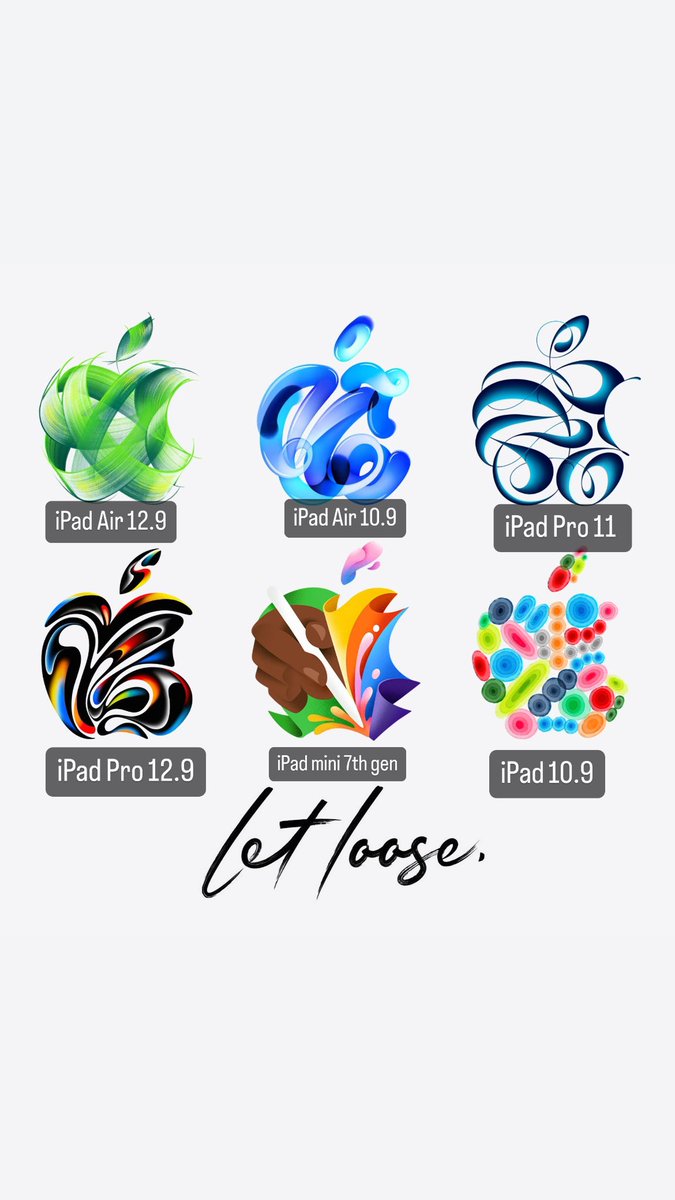
@FrancisMedelL @9to5mac Think each logo is a feature on the new iPad. Eg the 3rd one looks like treble clefs woven together - maybe something to do with Logic Pro? Etc for each one.
English
0
0
1
58
9to5Mac
9to5Mac@9to5mac·
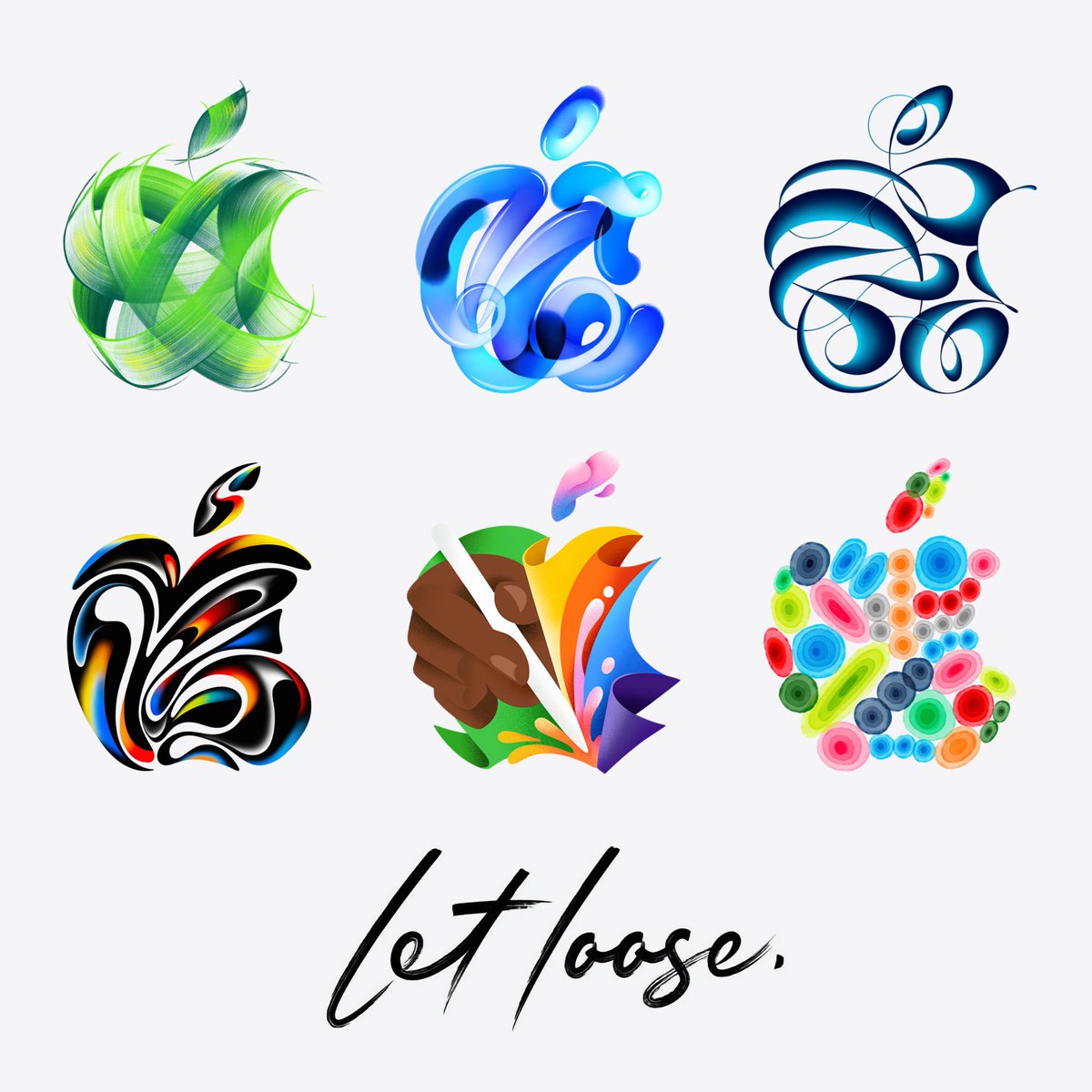
All 6 logos being used for the 'Let Loose' event. Changes each time you refresh apple.com!
9to5Mac tweet media
English
8
158
1.8K
131.6K
Michelle Forrest retweetledi
Greg Joswiak
Greg Joswiak@gregjoz·
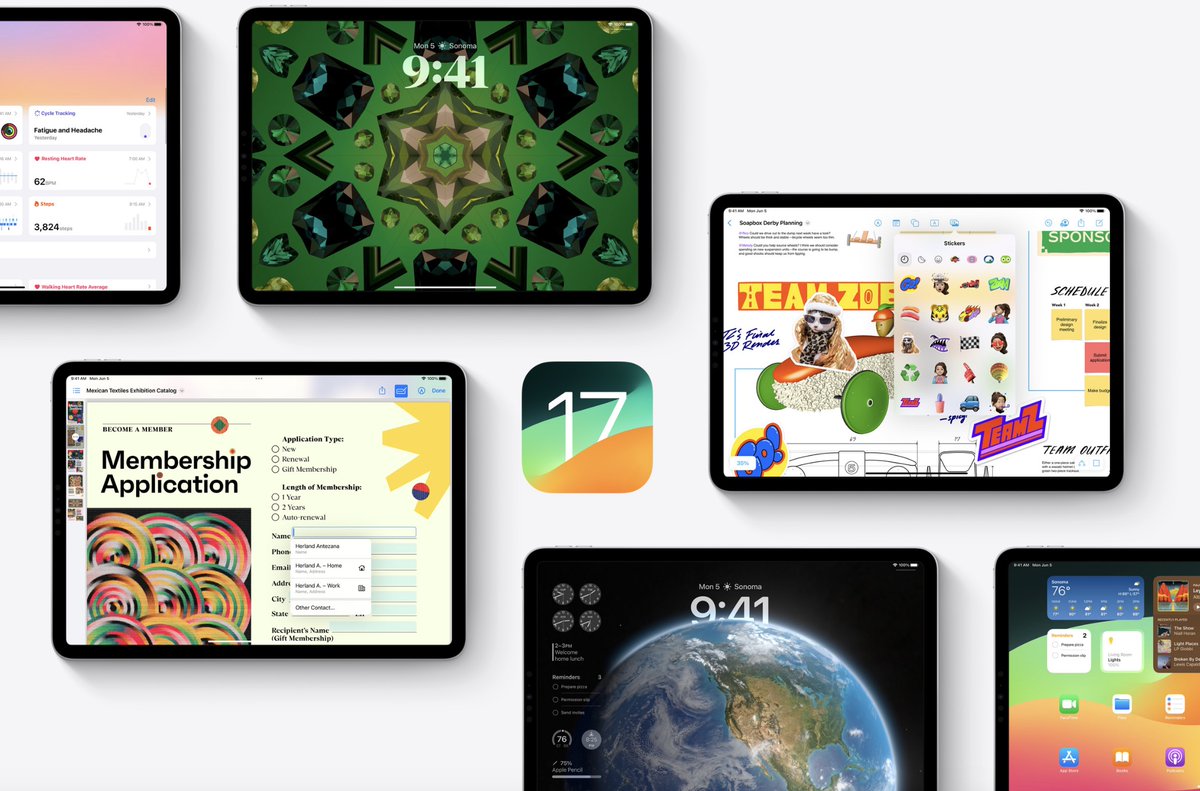
iOS 17 is available today with some exciting new features like Live Voicemail, contact sharing with NameDrop, a new way to make your iPhone even more useful when you set it down with StandBy, improved autocorrect, and many more features you’re gonna love!
Greg Joswiak tweet media
English
108
402
4.2K
608.5K
Michelle Forrest
Michelle Forrest@MissForrestEdu·
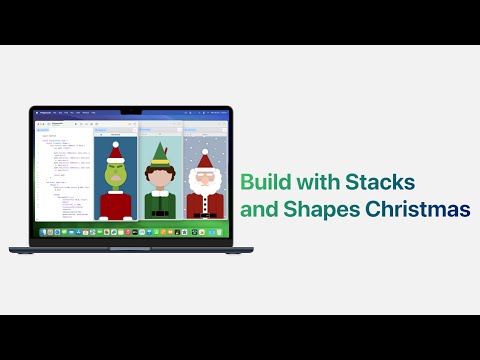
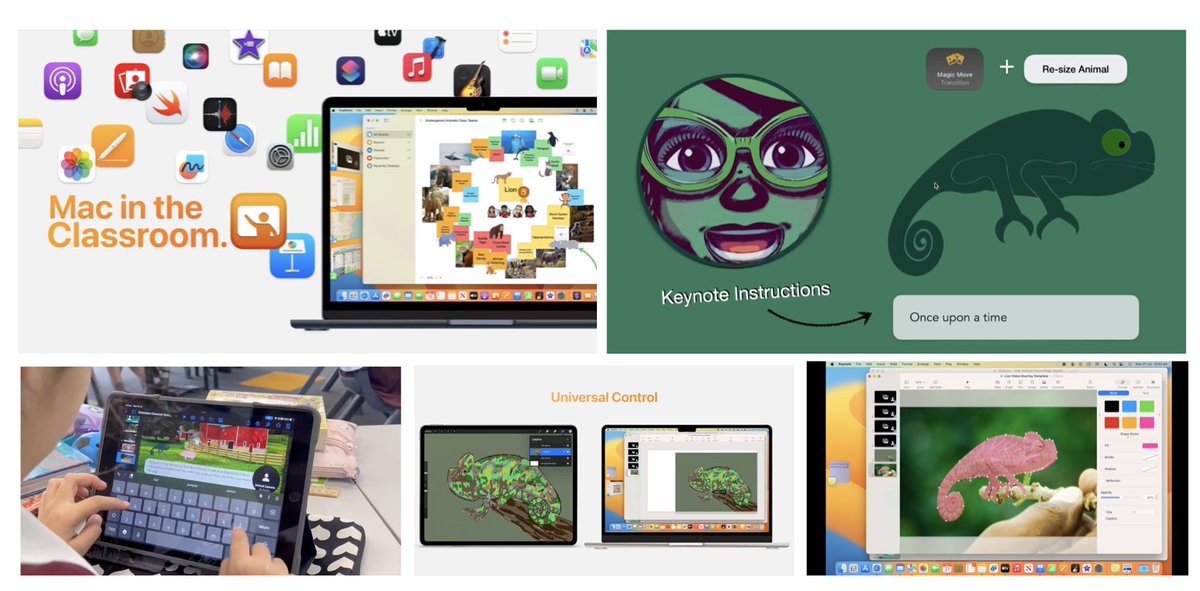
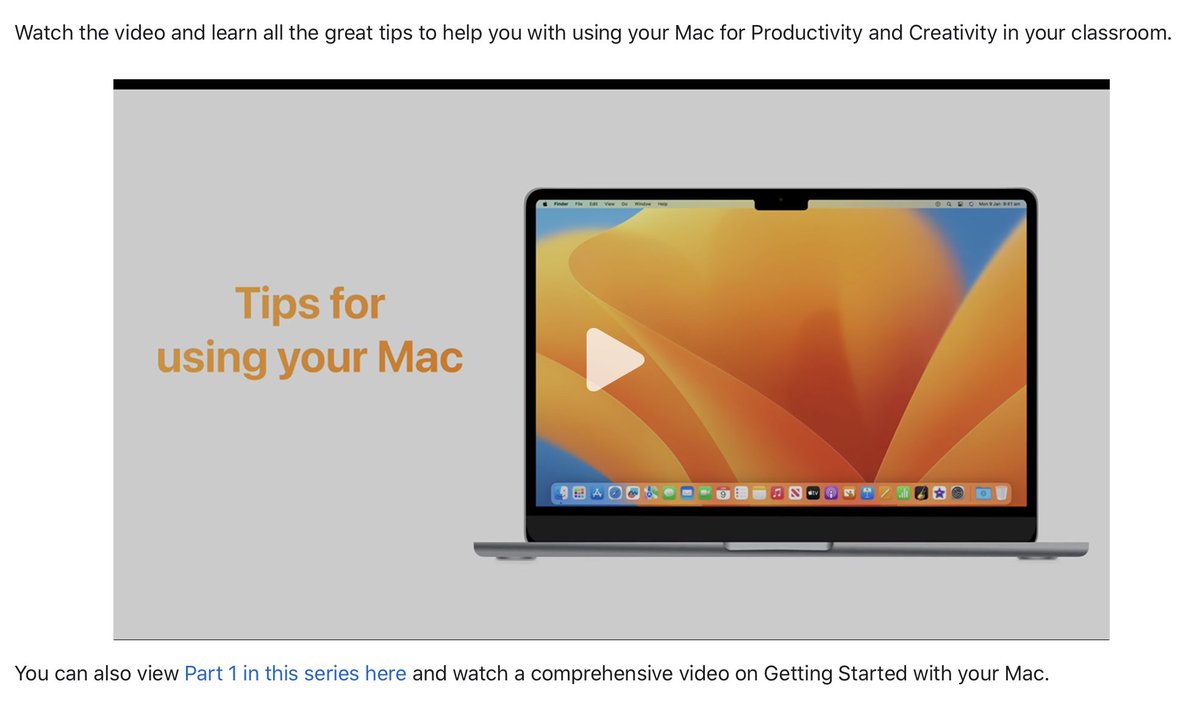
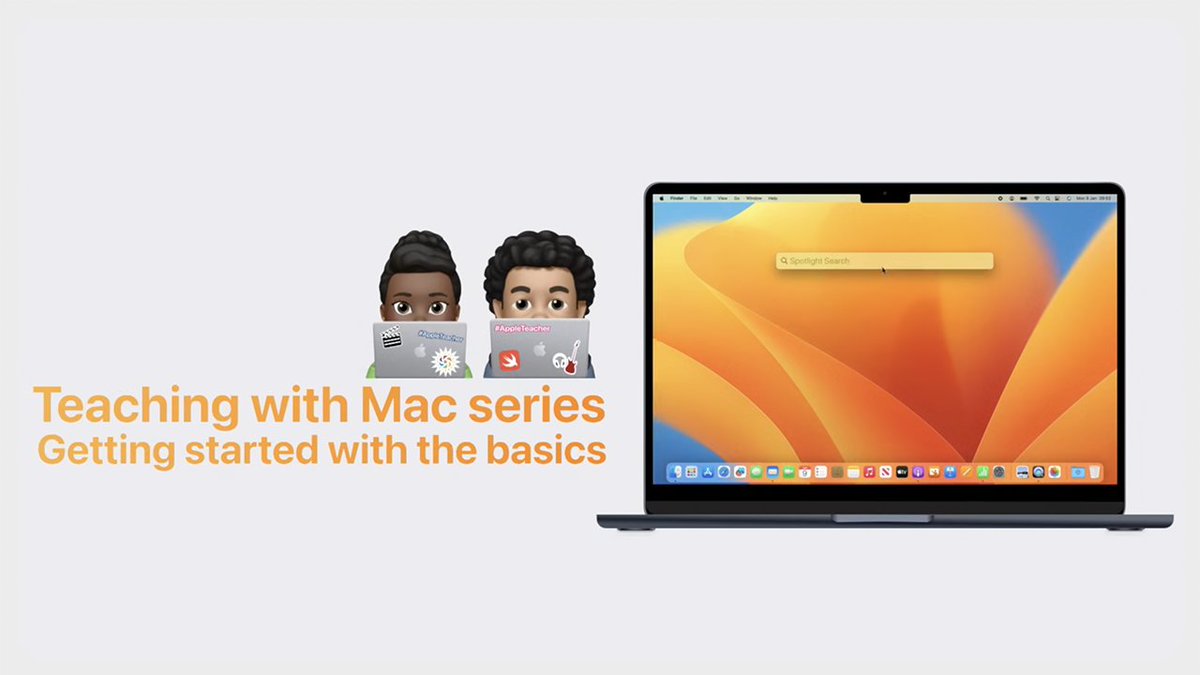
A look at the 2nd video "Teaching with Mac Series - Part 2 Productivity Tips for the Classroom." We look at Custom Focus, Desk View Camera, helpful Shortcuts for productivity, and organising your Desktop with Stacks and Stage Manager. @AppleEDU #mac education.apple.com/en/resource/25…
Michelle Forrest tweet media
English
0
0
3
160
Michelle Forrest
Michelle Forrest@MissForrestEdu·
@ianzelbo Product red, iPhone 5C and iPod Chromatic series (some things past but they have had high saturation)
English
0
0
0
1.3K
Ian Zelbo
Ian Zelbo@ianzelbo·
Apple doesn’t believe in saturation
Ian Zelbo tweet media
English
94
140
4.6K
244.5K
Michelle Forrest
Michelle Forrest@MissForrestEdu·
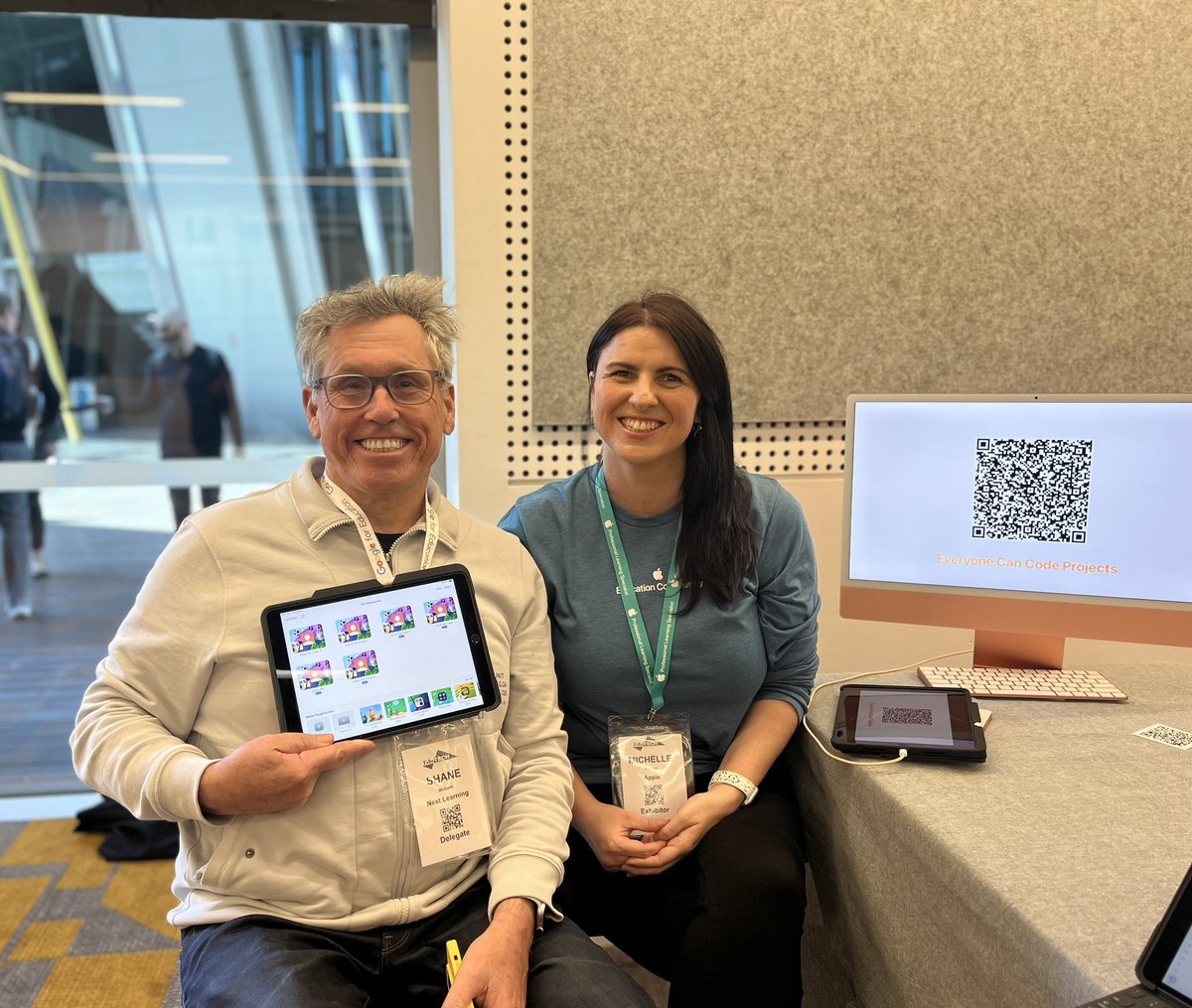
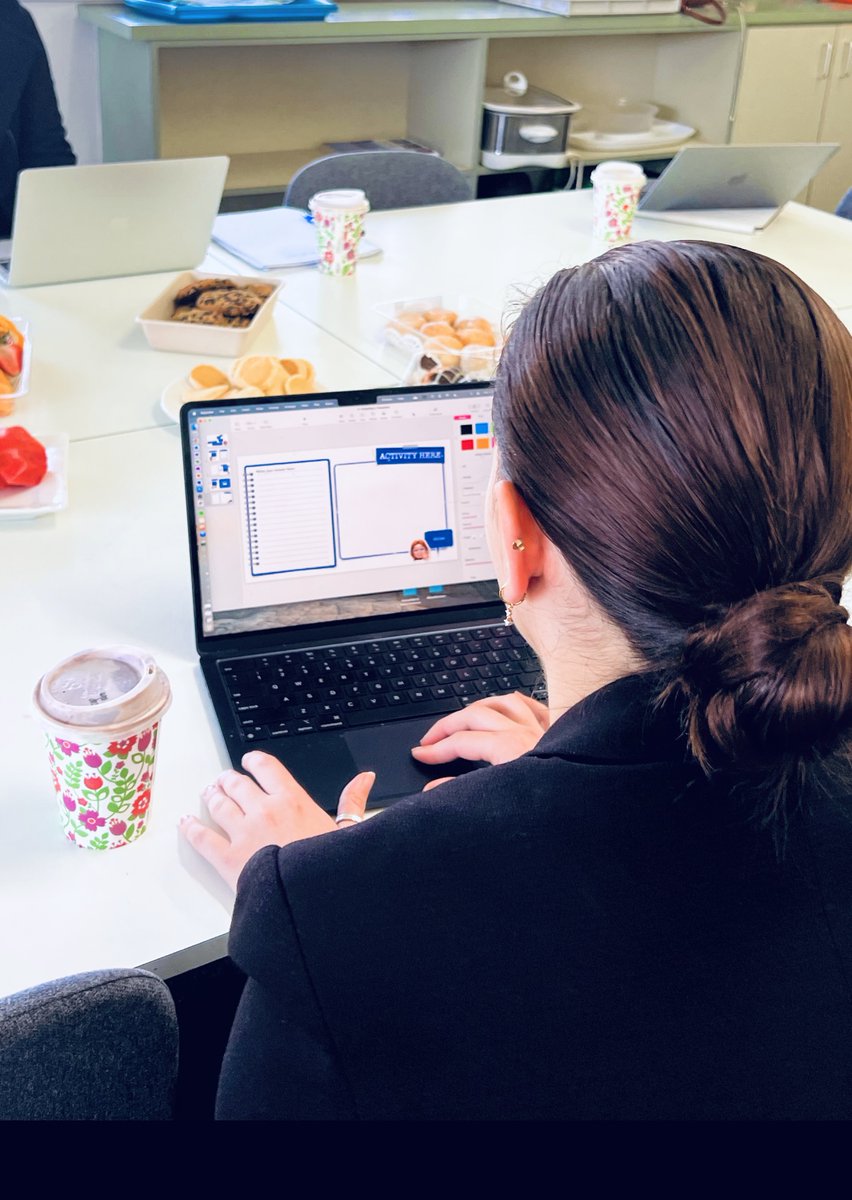
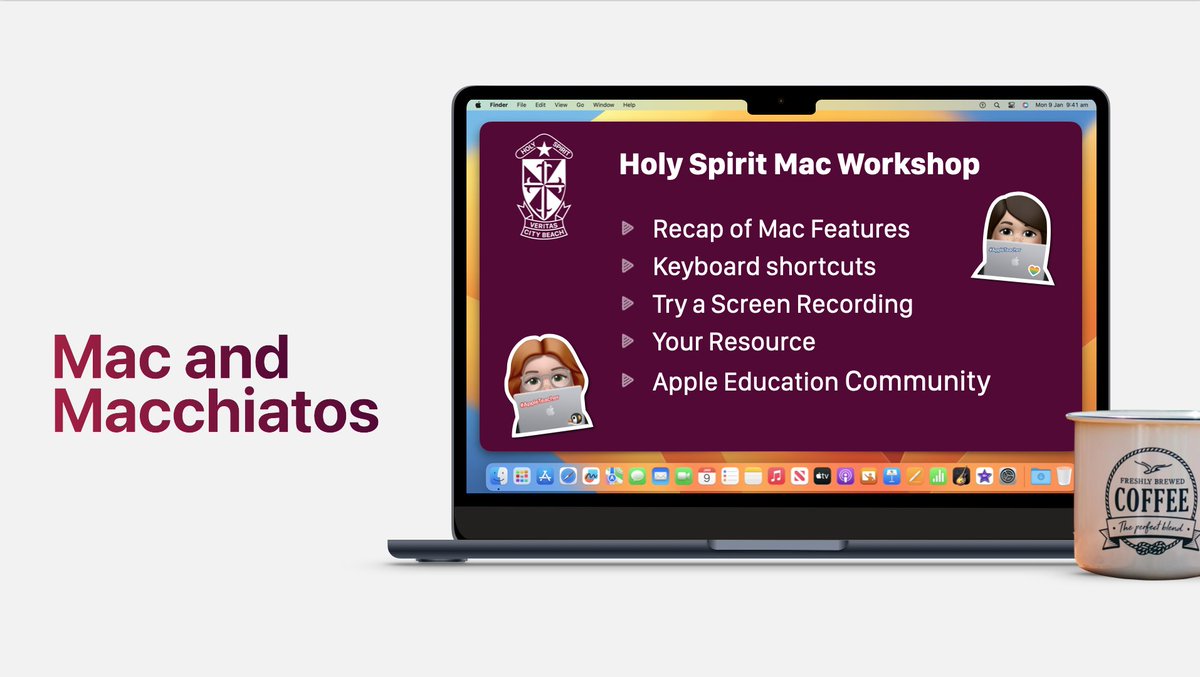
Today we ran "Mac & Macchiatos Workshop" The 6th #Mac Workshop in our ongoing Mac series this year. We looked at Keyboard Shortcuts, Productivity Tips, creating resources by modifying a template, how to Screen Record + Accessibility features. Great morning of 🥐+☕️+💻 @AppleEDU
Michelle Forrest tweet mediaMichelle Forrest tweet mediaMichelle Forrest tweet mediaMichelle Forrest tweet media
English
1
0
15
640
Michelle Forrest
Michelle Forrest@MissForrestEdu·
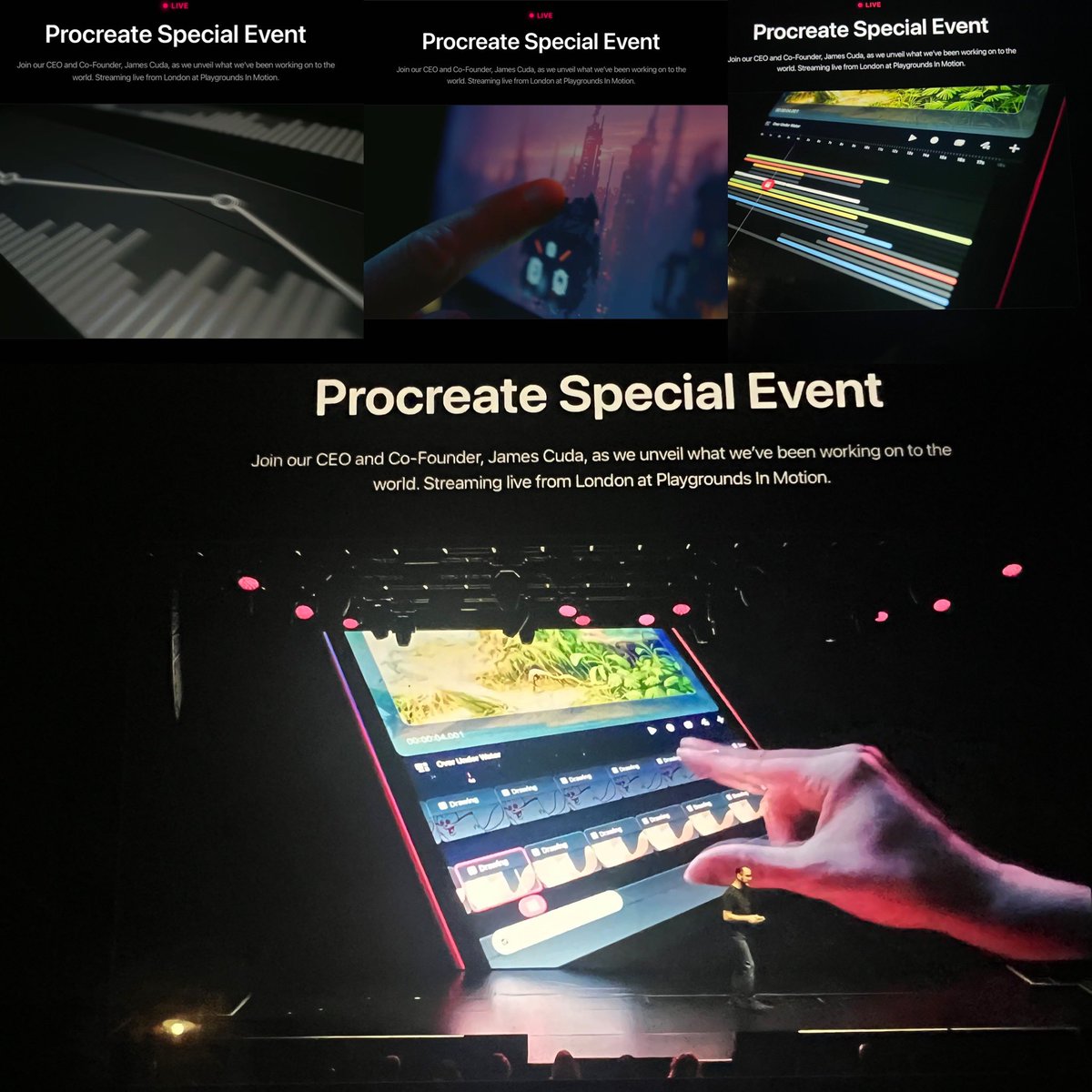
Definitely worth staying up to see. Excited to see Procreate Dreams, looks like an amazing animation tool. #procreate
Michelle Forrest tweet media
English
0
0
4
1.3K
Michelle Forrest retweetledi
Greg Joswiak
Greg Joswiak@gregjoz·
Wonder awaits. September 12. #AppleEvent
English
455
2.9K
17.2K
1.6M
Michelle Forrest
Michelle Forrest@MissForrestEdu·
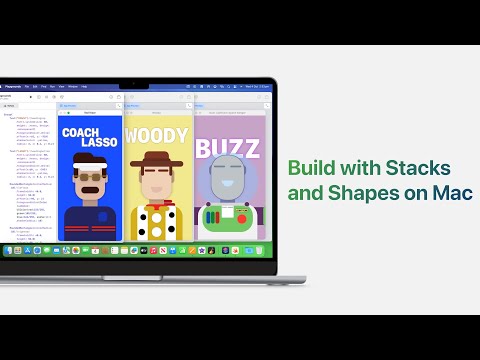
Amazing work today for Getting Started with Mac Session 3. Teachers worked with gestures for Mission Control, moving between Desktop spaces and Zoom for Accessibility. We worked on productivity with Stacks, Stage Manager, and creating multiple Desktops. #Mac #MacBook @AppleEDu
Natalie Sims@NatalieSims_AP

At our PLC meeting today, teachers attended session 3 learning with MacBook. Learning multi touch gestures for productivity, organising desktop spaces, Accessibility features, and creativity with creating book covers in Pages using shapes and font styles. #Mac @AppleEDU

English
0
0
2
369
Michelle Forrest retweetledi
Greg Joswiak
Greg Joswiak@gregjoz·
Apple Vision Pro developer labs are opening soon around the 🌎 📍Cupertino 📍London 📍Munich 📍Shanghai 📍Singapore 📍Tokyo Developers: Now’s your chance to get hands-on experience with Apple Vision Pro and see your groundbreaking apps come alive! developer.apple.com/visionos/work-…
English
33
387
1.6K
286.2K
Michelle Forrest
Michelle Forrest@MissForrestEdu·
Working with some great teachers for a Mac Workshop learning some helpful tips and tricks. Learning to create engaging resources in #Numbers, with a simple keyboard shortcut, digital manipulatives, shapes, emojis and self-calculating tables for budgeting fun! @AppleEDU #MacBook
Natalie Sims@NatalieSims_AP

Today, our teachers gathered in a PLC to hone their skills on Macbooks, learning quick tips and tricks along the way. With their newfound expertise, they created a resource in the #NumberApp that our students can then personalise, be creative with and make real-world connections.
English
0
0
3
559