The @OutcastForWatch app would be perfect if it just let us listen using the watch speakers (without earphones). I’ve seen other apps do it so it’s definitely possible.
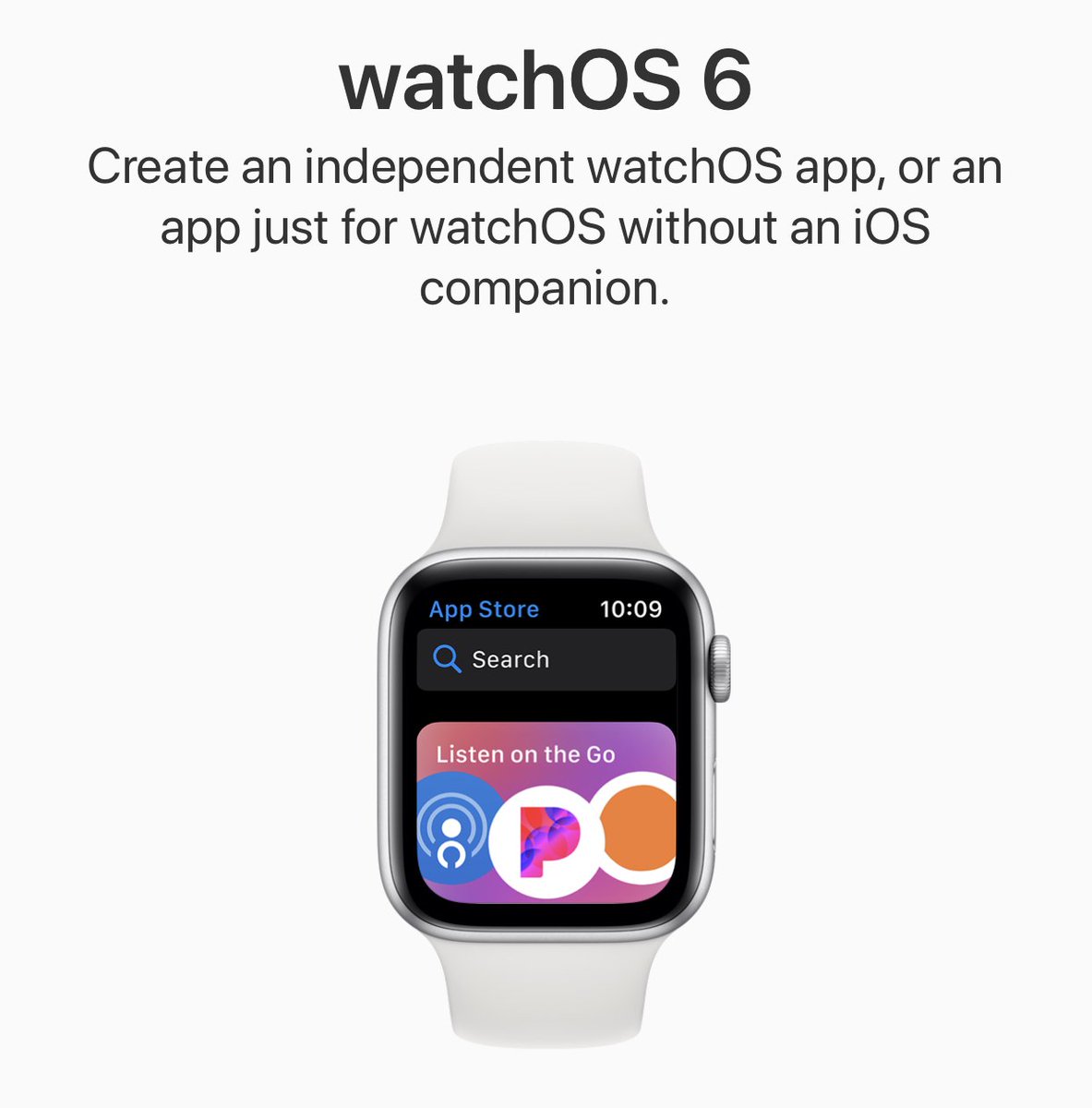
Outcast 3.1.12 is now available, and can be downloaded from the new Apple Watch App Store independently of your iPhone!
The new streaming functionality will be available on TestFlight hopefully soon.
@OutcastForWatch@OutcastForWatch I have been using the app for a few months and love it. Just started crashing each time I try to download a podcast. Have deleted from iPhone and Apple Watch and reloaded, still happening. What try next?
@andyrosenberger By default, episodes are added for streaming. You can change the “primary row action” to download, then adding an episode will show a progress bar.
@OutcastForWatch I'm trying out for the first time; i'm not seeing a progress bar or anything that would indicate that it's in the process of downloading?
@OutcastForWatch I recently subscribed for this. So far it works fine for me. with apple watch. I have one issue I keep on getting Download Error 601 How do I restart download?
@Joshyooah Please ensure your watch is directly connected to wifi before starting a download on it. Swipe up from the watch control centre and check for a blue wifi icon.
@OutcastForWatch downloaded the app today, can’t seem to get past 0% on downloads? Connected to high speed internet at home etc... can’t work out why not downloading? Any thoughts :)
.@OutcastForWatch I'm stuck on the playback speed screen. How do I get out? Long press, swipe up, down, left right, etc. don't work. Closed reopen app doesn't work.
@pauljakobwhite There isn’t an active TestFlight beta current, but you can sign up at crunchybagel.com/beta-testing when there is. Thanks for the request about sorting, there’s a technical limitation why we can’t do that just yet but agreed it would be useful.
@voodookai@qzervaas Is it definitely 4.1.1 on the watch? I’ve had a few cases of the phone updating and the watch not updating. You can check by force touching the main screen, going to settings then scrolling down.
@voodookai@qzervaas Do you have the latest version of the app on your watch? There was an issue in one release but we thought we fixed it in the update a few days later.
@OutcastForWatch Hi, using app during workouts lately, really like theming, managing downloads from Watch and tweaking playback speed! Do you have plans to support remote controls for rewinding/forwarding, e.g. assigning double tap action on one of Airpods for it?
@fabhac When you add it from the phone it really just adds a placeholder so you can then download it quickly after you disconnect your watch from your phone.
It will download in the background overnight though while your watch is on the charge puck.
@fabhac Hmm are you sure that it’s not streaming? With the newest update 5.0.3 the other day, we put an indicator on the episode details page that says “Downloaded”.
@cajovxus We can’t control that - Apple Watch does that automatically to preserve battery life. Unfortunately though, Bluetooth file transfer is much slower than Wi-Fi / Cellular.
@OutcastForWatch Why is it going through Bluetooth even when I initiate the download from my watch? Would it be possible to set the default to downloading from the watch itself?
@OutcastForWatch Downloaded the app from my watch and started some downloads. But the downloads are soooooo slow. Is it going via Bluetooth from my phone or something? It’s waaaaay slower than downloading from my phone or from my computer