QuantAI

155 posts

QuantAI banner
QuantAI

QuantAI

@QuantAITrading

AI-powered Trade Analyzer 🤖 Real data, real results 🚀 Schwab + APEX/Topstep - More integrations coming soon
Katılım Ekim 2022
3 Takip Edilen6 Takipçiler
QuantAI
QuantAI@QuantAITrading·
Real-time signals show market moves as they happen. Helps traders act faster with better timing.
English
0
0
0
9
QuantAI
QuantAI@QuantAITrading·
Real-time signals show market moves as they happen. Helps traders act faster with better-informed decisions.
English
0
0
0
9
matae
matae@mataetrades·
Oh my.. @Rags2Tendies has been on a bender using Claude 4.7 to build a completely free trade journal You’ll no longer have to pay a dime to track your trades… Who’s interested??
matae tweet media
English
23
8
74
17K
QuantAI
QuantAI@QuantAITrading·
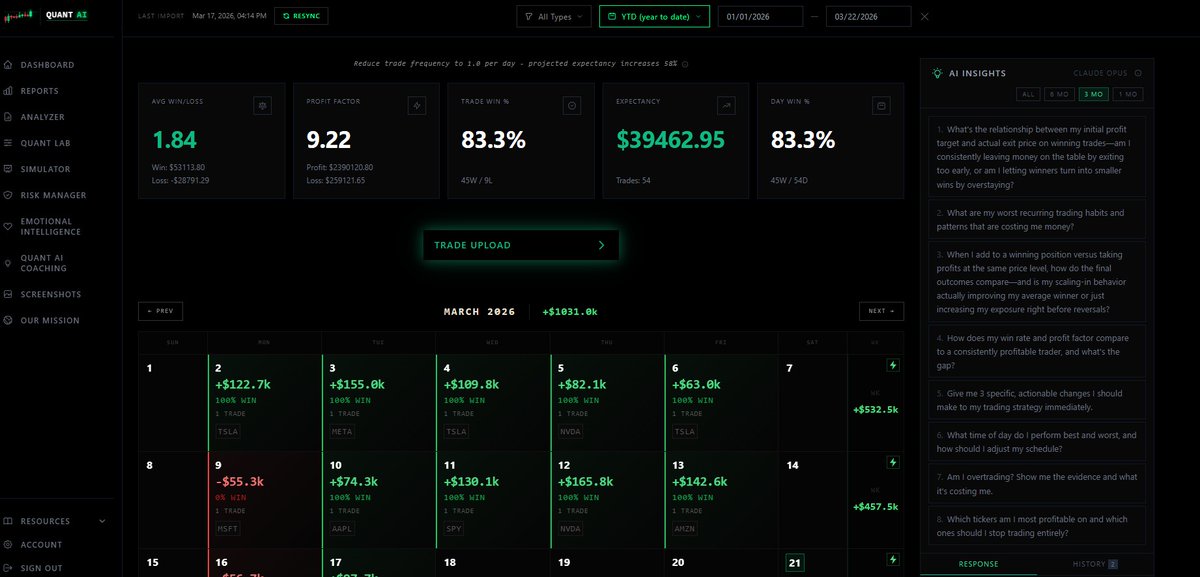
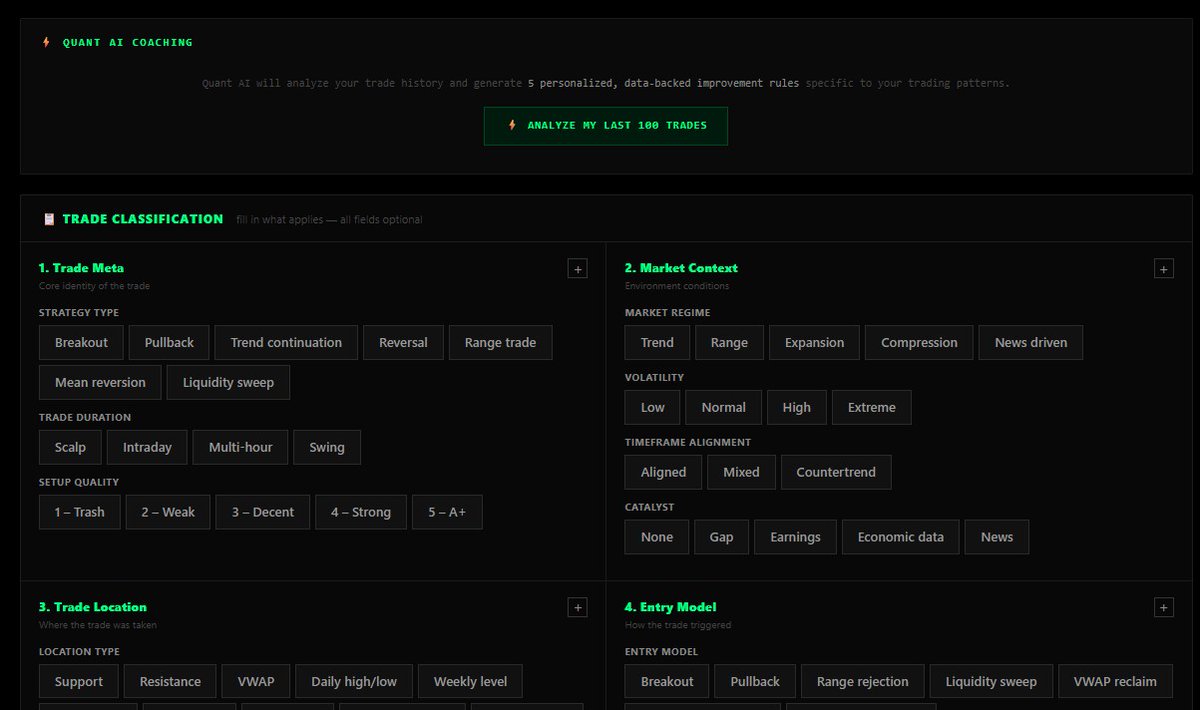
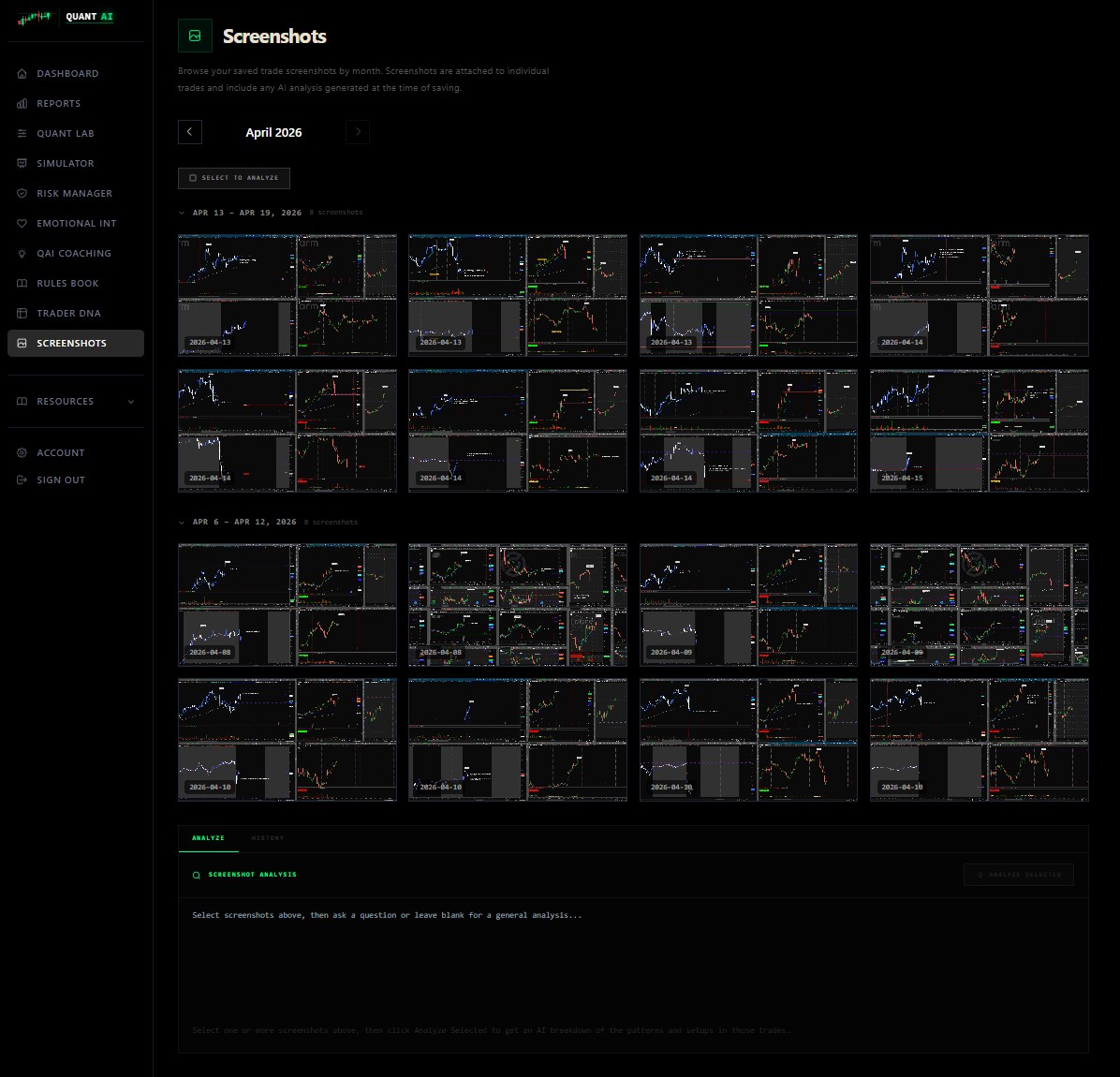
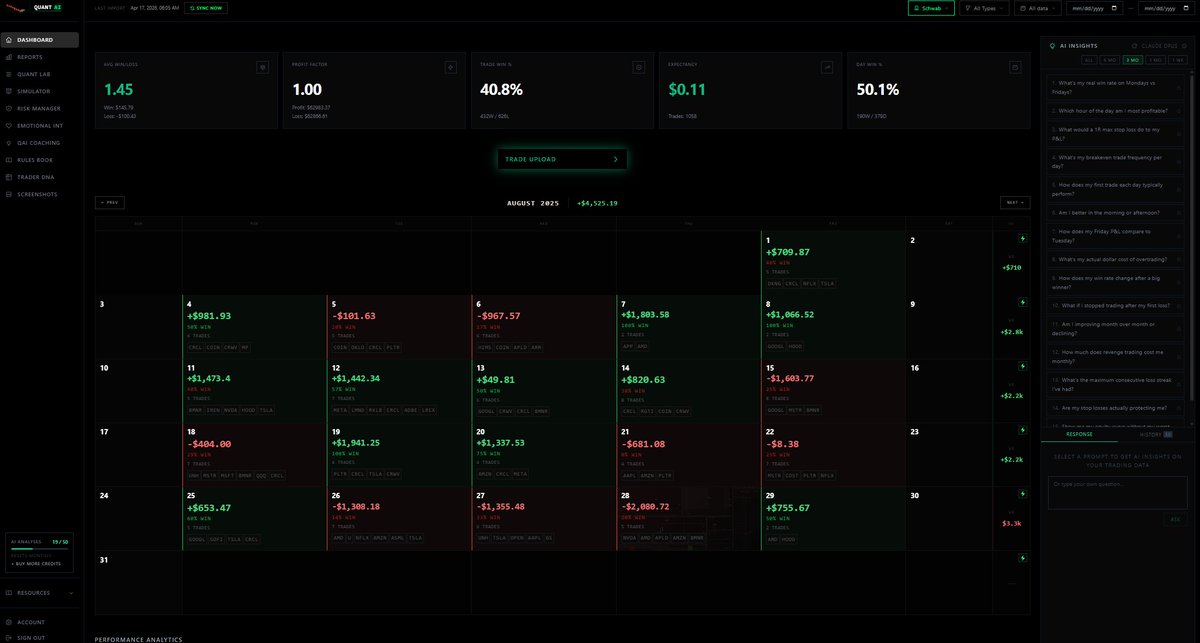
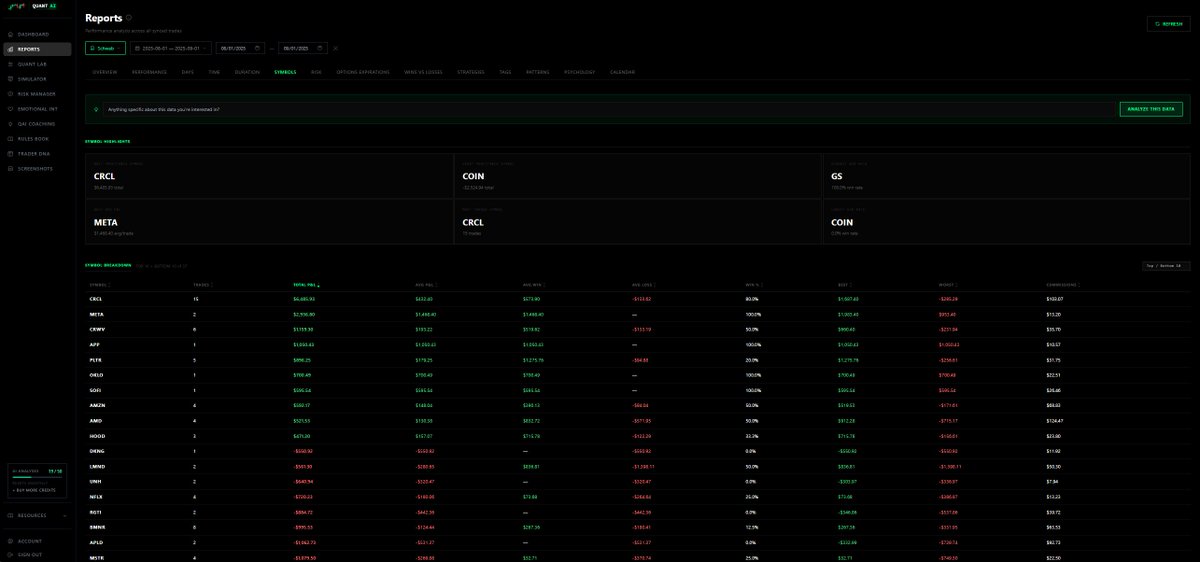
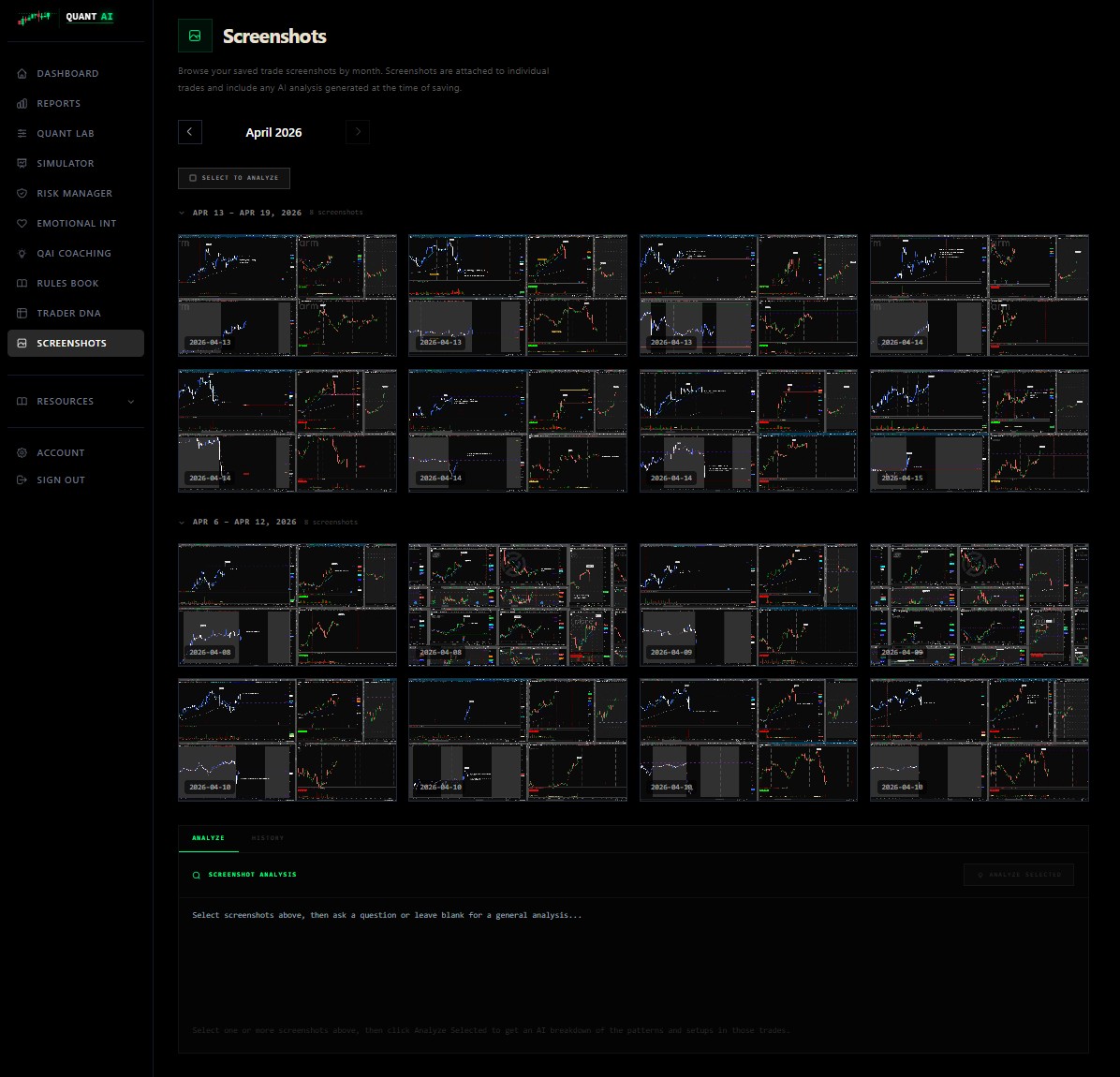
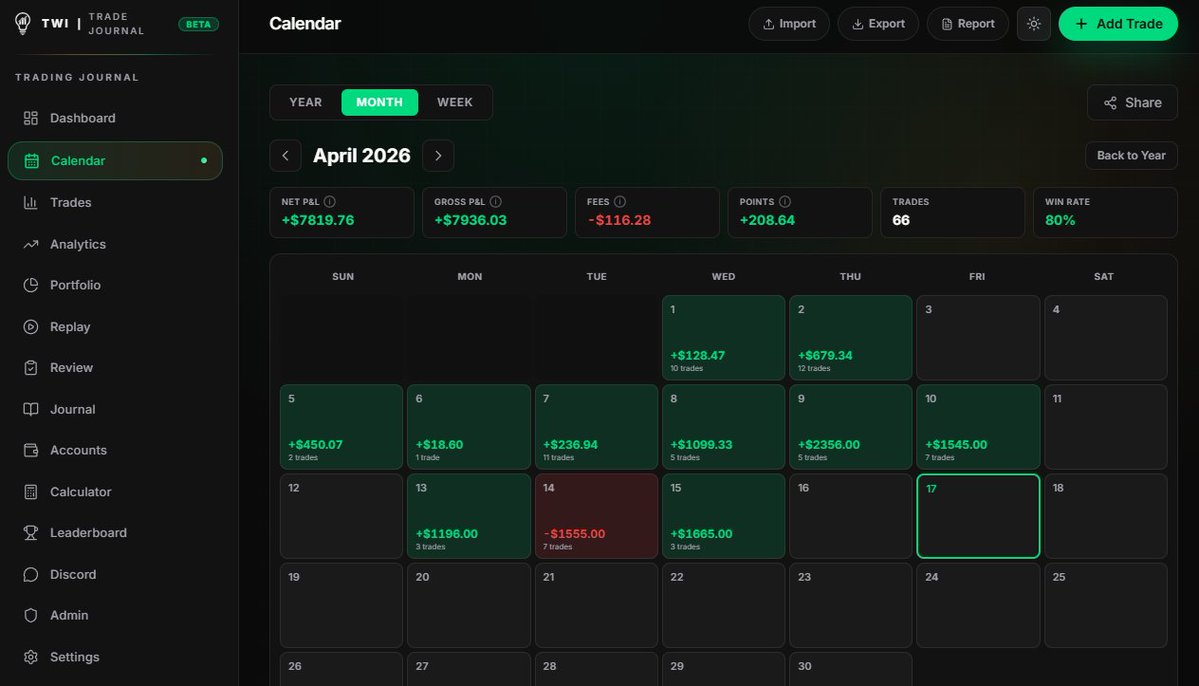
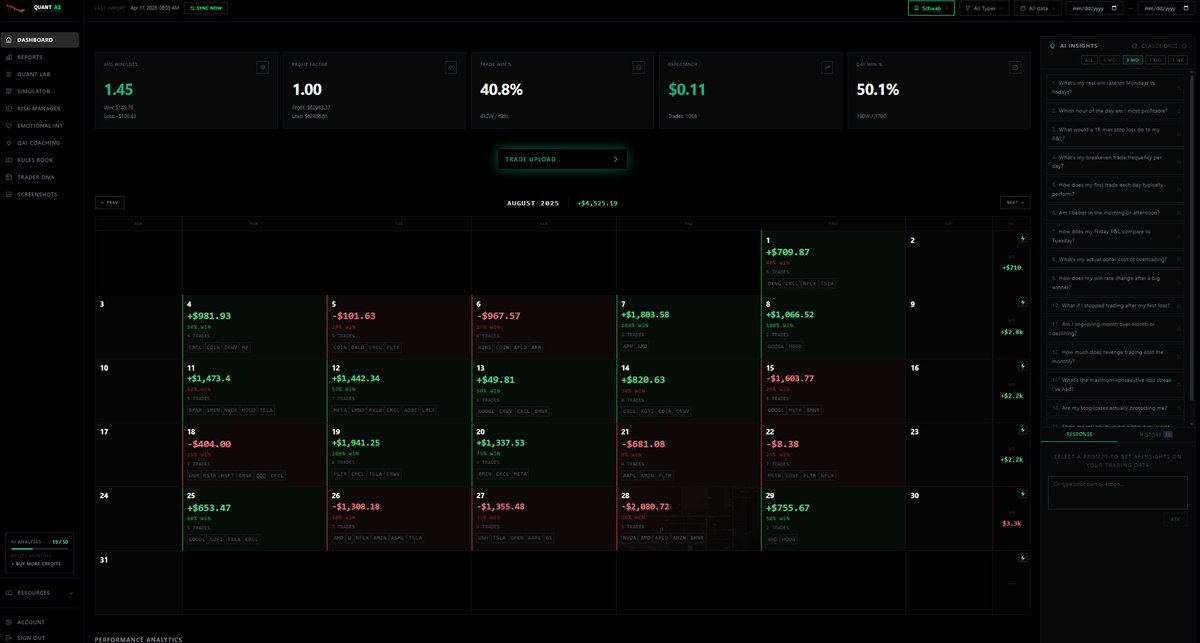
@Rags2Tendies I also did this after realizing how simple TZ is to build and paying them $50/mo for years. I tied AI analysis into every feature. not sure how you did this → csv import for 15 brokers (IBKR, Tastytrade, Tradovate, TopStep, NinjaTrader…) I have auto import for Schwab.
QuantAI tweet mediaQuantAI tweet mediaQuantAI tweet mediaQuantAI tweet media
English
0
0
0
62
Nick
Nick@Rags2Tendies·
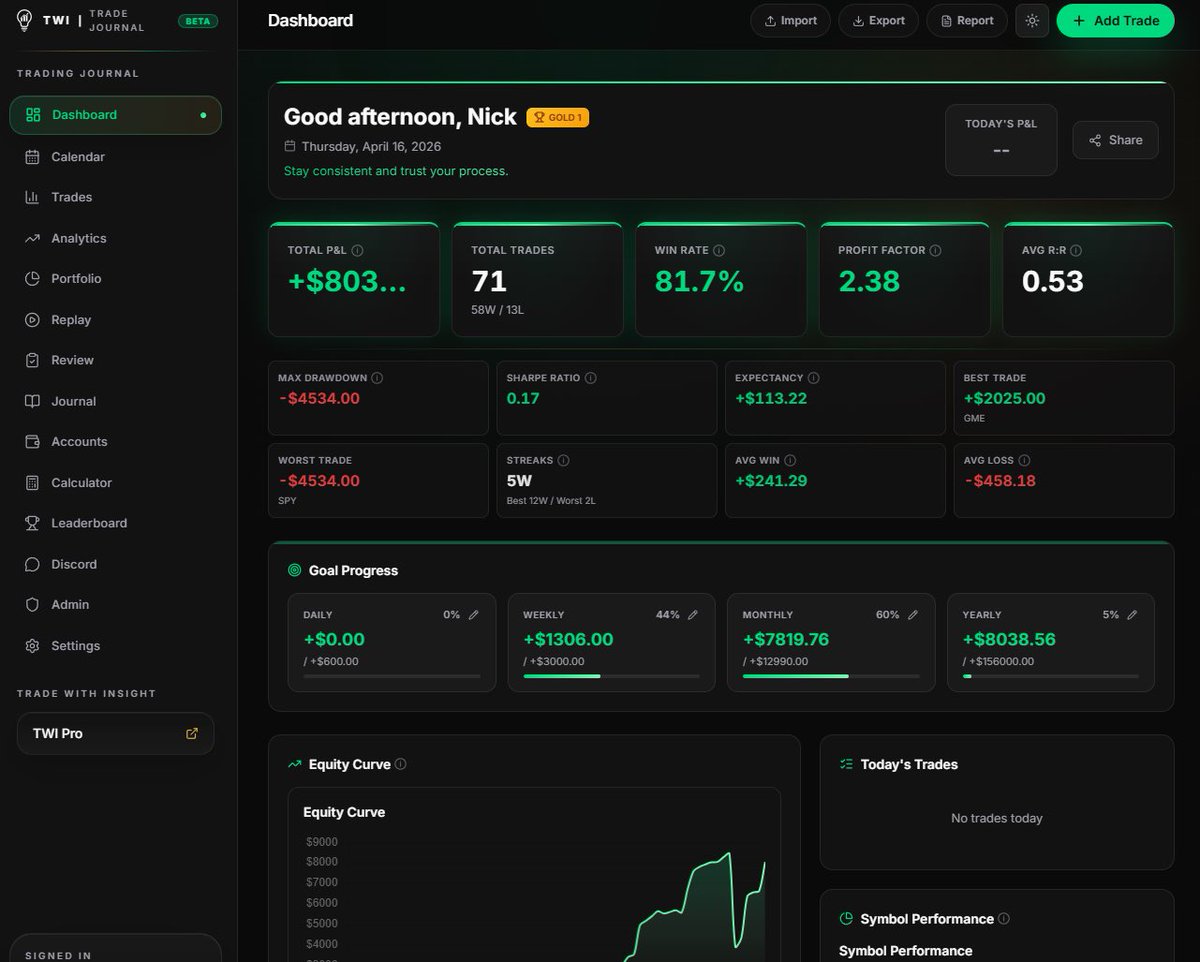
i built a trading journal with Claude. not a todo app. not a chatbot. a real, shipped, production app. live at journal.tradewithinsight.com - free. (in beta) here's what's inside: → csv import for 15 brokers (IBKR, Tastytrade, Tradovate, TopStep, NinjaTrader…) → trade calendar with P&L heatmap → full trade logging → analytics across every setup, emotion, and mistake → public profiles + shareable trade cards → a real leaderboard system w/ ranks → risk guardrails (max loss, max trades, streak limits) → auth, avatars, seasons, share cards → fully rebranded top to bottom no team. no funding. no bootcamp. just me and Claude, night after night. every trader needs one. most will never use one. the ones who do rarely talk about it. now they have somewhere to go. (in beta) journal.tradewithinsight.com - free forever. either you review your trades, or your trades review you.
Nick tweet mediaNick tweet mediaNick tweet mediaNick tweet media
English
154
221
1.9K
221K
Ryan
Ryan@DodgysDD·
OMG IF I GET ONE MORE DM ABOUT YOUR AI JOURNALING PLATFORM I AM JUMPING OFF A BUILDING HOLY SHIT!!!!!!!!!!
English
18
3
90
12.2K
QuantAI
QuantAI@QuantAITrading·
quantaitrading.xyz If QuantAI spots news, flow, and risk clues faster than you can, is trading without AI now a self-inflicted handicap? $REPL $SOGP $CS.TSX $BLDR $DHI $MPC $BB.TSX $BIIB $RACE $CART
English
0
0
0
281
QuantAI
QuantAI@QuantAITrading·
@MapleStax When QuantAI analyzes your trade data and hits you with straight facts 💀
English
14
0
2
78
MapleStax Trades
MapleStax Trades@MapleStax·
That nap after blowing up all of your accounts feels like
MapleStax Trades tweet media
English
25
29
510
21.5K
QuantAI
QuantAI@QuantAITrading·
@iamdisplacement Knowing what’s actually working and what’s not in your trading. We help with that.
English
0
0
0
11
Displacement Trades
Displacement Trades@iamdisplacement·
What is the hardest skill to master in trading?
English
464
31
492
67.8K
QuantAI
QuantAI@QuantAITrading·
@ItsTraderLuke Track result. Find holes with AI. Wonder what platform can do that 🧐
English
0
0
0
8
Mike Bellafiore
Mike Bellafiore@MikeBellafiore·
How can you use Claude to gain a trading edge? In the video, Jeff Holden, the Head of Trader Development at SMB Capital, outlines five specific practices where AI (specifically Claude) can transform a trader's workflow to gain edge: 1. Custom Price Alerts Jeff suggests using AI to bypass the limitations of standard platform alerts. Instead of simple price crosses, you can use Claude to code surgical alerts that only fire when a complex set of conditions are met. Example: An alert that triggers only if price breaks the 30-minute opening range high on 1.5x average volume while staying above VWAP. Benefit: Reduces noise and ensures you only focus on the highest-probability setups. 2. Pre-market Game Plan Automation AI can be used to process large amounts of data to prioritize your morning watchlist in minutes rather than an hour. Method: Creating a template where you paste overnight headlines and pre-market data, and Claude outputs a prioritized table of stocks to watch. Benefit: Provides institutional-level preparation and consistency every single day. 3. Trading Performance Analysis Jeff highlights using AI to build personalized Python scripts that analyze your specific broker data to find hidden "leaks" in your performance. Insights: Claude can identify if you are consistently losing money during specific times of the day (e.g., mid-day "lunchtime" lulls) or with specific setup types. Actionable fix: Jeff personally used this to identify that his edge disappeared after 11:30 AM, leading him to implement a "size down" rule for the afternoon. 4. Custom Order Entry and Exit Logic AI allows non-coders to create sophisticated execution rules that aren't standard in most trading platforms. Example: Coding a "two-bar trailing stop" that automatically moves your stop loss up based on price structure but never moves it down. Benefit: Removes human emotion and hesitation from the exit process, making your trading more systematic. 5. The AI Trade Autopsy Jeff describes this as getting "coaching-level feedback for free." After the market closes, you can provide Claude with a screenshot of your chart and the context of your plan. Feedback: Claude acts as an objective coach to tell you if you actually followed your rules or if you were influenced by emotional patterns (like revenge trading after a loss). Super Prompting: Jeff suggests taking autopsies of all your trades at the end of the week and asking AI to identify the single most important trend you need to work on. The "3 Tiers of Traders" Jeff frames these suggestions by categorizing traders into three levels: Tier 1 (90%): Manual everything; limited by platform constraints. Tier 2 (7%): Using AI as a "fortune teller" to predict the market (which he calls "garbage"). Tier 3 (3%): Using AI as a research and infrastructure partner to automate bottlenecks and operate like a professional hedge fund. How to use Claude To Gain a Huge Day Trading Edge youtu.be/Rqmdw4xyIMM?si… via @YouTube
YouTube video
YouTube
English
20
74
448
56.1K
QuantAI
QuantAI@QuantAITrading·
@Axel_bitblaze69 and eventually you’ll be able to build quant algos in our platform
English
0
0
0
53
Axel Bitblaze 🪓
Axel Bitblaze 🪓@Axel_bitblaze69·
Dear Traders, Claude code can now connect directly to your TradingView charts It reads your charts, indicators, writes Pine Script for your trading strategies, compiles it and fixes errors.. all automatically Not a browser extension.. A direct connection to your live charting platform ▫️Here's how it works and how to set this up: > How it works: TradingView Desktop runs on Electron (Chromium). Chromium has a built in debug interface called Chrome DevTools Protocol. It's off by default. One flag turns it on. That's the door. Claude Code connects through it via an MCP server running locally on your machine. Nothing touches TradingView's servers. No data leaves your machine. Everything runs on localhost. Here's the setup, give Claude code this prompt and it does everything: "Install the TradingView MCP server. Clone and explore github.com/tradesdontlie/…, run npm install, add to my MCP config at ~/.claude/.mcp.json, and launch TradingView with the debug port." Once it's done, verify: "Use tv_health_check to confirm TradingView is connected." Then just try: "What's on my chart right now?" That's the whole setup. Claude installs it. Claude runs it. You just describe what you want. ▫️What Claude can actually see What Claude can read from your charts: > Current symbol and timeframe > Real-time OHLC and volume > Up to 500 price bars > All indicator names, IDs, and values > Pine Script drawings — lines, labels, tables, boxes > Data window values > Order book depth > Strategy tester results and trade list > Screenshots of any chart region The most useful part is it reads protected indicators too. Pass a filter with the indicator name and you get back every price level, every text annotation, full table contents, every drawn zone. "What levels is my NY Sessions indicator showing?" it reads them. "What does the session stats table say?" it reads that too.All of this data is already on your screen. This tool just makes it readable to an AI. ▫️ The Pine Script workflow This is the part that changes everything for traders who code: You describe what you want → Claude writes the Pine Script → injects it into TradingView → compiles it → reads the errors → fixes them → recompiles That loop runs until the script is clean. The whole time Claude has full context of your chart and every indicator on it. No more copy-pasting between VS Code and the Pine editor hunting type mismatches. You can also: → Validate indicators (write it, compile it, read values back, check the math) → Loop through input parameters and test each one → Run the same indicator across multiple symbols and timeframes → Read strategy tester metrics after each compile The actual workflow of verifying your indicators works instead of just assuming they do. sharing the usecases of this workflow in my next post.. like & RT
English
87
657
4.4K
417.9K
QuantAI
QuantAI@QuantAITrading·
quantaitrading.xyz Added real time AI analysis. You can now type a ticker. Give your thoughts and AI will suggest risk params based on your trade profile ect. $ABX $NKE $ELAB $ALOY $KIDZ $MU $RILY $MRVL $MASK $RH
English
0
0
1
199
QuantAI
QuantAI@QuantAITrading·
quantaitrading.xyz **Stop writing yourself eulogies for positions while they're still alive. If you know it's dead, act like it.** 💀
English
0
0
0
21