

Daniel Sanchez
453 posts

Daniel Sanchez
@The_Danchez
Father of 3 | Musician | Software Engineer @MonkeyTilt | @solid_js Ecosystem
Jersey City, NJ Katılım Mart 2010
444 Takip Edilen170 Takipçiler


Electron / Tauri but in zig 👀
Chris Tate@ctatedev
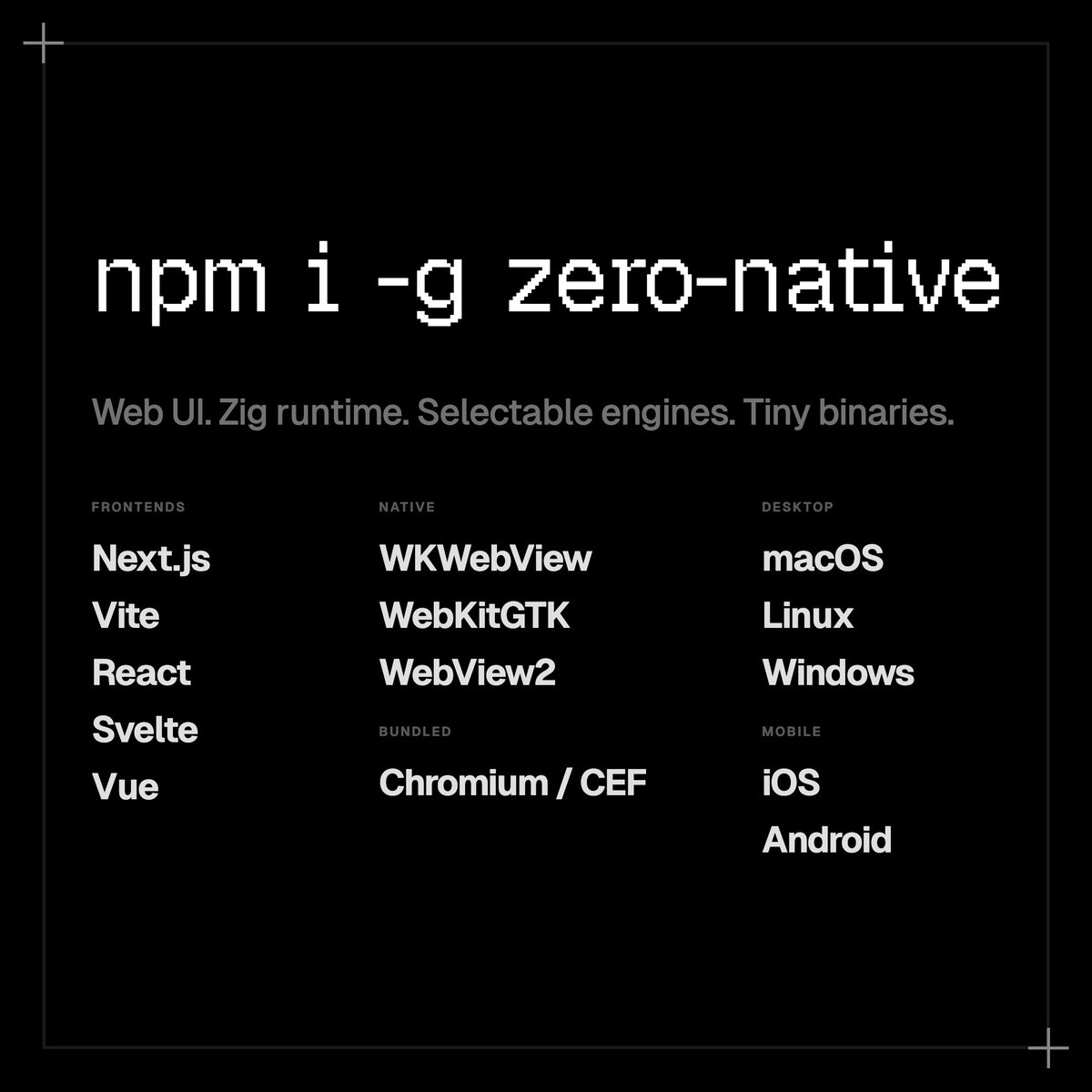
Introducing zero-native Build native desktop + mobile apps with web UI and Zig → Tiny binaries, low memory usage → Selectable web engines (WKWebView, WebKitGTK, WebView2, Chromium/CEF) → Next.js, Vue, Svelte, Vite, React → macOS, Linux, Windows, iOS, Android
Română
@Boripheus @ctatedev Yeah, it’s become a theme to me how Solid gets no acknowledgment, love or support across mainstream things despite it being JSX-based. It’s always the usual suspects of Vue/Svelte with React assumed. Only ones showing love for them is TanStack. God bless @tannerlinsley.
English


Introducing zero-native
Build native desktop + mobile apps with web UI and Zig
→ Tiny binaries, low memory usage
→ Selectable web engines (WKWebView, WebKitGTK, WebView2, Chromium/CEF)
→ Next.js, Vue, Svelte, Vite, React
→ macOS, Linux, Windows, iOS, Android
English
@devagrawal09 I haven’t had the fun of experiencing the DX of full stack frameworks yet since I typically stick to the typical client SPA + server splits. Maybe one day.
English

I've been REALLY loving the DX of Tanstack Start + DB, and I haven't spent much time with Tanstack AI but I have high expectations
What an amazing time to be a builder
PowerSync@powersync_
Building agentic apps? Use TanStack Start for full-stack delivery, TanStack AI for type-safe tool calling, and TanStack DB for live incremental queries + optimistic mutations. Add PowerSync for offline-first sync, and your app keeps moving even when the network doesn’t. Build for the PowerSync AI Hackathon and compete for cash prizes plus an hour of @tannerlinsley's time and some amazing @tan_stack swag!
English
@RyanCarniato @solid_js @reactjs Ryan, always impressed with your ability to provide clarity to the frontend problem space in the way that you do. Truly an inspiration. Hope to become more like you someday. Looking forward to the official Solid 2.0 release.
English

People won't like it, but some truths are undeniable.
"Two React Design Choices Developers Don’t Like—But Can’t Avoid" by @RyanCarniato #DEVCommunity @solid_js @reactjs dev.to/playfulprogram…
English
Solid 2.0 is so powerful even I don't know the limits of its capability. Join me Friday when I try to break it:
youtube.com/watch?v=-VzCdz…
YouTube
English

Been working with solid 2.0 and tanstack router. Making good progress
English
@devagrawal09 @tan_stack It’s the only router I use for any Solid app I build at this point lol. Can’t live without it anymore — sorry Solid Router 🙈
English
If you're not using @tan_stack router yet you're seriously missing out
Nothing else comes close to its DX
PowerSync@powersync_
The new PowerSync Dashboard, powered by @tan_stack Router and Query, is now featured on the TanStack Showcase! As the PowerSync Dashboard grew with complexity and requirements, @tan_stack Router scaled with it beautifully. Fully type-safe, flexible, easy to migrate to, and great features like type-safe search params and query prefetching.
English
@jaroslawjarosik @jarredsumner The point still stands that people would like to live in a world where everything they needed existed within Bun itself and not another dependency.
English

@jarredsumner yeah and I'm pretty sure I upvoted it too, but back then Biome was the only fast option (and with multiple issues) and oxfmt wasn't even planned, the landscape changed
as the ecosystem is now this is a nice to have, not a game changer like many Bun features are
English

85% of Prettier’s JavaScript snapshot tests pass in a new `bun fmt` subcommand written in Zig powered by Bun’s parser & AST, generated by running Opus 4.6 in a loop.
I feel like 85% isn’t high enough to release though. Maybe I’ll try having it rewrite oxfmt in Zig instead.
English
@RyanCarniato I’m a big fan of yours Ryan. Take all the time you need to get this right. Love seeing you think out loud the way that you do and absolutely looking forward to what your next iteration brings to the table.
English
I know I keep posting similar demos. And you all are probably like where is 2.0 already?.. The thing is this work is so foundational we need to get it right. What I posted yesterday is the 3rd rewrite, and sadly right after posting it I realized the model isn't completely there, but I'm pretty confident the next model will be it. This one is like 90%.
I will write something up when we get it working to save people following in our footsteps a good 6-12 months of R&D. I feel I've learned so much in the last year. I thank everyone for your patience. It is absolutely essential we get this right so we can build on it for years the same way 1.0 has served as a stable foundation.
English
“Gas Town is an industrialized coding factory manned by superintelligent robot chimps, and when they feel like it, they can wreck your shit in an instant. They will wreck the other chimps, the workstations, the customers. They'll rip your face off if you aren't already an experienced chimp-wrangler. So no. If you have any doubt whatsoever, then you can't use it.”
English

@mattpocockuk Sadly this is already old tech. Check out Gas Town, the next insane iteration of this.
This was a good guide to Ralph though! I’d been looking for one.
English

I had a full day of HITL Ralph yesterday, watching it like a hawk and improving my prompt
Today has been almost all AFK, leaving it for long periods and coming back to good code
The full prompt and setup is CLEAN AF and nearly ready for you all to get your hands on
English
Daniel Sanchez retweetledi

Announcing Señor’s Seat
Starting in Feb I am randomly picking one person who is subscribed to the Senor Tilt YouTube page, flying them out to LA, and buying them into a @HCLPokerShow live streamed poker game for $5,000 cash. They keep buyin + all profits.
Subscribe now
English
@andrii_sherman Are there recommendations on how to add authentication to it? Just wondering if it’s built in or if we handle it via using a separate auth gateway that would redirect to it on successful authentication
English
@andrii_sherman It’s not tied to Railway yeah? Currently on mobile so can’t see the finer details. I imagine there’s a docker image I can pull from and deploy as a container on AWS or GCP?
English

If you’re still not using Drizzle Studio, maybe start now
Drizzle ORM@DrizzleORM
Drizzle Studio now has query telemetry 🚀 - connection overhead with DNS lookup, TLS/SSL/TLS and database handshake (on/off) - latency to your database (on/off) - query itself with planning, execution, download and parse time As of now we support Postgres and MySQL, but we will cover every driver/dialect! install `drizzle-kit@beta` tag
English
English
English
Loving all the @solid_js on the timeline. Just you wait for 2.0!
English
English

@saltyAom I'm not fully understanding how to handle auth verification with Elysia using beforeHandle, guard, resolve. I want to create auth middleware that validates authentication and also passes auth info down to child routes without having to repeat work twice. Can you help?
English


TypeScript monorepo
IMO the most conveniet monorepo setup without needing a build step:
- pnpm workspaces and install from `workspace:*`
- internal packages that export `*.ts` files
- (optional) pnpm publishConfig to change exports to `*.js` on publishing

Christoph Nakazawa@cnakazawa
How do you set up monorepos and keep TypeScript fast, without requiring local builds all the time? I'm very confused! Let's say you are building a monorepo with multiple packages, and an example app within the monorepo that consumes the packages. The packages have a build step for publishing, and each package defines their `exports` in package.json. I see these options: 1. Do nothing. Just `tsdown` to build packages and d.ts files on every change. This is simple, but slow for development. `--watch` could work, but I've run into issues doing `pnpm -r build --watch` where it was only rebuilding a subset of packages each time. I'd much rather just have my devserver take care of this for me than running yet another tool locally. 2. Use a "development" condition for source files, and set Vite and TypeScript to resolve "development" in dev. This way you don't need to build during dev, but you also need to ship the source files to npm, otherwise tooling will fail looking up "development" conditions pointing to missing files in production. 3. Use resolver aliases for each tool: Similar to the development condition, without the production downside, but somewhat annoying to manage a list of aliases for each tool. In my experience, when using aliases heavily, there will always be tooling problems since they don't all support aliases, or have different config etc. I guess Vite 8's tsconfig support simplifies this a bit, but that's opt-in for now. For all three, TypeScript checks something different. In some versions it checks the source, and the compiled output in others. If you only check the source, you can't guarantee that the published package's types will be correct. Nothing will stop you from publishing packages with missing types, unless you set up yet another CI job to check for this specifically. If you only check the compiled output, you have to build it all the time during development. How do you handle this for a repo where some packages are published and some are not? Yet another solution could be to compile a project into `src` for publishing as well, so that `exports` are the same for development and published packages. That way no special config is needed. It requires a bit of custom setup for publishing, though. Examples: * fbtee.dev at github.com/nkzw-tech/fbtee currently requires `pnpm build` each time a package is changed. * fate.technology at github.com/nkzw-tech/fate currently uses aliases for Vite, but requires a `pnpm build` for TypeScript when the public interface of a package changes. * Athena Crisis at github.com/nkzw-tech/athe… just uses everything from source as the packages are not published to npm. However, inevitably, with any of the three solutions, tools will become slow as the repo grows. Now what do you do? `isolatedDeclarations` + checking in d.ts files for each repo? A `tsconfig` for each package, which makes everything even slower since TypeScript will now do overlapping typechecks across your project? Then paper over with Turborepo to make it feel ok? I think Project References in TypeScript are supposed to be the solution, but somehow that hasn't worked well for me and hasn't sped up TypeScript that much. What do you do? What do you suggest? What am I missing?
English