
Sabitlenmiş Tweet
Unlox (formerly MacID)
7.1K posts

Unlox (formerly MacID)
@UnloxHelp
Formerly @MacIDHelp. Unlock your Mac with your fingerprint, wrist or face. If you like Unlox, please leave a review. Made with ♥️ in the UK by @KaneCheshire
iOS, macOS & watchOS Katılım Ekim 2014
405 Takip Edilen1.9K Takipçiler

@uhuinfinity I’ve had some issues with it on M1 as well, I have been looking into making it more reliable recently but I know Apple have also been looking at improving Bluetooth on the M1 Macs too. Sometimes a restart of your Mac would fix that, on Intel anyway
English


@UnloxHelp hi. What can I do when the Mac finds my phone but the phone insists „No Mac connected“? Even after restarting and reinstalling several times
English

@JavierFiction Hey, this is a bug with the API on certain Macs but I haven’t been able to fix it yet. I can reproduce it on my new Mac though, which I was never able to before, so hopefully I’ll have a fix soon
English

@UnloxHelp hi, in mojave 10.14.6, the unlox desktop app makes bluetooth unavailable after long sleeps. I tried uninstalling Unlox and deleting prefs, but couldn't fix it, uninstalling Unlox is the only fix.
English

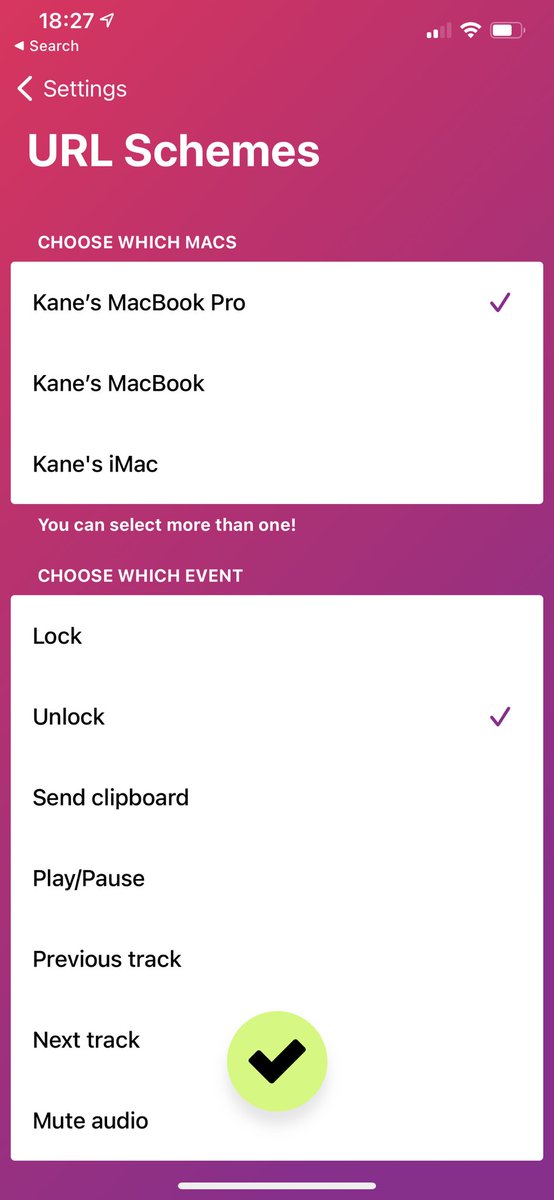
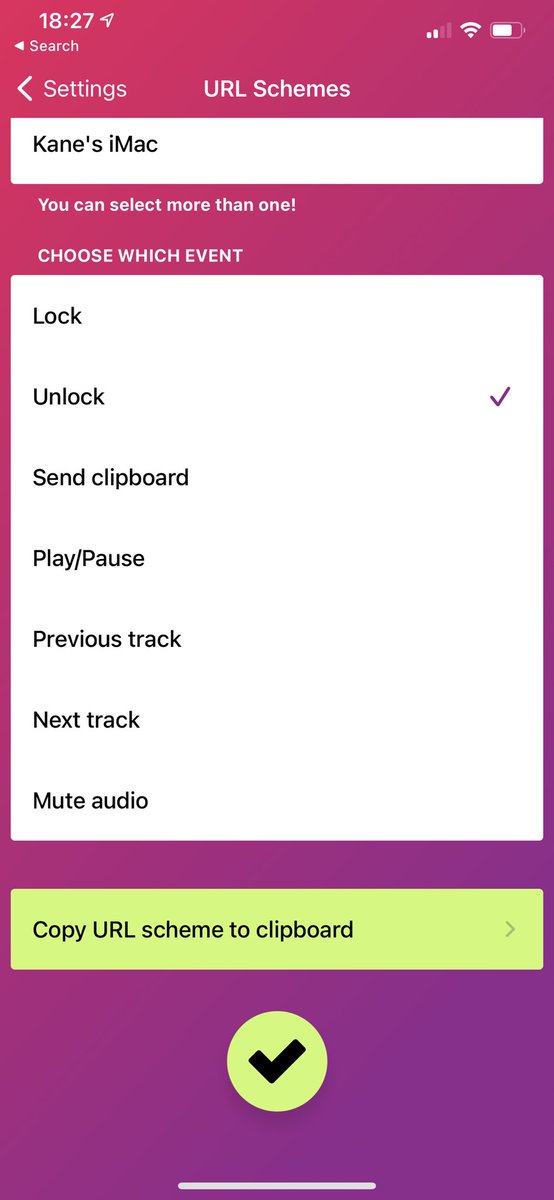
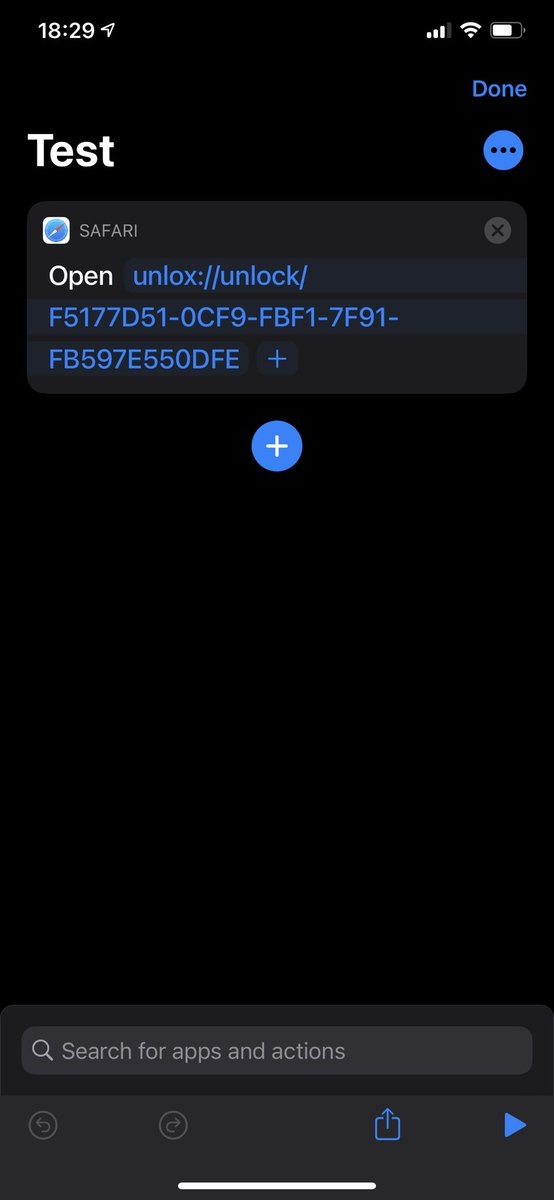
@LiamHammett Hey! You can already create URL schemes and then create a Shortcut with the “open url” action. Does this help?


English

@UnloxHelp Love the app. Would love it even more if it had support for the Shortcuts app on iOS to trigger an unlock easily (like via NFC tags), perhaps through a URI scheme on the iOS device - it'd help make the flow a lot smoother than needing to open the app manually IMHO
English

@cldrenaud Hey, I’m currently working on trying to fix this for Big Sur. I’ve seen it on one of my Macs too
English

@wstwd I’ve had this too, unfortunately this is because the Mac is firing off loads of “wake” events to Unlox even though the lid is closed. It seems to be worse lately. I might have found a way to detect if the lid is shut and ignore it, though
English

@tanggod1 This can happen because a notification from a different app has woken your Mac, or power nap, or any number of other reasons. Unlox can’t tell whether you woke your Mac yourself or whether something else did
English

@UnloxHelp I set the AutoWake option to off, but my apple watch still gets a notification when it is close to my MacBook. It is annoying.
English

@apple4ever Ahh that’s a different issue. Can you try deleting the Realm file? More info here:
Unlox (formerly MacID)@UnloxHelp
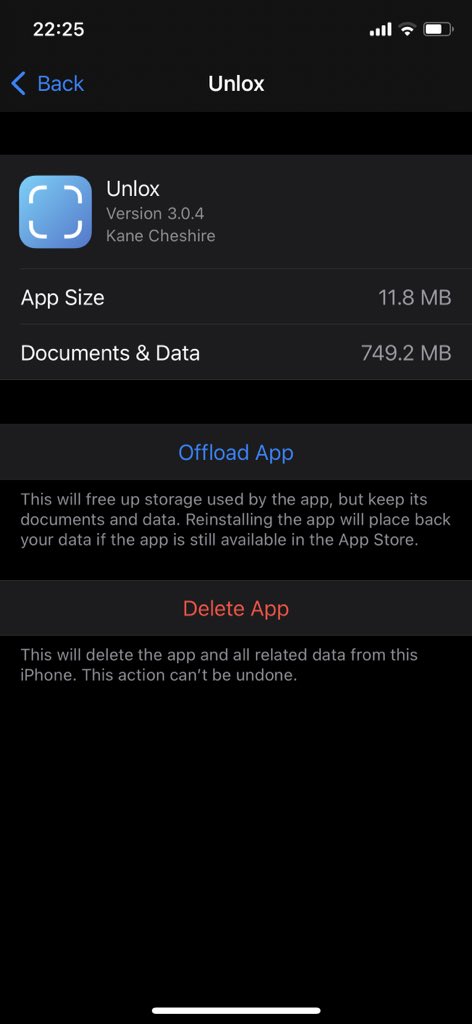
The issue of Unlox crashing at launch has returned! I thought I fixed it. It can only be fixed by deleting and re-Installing the app on iOS. If crashing on macOS you’ll need to delete the folder at: /Users/YOUR USERNAME/LibraryApplication Support/com.kanecheshire.macID-macOS
English

@UnloxHelp file /Users/kanecheshire/Projects/Unlox/modules/common/Persistence/Persistence/Realm+Shared.swift, line 29
English

@UnloxHelp I am getting a “permission denied” crash when I try to launch Unlox. I had to move computers so that’s probably why.
English

@apple4ever Unlox needs Bluetooth permissions and accessibility permissions but that should be all
English

@UnloxHelp Ya on my Mac. Where should Unlox be allowed in Privacy permissions?
English

@casparant Yeah you’re absolutely correct. I thought I fixed this a long time ago but it looks like I didn’t. Thanks for letting me know!
English


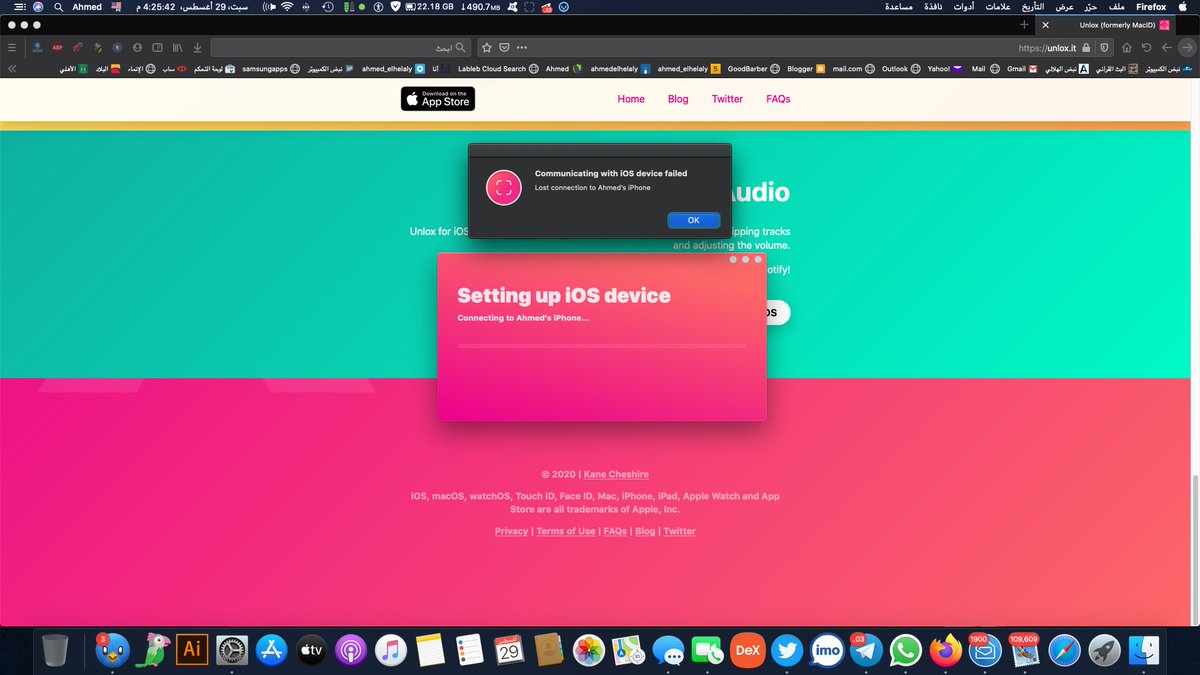
@ahmed_elhelalyy Unfortunately there’s not much more I can do to help since it’s just the system disconnecting your device, which is usually what resetting fixes. You can ask Apple for a refund because they handle payments though the App Store (and they take 30% of it for themselves)
English

@UnloxHelp
i purchased unlox 3 from app store but unfortunately it's not working fine when i try to connected with my iphone form mac its take alot of time to try connect to my mac and after that its give me error message
my mac verison is 10.15.6 catalina

English

@ahmed_elhelalyy Have you already tried to reset Bluetooth as well?
English

@UnloxHelp i already did it alot of time but same issue :(
English

@barrett316 I’ve been using Unlox for months with Big Sur, the only issue at the moment is that now Unlox can’t detect any admin password requests on your Mac, but unlocking via the iOS app or Tap to Unlock currently work okay :)
English

@UnloxHelp Does Unlox support, or will it eventually support macOS Big Sur?
English

@DP You might need to delete the database file at ~/Library/Application Support/com.kanecheshire.macID-macOS, you can just delete everything in that directory
English

@UnloxHelp any chance to support Siri shorcuts for actions? The workaround by getting URL scheme demands iPhone be unlocked. It would be great to just tell Siri “Unlock Mac” and bam, done.
English

@petermortier Hey! Click on he Unlox icon in the menu bar and then choose Advanced > Re-save password :)
English

@UnloxHelp I've changed my MacBook password. How can I change it in Unlox as well? :-s
English

@DharmaSub Hey! If you click on the Unlox icon in the menu bar > Advanced > Re-save password, you should be able to change it :)
English