

VłSłØN_ØF_WΞB⁴ 🐂🀄
3.1K posts

VłSłØN_ØF_WΞB⁴ 🐂🀄
@Vision_of_web4
Moderator || Building communities 🚧 || Spreading and bringing good projects to the community
Katılım Aralık 2023
395 Takip Edilen365 Takipçiler

Login to your Outlier
Go to Profile
Go to Email Preferences,
Tick out everything there and tick it back again, then save
Clear cache
Worked for my 2 accounts, you are welcome
seankizzy🌿❄️@Oluwatoki01
Finally gotten the solution for the greyed out continue tasking icon on outlier, works like magic🤣👏
English
Let me teach y’all how to task on project Planck(physics), Gaffer and Lizard.
English





@Vision_of_web4 How do i resolve the account under reviews stuff
English
Handshake is actually more stable than outlier, just the recent account under review issue.
English
VłSłØN_ØF_WΞB⁴ 🐂🀄 retweetledi

Handshake just doing the most these days.
One minute there is task, the very next no more tasks 😊 they think men won't find the code to fix things over here.
Yes they upgraded their system, you can no longer use proxy to access handshake. Only rdp dm for it
God bless the hustle for the bigger bag.


English
VłSłØN_ØF_WΞB⁴ 🐂🀄 retweetledi

If you know that you an max these hours on two of these three projects daily as a tasker, send me a DM.
I really want the best for my client 😌

English
VłSłØN_ØF_WΞB⁴ 🐂🀄 retweetledi

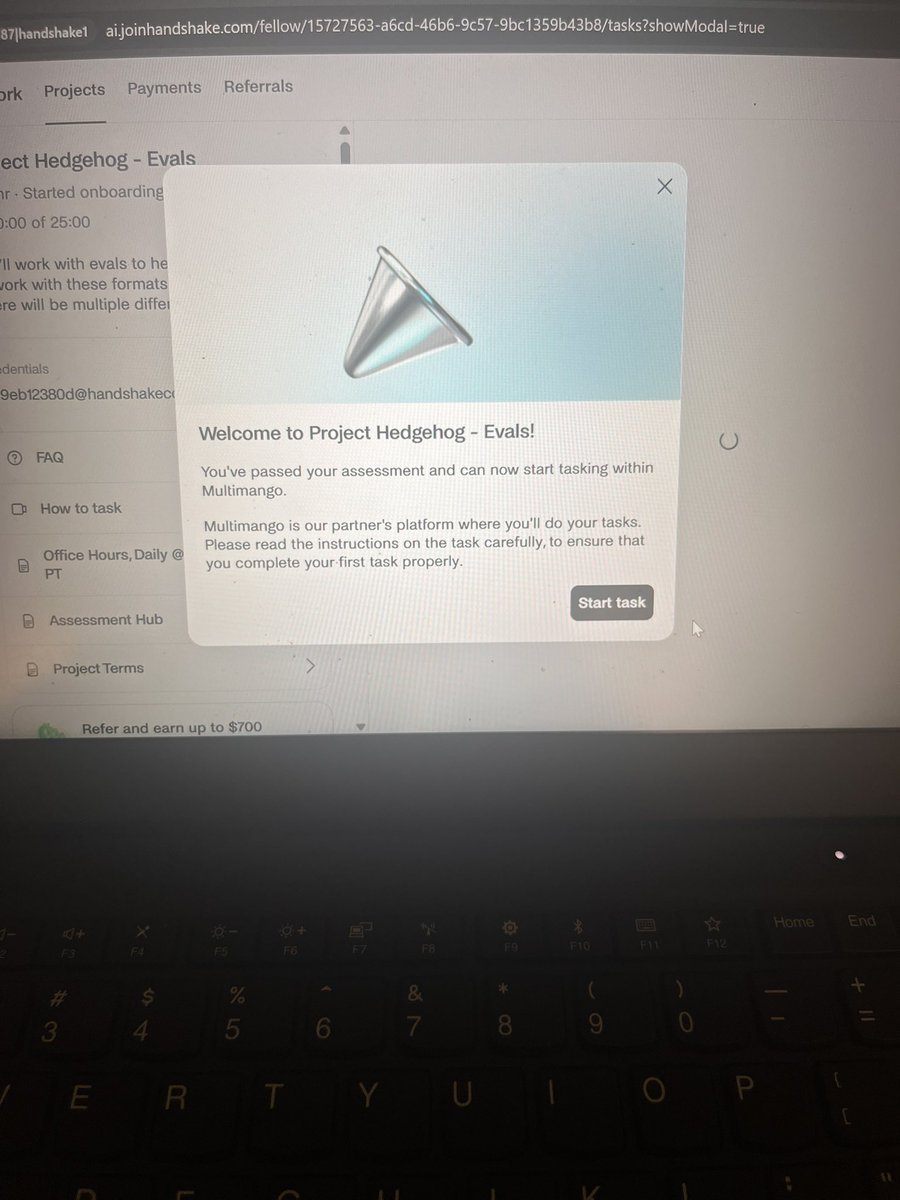
How to Increase Your Chances of Being Assigned to Project Hedgehog on Handshake (US/UK/Canada)
If you’re opening a new Handshake account and hoping to qualify for Project Hedgehog or Project Hedgehog Evals, follow these recommendations to strengthen your profile.
Step 1: Set Up a New Email
Create a brand-new email address exclusively for your Handshake account. Keeping it separate from your personal email helps organize your applications and can prevent issues with previously used accounts.
Step 2: Sign Up Through a Referral Link
Ask me for my referral link before creating your account. Registering through the referral link may give you access to available opportunities, including Project Hedgehog and Project Hedgehog Evals, depending on eligibility and project availability.
Step 3: Prepare a Professional Resume (CV)
Build a resume that highlights experience and skills relevant to AI and language-focused work. Consider including qualifications in areas such as:
Technical Writing
AI Evaluation
AI Data Annotation
Prompt Engineering
Content Analysis
Computer Science or Computing
Research and Analytical Skills
Attention to Detail
Quality Assurance
Language or Linguistics
A polished, well-organized CV can make your profile more competitive.
Step 4: Select the Correct Field of Study
When completing your profile, choose either Arts & Humanities or Science as your primary field of study.
Step 5: Pick the Best Specialization
For your specialization, select one of the following:
Linguistics (recommended)
Technical Writing
These options are commonly aligned with language evaluation and AI-related projects.
Step 6: Choose Your Current Position
For your current job title, select:
Technical Writer
This role closely reflects the type of work typically associated with Project Hedgehog.
Step 7: Add Your LinkedIn Profile
Include a complete and up-to-date LinkedIn profile. Make sure the information on LinkedIn is consistent with your resume, as a professional profile can strengthen your application.
Step 8: Double-Check Your Profile
Before submitting, review everything carefully:
Confirm all details are accurate and consistent.
Ensure your resume, LinkedIn profile, and selected role align with AI and technical writing experience.
Check for any spelling, grammar, or formatting mistakes.
Final Step
Submit your completed profile and wait for project assignment opportunities.
English
VłSłØN_ØF_WΞB⁴ 🐂🀄 retweetledi

Got another account with 80hrs
Nice.
Bring your handshake accounts guys

English