

AppVeyor CI
2.6K posts
AppVeyor CI
@appveyor
Continuous Integration and Deployment service for busy Windows developers
Vancouver, BC Katılım Kasım 2011
72 Takip Edilen1.5K Takipçiler

@appveyor Now that VS 2022 17.4 is out with .NET 7.0 support, when can we expect to see it available on Appveyor?
English
@pumpichank Login with recovery code, disable 2FA on ci.appveyor.com/security page then enable it again with a new device.
English
@pumpichank Yes, appveyor is still a thing and it is an independent company.
English

"Visual Studio 2022" image with VS 2022 and .NET 6 RTM is now available: appveyor.com/blog/2021/11/1…
English
@brainwipe AppVeyor environment does not use log4j library and is not affected by this vulnerability.
English
@Jaxelr Docker is there and enabled. Try adding some delay before your tests to give some time for Docker service to start.
English

Hey @appveyor so, is Docker not enable by default on VS 2022 images? I see on the docs that it says it is installed by default, do i have to turn on the service? seems like a breaking change between 2019-2022 images

English
@thomaslevesque Working on that. In the meantime, this is how to install .NET 6 during the build: gist.github.com/FeodorFitsner/…
English

@appveyor looks like the .NET 6.0 SDK isn't available on Linux images yet. Do you have an ETA for this? Thanks!
English
@Nick_Craver @shiftkey @github To fix that set "main" as "Default branch" on project settings in AppVeyor. Still weird GitHub API redirects to a wrong URL: #file-github-api-redirect-md" target="_blank" rel="nofollow noopener">gist.github.com/FeodorFitsner/…
English
@Nick_Craver @shiftkey Alright, we've finally realized why you are getting that error! You still have "master" as default branch in AppVeyor and it looks like GitHub API does that redirect to a wrong (?) URL with "main" branch instead. cc @github
English


@Nick_Craver @shiftkey Can you add me to account collaborators please (I sent email in the support ticket)?
English
@Nick_Craver @shiftkey Do you get that error message while starting a new build from UI? What project URL is that?
English
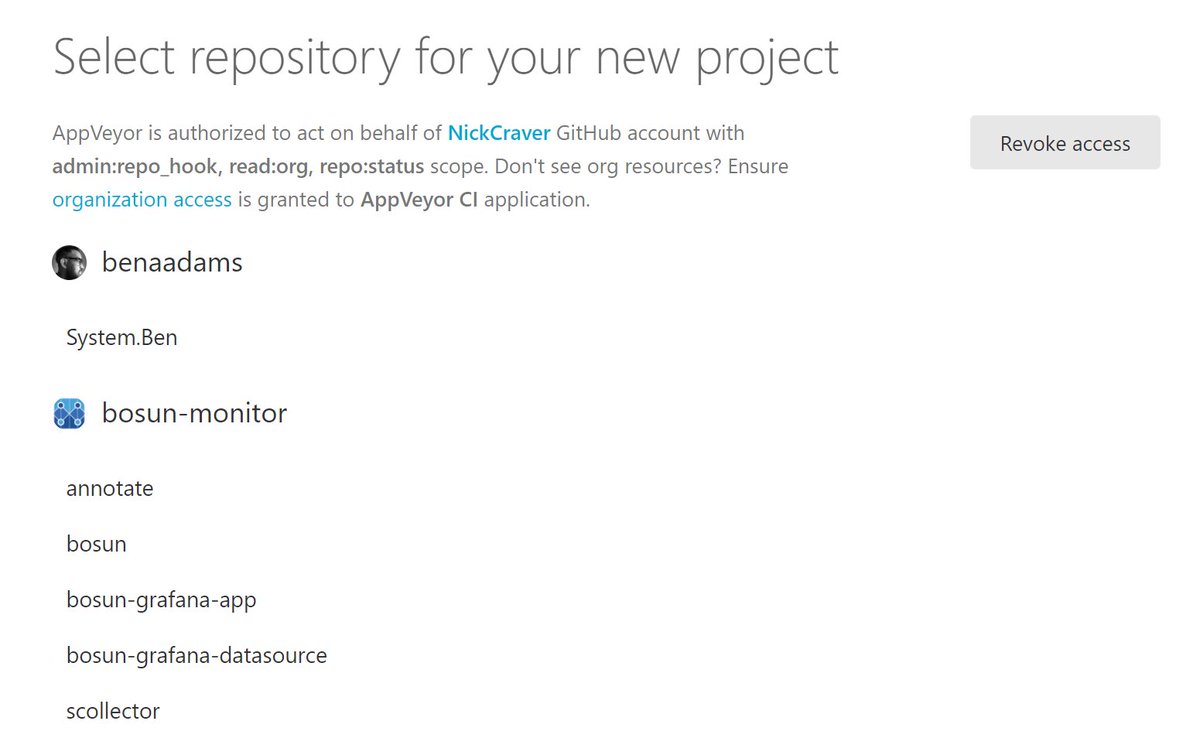
@Nick_Craver @shiftkey That's weird. We are definitely call `/repos` - that message is coming from HTTP exception directly. Could you make sure your AppVeyor account is still authorized to access GitHub, i.e. you see repos on "New project" page?
English
@marcingminski Could have been a transient issue. Thanks for the update!
English

Hey @appveyor , are you experiencing problems with uploading test results? I keep getting: Exception calling "UploadFile" with "2" argument(s): "The remote server returned an error: (500) Internal Server Error." nothing has changed on my end (I believe)
English
Azure DevOps (VSTS) integration update: appveyor.com/blog/2021/05/0…
English
@raytiley There were some issues with artifact storage which should be fixed now. Drop a link to a failing build if it's still happening to you.
English


@appveyor having trouble loading projects. all i see is the pulsing blue dots. any known issues? i tried relogging in, restarting the browser and cleaning my cache
English

What i really miss in @appveyor is ability to try .yml without pushing to repo and "pretend deploy". My deployment, that was working fine, doesn't anymore (probably because now it expects deploying only artifacts, but i build them in before_deploy)
English