
Aram Tchekrekjian

3.4K posts

Aram Tchekrekjian banner
Aram Tchekrekjian

Aram Tchekrekjian

@AramT87

Get Better in .NET and C# from Microsoft MVP for developer technologies |Technical Solutions Architect at MoDEE | Blog Founder https://t.co/vWKJH8Hz5x

Amman Katılım Ocak 2010
1.9K Takip Edilen2K Takipçiler
Anton Martyniuk
Anton Martyniuk@AntonMartyniuk·
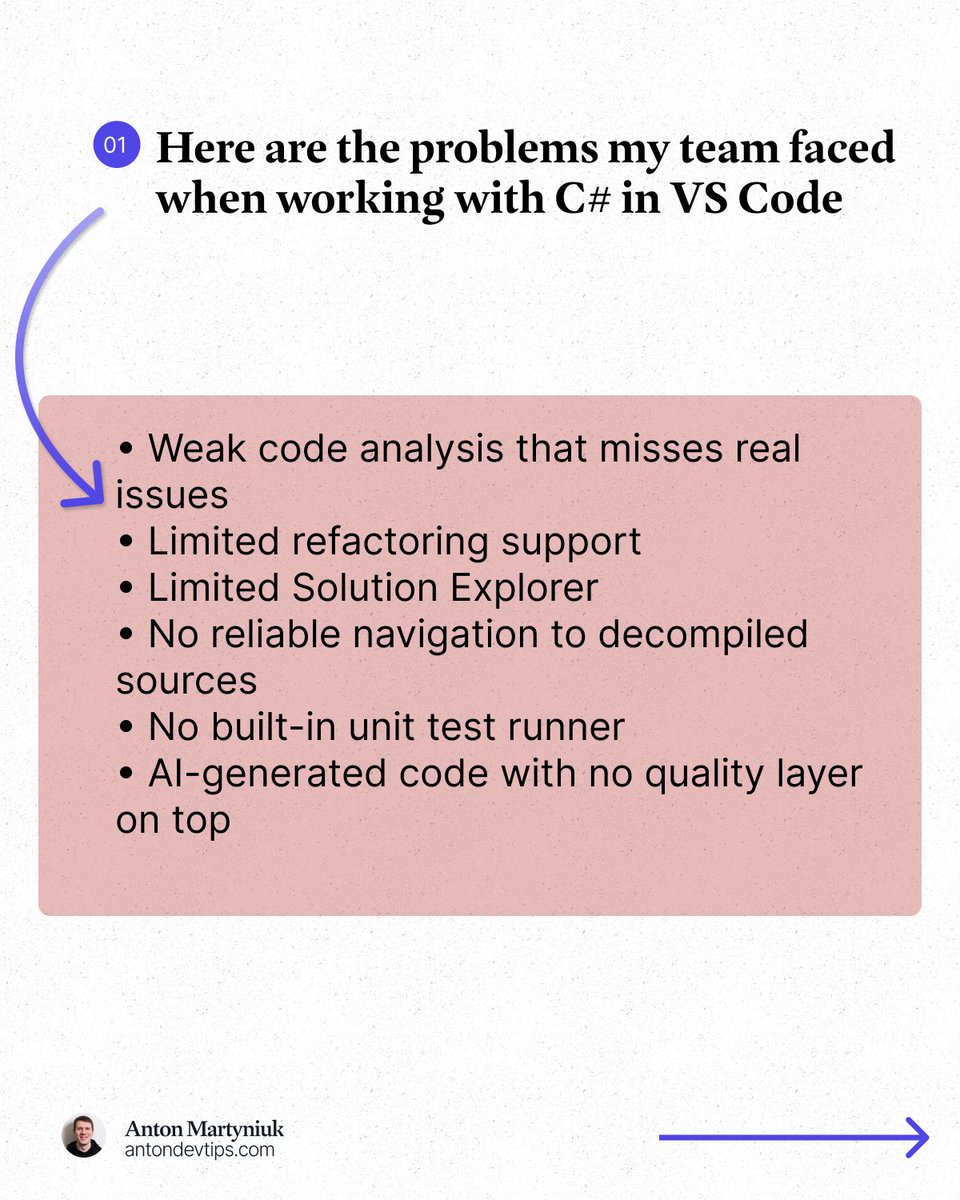
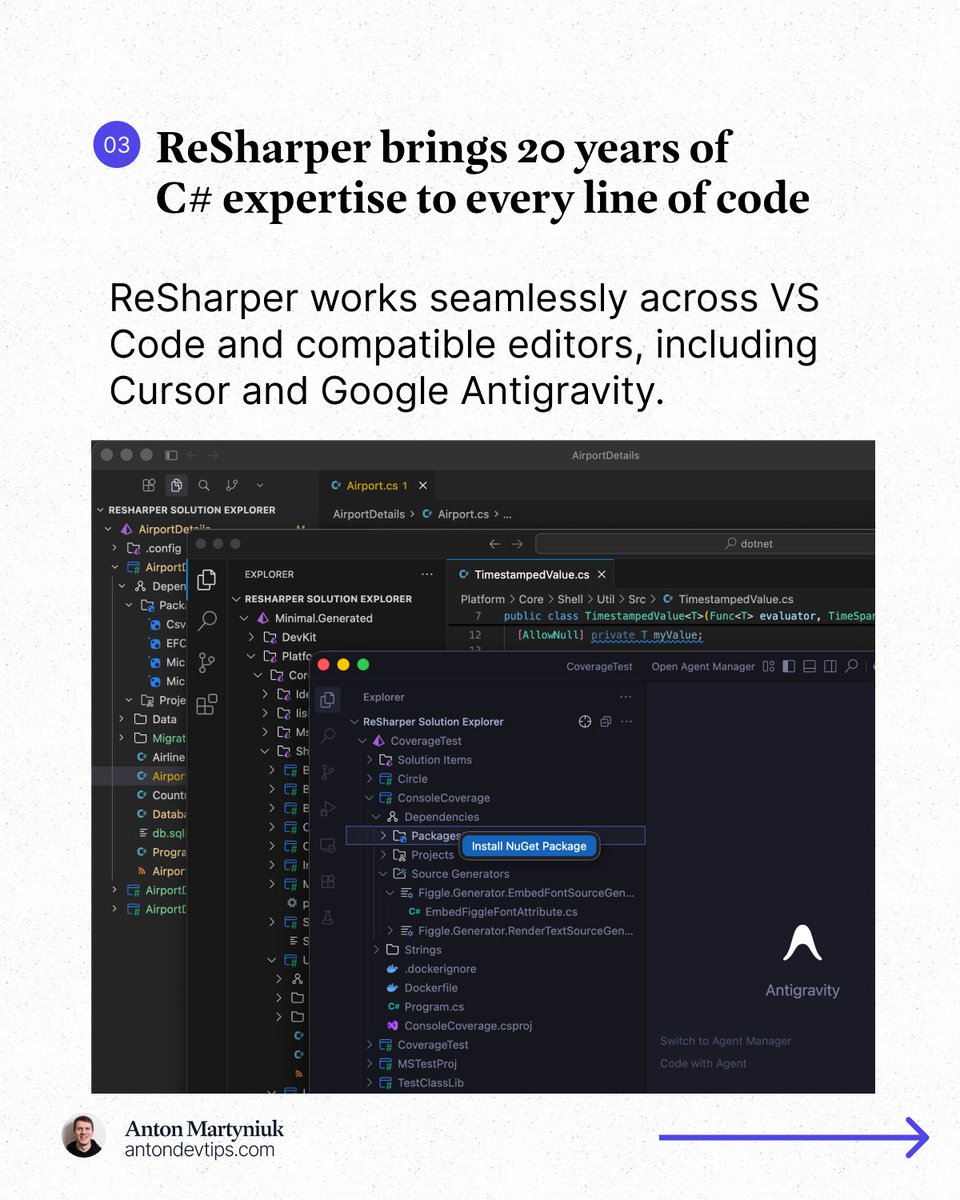
𝗖# 𝗶𝗻 𝗩𝗦 𝗖𝗼𝗱𝗲 𝗮𝗹𝘄𝗮𝘆𝘀 𝗳𝗲𝗹𝘁 𝗯𝗿𝗼𝗸𝗲𝗻. In March, this finally changed 👇 What's the problem with C# in VS Code? You open your .NET solution in VS Code, Cursor, or another lightweight editor. You get basic syntax highlighting. Some IntelliSense. Maybe a few squiggly lines. But real productivity? That's been missing. Here is what I kept running into: • Weak code analysis that misses real issues • Limited refactoring support • Limited Solution Explorer • No reliable navigation to decompiled sources • No built-in unit test runner • AI-generated code with no quality layer on top For years, the only real options were: ❌ Use a full IDE like Visual Studio or Rider ❌ Piece together multiple VS Code extensions and hope they work This changed in March. JetBrains officially released 𝗥𝗲𝗦𝗵𝗮𝗿𝗽𝗲𝗿 for VS Code, Cursor, and Google Antigravity: jetbrains.com/resharper/?pro… This is the same ReSharper engine that millions of developers have trusted in Visual Studio for 20+ years, now running in VS Code, Cursor, and Google Antigravity. 𝗔𝗻𝗱 𝗵𝗲𝗿𝗲'𝘀 𝘁𝗵𝗲 𝗯𝗲𝘀𝘁 𝗽𝗮𝗿𝘁: 𝗶𝘁'𝘀 𝗙𝗥𝗘𝗘 𝗳𝗼𝗿 𝗻𝗼𝗻-𝗰𝗼𝗺𝗺𝗲𝗿𝗰𝗶𝗮𝗹 𝘂𝘀𝗲, 𝘀𝘁𝘂𝗱𝘆𝗶𝗻𝗴, 𝗮𝗻𝗱 𝗵𝗼𝗯𝗯𝘆 𝗽𝗿𝗼𝗷𝗲𝗰𝘁𝘀. Here is what made a real difference for me: 1️⃣ Professional-grade code analysis ↳ Real-time inspections and quick-fixes for C#, Razor, Blazor, and XAML. It catches issues that basic extensions completely miss. 2️⃣ Smart coding assistance ↳ Context-aware completion, auto-imports, live templates, and inline documentation that go way beyond what a standard editor offers. 3️⃣ Solution Explorer inside VS Code ↳ A central hub for managing files, folders, NuGet packages, and projects across your entire solution. Just like in Rider or Visual Studio. 4️⃣ Refactoring you can trust ↳ Rename works across your whole solution while safely handling conflicts and references. No more search-and-replace guessing. 5️⃣ Fast navigation to any source ↳ Jump to symbols, usages, files, and types. When source code is not available, ReSharper decompiles assemblies and takes you directly to the declaration. 6️⃣ Built-in unit testing ↳ Run and manage tests for NUnit, xUnit .net, and MSTest directly in your editor with easy navigation to failing tests. The next major area of focus for ReSharper for VS Code is debugging support. JetBrains is actively working on support for launching debugging sessions and attaching to processes in .NET and .NET Framework applications. 👉 You can install ReSharper in the Extensions view of your editor (VS Code, Cursor, and Google Antigravity) —— Many thanks to @jetbrains for sponsoring this post
Anton Martyniuk tweet mediaAnton Martyniuk tweet mediaAnton Martyniuk tweet mediaAnton Martyniuk tweet media
English
14
29
123
8.6K
Aram Tchekrekjian
Aram Tchekrekjian@AramT87·
@AntonMartyniuk I am a major fan of Resharper and JetBrains IDEs like Android Studio, it is really amazing to see Resharper being delivered to VS Code. The only drawback of Resharper on Visual Studio is that it can feel heavy sometimes, particularly if you are on a low spec machine. Nice share.
English
1
0
2
202
Pavle Davitkovic
Pavle Davitkovic@pavle_dav·
I wanted to see how I would look if I were shinobi in 4th Great ninja war. Then I asked ChatGPT and Uni-1 to generate me an image based on my face. Uni-1 understood the assignment better then ChatGPT Thanks @LumaLabsAI! ChatGPT Uni-1
Pavle Davitkovic tweet mediaPavle Davitkovic tweet media
English
4
0
6
180
Pavle Davitkovic
Pavle Davitkovic@pavle_dav·
How did I save 30 working hours? Based on real numbers from real development. I integrated @claudeai Code into my workflow last week and tracked everything: Security reviews: Before: 2-3 hours -> After: 15 minutes (-92%) Refactoring: Before: 5-6 hours -> After: 45 minutes (-87%) Debugging: Before 3-4 hours -> After: 30 minutes (-85%) Context switching: Before: 2-3 hours -> After: 15 minutes (-92%) The results: 30 hours back in my schedule. That's 120+ hours per month for deep work instead of toil. The tech behind it: Claude Opus 4.6 This is, by far, the world's best coding model. And it’s not just my opinion. It’s verified on the SWE-bench with 80.88%. Because of that I strongly suggest you embrace AI in your daily usage. It’s not about replacing us engineers. It's about eliminating the toil so we can focus on solving problems. So, try Claude Code today: clau.de/pavledavitković #AnthropicPartner
Pavle Davitkovic tweet media
English
6
3
14
1.6K
Aram Tchekrekjian
Aram Tchekrekjian@AramT87·
@pavle_dav @claudeai This is really interesting, AI is truly great when it comes to time saving and boosting productivity. But about the quality of results, how did you verify that the output was accurate and according to your project's context?
English
0
0
0
21
Aram Tchekrekjian retweetledi
Anton Martyniuk
Anton Martyniuk@AntonMartyniuk·
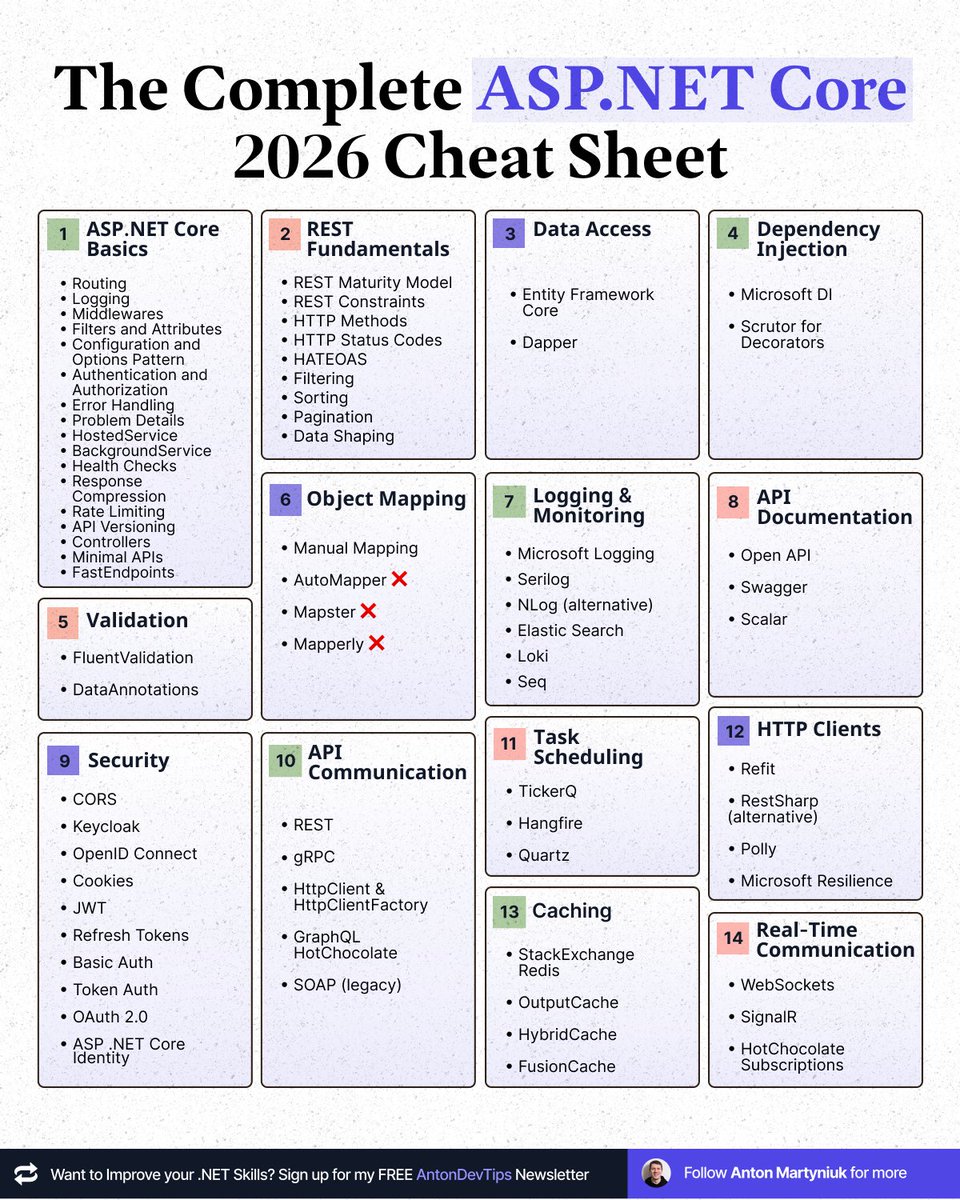
𝗧𝗵𝗲 𝗰𝗼𝗺𝗽𝗹𝗲𝘁𝗲 𝗔𝗦𝗣.𝗡𝗘𝗧 𝗖𝗼𝗿𝗲 𝟮𝟬𝟮𝟲 𝗖𝗵𝗲𝗮𝘁𝘀𝗵𝗲𝗲𝘁 Everything you need. In one place 👇 If you want to become a senior .NET developer, you need to know these ASP .NET Core topics: 𝗔𝗦𝗣.𝗡𝗘𝗧 𝗖𝗼𝗿𝗲 𝗕𝗮𝘀𝗶𝗰𝘀 • Routing • Logging • Middlewares • Filters and Attributes • Configuration and Options Pattern • Authentication and Authorization • Error Handling • Problem Details • HostedService • BackgroundService • Health Checks • Response Compression • Rate Limiting • API Versioning • Controllers • Minimal APIs • FastEndpoints 𝗥𝗘𝗦𝗧 𝗙𝘂𝗻𝗱𝗮𝗺𝗲𝗻𝘁𝗮𝗹𝘀 • REST Maturity Model • REST Constraints • HTTP Methods • HTTP Status Codes • HATEOAS • Filtering • Sorting • Pagination • Data Shaping 𝗗𝗮𝘁𝗮 𝗔𝗰𝗰𝗲𝘀𝘀 • Entity Framework Core • Dapper 𝗗𝗲𝗽𝗲𝗻𝗱𝗲𝗻𝗰𝘆 𝗜𝗻𝗷𝗲𝗰𝘁𝗶𝗼𝗻 • Microsoft DI • Scrutor for Decorators 𝗩𝗮𝗹𝗶𝗱𝗮𝘁𝗶𝗼𝗻 • FluentValidation • DataAnnotations 𝗢𝗯𝗷𝗲𝗰𝘁 𝗠𝗮𝗽𝗽𝗶𝗻𝗴 • Manual Mapping • AutoMapper ❌ • Mapster ❌ • Mapperly ❌ 𝗟𝗼𝗴𝗴𝗶𝗻𝗴 & 𝗠𝗼𝗻𝗶𝘁𝗼𝗿𝗶𝗻𝗴 • Microsoft Logging • Serilog • NLog (alternative) • Elastic Search • Loki • Seq 𝗔𝗣𝗜 𝗗𝗼𝗰𝘂𝗺𝗲𝗻𝘁𝗮𝘁𝗶𝗼𝗻 • Open API • Swagger • Scalar 𝗧𝗮𝘀𝗸 𝗦𝗰𝗵𝗲𝗱𝘂𝗹𝗶𝗻𝗴 • TickerQ • Hangfire • Quartz 𝗔𝗣𝗜 𝗖𝗼𝗺𝗺𝘂𝗻𝗶𝗰𝗮𝘁𝗶𝗼𝗻 • REST • gRPC • HttpClient & HttpClientFactory • GraphQL HotChocolate • SOAP (legacy) 𝗛𝗧𝗧𝗣 𝗖𝗹𝗶𝗲𝗻𝘁𝘀 • Refit • RestSharp (alternative) • Polly • Microsoft Resilience 𝗥𝗲𝗮𝗹-𝗧𝗶𝗺𝗲 𝗖𝗼𝗺𝗺𝘂𝗻𝗶𝗰𝗮𝘁𝗶𝗼𝗻 • WebSockets • SignalR • HotChocolate Subscriptions 𝗦𝗲𝗰𝘂𝗿𝗶𝘁𝘆 • CORS • Keycloak • OpenID Connect • Cookies • JWT • Refresh Tokens • Basic Auth • Token Auth • OAuth 2.0 • ASP .NET Core Identity 𝗖𝗮𝗰𝗵𝗶𝗻𝗴 • StackExchange Redis • OutputCache • HybridCache • FusionCache This is what you need to become a complete ASP .NET Core senior developer. Bookmark this post. You will come back to it. 👉 If you want to reach the top 1% of .NET developers, join 23,000+ engineers reading my .NET Newsletter: ↳ antondevtips.com/?utm_source=tw… —— ♻️ Repost to help other .NET developers level up ➕ Follow me ( @AntonMartyniuk ) to improve your .NET and Architecture Skills
Anton Martyniuk tweet media
English
7
30
142
4.5K
Anton Martyniuk
Anton Martyniuk@AntonMartyniuk·
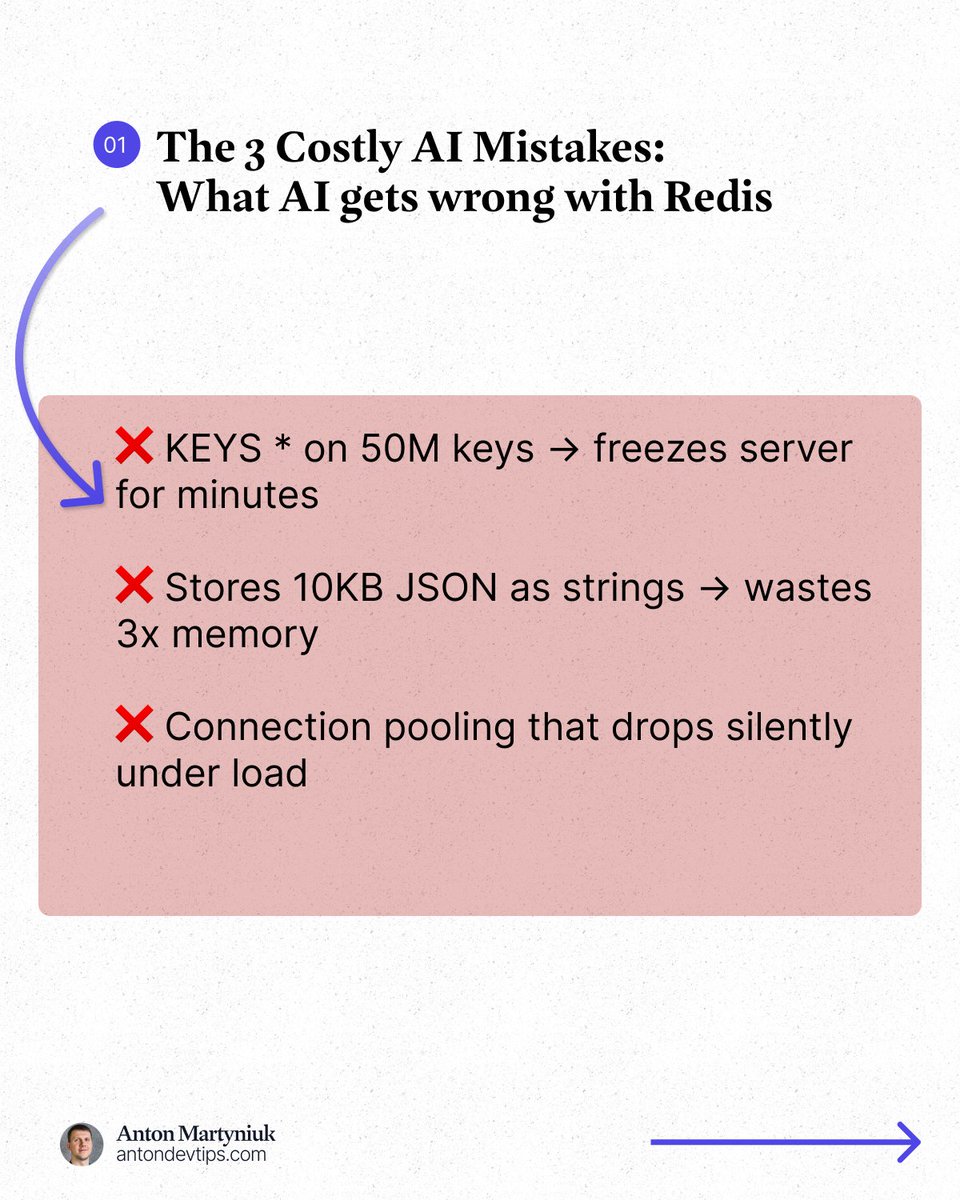
AI coding assistants are sabotaging production Redis deployments. They're generating code that compiles, passes tests, but breaks under real traffic. After reviewing dozens of Redis implementations written by AI assistants, the pattern is clear: ❌ The AI suggests KEYS * to scan production instances with 50 million keys, freezing the server for minutes. ❌ It stores 10KB JSON documents as string values instead of hash fields, wasting 3x the memory. ❌ It writes connection pooling that looks perfect but drops connections silently under concurrent load. The root cause is that LLMs has frozen knowledge around Redis 6 from 2021. They completely miss vector sets, native JSON document support, query engines, LangCache, and Agent Memory Server. When they encounter modern use cases, they improvise bad architectures instead of using battle-tested patterns. The Redis team solved this problem with 𝗔𝗴𝗲𝗻𝘁 𝗦𝗸𝗶𝗹𝗹𝘀. Agent Skills are markdown files that capture knowledge. The kind of domain expertise that lives in a senior Redis engineer's head but never made it into training data. They function as context engines, teaching AI agents "how Redis should actually be used" rather than just how to connect to it. The transformation is immediate: • Production-safe defaults – connection pooling, pipelining, cluster compatibility built in • Anti-pattern prevention – no more KEYS * disasters or memory-wasting string abuse • Modern feature adoption – AI discovers vector search, semantic caching, Redis 7+ capabilities • Expert data structure selection – AI chooses hashes vs JSON vs sorted sets vs streams correctly ✅ This solves a bigger problem Complete beginners are building functional applications in Claude Code, Cursor, and Copilot. Redis Agent Skills let developers write code like Redis experts – even if they've never heard of connection pooling or pipelining. Agent Skills ensures their AI assistant knows what a senior engineer would know. Skills are version-controlled, composable, and follow an open standard. You can combine Redis skills with framework and infrastructure skills to create a complete expert knowledge base. Installation is simple: 𝚗𝚙𝚡 𝚜𝚔𝚒𝚕𝚕𝚜 𝚊𝚍𝚍 𝚛𝚎𝚍𝚒𝚜/𝚊𝚐𝚎𝚗𝚝-𝚜𝚔𝚒𝚕𝚕𝚜 👉 Learn more about Redis Agent Skills: fandf.co/3OAYypZ —— ♻️ Repost to help others avoid costly Redis mistakes with AI ➕ Follow me ( @AntonMartyniuk ) to improve your .NET and Architecture Skills Many thanks to @Redisinc for sponsoring this post
Anton Martyniuk tweet mediaAnton Martyniuk tweet mediaAnton Martyniuk tweet mediaAnton Martyniuk tweet media
English
8
12
33
2.8K
Aram Tchekrekjian
Aram Tchekrekjian@AramT87·
@AntonMartyniuk This is a huge addition to Redis in a world full of AI coding agents, a great way to help the developer optimize how Redis can be used in the best way and within your project's context. Thanks for sharing Anton.
English
1
0
1
32
Aram Tchekrekjian
Aram Tchekrekjian@AramT87·
@AntonMartyniuk Such a great tool to automatically detect and manage all rules in a single place. Must give it a try.
English
1
0
1
13
Anton Martyniuk
Anton Martyniuk@AntonMartyniuk·
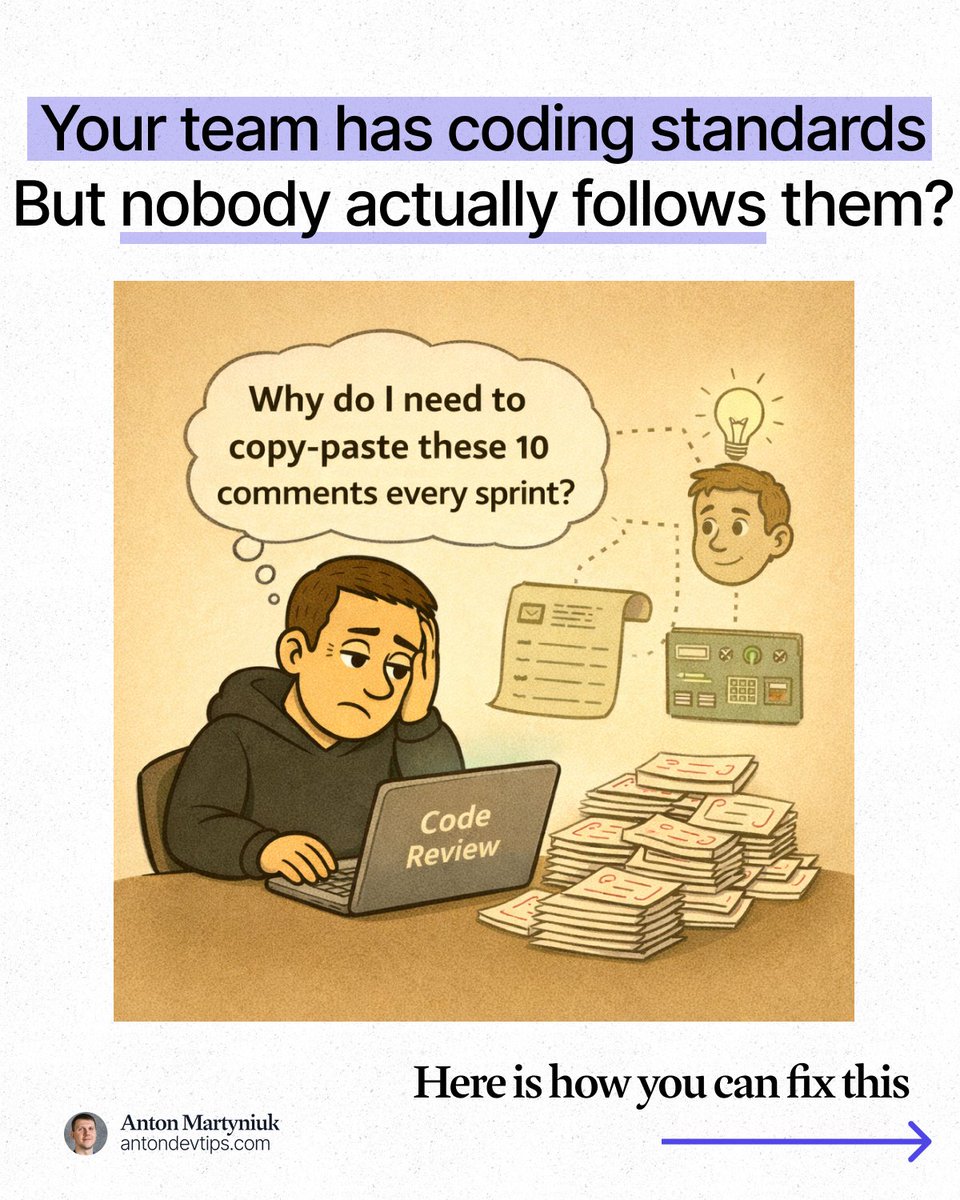
Your team has coding standards. But nobody actually follows them. Not because devs don't care - but because the standards live in three different places no one checks. • A Confluence page from 2024. • A half-updated linter config. • And the head of a senior engineer. I have seen this exact pattern on every team I have worked with: ↳ Juniors write code the way they learned it elsewhere ↳ AI tools generate code in their own style ↳ PRs get approved because "it works" ↳ The same feedback repeats on every review ↳ Standards quietly decay over months The result is not just inconsistent code. It is slower onboarding, slower debugging, and technical debt that grows silently. My team tried to fix this: • More linters. • More ESLint configs. • More custom static analysis rules. • More checklists pinned to Confluence. But it doesn't work ideally. ❌ Rules had to be written manually and were never complete ❌ Static tools only catch obvious formatting problems ❌ Nobody knew if the rules were actually making code better ❌ With 3+ AI coding tools in our stack, every tool brought its own style into the codebase We did not need more rules. We needed a system that manages rules for us. We needed something that: • Discovers what our team's real patterns actually are • Enforces standards in one place, not scattered across 10 config files • Works consistently across every AI tool we use That is where 𝗥𝘂𝗹𝗲𝘀 𝗶𝗻 𝗤𝗼𝗱𝗼 completely changed how we work. Qodo launched a brand-new rule system — and this is not a smarter linter. Here is what makes it different: 1️⃣ 𝗥𝘂𝗹𝗲𝘀 𝗗𝗶𝘀𝗰𝗼𝘃𝗲𝗿𝘆 𝗔𝗴𝗲𝗻𝘁 You do not write rules from scratch anymore. Qodo analyzes your actual codebase and your last 500 pull requests. It finds what comments reviewers repeat most, spots your existing patterns, and turns all of it into enforceable rules automatically. 2️⃣ 𝗖𝗲𝗻𝘁𝗿𝗮𝗹 𝗥𝘂𝗹𝗲 𝗠𝗮𝗻𝗮𝗴𝗲𝗺𝗲𝗻𝘁 One portal for all your standards — company-wide or per project. 3️⃣ 𝗔𝗻𝗮𝗹𝘆𝘁𝗶𝗰𝘀 𝗗𝗮𝘀𝗵𝗯𝗼𝗮𝗿𝗱𝘀 You can now measure if your standards actually work. Track how often rules are violated. See code quality improve over time. Stop guessing. 4️⃣ 𝗠𝘂𝗹𝘁𝗶-𝗧𝗼𝗼𝗹 𝗖𝗼𝗻𝘀𝗶𝘀𝘁𝗲𝗻𝗰𝘆 Most teams today use 3 or more AI coding tools at once. Rules in Qodo keep your standards enforced no matter which tool writes the code. One system. Any tool. Same codebase quality. Rules in Qodo help your engineers, so they stop repeating the same comments in each PR and start focusing on architecture and real design decisions. 📌 Get started with Rules in Qodo here: qodo.ai/qodo-rules/?ut… —— ♻️ Repost to help others fix their engineering standards ➕ Follow me ( @AntonMartyniuk ) to improve your .NET and Architecture Skills Many thanks to @QodoAI for sponsoring this post! #CodeQuality #EngineeringExcellence #DevTools
Anton Martyniuk tweet mediaAnton Martyniuk tweet mediaAnton Martyniuk tweet mediaAnton Martyniuk tweet media
English
5
4
17
1.5K
Anton Martyniuk
Anton Martyniuk@AntonMartyniuk·
These options in Entity Framework Extensions library (PART 2) Will save you hours, days or even weeks of development 👇 Entity Framework Extensions library is not only useful when you need to insert thousands of records. It also comes with hundreds of useful options that can save a lot of time in your daily routine with EF Core. In the video, I show a detailed guide on various options with 𝗘𝗻𝘁𝗶𝘁𝘆 𝗙𝗿𝗮𝗺𝗲𝘄𝗼𝗿𝗸 𝗘𝘅𝘁𝗲𝗻𝘀𝗶𝗼𝗻𝘀 library. This video is PART 2 in the series. You can try EF Core Extensions for free with the monthly trial. 👉 Get started with EF Core Extensions: ↳ lnkd.in/djZVdbPY 👉 See real-world benchmarks: ↳ lnkd.in/eMD9dAvt 👉 Get the source code of this video: ↳ lnkd.in/dkp4XaXG —— ♻️ Repost to help others save time with EF Core Extensions ➕ Follow me ( @AntonMartyniuk ) to improve your .NET and Architecture Skills Many thanks to @zzzprojects for sponsoring this post.
English
4
11
50
2.9K
Aram Tchekrekjian
Aram Tchekrekjian@AramT87·
@AntonMartyniuk Entity Framework Extensions is the best library for bulk operations, and it comes with many customization options to help you control how commands are sent and data is stored in your favourite DB provider. Nice video.
English
1
0
1
15
Aram Tchekrekjian
Aram Tchekrekjian@AramT87·
Dapper Plus Options Beyond the Basics @codingsonata/dapper-plus-options-beyond-the-basics-46c788e2201d" target="_blank" rel="nofollow noopener">medium.com/@codingsonata/…
English
0
0
0
23
Aram Tchekrekjian
Aram Tchekrekjian@AramT87·
ASP .NET Core Data Protection API The Data Protection API (DPAPI) in .NET is a built-in service for encrypting and decrypting sensitive data, such as passwords, tokens, or connection strings, without having to write your own encryption logic. codingsonata.com/asp-net-core-d… #dotnet
English
0
0
0
49