
Ash

1.3K posts

Ash banner
Ash

Ash

@ashkirk

Graphic design

Toronto Katılım Mart 2009
480 Takip Edilen85 Takipçiler
Ash
Ash@ashkirk·
@AdobeCare help, trying to get work done
Ash tweet media
English
1
0
0
15
Anton
Anton@stallboerger·
yearly reminder to watch the dieter rams documentary
English
30
232
3.9K
317.5K
Ash
Ash@ashkirk·
@ConfusedVorlon Can you believe this?? I just updated yesterday and I didn't realize how much I rely on those handles to resize columns. I literally can't do my work!
English
0
0
0
9
Rob Jonson
Rob Jonson@ConfusedVorlon·
We're on Tahoe 26.2 and I can't resize finder columns because the scrollbar completely covers them. "design is how it works" #apple #macOS
Rob Jonson tweet media
English
1
1
3
232
Ash
Ash@ashkirk·
Hi @Apple just fyi, the column view is broken in the latest Tahoe 26.2. I can't widen the columns bc the scrollbar is on top of the handle. 👍 Even after restart. #macos
English
0
0
0
134
Ash
Ash@ashkirk·
I'm applying denoise to a batch of photos. It's CPU intensive so I step away while it works. Why on earth would the computer go to sleep? I come back 30 minutes later to find the computer asleep and the job is 27% finished. I know I can prevent sleep but that's dumb #ux
English
0
0
0
15
Ash
Ash@ashkirk·
@AdobeCare InDesign 21.0.2 Illustrator 30.1 Mac Tahoe 26.1 Will DM the file link now.
English
0
0
0
109
Adobe Care
Adobe Care@AdobeCare·
Hello @ashkirk, I appreciate you bringing this to my attention. I ran the same workflow on InDesign 21.0.2, and the Illustrator file printed correctly on my side. Would you mind verifying the specific versions of Illustrator and InDesign that you are using? Additionally, please provide the details of your operating system. If you can, kindly send me one of the problematic .ai files through DM for additional testing and analysis. You may use any cloud storage service such as Dropbox or Google Drive. Looking forward to hearing from you. ^AR
English
1
0
0
26
Ash
Ash@ashkirk·
A very serious bug in @InDesign placement of illustrator files. Objects seem to be shifted when placed in InDesign. I thought it was just an artifact, but it actually prints like this 🤯 @Adobe
Ash tweet mediaAsh tweet media
English
1
0
0
100
Ash
Ash@ashkirk·
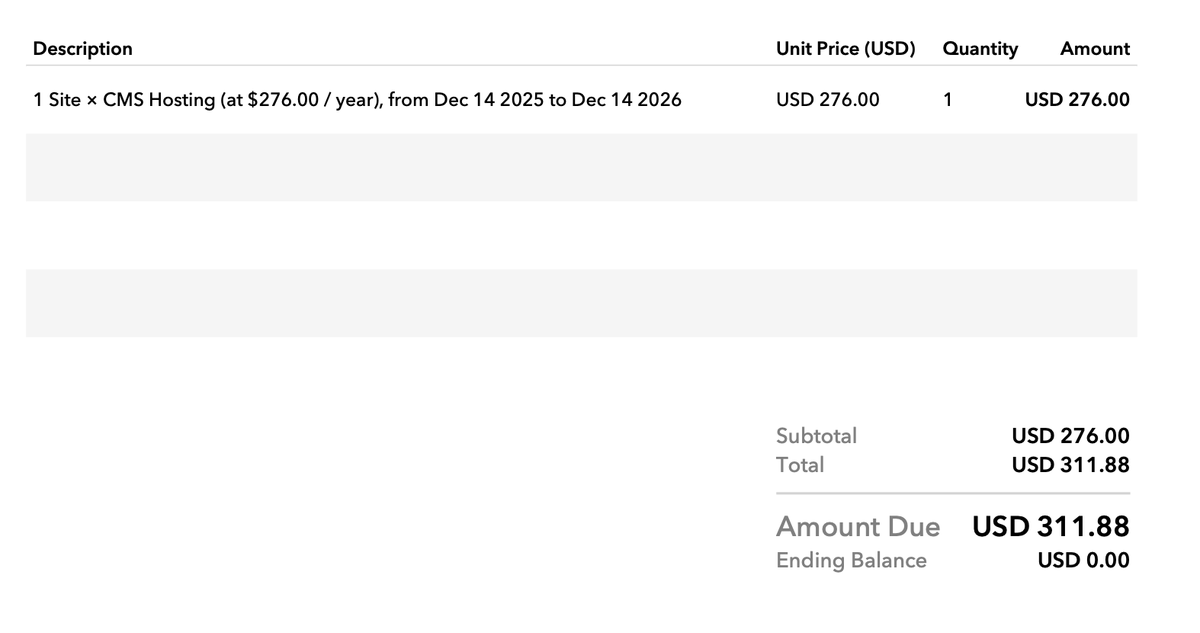
@webflow Please tell me how I can speak to a human so that I can find out what the extra charge is on my invoice. I need to explain it to my client. Why is there no description of this cost on my invoice!?
Ash tweet media
English
0
0
0
24
Velvetere
Velvetere@velvetere·
@MRD87694463 @CP24 Humidity in Ontario makes it feel a lot colder. Dry cold is really pleasant in comparison
English

1
0
7
127
NewsForce
NewsForce@Newsforce·
How does this actually work?
English
869
103
1.8K
2.2M
Ash
Ash@ashkirk·
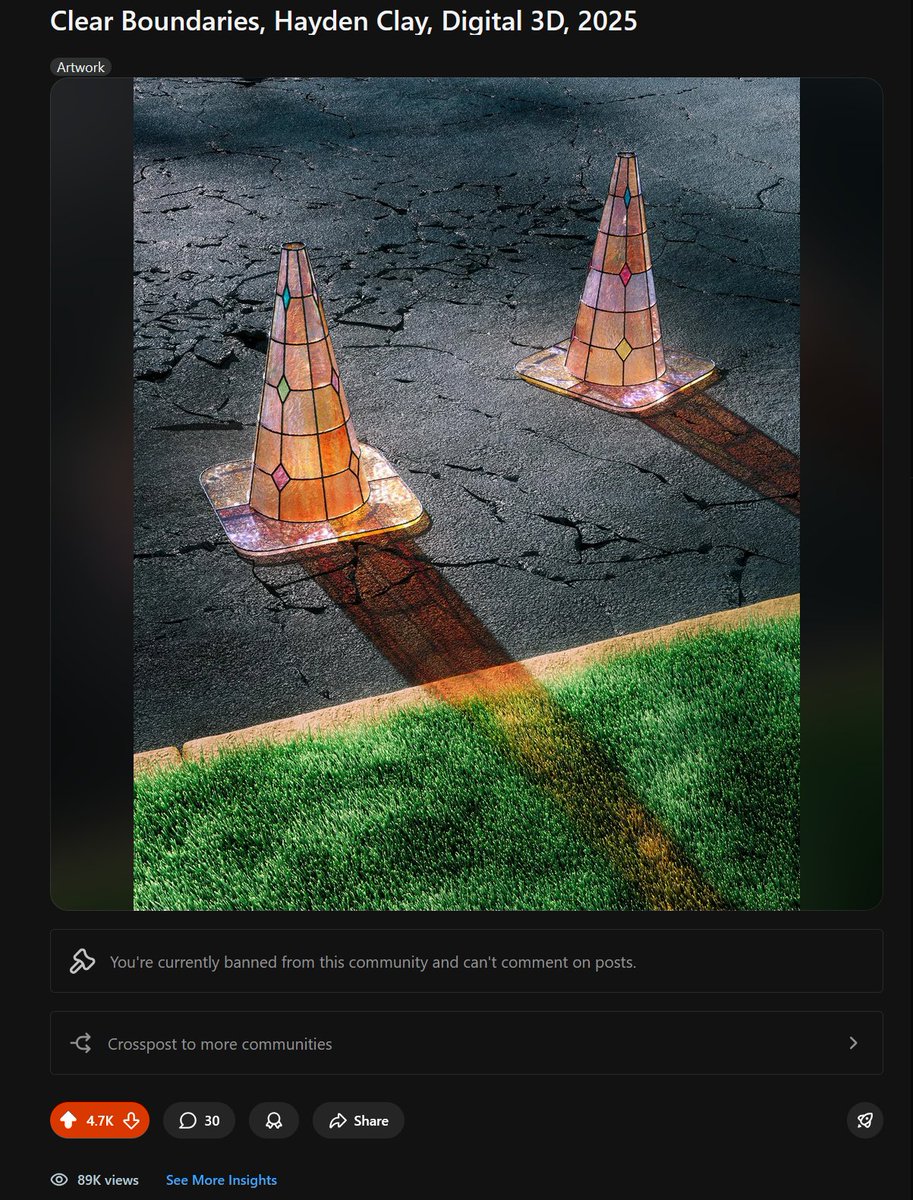
@haydclay It’s not because you said “print” it’s because your image is made using ai.
English
0
0
0
6
Hayden Clay
Hayden Clay@haydclay·
Fuck reddit. Permanently banned from posting art because I mentioned the word "print"
Hayden Clay tweet mediaHayden Clay tweet media
English
3.1K
4.3K
117.9K
11.5M
Ash
Ash@ashkirk·
Since #Tahoe, using textedit requires me to scroll horizontally all the time now. Broken. WTF
English
1
0
0
18
Ash
Ash@ashkirk·
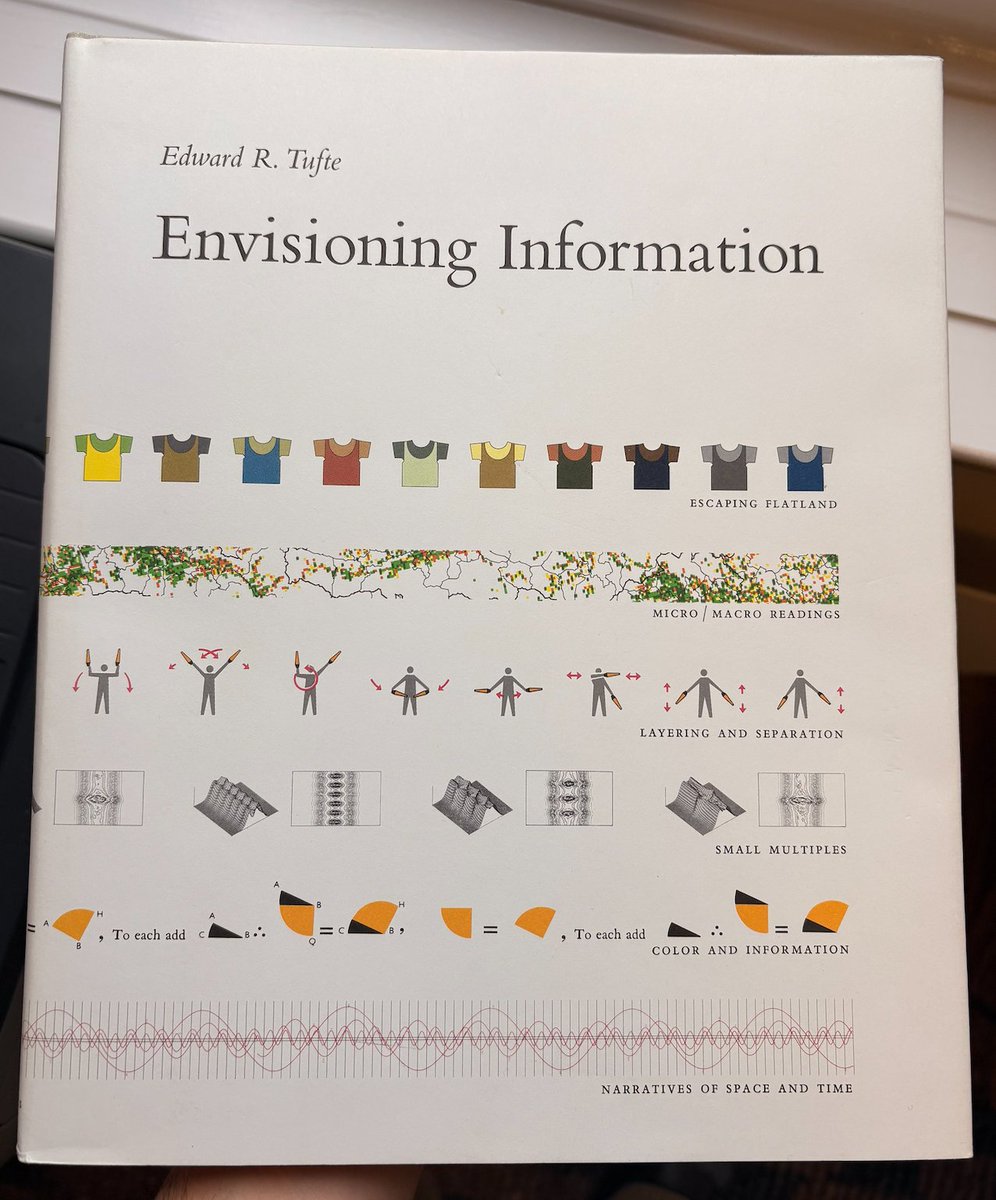
Because of the contrast, the scrollbars become almost the most prominent layer of information. They shouldn't be. If you want to know why, please read Envisioning Information by Edward R. Tufte. Great book for designers.
Ash tweet media
English
0
0
0
25
Ash
Ash@ashkirk·
Mac OS Tahoe finder scroll bars are so dark and prominent. Why? Eww.
Ash tweet media
English
1
0
1
87
Ash
Ash@ashkirk·
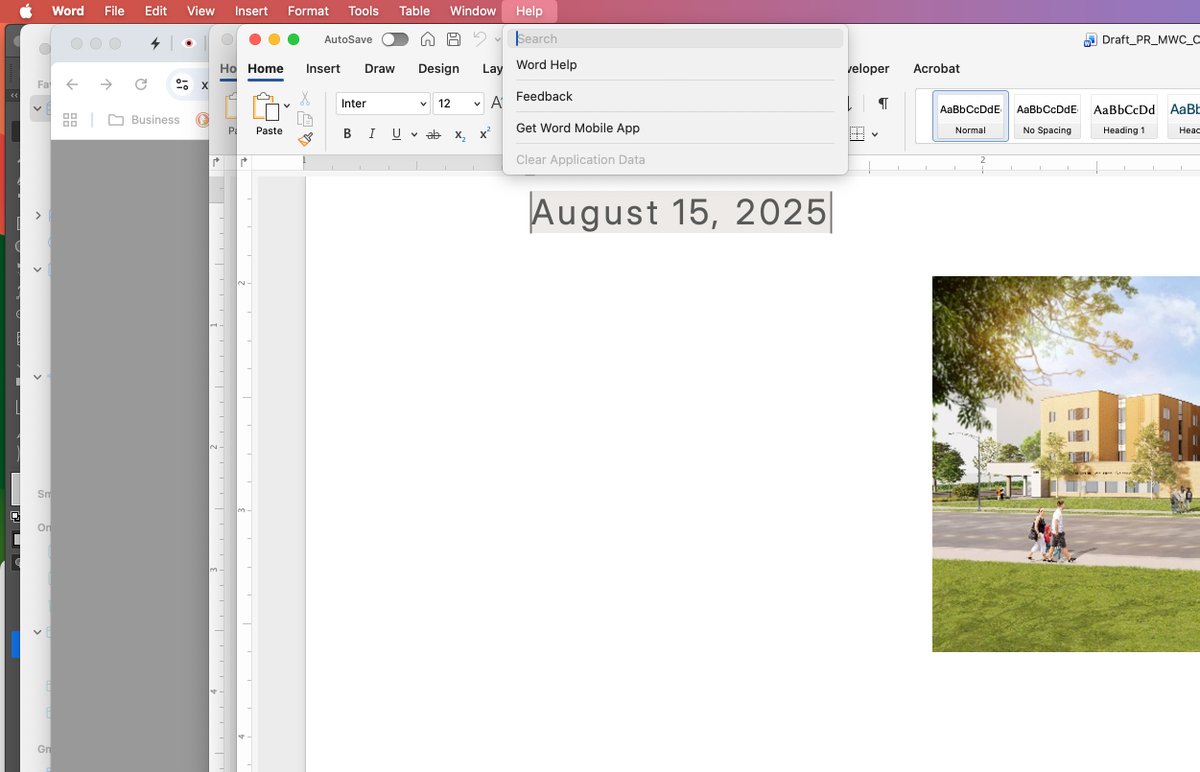
There is no "Check for Updates" under the Help menu as per Microsoft's website.
Ash tweet media
English
0
0
0
21
Ash
Ash@ashkirk·
Hi @Microsoft, paying customer here. When I save an image from a Word doc, it saves a very low res file (lower than the actual image). How can I extract the largest image size? Also, how do I update Word to the latest version? Note: I'm on a Mac.
English

1
0
0
26