Chima_Design

74 posts

Chima_Design banner
Chima_Design

Chima_Design

@chima_w_

Product Designer #ELROI

Katılım Şubat 2024
66 Takip Edilen47 Takipçiler
Chima_Design
Chima_Design@chima_w_·
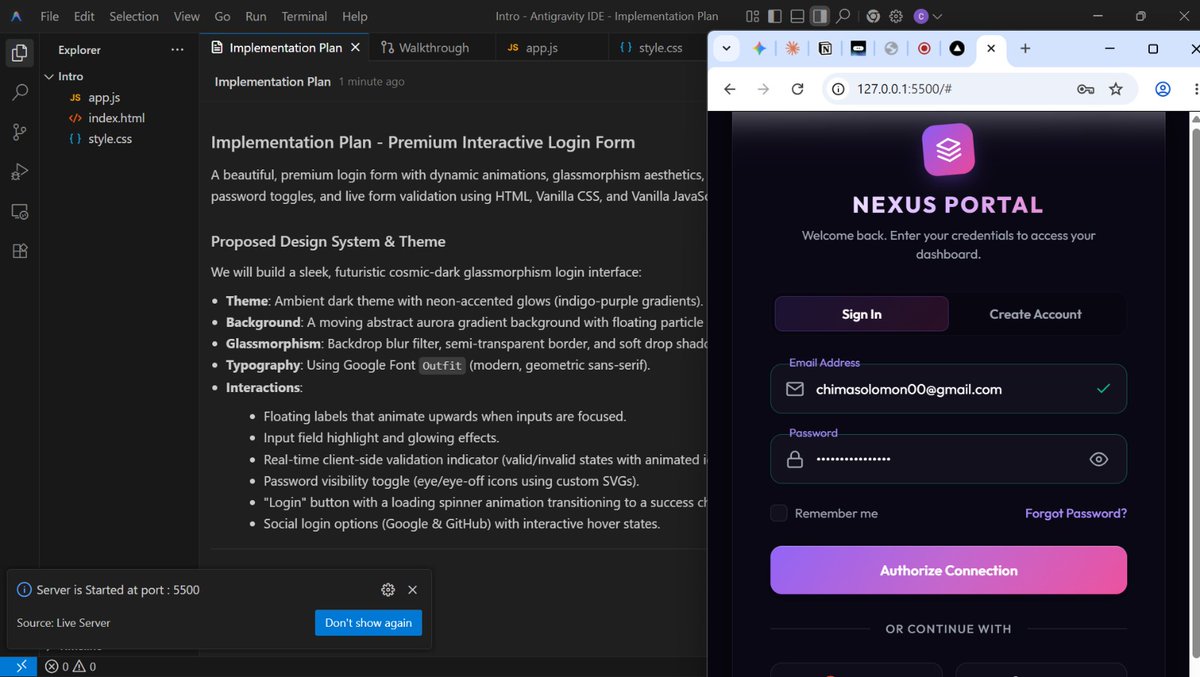
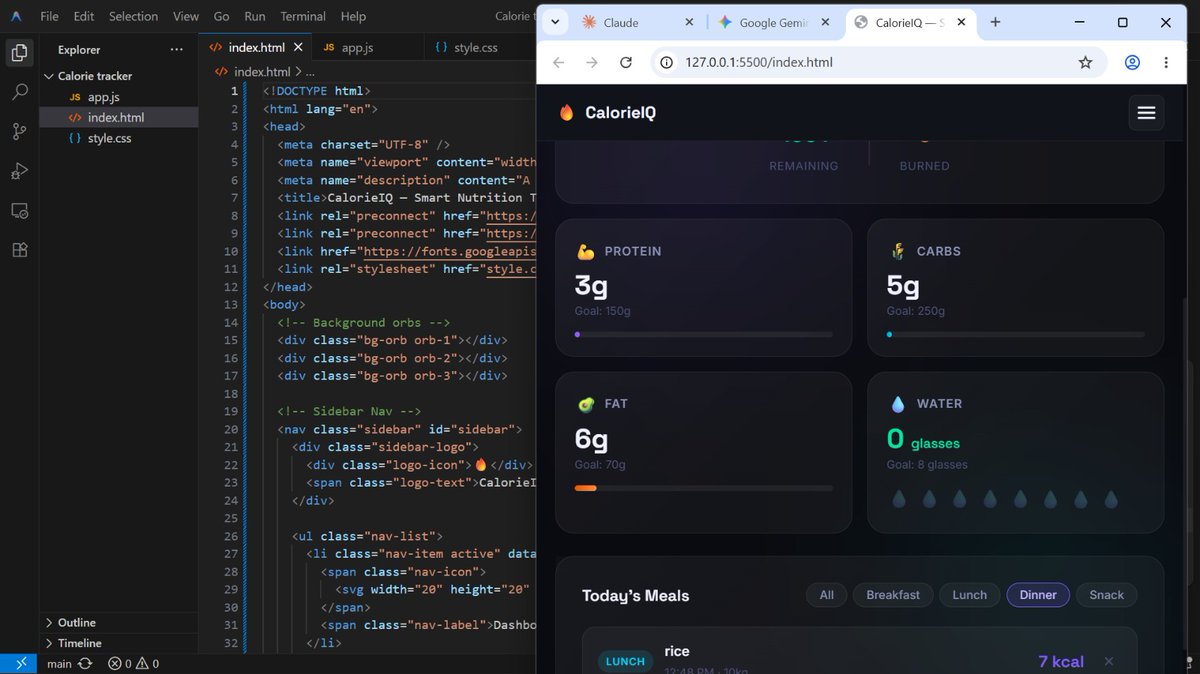
Started learning Prompt Engineering recently 👀 Tested different prompts with Gemini and Claude, and the outputs/reasoning were completely different. AI workflows are actually more interesting than I expected 😅 #devanddesign #AI #PromptEngineering #BuildInPublic
Chima_Design tweet mediaChima_Design tweet media
English
0
0
1
38
Chima_Design
Chima_Design@chima_w_·
Today, I had my first class for the Product (UI/UX) Design & Engineering program at @devanddesignhq 🚀 Excited to keep learning, improving my design thinking, and growing my skills in building better digital products. One step at a time 😄✨ #promptengineering #devanddesign
Chima_Design tweet media
English
0
1
5
165
Chima_Design retweetledi

Anthropic
Anthropic@AnthropicAI·
We’re partnering with the Gates Foundation, committing $200 million in grants, Claude credits, and technical support to programs in global health, life sciences, education, agriculture, and economic mobility. Read more: anthropic.com/news/gates-fou…
English
446
266
2.8K
300.8K
Chima_Design retweetledi
Claude
Claude@claudeai·
New in Claude Code: agent view. One list of all your sessions, available today as a research preview.
English
1K
2.2K
28.9K
6M
Chima_Design retweetledi
Chisom Nwokwu🌟
Chisom Nwokwu🌟@tech_queen·
God has anointed me to do great things❗️
English
0
6
31
898
Chima_Design retweetledi
Hallelujah Challenge
Hallelujah Challenge@HC_XFamily·
Please Save the date. So you know and plan ahead. Please Share and spread the word. February was different and this would be even more different. Only for those who want to praise, pray and experience God ! 📆 5th-30th October 2026
Hallelujah Challenge tweet mediaHallelujah Challenge tweet media
English
19
798
2.5K
36.7K
Chima_Design
Chima_Design@chima_w_·
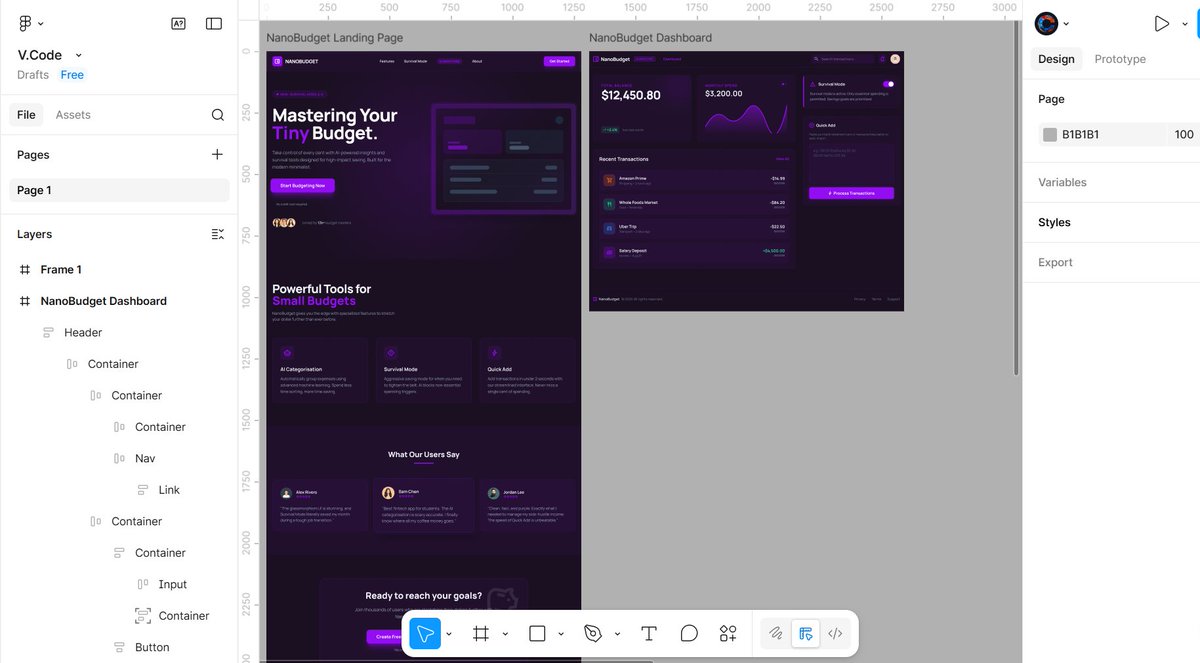
Built this responsive site in Figma with a smooth working gradient background animation… got to Framer and suddenly it’s not my friend again 😭 animation said “not today” someone help me abeg 😅 #UIUX #Figma #Framer #DesignLife
Chima_Design tweet media
English
0
0
2
71
Chima_Design
Chima_Design@chima_w_·
Working on a fintech project for Nigerian freelancers 🇳🇬💸 The goal: make it easy to receive USD, convert to NGN, and spend globally About 80% of this build is AI-assisted 🤖 Using AI for: Design system User flows, & more Still building… more soon #BuildInPublic #Fintech #AI #UX
Chima_Design tweet media
English
0
0
3
67
Phena
Phena@phena_designs·
I single-handedly got myself a MacBook Pro at 20!!😩❤️ Glory to God! I’m soo proud of myself!! Congratulations to me! 🎉🎉🥳❤️❤️
Phena tweet media
English
71
3
239
3.3K
Chima_Design
Chima_Design@chima_w_·
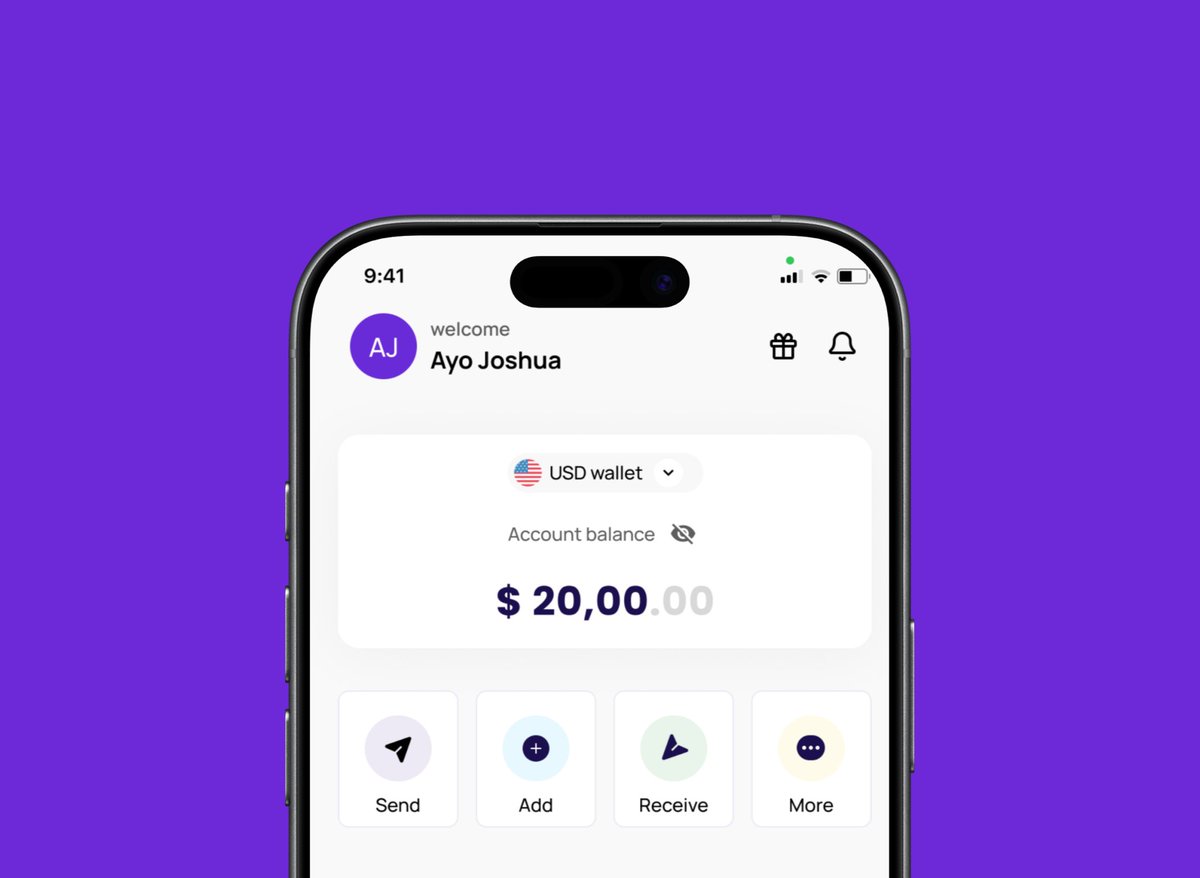
Designing this wallet UI made me think about privacy in fintech apps 👀 Not everyone wants their balance visible all the time. So I added a simple hide/show toggle — small feature, but gives users control. Good UX isn’t always complex. #UIUX #Fintech #Design
Chima_Design tweet mediaChima_Design tweet media
English
0
0
3
55
Chima_Design retweetledi
designwithkingsley
designwithkingsley@desgnwitkinsley·
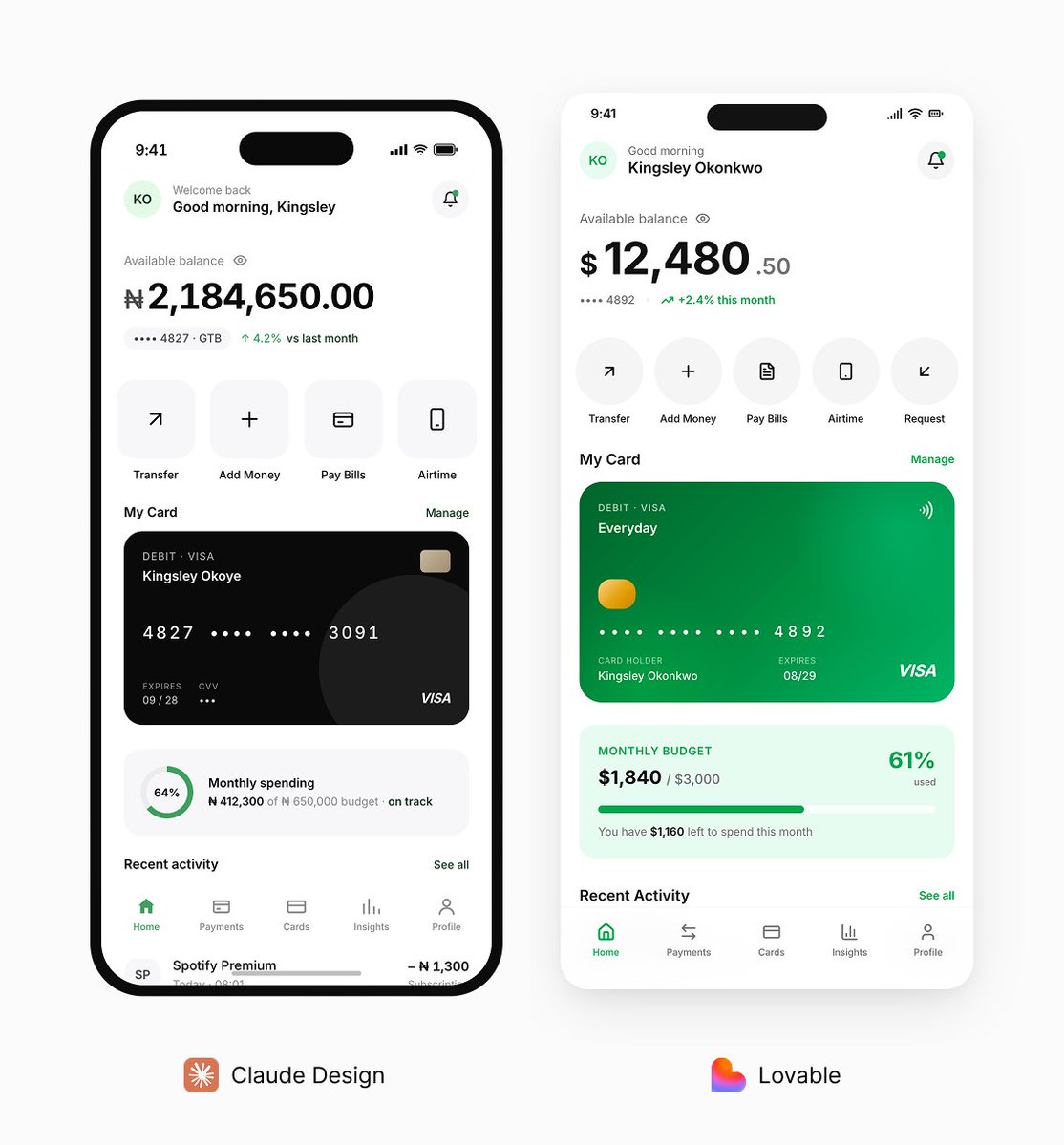
Same prompt different design. Between Claude Design and Lovable. Which one would you rather go with. Prompt: Design a simple, high-fidelity mobile banking app Home screen only for a mobile device. Color direction: - White background across the entire screen - Green as the only accent color for primary buttons, active states, icons, highlights, and important UI elements - Black for all primary text - Use very light gray only where necessary for subtle separation, but do not let gray dominate the interface UI style: - Clean, minimal, modern, premium fintech look - Flat design only - Do not use drop shadows anywhere - Do not use strokes, outlines, or visible borders around cards, buttons, sections, or containers - Use spacing, layout, color, and typography to create hierarchy instead of shadows or borders - Keep the interface realistic, polished, and production-friendly - Make it feel trustworthy and easy to use - Do not overcrowd the screen Design only the Home screen and include: 1. Top header - Greeting such as “Good morning, Kingsley” - Small profile avatar - Notification icon 2. Balance section - Available balance - Hide/show balance toggle - Masked account number or account ID - Optional small savings or account insight 3. Quick actions Include 4 to 6 actions: - Transfer - Add Money - Pay Bills - Airtime - Request Money - Cards 4. Account or card preview - One simple debit card or linked account preview - Keep it elegant and minimal 5. Recent transactions - Show 4 to 5 realistic transactions - Include merchant/person name, date or time, and amount - Mix debit and credit entries 6. Financial insight - Add one small insight card such as monthly spending, savings progress, or budget left 7. Bottom navigation - Home - Payments - Cards - Insights - Profile Important constraints: Only create one Home screen Do not generate extra screens or flows Do not add decorative mockup effects Do not place the screen inside a phone frame Do not use gradients unless extremely subtle Do not use glassmorphism Do not use neumorphism Do not use floating cards with shadows Keep every section aligned and visually balanced Make it look like a real banking app someone would use every day
designwithkingsley tweet media
English
57
46
673
34.2K