
draarong
2.6K posts


@PsychiatristCNS Error in PsychCase360: Balancing Psychiatric Stability and Cardiometabolic Health in Patients with Bipolar I Disorder: SGAs *block* (not stimulate) 5-HT2C receptors
English
@ReadwiseReader Thank you for the hard work on the thoughtful updates! (just read Reader Public Beta Update #8) ❤️ 🙏
English
@midnight_alarm_ Hey, it looks like critical alerts work now! I was just coming to see if you are still developing it? I want to switch from Alarmy but really need the ability to limit the number of snoozes or I won’t get up 🤦♂️
English

Anyway, hopefully we get better native alarm APIs (they exist in Android). Let me know if you have any questions or comments.

English
Update about Midnight - unfortunately, Apple removed the critical alerts entitlement that we were using, so any future updates to the app will break it. Here's the plan:
English

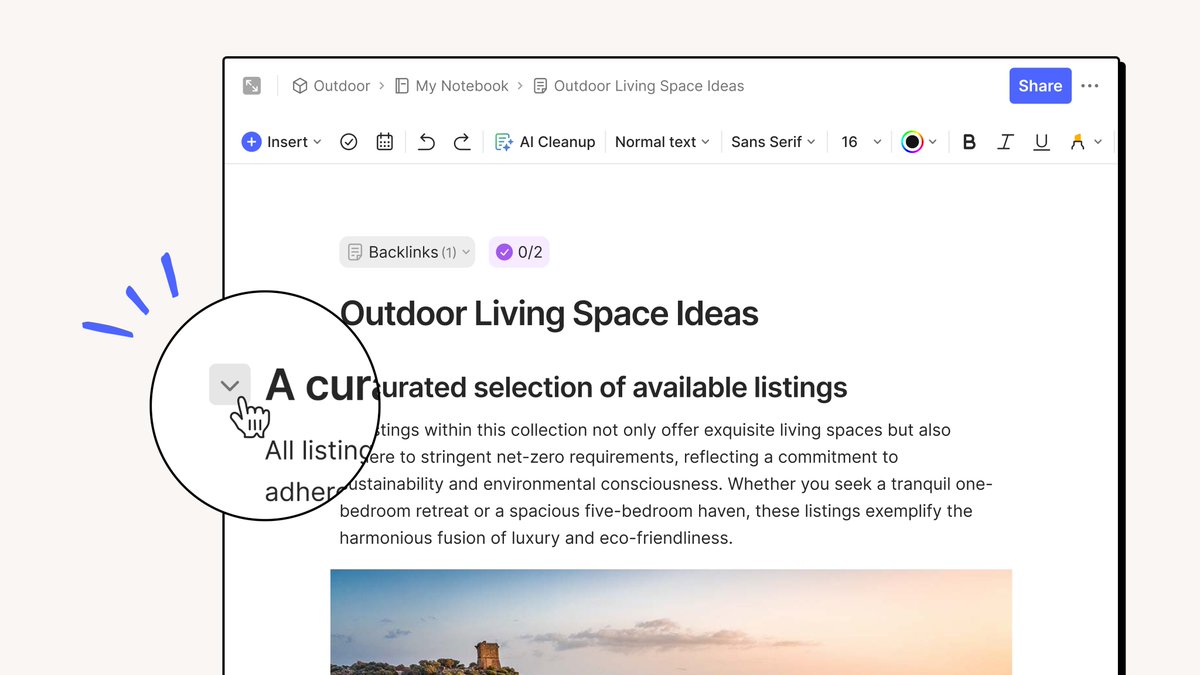
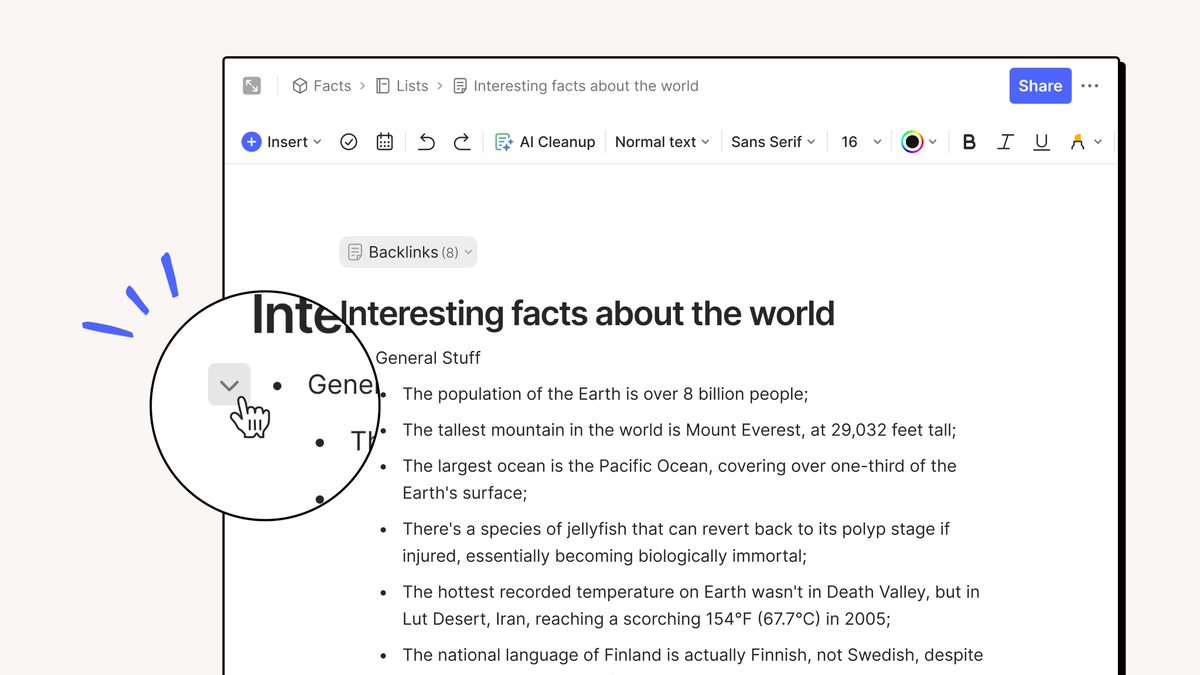
Sometimes you want to see all the details—sometimes just a quick scan of the headers will do!
With Evernote’s new collapsible sections, you can choose the approach that works best for you. Collapsible sections are now applied to text formatted as headings and numbered/bulleted lists.
Available in 10.80 on Desktop & Web (rolling out now).
English
@DonnieCranfill @evernote Hey @evernotehelps: The menu item "Slash commands" suggests will list commands. I only figured out what it actually does when poking around trying to figure out how to turn on the collapsable blocks! The menu item title should instead be "Inline hints" 😉
English

@evernote PLEASE make the new "/" gray area on every line go away ... make it a keystroke command ... great for that ... but NOT on every line in your work progress ... so distracting ... love Evernote ... but this is a poor poor design concept ... hate to say it, but it is awful ...
English
@DonnieCranfill @evernote Good news: if you mean the tip "Press / to insert an element" that shows on every blank line (at least on web, not on Mac), you can turn that off via the "..." menu in upper right → "Slash commands" → "Hide inline hint"!

English
@TransistorFM Please add @snipd_app in your list of subscription instructions. I'm listening to podcasts again since I started using Snipd: with a touch (or headphone button), you mark "snips" of audio that are summarized with AI. Connects to @readwise too!
English
@NotionHQ Dragging blocks with Apple Pencil should be effortless, but it's a crazy MANY-step process requiring COMBINATION of careful finger and Pencil taps. Makes Notion unusable for entering data on iPad 😢😢😢 I show a brief video of how bad it is: reddit.com/r/Notion/comme…
English
@Bertjanvd @KevinBenSmith @snipd_app You can also see which snips you have edited and which you haven’t, so if you want to look at each one, it’s easy to tell which one you have “touched” already. Continues to be brilliant😆
English

@KevinBenSmith @snipd_app Nice! Will there be a possibility to pick the actual quote as a note? Some oneliners are just to good to be AI rewritten
English

Note-taking from podcasts has never been easier!
🎧 Just tap your headphones
🤖 Let @snipd_app AI do the rest
English
@Bertjanvd @KevinBenSmith @snipd_app You can also click in the transcript to change where the snip starts and stops. The AI then re-generates the summary (and whenever you look at the summary, the transcript is also available). It’s brilliant!
English
@NotionHQ After about a half hour I can finally reliably select multiple blocks on iPad reliably, using MANY steps and a combination of the Apple Pencil and my finger 🤪
I show it here: share.zight.com/Blu2AzEg
This experience definitely needs to be improved 😆
English
@Toontrack any plans to put EZdrummer & EZKeys to work with Logic Pro for iPad?
English
@xlnaudio any plans to support Logic Pro for iPad (especially @AddictiveDrums?)
English
draarong retweetledi

Capitalism is so great is has to be bailed out by socialism every 4-7 years
English