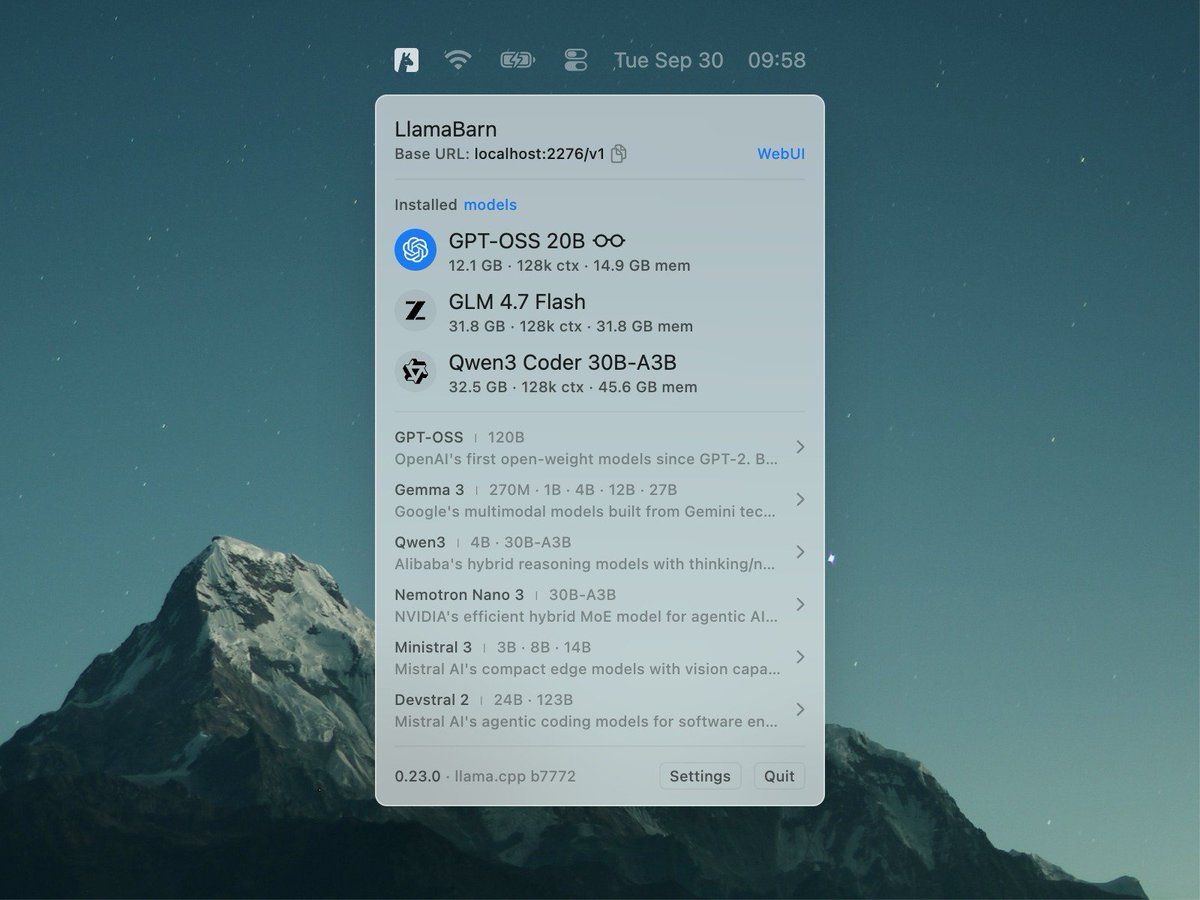
@iddar@ggerganov@erusev I've downloaded and run a quantized version of model with LlamaBarn, now i want to run llama server with "api" key. I need to know a model name for that, to run the same model without new download?
@erusev@fishright@ggerganov I thought the mention of the API endpoint http://127.0.0.1:8080/v1 should be helpful for newbies like me. Okay, maybe it's not necessary.
@MamillAI@fishright@ggerganov I'm afraid I still don't understand. Can you share a specific use case that you have in mind? What is it that you would like to achieve? Thanks!
@erusev@fishright@ggerganov Sorry, I mean I have to provide local llm endpoints (API Key) to execute a workflow. Can those details be handy at LlamaBarn.
@iddar@ggerganov macOS often deletes files in /tmp, perhaps this is what happened.
Can you try to run it again and see if the .log file appears?
Also, is this Qwen3-VL-specific or does it freeze for other models as well?
Thanks 🙏
@ggerganov@erusev “Curated list” I see the model downloader, and the memory calculator, but nothing jumps out at that says “don’t worry, you won’t fall into the ollama Modelfile/hf repo disconnect hell”
@iddar@ggerganov Could you please take a look at /tmp/llama-server.log and see if you can spot any issues there? It might give us some clues about why it froze.
@ggerganov@erusev I installed it from brew and when I tried to launch Qwen3-VL 2B on a 24GB Macbook Pro M4, it froze. Using llama.cpp compiled from Git works fine.
@jayrodge15@ggerganov LlamaBarn doesn't replace webUI, it builds on top of it — it's a thin wrapper of llama.cpp — when you run a model in LlamaBarn it starts the llama.cpp server and the llama.cpp webUI.
@kanwisher@ggerganov The idea is to make it easy to run an LLM on your device and then connect that LLM to whatever you want — similar to how you connect to a Wi-Fi network and use that connection in any app you want.
@kanwisher@ggerganov > Can we hook in some tools
Can you elaborate on that? It runs the llama.cpp server and while running, you can connect to it via the same oai-compatible api.
A couple quick feedback
1) lots of people mentioned finding it
2) An initial onboarding screen that tells the user what it does and installs their first model
3) For the web gui there a few missing features that are in librechat.ai I would copy
3a) Artifacts for code, so if I have 10 files they group together
3b) forking discussion
4) Can we hook in some tools?
4a) Memory
4b) Websearch
4c) Rag
5) Mcps?
It looks like a good first start. Look forward to it taking over other webuis