DanFei
1.2K posts

DanFei
@fy360593
Creator, Prompter, Developer PromtWall:https://t.co/Ct2o113IAS ComfyUI Alternative:https://t.co/gt27SkffUu WorkList:https://t.co/KtDOuije0N


Simple is best sfw

I tried recreating the viral Twitter workflow using GPT Image 2.0 + Seedance 2.0 to produce cinematic-level videos. Step 1: Use a prompt template to describe the scene and characters, and let GPT expand it into a fully structured prompt. Step 2: Generate a complete storyboard using GPT Image 2.0. Step 3: Feed the storyboard into Seedance 2.0 to generate a cinematic video based on it. Simple workflow, but the output feels surprisingly close to a real film pipeline. Everyone can be a film maker. prompt template 👉 chatgptimage.art/image-prompt/i…


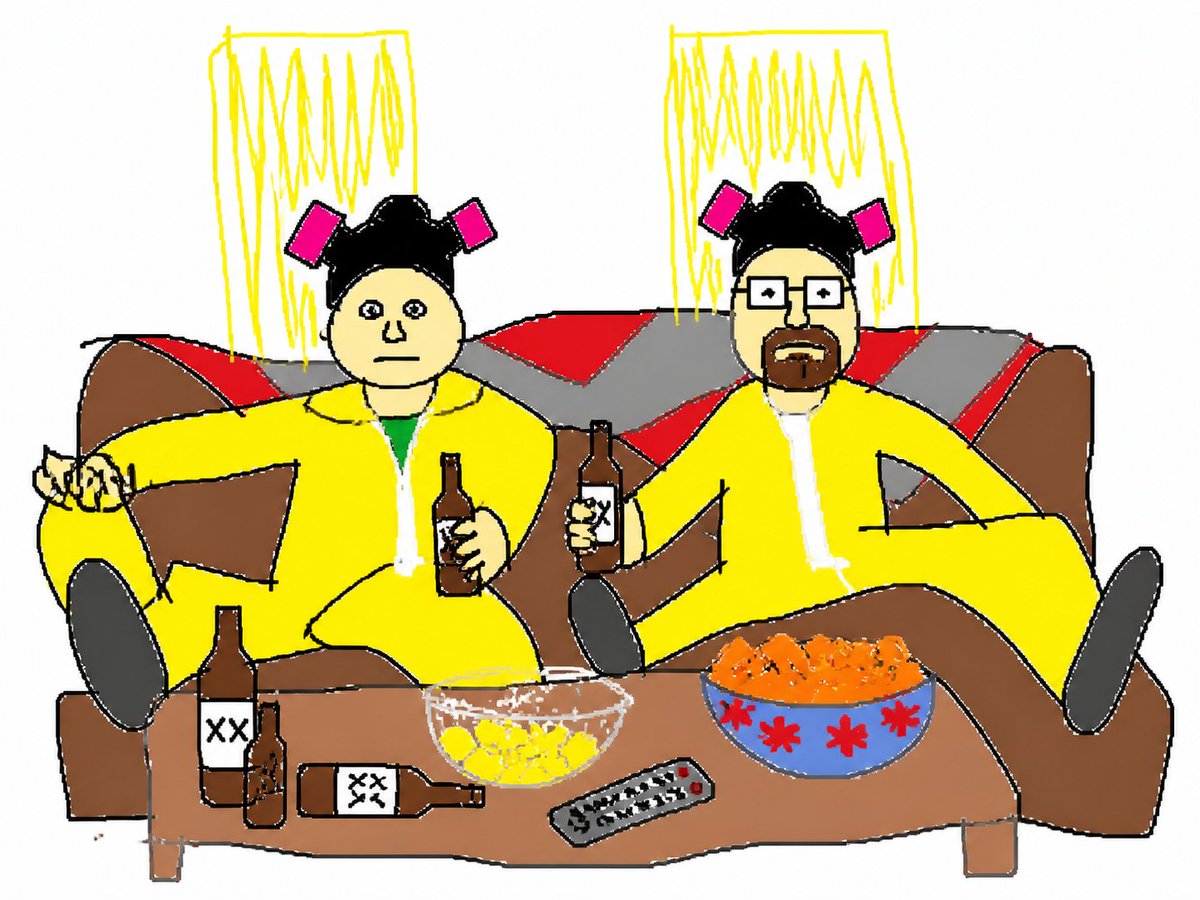
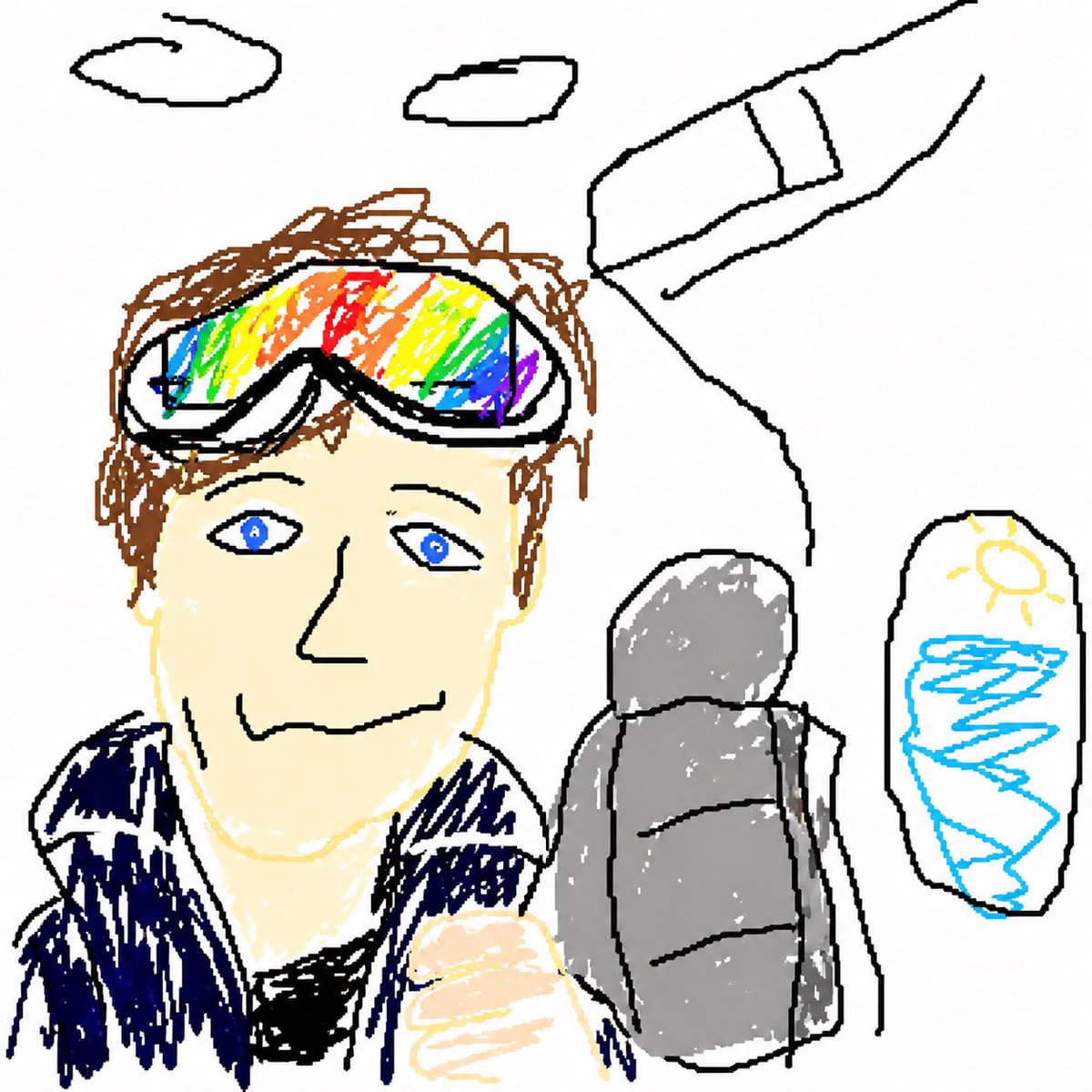
This GPT Image 2 prompt is going insanely viral right now. “Redraw the attached image in the most clumsy, scribbly, and utterly pathetic way possible. Use a white background, and make it look like it was drawn in MS Paint with a mouse. It should be vaguely similar but also not really, kind of matching but also off in a confusing, awkward way, with that low-quality pixel-by-pixel feel that really emphasizes how ridiculously bad it is. Actually, you know what, whatever, just draw it however you want.”


new ChatGPT trend ppl are changing their profile into cute crayons drawings here’s the prompt you need 👇 show me what you cook Prompt: Rework the given image into a crayon-style illustration, transforming the entire scene into something that feels hand-drawn by a 10-year-old. Keep the forms simple and slightly imperfect, like a child’s drawing. Avoid using the original color palette—replace it with bright, playful crayon colors on a clean white paper background. Aim for a soft, cute, and innocent aesthetic. Incorporate fun, childlike details such as castles or towers, candy, stars, clouds, and other whimsical decorations to amplify the playful vibe. The final result should feel charming, colorful, and full of childlike imagination.