Gabe Clapper retweetledi
Gabe Clapper
54 posts

Gabe Clapper
@gabeclapper
Design leader at @LabsDotGoogle. https://t.co/AuftvILKOP Author of best practices for designing AI products: https://t.co/y3qmlhPgti
Seattle, WA Katılım Nisan 2012
174 Takip Edilen182 Takipçiler
Gabe Clapper retweetledi

🚨NEW LABS EXPERIMENT🚨
Introducing Project Genie, an experimental prototype that lets you create and explore infinitely diverse worlds! Prompt with images or text to create a living, expanding world that builds itself in real-time around you.
Access is rolling out today to Google AI Ultra subscribers (US only, 18+)
Learn more: labs.google/projectgenie
English
Gabe Clapper retweetledi

Project Genie is rolling out for AI Ultra members in the USA. It's an experimental tool that allows you to create and explore infinite virtual worlds, and I've never seen anything like this. It's still early, but it's already unreal.
Nano Banana Pro + Project Genie = My low-poly cowboy dreams fulfilled.
Learn more ➡️labs.google/ProjectGenie
🧵Here’s how I did it
English
Gabe Clapper retweetledi

Starting today for Google AI Ultra subscribers, creating with Nano Banana Pro in Flow means mastering the elements and the lens with precision and control.
Watch @sanchitsawaria break down how to transform a single static frame into a cinematic shot: ✅ Change focus to guide the viewer's eye ✅ Prompt "make it rain" for photo-accurate physics ✅ Animate using first and last frame while keeping the subject consistent.
Control the weather. Direct the camera.
English
Gabe Clapper retweetledi

Today, we’re launching our newest gen AI experiment in @labsdotgoogle: Whisk. Instead of generating images with long, detailed text prompts, Whisk lets you prompt with images. Simply drag in images, and start creating.
English
Gabe Clapper retweetledi

Using NotebookLM to remember everything you've read.
On Hard Fork I talked about my collection of 8K quotes. I have them in a single notebook which effectively gives me a personalized AI grounded in the most important ideas I've read.
Here's how to build your own version...
A lot of folks have asked how I get 8,000 quotes into a single notebook, when currently notebooks are limited to only 50 sources. The key thing is that each source can have up to 500,000 words in it, so if you can compile your quotes into giant documents, you can easily fit a quote collection of that size into a single notebook. (You could almost have 80,000 quotes in fact!)
1. Use e-readers to highlight passages in books you read.
2. Use the amazing service @ReadWise to collect and organize all your quotations in one place. (They can be web clippings as well.)
3. When you have your quotes imported into ReadWise, choose the ones you want to add to a notebook (or select them all) and use Readwise's Export to Docs feature, which will format each quote so that it works brilliantly inside of NotebookLM. (Author, title, and page number will be attached to each quote.)
4. Once those docs have been created, add them all as sources to your "reading history" notebook
Once you have those sources loaded, you can ask questions, brainstorm, explore new ideas -- all with an AI that has effectively read everything significant that you've read. And of course, you can always click on citations to jump back directly to the original quotes themselves.
In this thread I've posted a few screengrabs of the range of queries you can use in a notebook stocked with your reading history...
youtu.be/VyQox7MMjG8?si…

YouTube
English
Gabe Clapper retweetledi

Introducing Veo: our most capable generative video model. 🎥
It can create high-quality, 1080p clips that can go beyond 60 seconds.
From photorealism to surrealism and animation, it can tackle a range of cinematic styles. 🧵 #GoogleIO
English
Gabe Clapper retweetledi

I wrote up a detailed guide for using NotebookLM as a research tool, integrating both web clips and book quotations as sources. Having a single notebook with 7,000 quotes from books I've read over the years has transformed the way I research and write. 🧵⬇️
stevenberlinjohnson.com/how-to-use-not…
English
Gabe Clapper retweetledi

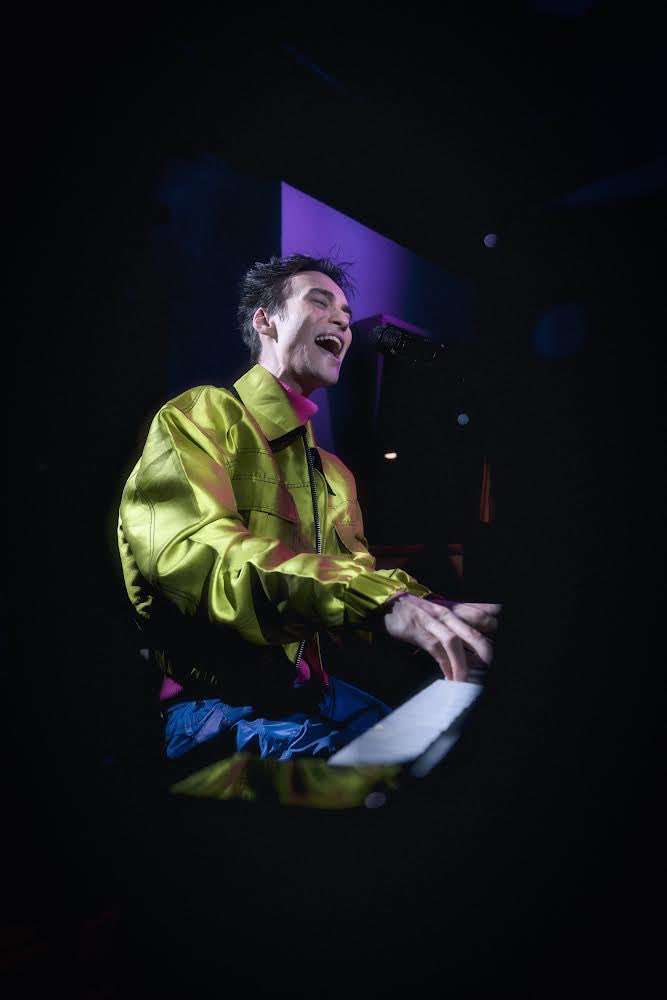
Our team has been collaborating with @jacobcollier on pushing the boundaries of music and creativity. So glad we could celebrate the release of Djesse Vol. 4 — looking forward to what’s to come! 🎶 🫶


English
Gabe Clapper retweetledi

Yeah, so @GoogleDeepMind ImageFX generated these and I'm honestly pretty blown away.


Manhattan, NY 🇺🇸 English
Gabe Clapper retweetledi

Gabe Clapper retweetledi

🖼 Introducing ImageFX in @LabsDotGoogle.
This new tool offers users a powerful interface to quickly and safely explore image generation.
Find out more. → dpmd.ai/imagefx
English
Gabe Clapper retweetledi

Introducing #ImageFX ✨ a new image generation tool powered by Imagen 2, Google's most advanced text-to-image model. We’re excited to add this to our suite of generative AI tools at Labs, and to help bring your most creative ideas to life. Try it out: g.co/labs/ImageFX
GIF
English
Gabe Clapper retweetledi

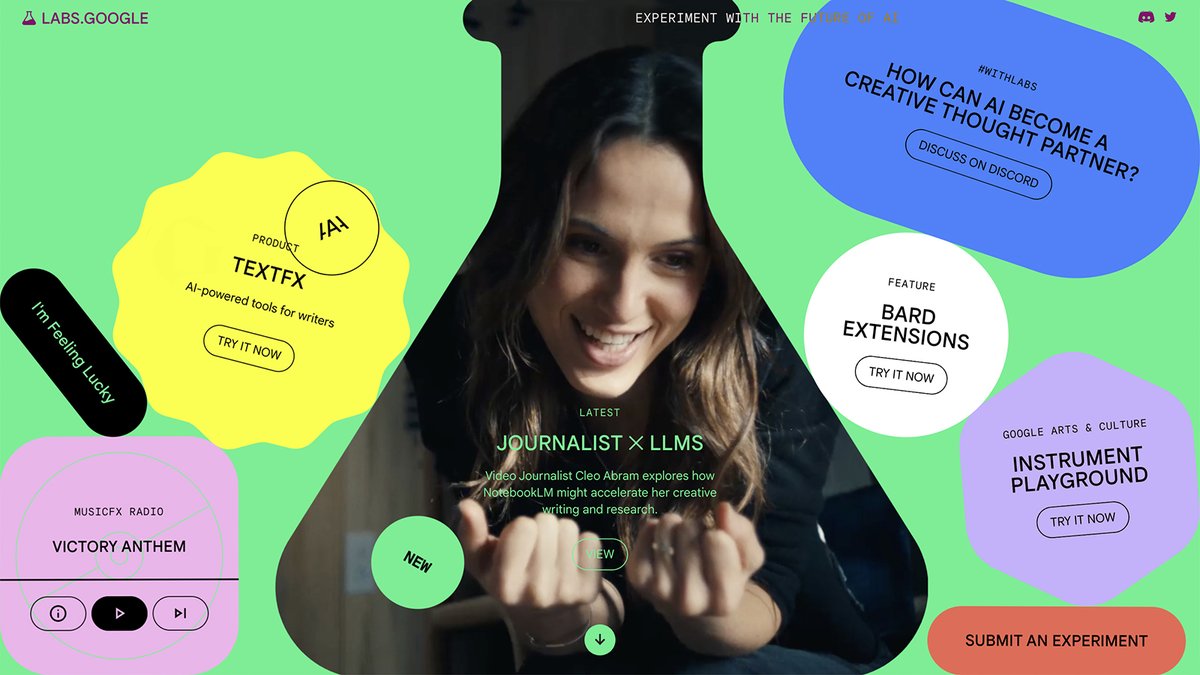
And…we’re live! Stop by our newly refreshed labs.google site to play with our latest AI experiments: #TextFX and #MusicFX. We'd love to see what you make #WithLabs, tag us with your creations.

English
Gabe Clapper retweetledi

NotebookLM, the AI-powered “tool for thought” I’ve been working on for more than a year, launches in U.S. today. It’s been such a treat working with the team at Google Labs to make it a reality—software I’ve been dreaming about for more than thirty years. notebooklm.google
GIF
English

So excited to finally be able to share the AI Test Kitchen which we announced at I/O and is available NOW.
Check it out and go sign up! 👇
Google@Google
Meet the #AITestKitchen, a rotating set of experimental demos designed to give you a taste of what’s becoming possible with AI in a responsible way. Learn more and reserve your spot to try it out ↓ blog.google/technology/ai/…
English