griptape

482 posts

griptape banner
griptape

griptape

@griptapeai

AI for creatives: create more, faster, without compromise. Node-based workflow builder, AI Application Framework, and AI Cloud.

Seattle, WA Katılım Nisan 2023
417 Takip Edilen590 Takipçiler
griptape retweetledi

Amaru Zeas
Amaru Zeas@Amaru_Zeas_3D·
Created in just 6 days by a solo filmmaker. Check out the first episode of my new mini-series, Steamed & Dangerous. Built using a hybrid pipeline of traditional VFX DCC tools and @griptapeai
English
2
1
33
65.8K
griptape
griptape@griptapeai·
Here’s a complete, node-by-node walkthrough of a face enhancement workflow using Foundry Griptape Nodes. This video demonstrates how to detect faces in an image, improve their detail and quality using an open-source diffusion model, and then merge the enhanced faces back into the original image for a final composite output. Generative Models used in this workflow: - Sample image Generation: Google Nano Banana Pro API node from the Griptape Nodes Standard Library - Face Detection: Ultralytics YOLOv8 Face Detection from the Griptape Nodes Advanced Media Library) - Face Segmentation: Meta AI SAM3 from the SAM3 Add On Library for Griptape Nodes (github.com/griptape-ai/gr…) - Face Detail Enhancement: Diffusion Pipeline Builder Node, with a custom pipeline using the FLUX-Krea-BLAZE (huggingface.co/MintLab/FLUX-K…) model, coupled with the Generate Image Diffusion Pipeline Node Note that the Krea BLAZE repo on hugging face only includes the .safetensors file for the model checkpoint. To use Krea BLAZE you must copy the other assets from the FLUX.1-Krea-dev repo at huggingface.co/black-forest-l… into the directory in your Hugging Face cache where the Krea BLAZE .safetensors file is located. The simplest way to do this is to pull the FLUX.1-Krea-dev using the Hugging Face CLI on the machine where your Griptape Nodes engine is running or the Griptape Nodes model manager and then copy the files using the CLI or file explorer on your engine machine.
English
1
2
5
161
griptape retweetledi
Amaru Zeas
Amaru Zeas@Amaru_Zeas_3D·
Get more control over camera work and character performance with @griptapeai Precision. Timing. Intentional storytelling.
English
0
2
13
93.4K
griptape
griptape@griptapeai·
In this video, Ian from Griptape walks through how to build a custom Color Matching node for Griptape Nodes using an AI coding assistant. The demo uses Cursor, but the same approach works with any modern AI coding tool. You will see how to create a node that transfers the color palette from one image to another. In the example, a gritty oil refinery palette is applied to a wheat field, producing a cohesive, post-industrial look. This kind of color consistency is especially useful when preparing assets for image-to-video workflows, animation, or multi-shot sequences. Ian breaks down the full development process step by step, including how to set up a clean node library, how to use the Griptape Nodes library template, and how to leverage the Node Development Guide as structured context for an AI coding assistant. He shows exactly how to prompt the agent with requirements for UI controls, parameters, outputs, and third-party color transfer algorithms. After generating the code, the new node is loaded into Griptape Nodes and tested against the original implementation. The result is a perfect match, demonstrating a successful one-shot generation. This video is a practical guide for anyone looking to extend Griptape Nodes with custom tools, whether you are a creative technologist, developer, or artist seeking more control over your workflow.
English
0
0
1
135
griptape
griptape@griptapeai·
Face Replacement with Flux 2 & Masks Discover how to use the new Workflow Template in Griptape Nodes to seamlessly replace a face in any image. This tutorial walks you through capturing an image with the Webcam node, using math nodes to ensure perfect sizing, and applying the Paint Mask node for precise edits. Powered by Flux 2, you’ll see how easy it is to create professional-grade composites, no coding required. Watch now and start experimenting with advanced image editing in minutes! youtube.com/watch?v=rZI9rP…
YouTube video
YouTube
English
0
0
0
103
griptape
griptape@griptapeai·
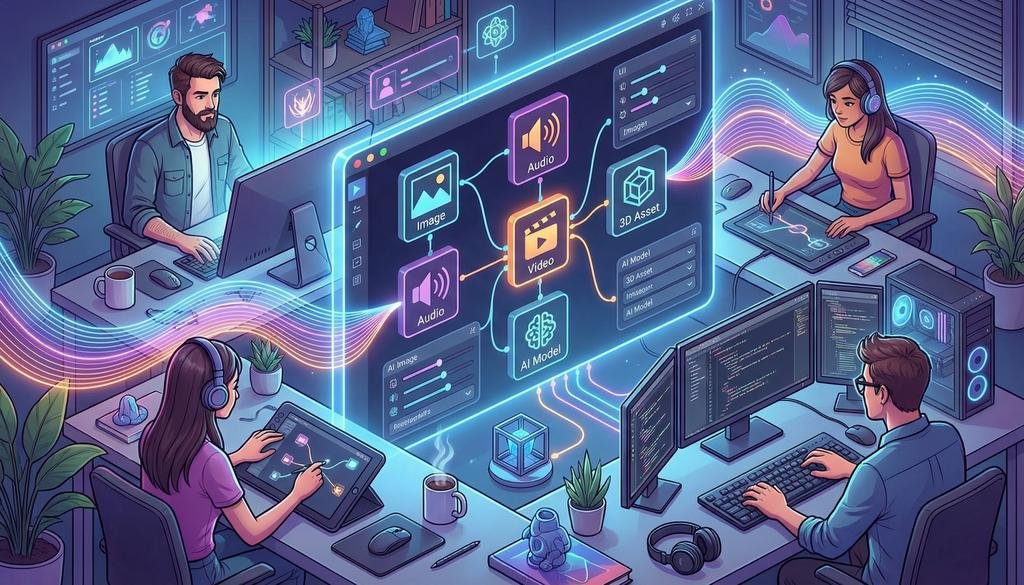
Launch and grow custom AI tools your creative team will actually use. Creative teams don't want another complex AI platform. They want tools that plug into their real workflows and "just work." With Griptape Nodes, developers can: 🧩 Build custom, visual nodes in Python that wrap your APIs, models, and proprietary tools 🎛️ Turn them into drag-and-drop building blocks for artists, game devs, VFX teams, and agencies 🤖 Use AI coding assistants (like Cursor, Claude Code, or Copilot) with our Node Development Guide to ship production-ready nodes faster. In our new post, Ian Massingham walks through: 📚 The core node types (DataNode, ControlNode, SuccessFailureNode) and when to use each 🛡️ Patterns for validation, error handling, and secrets management that make nodes "creative friendly" 🚀 How to package and share node libraries across your studio or with the wider Griptape Nodes community. If you're building AI-powered tools for creative pros, this guide is for you: griptape.ai/blog/building-…
griptape tweet media
English
0
0
0
63
griptape retweetledi
Wan
Wan@Alibaba_Wan·
Wan2.6: Commercial-Grade Image Output Wan2.6-Image is now available. 🖼️ Interleaved Text-and-Image Output:Generate interleaved text-and-image content with logical reasoning capabilities — enabling layered, narrative-driven visual storytelling. 🖼️ Multi-Image Conditioned Generation:Support flexible referencing, combining, and replacement of multiple images, integrating varied visual inspirations to generate novel and compelling results 🖼️ Commercial-Grade ID Preservation:High consistency in characters, styles, and elements for commercial scenarios. 🖼️ Extract creative elements — such as color, style, and composition — from reference images to enable aesthetically driven image generation. 🖼️ Precise Control of Camera Angles and Lighting:Support specifying camera perspective, spatial depth (foreground/background), and lighting details — enabling precise control over spatial composition and atmospheric mood. Try Wan2.6 today.
English
20
79
511
33.1K
griptape retweetledi
World Labs
World Labs@theworldlabs·
❄️ Marble Winter Competition ❄️ Our first ever community competition. Design, explore, and create winter or holiday themed worlds with Marble. Details in thread.
English
4
16
137
15K
griptape retweetledi
Amaru Zeas
Amaru Zeas@Amaru_Zeas_3D·
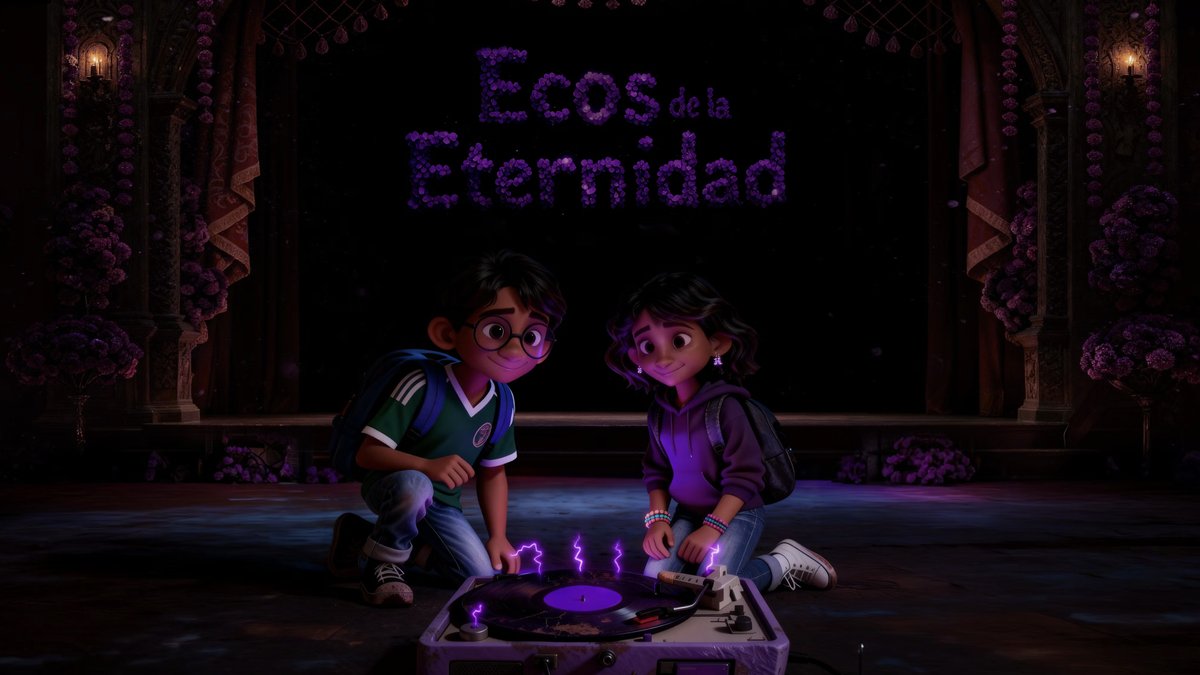
My film Ecos de la Eternidad is a TOP 11 FINALIST in the Film Animation & Anime category of the inaugural @chromaawards ✨🎥🌟 This global AI Film, Music Video & Games competition unites creators across the world, giving away over $1M in tools and awarding $175K in cash prizes. 🏆 Winners announced: SUN, DEC 21 — 5PM PT 🎥 Livestream: ChromaAwards.com Come support me and the 6,500+ amazing projects that entered! A special thanks to the powerful @griptapeai platform for making this possible. 🎬 Watch Ecos de la Eternidad ↓ lnkd.in/gsNTHQas Also big thanks to the sponsored tools used in my submission, including: @GoogleDeepMind , @elevenlabs
Amaru Zeas tweet mediaAmaru Zeas tweet media
English
0
1
2
133
griptape
griptape@griptapeai·
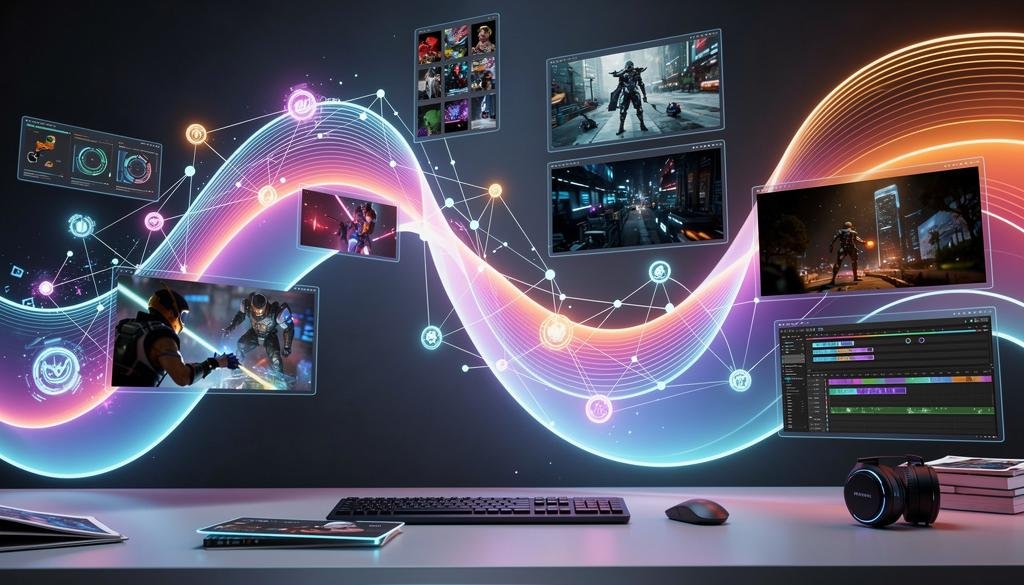
Latest AI Models Now Available in Griptape Nodes Creative professionals, this one's for you! We've just added two of the latest and most powerful generative AI models - @bfl_ml Flux 2 Max and @Alibaba_Wan WAN 2.6 - to Griptape Nodes. What's New: Flux 2 Max – Generate stunning 4-megapixel images with next-level detail, perfect for concept art, matte paintings, and high-res assets WAN 2.6 – Create advanced text-to-video and image-to-video content in 720p with 5, 10, or 15-second durations. A new multi-shot feature has been included for cinematic transitions. Why It Matters: No juggling multiple accounts or managing credits across platforms. Access cutting-edge AI models directly in our drag-and-drop editor. All you need is a Griptape Nodes account. Whether you're a digital artist, VFX creator, game designer, or advertising creative, these tools put professional-grade AI generation at your fingertips. Ready to create? Learn more about what's possible: griptape.ai/blog/the-lates… #GenerativeAI #CreativeTech #AITools #DigitalArt #VideoProduction
griptape tweet media
English
0
0
1
86