Sabitlenmiş Tweet

Susu
944 posts

@iamsusu__
Computer Scientist | Product designer💃🏻😊| User Experience designer | Educational content creator @Dezignhers | volunteer @oppia | Alumni @outreachy











Why Figma Is All You Need to Start Illustrating Most people think Figma is only for UI/UX. But the truth is @figma is one of the most underrated illustration tools out there. Learn it properly, and you can create illustrations that rival those made in Illustrator or any other tool. Here’s why Figma is a cheat code for illustrators: 1. Simple Learning Curve: You focus on shapes, colors, and composition instead of fighting the tool. 2. The Pen Tool: Extremely beginner-friendly, perfect for clean, precise vector art, no intimidation. 3. Non-destructive Workflows: Every shape, curve, and color remains fully editable. 4. Live Smoothing + Snapping = Perfect Curves: Your lines look professional from day one. 5. Unlimited Components & Reusable Assets: Build characters, props, and styles once, reuse them forever. 6. Gradients and Blends: Beautiful, simple, and clean, no complex panels or brushes needed. 7. It’s Lightweight: Minimal lag, no heavy files, no crashes. 8. It’s FREE to Start: The biggest game-changer for beginners. Figma truly has everything you need for stunning vector illustrations. I’ve used it, tested it, pushed it beyond my expectations and I’m still discovering more. If you want to learn vector illustration without feeling overwhelmed, Figma is the safest, most powerful entry point.
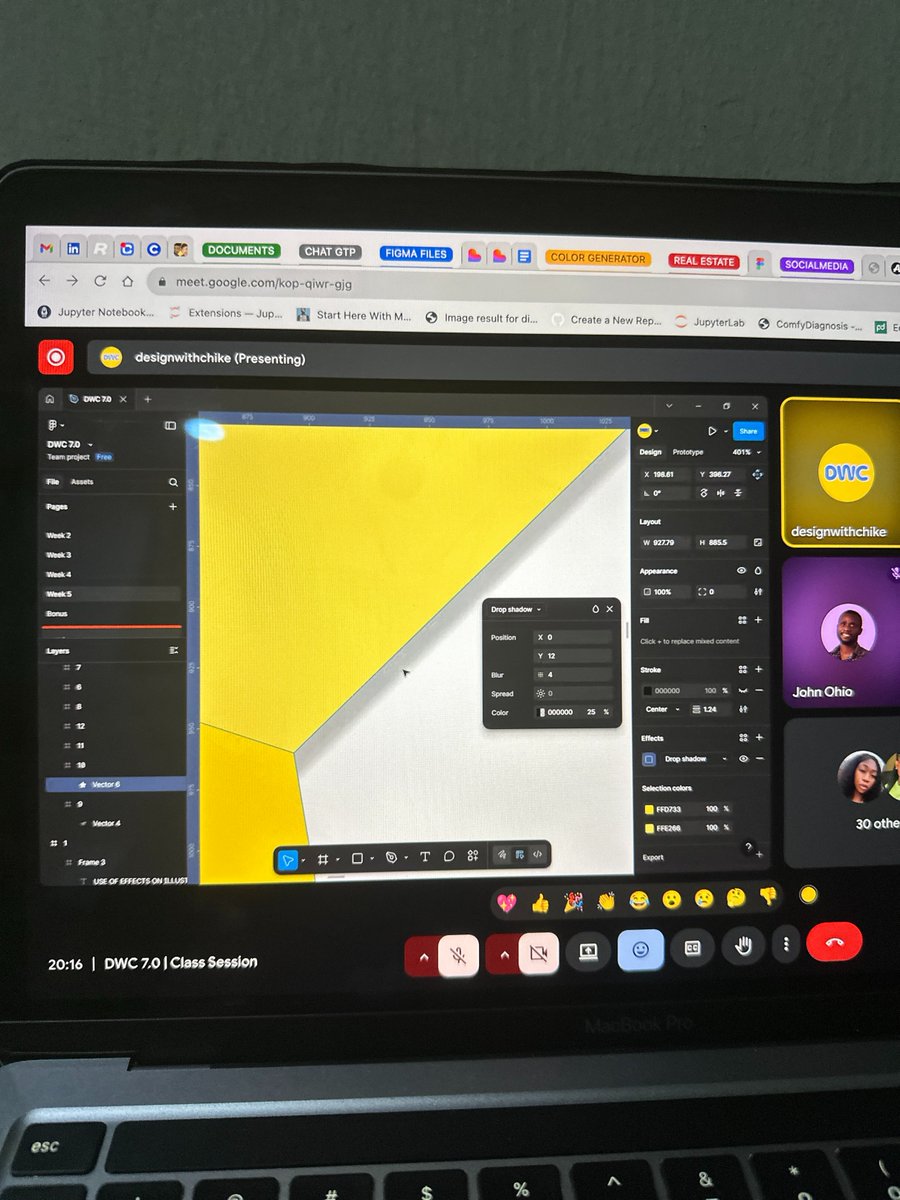

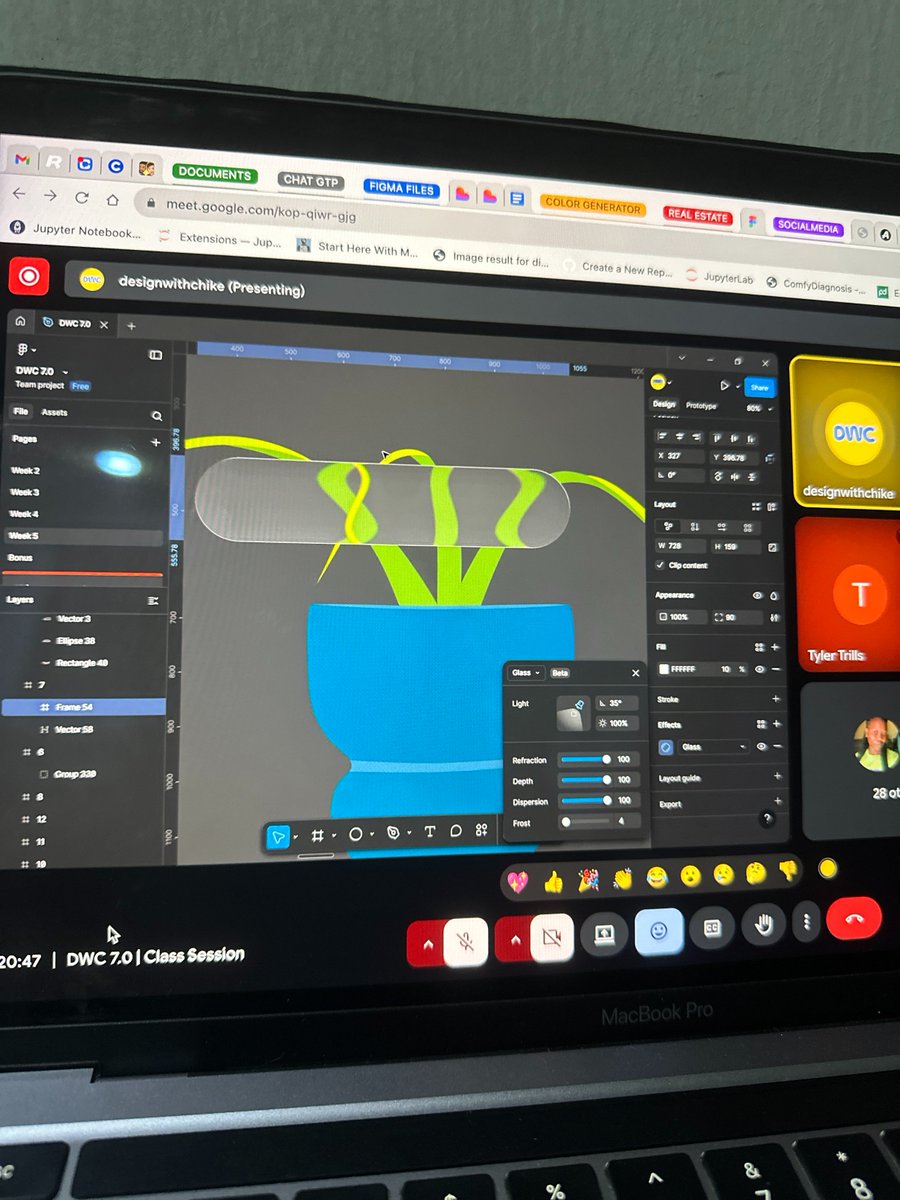


Just wrapped up another fun task from my illustration class with @designwithchike I recreated this classic character using clean lines, bold shapes, and subtle expression work, focusing on form, attitude, and simplicity. Loving how much I’m growing through each session 🎨


Week two task submitted. It was a bit challenging, but I think I conquered my fears @designwithchike