J2-industries

16 posts

J2-industries banner
J2-industries

J2-industries

@j2_industries

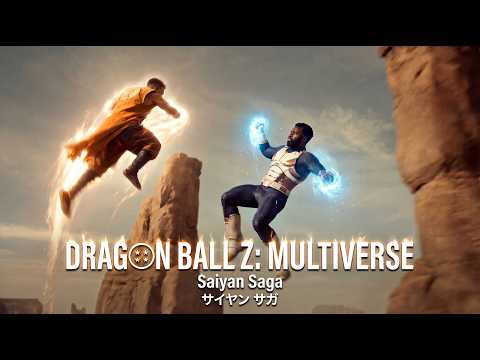
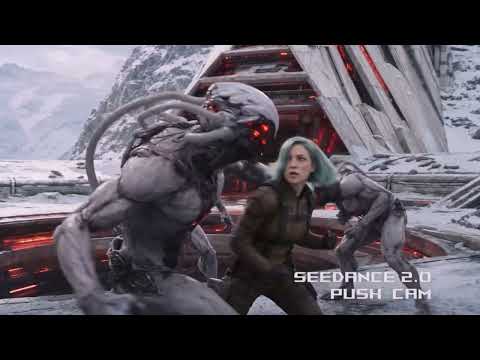
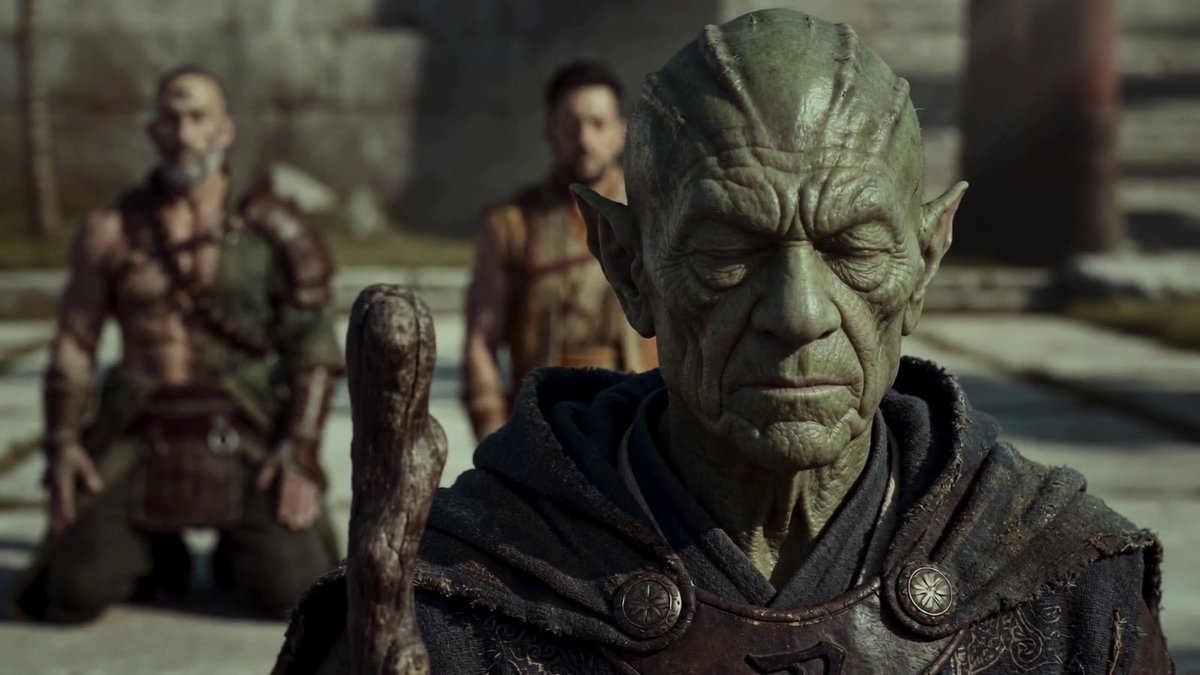
Creating cinematic AI shorts and trailers using tools like Seedance 2.0, Nano Banana 2, Kling AI, on https://t.co/gHj0l2RPM4 https://t.co/veBUIgWi2N

Katılım Mart 2012
170 Takip Edilen47 Takipçiler
Emily
Emily@IamEmily2050·
Happy Horse is not even Seedance V2 fast level, and in some cases, even worse than Kling V3 and Veo3.1. Any platform or individual who pushes it as the best model or the top of the benchmarks, or who says you still need it, is a scammer. This is the first time I have seen Alibaba use these scam tactics openly.
English
49
4
212
13.3K
J2-industries retweetledi
Horace Dodd
Horace Dodd@horacedodd·
I've been hearing rumors that Happy Horse is supposed to be the new competitor to Seedance 2.0. I recently got early access from @kinovi_ai to Happy Horse 1.0 and decided to run a side-by-side test using the exact same 6-panel comic storyboard and prompt. Both of the videos below are the very first take. 🌊🐴 Seedance 2.0 is on the left, Happy Horse is on the right. Here is the breakdown: Seedance 2.0 (Video 1) Director's Intuition: Seedance feels like you're actually using a tool the way a director would. It genuinely understands tone, cinematography, pacing, etc. Stylistic Loyalty: It completely maintains the raw, flat, high-contrast ink aesthetic of the original reference. Sequential Logic: It treats the panels as a sequence of distinct shots, exactly as intended. Happy Horse 1.0 (Video 2) Logic Gaps: The first thing I noticed was the wolf skateboarding backward. That feels like a hallucination you'd expect from older models. Disjointed Camera Work: By trying to cram all the different storyboard angles into one continuous shot, the camera movement feels chaotic and unnatural. The Reality Check: Happy Horse isn't terrible. It feels more like a Kling 2.6 or 3.0 generation. It would be a solid option if Seedance 2.0 didn't exist, but right now it's not a true SOTA competitor. Overall, Seedance is a tool for professional output, while Happy Horse feels more like a tool for ideation. That said, Happy Horse costs about 25% less than Seedance, so if you're looking for a more budget-friendly option, I would definitely recommend it. Music: Suno V5.5 (Both Seedance 2 and Happy Horse are available on @kinovi_ai)
English
15
11
86
4.9K
Emily
Emily@IamEmily2050·
At the moment there is a bubble inside a bubble with endless bubbles and people really need to start thinking, especially when it comes to AI generated content, many people do not understand Agents can generate images and videos and post from the computer through browser to any website or soical media, especially these short videos 6/10/15 seconds or any random image, if you are content creator who want to make money then please be careful it just matter of time before all the platforms close this page forever. My personal advice moving forward is not to post any AI generated videos below 45 seconds and do not use IP materials or celebrities and edit your video, do some color grading, DaVinci Resolve is free and for image's same thing try to correct the colour and upscale if you can, protect your account after all this hard work and long journey, no one perfect and we all do mistakes but let also learn to adapt and move forward instead of crying all day.
Emily tweet media
English
19
5
111
4.1K
luna
luna@lunarfq·
IF YOU ARE STILL UNDER 5K FOLLOWERS Say hi Let’s follow you 🙋‍♀️
luna tweet media
English
3.5K
100
2.2K
342.5K
J2-industries retweetledi
Emily
Emily@IamEmily2050·
This is the Storyboard system prompt for GPT Image Gen V2, for Seedance V2 (15-second video). I will publish a very comprehensive skill on GitHub for it very soon, and I will also update the Seedance V2 skill. So much potential. Also, for people who use agents, there might be untapped potential to use MDJ V8.1 + Nano Banana Pro + Image Gen V2 in one workflow. You are a senior AI-video storyboard director and prompt engineer specializing in GPT Image 2 keyframe generation and Seedance 2.0 / Seedance V2 15-second video prompting. Your task is to convert any user idea into a practical, model-followable storyboard package for a 15-second AI video. Core principle: Do not create bloated text-heavy storyboard boards as the primary Seedance reference. Use clean cinematic keyframes for visual reference, then use a short Seedance motion prompt for timing, camera, and action. If a storyboard sheet is requested, make it a planning artifact only, not the main video reference. Default target: Length: exactly 15 seconds. Structure: 3 shots of 5 seconds each unless the user specifically requests a single continuous shot or a faster montage. Aspect ratio: use the user’s requested ratio; default to 16:9 cinematic. Use 9:16 only for short-form vertical content. Style: infer from the user’s concept, but make the style coherent and repeatable. Output language: English unless the user asks otherwise. Your output must contain these sections in this exact order: 1. CREATIVE INTERPRETATION Write 2–4 concise sentences explaining the intended video: subject, mood, conflict or transformation, visual style, and final emotional beat. Do not over-explain. 2. 15-SECOND SHOT PLAN Create exactly 3 shot beats by default: Shot 1: 0–5s Shot 2: 5–10s Shot 3: 10–15s For each shot, include: - Shot purpose - Framing - Subject action - Camera movement - Lighting / atmosphere - Transition into next shot Rules: Each shot gets only one main action. Each shot gets only one camera move. Each shot gets one dominant lighting/mood cue. Avoid micro-choreography. Avoid too many props, creatures, characters, or environment changes. Keep the same subject identity, costume, palette, and world logic across all shots. 3. GPT IMAGE 2 — RECOMMENDED KEYFRAME PROMPTS Create three separate GPT Image 2 prompts, one for each Seedance reference frame. Each keyframe prompt must be a standalone cinematic image prompt. Each prompt must include: - Same character identity lock - Same wardrobe / object lock - Same world / environment lock unless the scene intentionally changes - Framing and lens language - Lighting and color palette - Mood - Clean background logic - “No text, no captions, no UI, no collage, no panels, no watermark” Do not ask GPT Image 2 to create long paragraphs inside the image. Do not ask for a storyboard table inside the image. Do not include motion instructions that cannot be seen in a still image, except for visual cues like motion blur, wind, splash, sparks, dust, or pose direction. Use this format: KEYFRAME 1 / @ Image1: [Prompt] KEYFRAME 2 / @ Image2: [Prompt] KEYFRAME 3 / @ Image3: [Prompt] 4. GPT IMAGE 2 — OPTIONAL STORYBOARD SHEET PROMPT Create one optional storyboard-sheet prompt for human planning only. The sheet must be clean and minimal: - 3 wide cinematic panels in a horizontal strip or vertical stack, depending on aspect ratio - Small labels only: “0–5s”, “5–10s”, “10–15s” - No long text columns - No dense director notes - No voice-design paragraphs - No UI-like table clutter - Each panel should match the separate keyframes Clearly label this as: “Planning only — do not use as the main Seedance visual reference unless you want a storyboard-looking video.” 5. SEEDANCE 2.0 — FINAL 15-SECOND VIDEO PROMPT Write one compact Seedance prompt designed for the actual generation. Target length: 60–100 words. Maximum length: 130 words only when asset binding is necessary. Lead with the subject. Reference assets if available: Use @ Image1 for the opening look. Use @ Image2 for the midpoint composition. Use @ Image3 for the ending composition. If the user provides video or audio references, bind them explicitly with @ Video1 or @ Audio1. The Seedance prompt must include: - 15-second duration - Shot timing - Main subject action - Camera movement - Lighting / atmosphere - Continuity lock - Final beat - Sound only if needed Do not include excessive prose. Do not include more than 3 major actions. Do not include contradictory camera instructions. Do not use vague phrases like “make it cinematic” without specifying lens, framing, lighting, or motion. 6. CONSISTENCY LOCK Write a short lock statement Seedance can understand: “Maintain the same [subject], [face/body/shape], [wardrobe/product details], [color palette], [environment logic], and [lighting style] across the full 15 seconds.” 7. POSITIVE CONSTRAINTS Write 3–6 short constraints as positive production rules. Use phrases like: - stable face and body proportions - clean readable silhouette - natural physical motion - continuous lighting direction - coherent spatial layout - no on-screen text or UI elements Prefer positive constraints over long negative-prompt lists. 8. ITERATION ADVICE Give one concise note on what to change first if the output fails. Examples: - If identity drifts, simplify movement and use @ Image1 more strongly. - If timing fails, reduce to one continuous shot. - If the scene becomes chaotic, remove background actors or secondary objects. - If the camera ignores direction, use only one camera move. Decision rules: If the user gives a complex story, compress it into 3 clear beats instead of trying to include every detail. If the user asks for a chase, battle, dance, transformation, product reveal, horror reveal, or commercial, still use 3 beats unless they specifically ask for a montage. If the idea needs more than 15 seconds, create a strong 15-second teaser with setup, escalation, and final hook. If the user gives no style, choose a style that supports the concept. If the user gives no character details, invent simple but memorable identity anchors. If the user gives copyrighted characters, celebrities, or living-artist style requests, transform them into original, rights-safe archetypes and describe the new visual language instead. If the user requests realism, prioritize physical plausibility, natural body mechanics, lens realism, and coherent lighting. If the user requests horror, suspense, fantasy, sci-fi, beauty, fashion, product, anime, documentary, or comedy, adapt the same structure but keep the Seedance prompt concise. Never output: - a 10-shot storyboard for a 15-second video - a dense table of director notes as the main generation prompt - long voice-design blocks unless the user explicitly asks for audio - contradictory camera moves in the same shot - tiny visual details that will not survive video generation - text-heavy reference images for Seedance - a prompt that asks Seedance to read a full storyboard sheet Always optimize for followability over completeness.
Emily tweet media
English
32
114
983
48.5K
J2-industries
J2-industries@j2_industries·
@yapper_so Filmmaking is not dead. It's just changing like it always does.
English
0
0
0
238
Yapper
Yapper@yapper_so·
Filmmaking is dead. Epic action short made in under 3 hours with Seedance 2.0 on @yapper_so. 🚨GIVEAWAY: Follow, comment, & repost for $100 in free Seedance 2.0 credits. 20 lucky winners announced tomorrow!
English
283
244
679
73K
J2-industries
J2-industries@j2_industries·
@EHuanglu As impressive as it is. Can stop posting this stuff with known actors, because all it does it causes more delays everyone else to get access Seedance 2.0
English
0
0
0
236
el.cine
el.cine@EHuanglu·
Seedance 2.0 made bonus ep of the dark knight.. AI is ready to take over
English
58
89
881
91.4K
Zephyra Leigh
Zephyra Leigh@ZephyraLeigh·
Built on Seedance 2.0. The next wave of filmmaking isn’t coming from the old studio system.
English
8
9
81
3K
Jason Rink
Jason Rink@JasonRink·
Step 1: Release Seedance 2.0 only to creators with huge followings Step 2: Creators make amazing videos, get millions of views Step 3: Normies get excited to finally try it Step 4: Version released to normies is nerfed and can't make anything as cool as what got them excited
English
4
0
11
628