

jhonny
104 posts
jhonny
@jacksonjhonny0
follow me and ill follow u back
Katılım Ocak 2022
299 Takip Edilen177 Takipçiler

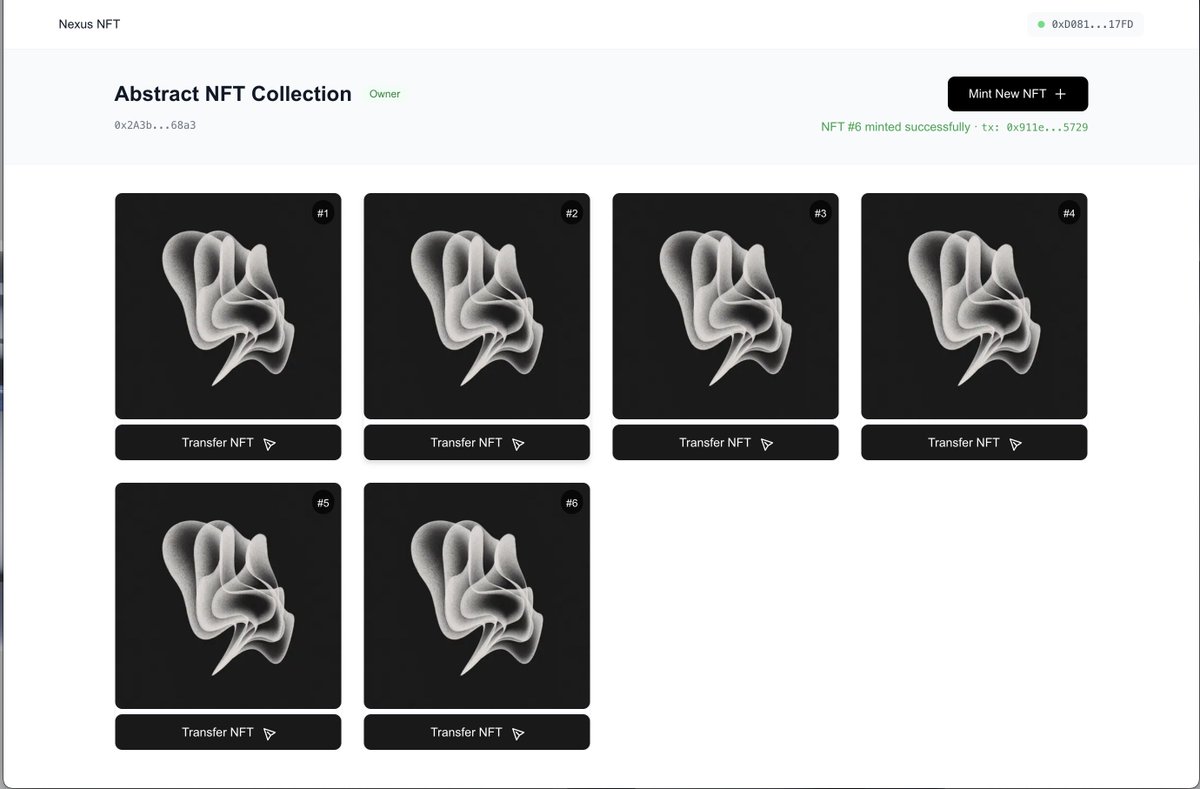
Check this out: 1-click NFT launch on Nexus devnet.
nexus-nft-example.vercel.app
GitHub repo in the comments. Clean design.
Example project--not official. What else can you build?
English
jhonny retweetledi




@PicturesFoIder nothing new with western people doing western things
English

A woman pepper sprayed her muslim uber driver for praying
English
jhonny retweetledi
jhonny retweetledi
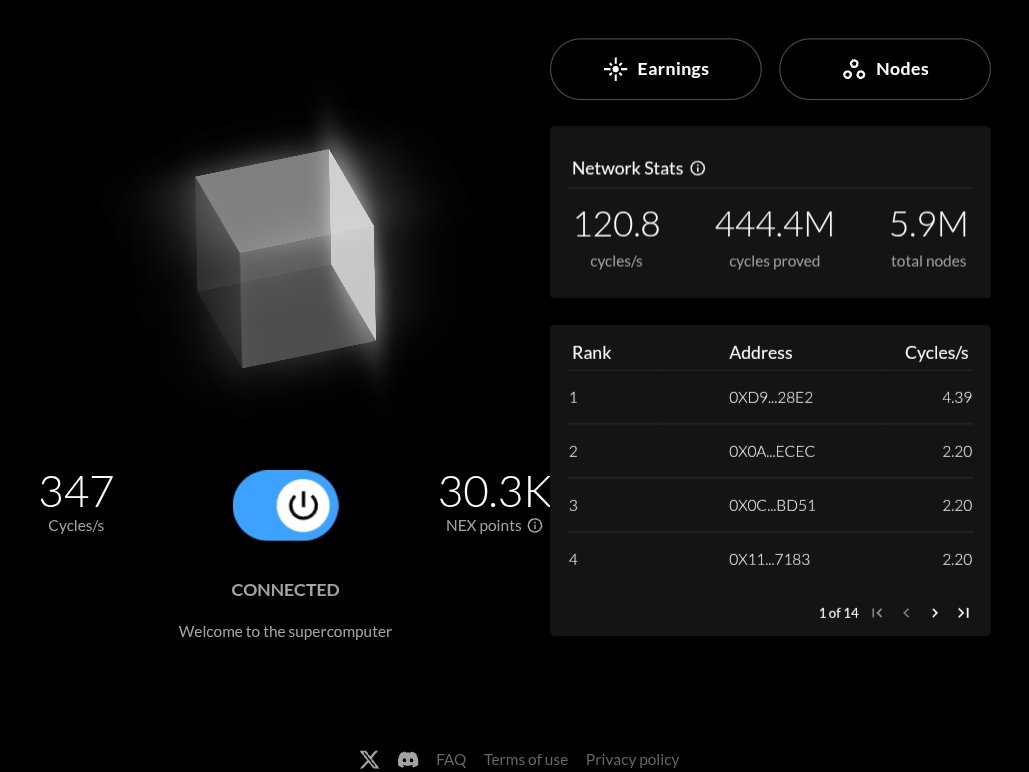
Day 3 (< 72hrs) Testnet II users.
Comment your Nexus address below:
English
@danielmarinq 0x6B18520Ae0d2B56ba0F58f960927E141c3e4d69a
Send me any point, i will send back exact points also. Just for testing.
1 or .50 is okay if youre afraid.
Comment your address below. Thanks
English
Pro tip:
- Connect your MetaMask wallet to the Nexus OS. ✅
- Send NEX points to your friends ✅
- Interact by executing txs on the network ✅

English
Italiano

@danielmarinq SENDING 10 PEOPLE 10 $NEX EACH
COMMENT YOUR ADDRESS FAST ONLY 10 PEOPLE
Now Network Is working Fine 🙂
@danielmarinq
@NexusLabs
English




jhonny retweetledi

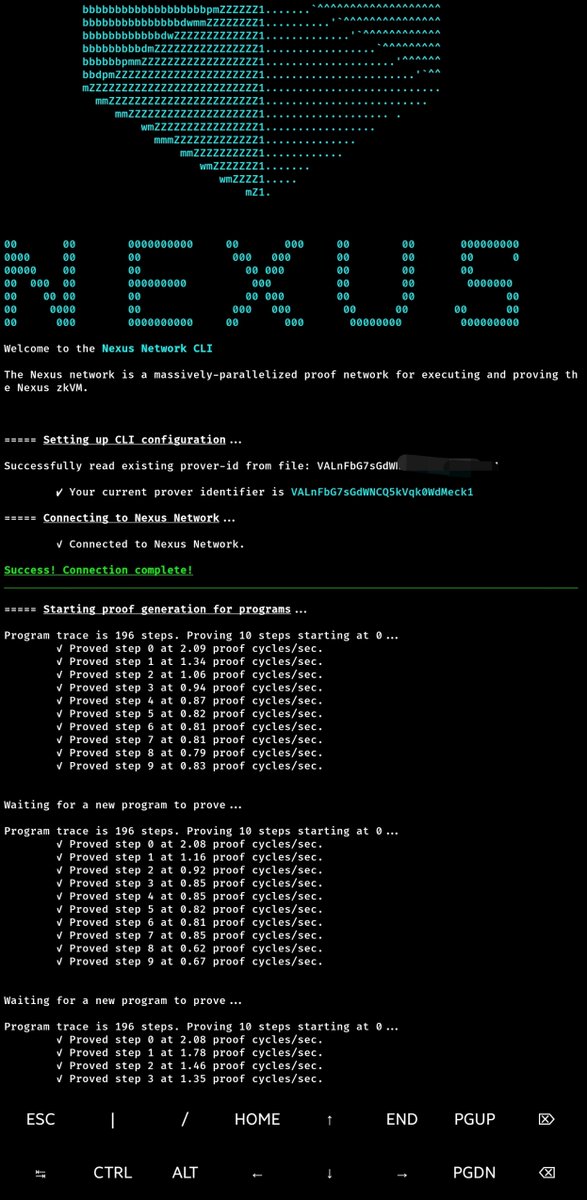
How to Install and Run NEXUS CLI on Android
Prerequisites
1. Android device
2. Internet connection
3. At least 2GB free storage
4. Termux app installed from F-Droid store
Step 1: Install Termux
First, uninstall Termux if you got it from Play Store
Download and install F-Droid from: f-droid.org
Open F-Droid and search for "Termux"
Install Termux from F-Droid
Step 2: Set Up Termux
Open Termux and run these commands:
# Update package list
pkg update
pkg upgrade -y
# Install required packages
pkg install proot-distro
pkg install curl
pkg install wget
Step 3: Install Ubuntu on Termux
# Install Ubuntu
proot-distro install ubuntu
# Login to Ubuntu
proot-distro login ubuntu
Step 4: Set Up Ubuntu Environment
Once inside Ubuntu, run these commands:
# Update Ubuntu packages
apt update
apt upgrade -y
# Install required dependencies
apt install -y build-essential
apt install -y protobuf-compiler
apt install -y curl
apt install -y wget
apt install -y pkg-config
apt install -y libcrypto++-dev
apt install -y libc6-dev
apt install -y openssl
apt install -y libssl-dev
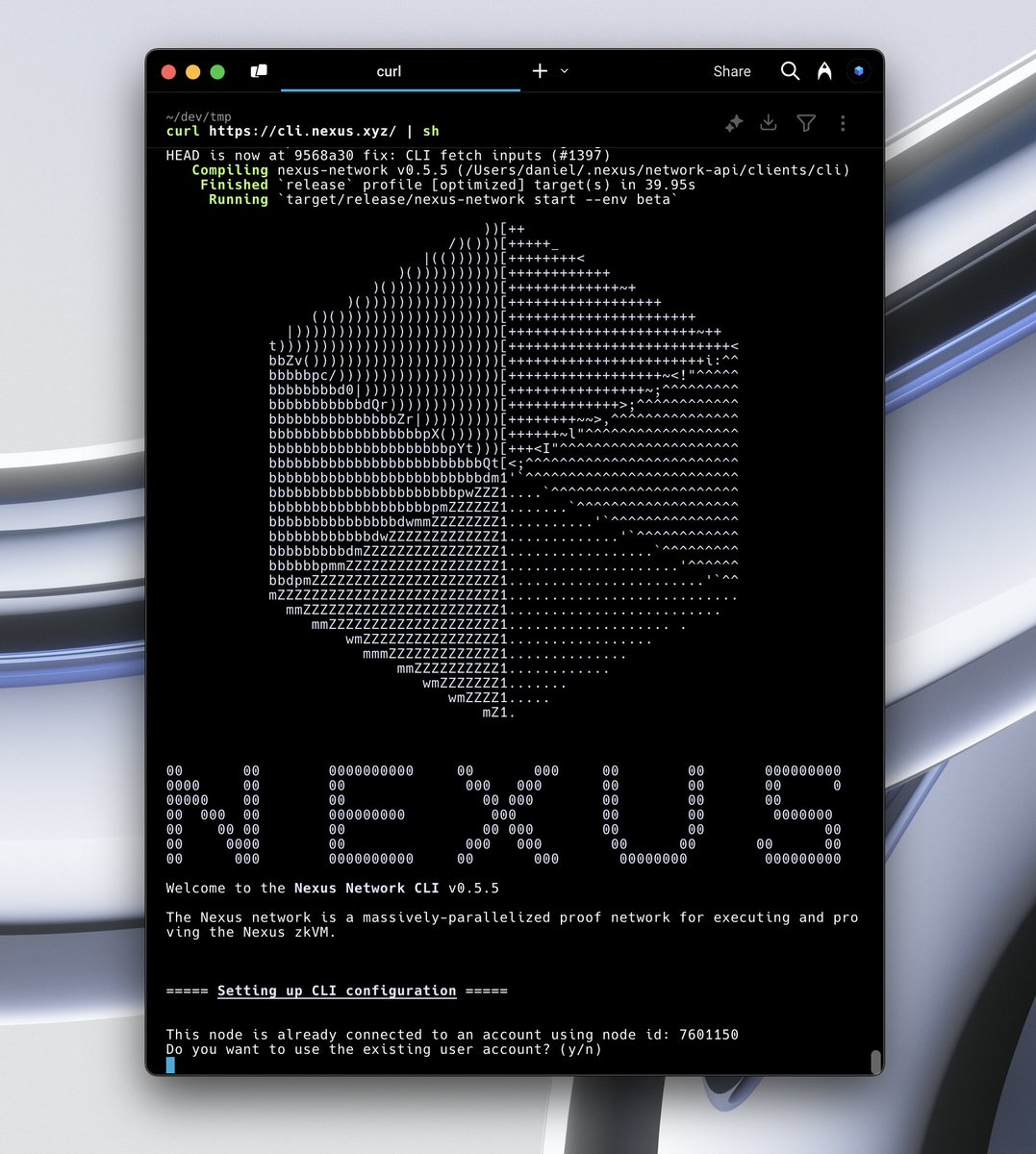
Step 5: Install the Nexus CLI Program
# Install Nexus
curl cli.nexus.xyz | sh
Note: you may encounter error while installing the nexus program, close the terminal with CTRL D , login ubuntu again and paste this again. Link your Browser PROVIDER ID (recommended)
curl cli.nexus.xyz | sh
if you do it well, it will work
Follow, turn on 🔔 for more updates

🅵🅻🅴XX👨💻@FlexxRichie
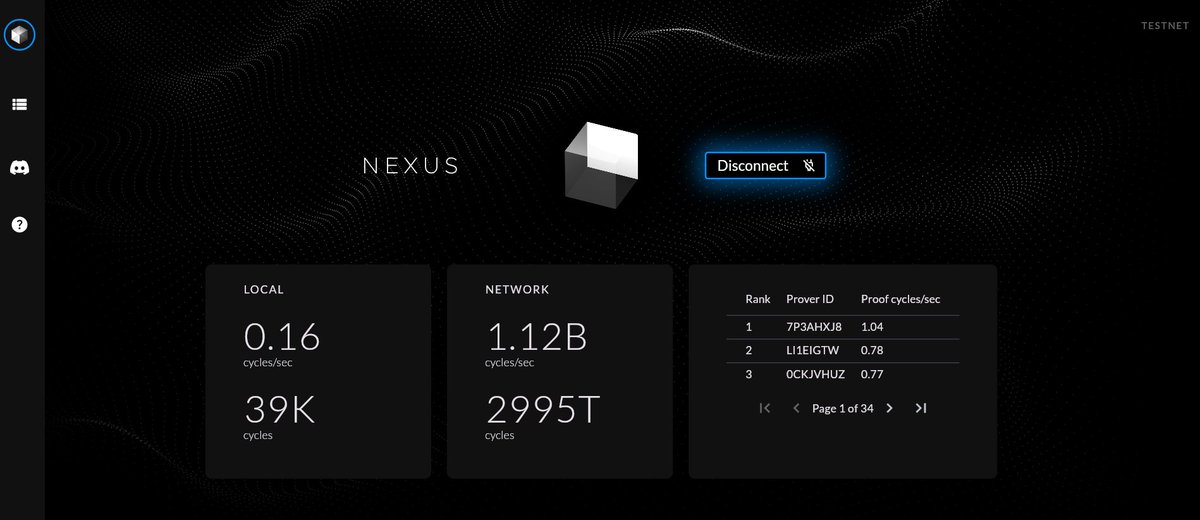
This will Ends In 3 Days, so do this now JOIN @NexusLabs TESNET Now ✨Raised $25m ✨Free ✨ Ending on 13th Start this before you sleep Go To beta.nexus.xyz Click Connect Navigate Your Profile Add Your Email Tick To Get Updates Click Save Your Node Stops Running Once Your Browser Is Closed, So Remember To Reconnect Whenever You Close Your Laptop. You can also use misses or KIWI browser on mobile You can also use CLI if you know your way around docs.nexus.xyz/network/cli Follow the docu to run the nodes You can use Windows, but you need to first install WSL to run kali or Ubuntu
English

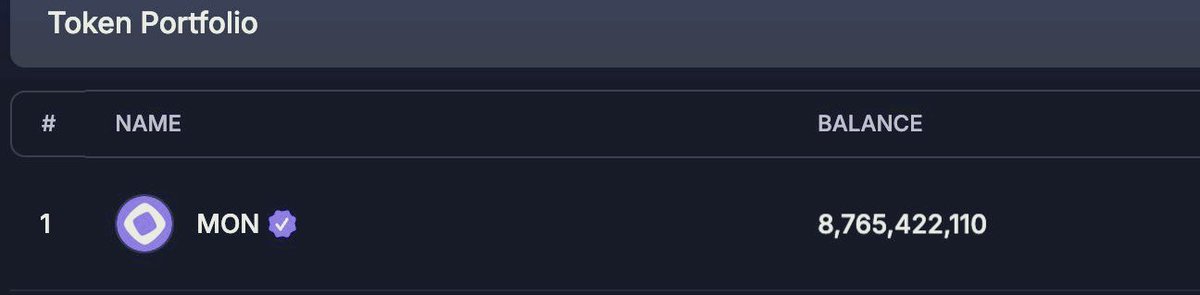
Need testnet tokens ?
We've got you!
Reply to this tweet with your Monad address and we'll send you some testnet tokens🔋

English

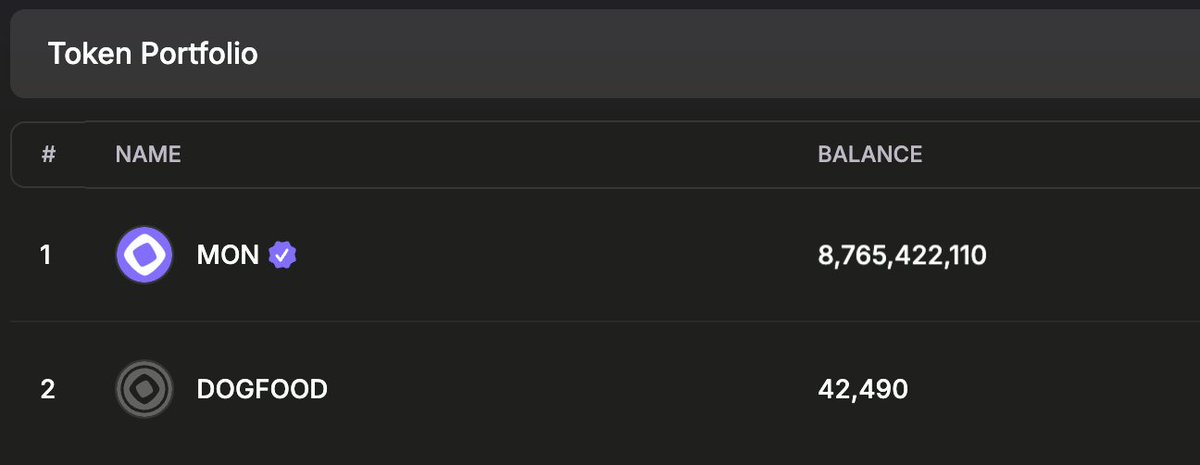
Just deployed my Nexus Testnet II node on @rapidnodexyz! 🎉
Secure your spot now and join the ever-growing family! Let's deploy together 🚀
#Rapidnode #Farmoor 👨🌬
English

A detailed guide on how to run @NexusLabs CLI node on your android smartphone coming in soon.
Install termux from playstore in the meantime and stay tuned.

English
