

László Gaál
311 posts


Omni adapted the content and clip lengths to better fit the translations
László Gaál@laszlogaal_
New day now Omni findings: it can translate audio (no original or translated text given in the prompt): - it keeps the background music intact - it adjusts the edit if needed. For example the japanese and spanish sentence during the creme close-up shot is longer, so it kept that shot longer and trims that edit point…
English
The prompt that kills even the best image models: 20 characters, 60+ properties/accessories, around 5000 characters. Text only, no images used.
How much of it can Omni Flash get right?
English
@aiseomastery Yeah I have no idea how it does it, and if it’s intentional from the engineers
English

@laszlogaal_ The fact it trims edit points to match speech length is insane engineering
English
New day now Omni findings: it can translate audio (no original or translated text given in the prompt):
- it keeps the background music intact
- it adjusts the edit if needed.
For example the japanese and spanish sentence during the creme close-up shot is longer, so it kept that shot longer and trims that edit point…
English

English

English
@gcduncombe @FlowbyGoogle I think it might be more sensitive for mentioning lights and cameras. Sometimes i’m getting a phone in the image just by mentioning it’s a cellphone video
English

@laszlogaal_ @FlowbyGoogle Nice! I am sometimes getting random lights in the frame and occasionally getting a useful output hahah
English
@Bclark796 @FlowbyGoogle maybe, but I think it's not for that type of generations, will try though.
English

@laszlogaal_ @FlowbyGoogle Ok i officially believe people have been sleeping on this video platform. Can you upload a storyboard into it?…
English
@gcduncombe @FlowbyGoogle nope! I cropped it so I can show the before/afters in a 16:9 frame

English
@laszlogaal_ @FlowbyGoogle Did it insert physical lights into the shot too? That's what I am running into when running similar tests. I'm guessing that might be why output vid is zoomed in?
English
@virtualfilmer @FlowbyGoogle expensive? On Google Flow it's $0.25 it's 4 times cheaper than Veo3 Quality!
English

@laszlogaal_ @FlowbyGoogle It's hit or miss. Sometimes this stuff works, but mostlly it doesn't - for me. It seems to really be random whether it generates well or not. And its an expensive model to be so wrong so much.
English
@type_kshitij @henrydaubrez but this is simply just motion transfer right? Or is it true image editing? (can you ask to replace the background, location, etc.)?
English

Are people misunderstanding Google Omni Flash?
I totally agree with @henrydaubrez 's X post, some of the tests and comparisons with the new Google Omni just don't make much sense, so let's try to find out what this model is for.
There is no official information on where this model will sit in the lineup of future video models, but from what I saw during the release at Google I/O we have some clues:
- 𝐅𝐢𝐫𝐬𝐭 𝐢𝐬 𝐭𝐡𝐞 𝐧𝐚𝐦𝐢𝐧𝐠: this is not Veo, it received a totally different name
- The model's version is called "𝐅𝐥𝐚𝐬𝐡": just like Gemini Flash, this is might be the fastest, lowest cost model in the series, Omni Pro coming later
- Pricing: if I calculate correctly, one generation (with or without video inputs) costs $0.25.
So this means the video above cost $0.25 to generate the original video (with a product image as an input) and then $0.75 for the three versions. So this might be a model that is made for:
- very cost-effective and fast generations
- supporting image and video inputs
- made for video editing
Also, if you check the difference mode comparison - everything black is pixel-perfectly matching the original file - I think it's pretty good for such a low generation cost.
English
@nmatares @FlowbyGoogle and it's getting crazier.. will post some more these days!
English

@laszlogaal_ @FlowbyGoogle Its really unlike anything ive tried. Less “skinning” and more “reimagining” which is whats needed to truly transform a scene.
English
When we began testing #GeminiOmni I wanted to see the accuracy of the edits. So I made a tool directly in @FlowbyGoogle. DIFF TOOL allows you to compare images/videos in realtime or export videos in sync. Try it out or remix it to make it your own.
labs.google/fx/tools/flow/…
English
@nbsharma @henrydaubrez Google Flow pricing is $0.25 per generation
English
@laszlogaal_ @henrydaubrez Gemini Flash (e.g., 3.1 Flash / 3.5 Flash): $0.25 per 1M input tokens and $1.50 per 1M output tokens for standard text, image, or video processing.
So not $0.25. More like at least $2 (depending upon tokens). Cheaper than Veo but still expensive.
English

Excited to share that I've 𝐭𝐞𝐚𝐦𝐞𝐝 𝐮𝐩 𝐰𝐢𝐭𝐡 𝐆𝐨𝐨𝐠𝐥𝐞 𝐅𝐥𝐨𝐰 on something special: pixelBento
Coming from post production, when 𝐆𝐨𝐨𝐠𝐥𝐞 𝐚𝐬𝐤𝐞𝐝 𝐦𝐞 𝐭𝐨 𝐜𝐨𝐥𝐥𝐚𝐛𝐨𝐫𝐚𝐭𝐞 𝐨𝐧 𝐚 𝐧𝐞𝐰 𝐭𝐨𝐨𝐥 𝐢𝐧𝐬𝐢𝐝𝐞 𝐆𝐨𝐨𝐠𝐥𝐞 𝐅𝐥𝐨𝐰, I knew exactly what I wanted to bring to life: a set of tools for color grading and glitch effects that push your footage that extra mile. Google Flow lets you generate amazing footage - these tools just give you the possibility to finish it with a little post production and give it your own style.
For this I’ve created a short introduction video, where we walk through a virtual studio showing the tools and their effects on the movie set: when the camera turns to the movie set, all the effects you see were created with pixelBento. Of course you can combine these separate tools to create more complicated effects, in the following days I will show some examples!
The bento box metaphor fits because you get a little bit of everything - familiar flavors next to experimental ones. The tools are built to complement genAI tools by providing a mini creative post production suite. The bento box includes two flavors of video modification: one is more on the traditional color grading side, and the other one is inspired by a movement called circuit bending where people modify analog video tools to get interesting glitch effects. Stack and combine effects, with full parameter automation that carries through to export!
These 13 distinctive tools push generative footage further:
- for color work and introducing a different mood to the footage there's 𝐊𝐨𝐦𝐨𝐫𝐞𝐛𝐢 and 𝐊𝐨𝐥𝐨𝐫𝐢.
- Stylized looks come from 𝐃𝐲𝐮𝐭𝐨𝐧's duotone effects, 𝐀𝐧𝐚𝐫𝐨𝐠𝐮's analog film presets, and 𝐑𝐞𝐭𝐨𝐫𝐨's retro treatments like pixelation and RGB shift.
- 𝐁𝐥𝐮𝐦𝐢 adds bloom to highlights.
- The glitch and analog side includes 𝐆𝐮𝐫𝐢𝐜𝐡𝐮's digital corruption, 𝐃𝐚𝐦𝐚𝐫𝐨𝐠𝐮's CRT damage and scanlines, and 𝐊𝐮𝐫𝐨𝐦𝐚𝐬𝐮𝐦𝐚's chroma ghosting.
- Push into wild territory with 𝐊𝐮𝐫𝐨𝐧𝐨𝐟𝐨𝐭𝐨, 𝐓𝐞𝐦𝐩𝐨𝐫𝐚𝐫𝐮, and 𝐄𝐤𝐨𝐭𝐨𝐫𝐚𝐢𝐥 - tools that completely transform your footage.
- 𝐏𝐢𝐤𝐮𝐬𝐨𝐫𝐢 offers something entirely its own for when you want to break the image apart and rebuild it differently.
Thanks Google for the partnership! Don’t hesitate to try 𝐩𝐢𝐱𝐞𝐥𝐁𝐞𝐧𝐭𝐨 on Google Flow and share your results! @FlowbyGoogle
English


@laszlogaal_ @OMNI_AI_Film thanks for bringing this one to our attention and great work on the japanese ad
English
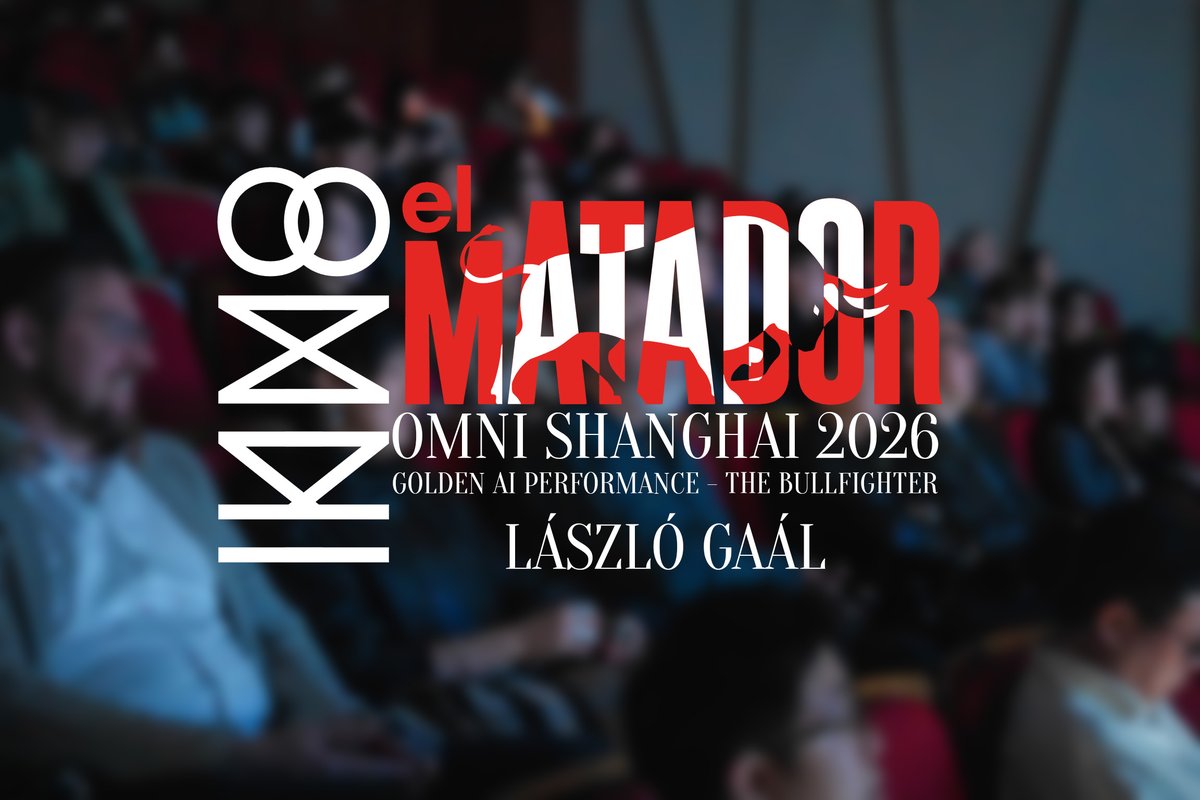
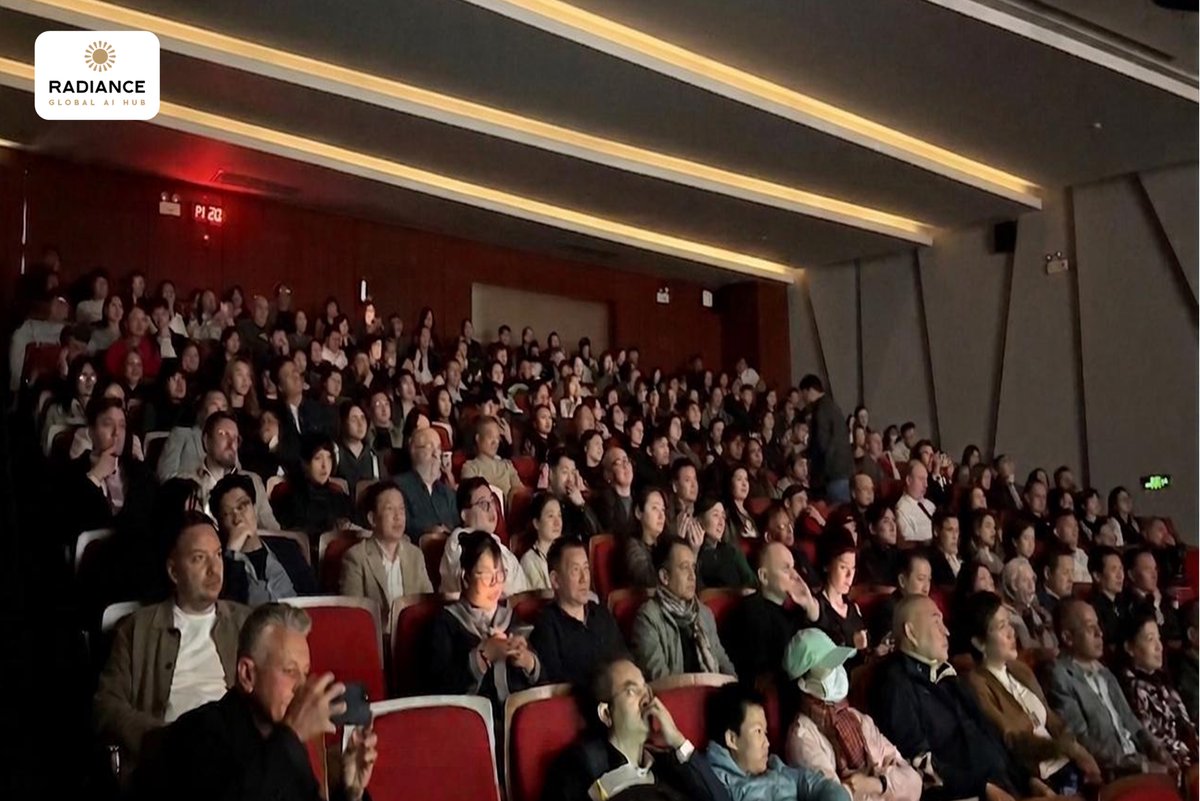
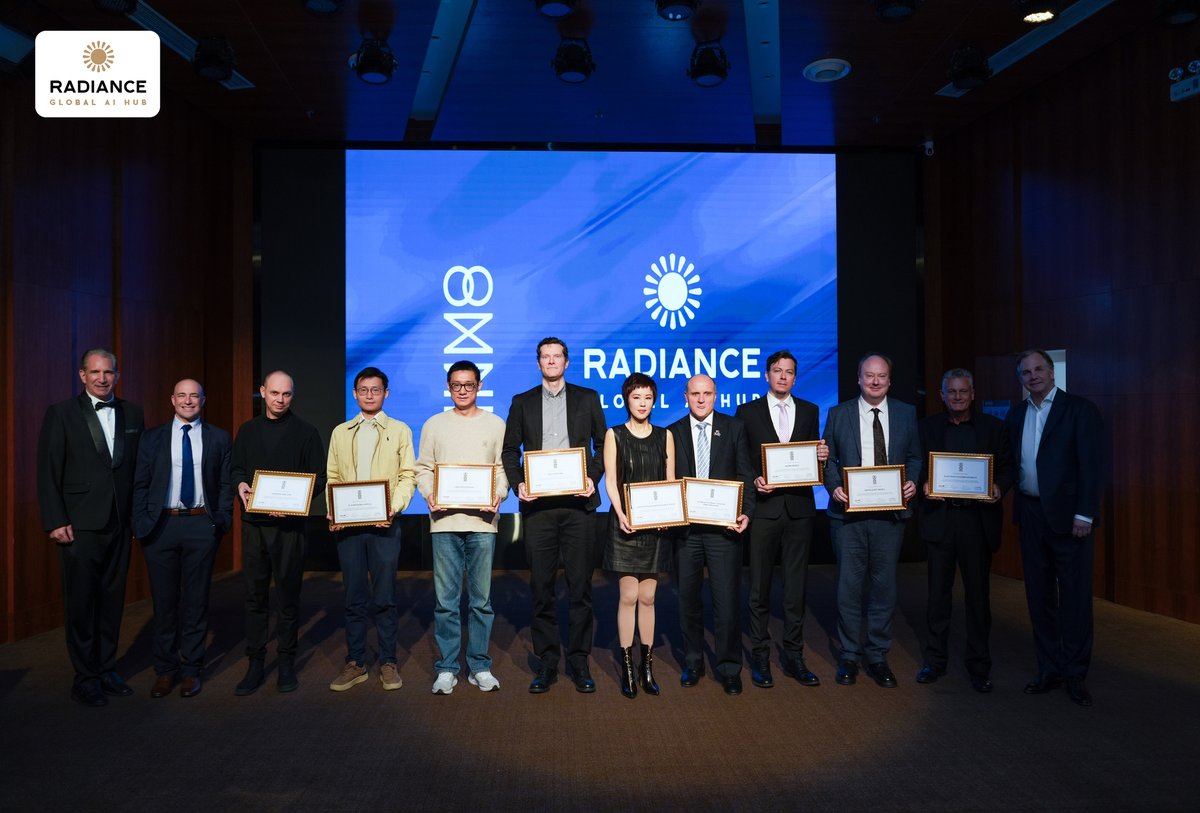
My short film called el Matador/The Bullfighter won at the @OMNI_AI_Film 's Shanghai event, in the Golden AI Performance category! I was happy about this award is because more than 500 films were submitted to the festival and also this was my first film where I felt there is a big shift in how models can be prompted for acting, and how they render the instructed pacing, emotions and voice acting.
Thanks to Aryeh Sternberg, Patrick Kelly, Michael Rosenthal and TRAVIS C RICE as well as the incredible artists, judges and contributors.
Congrats to all the winners: Sinosphere Best Picture — 妈·马 (Ma: The Word We're Born With), JiaKai Lau, China Signal to Noise Award — Miserere Tui, Yuri Oh, South Korea Judges' Choice — Soul Off Axis, Junyang Shi, China Creators Energy Award — Lachesis Laval, China Best Visuals — Project J, Ka Ho Tam, Hong Kong Best Score — Chiggy-ggun 지기꾼, Yejun Lim, South Korea Best Editing — Exhibit, Olivia Qiu Best Script — GUM 껌, Jason Hamin Hwang, South Korea Golden AI Performance — The Bullfighter, László Gaál , Vietnam Silver AI Performance — AI アイ, Shingo Shintani , Japan Silver Radiance, Short Form — Halo来世录, Jint, China Silver Radiance, Long Form — Song of the Whale, Joey Zhou, China Special Music Video — The Star Shepherd, Li Xuan, China Congratulations to every filmmaker recognised.

English