Google Vids Explainer Video for learners about how to make the best blog post. How would you use Google Vids with learners?drive.google.com/file/d/1Hz61Gr… @GoogleForEdu
English
mariakrausse
622 posts

@mariakrausse
teacher, wife, grandparent, learner, walker, gardener, insect fan, #GoogleEI, #SYD17, Facilitator in primary and secondary schools
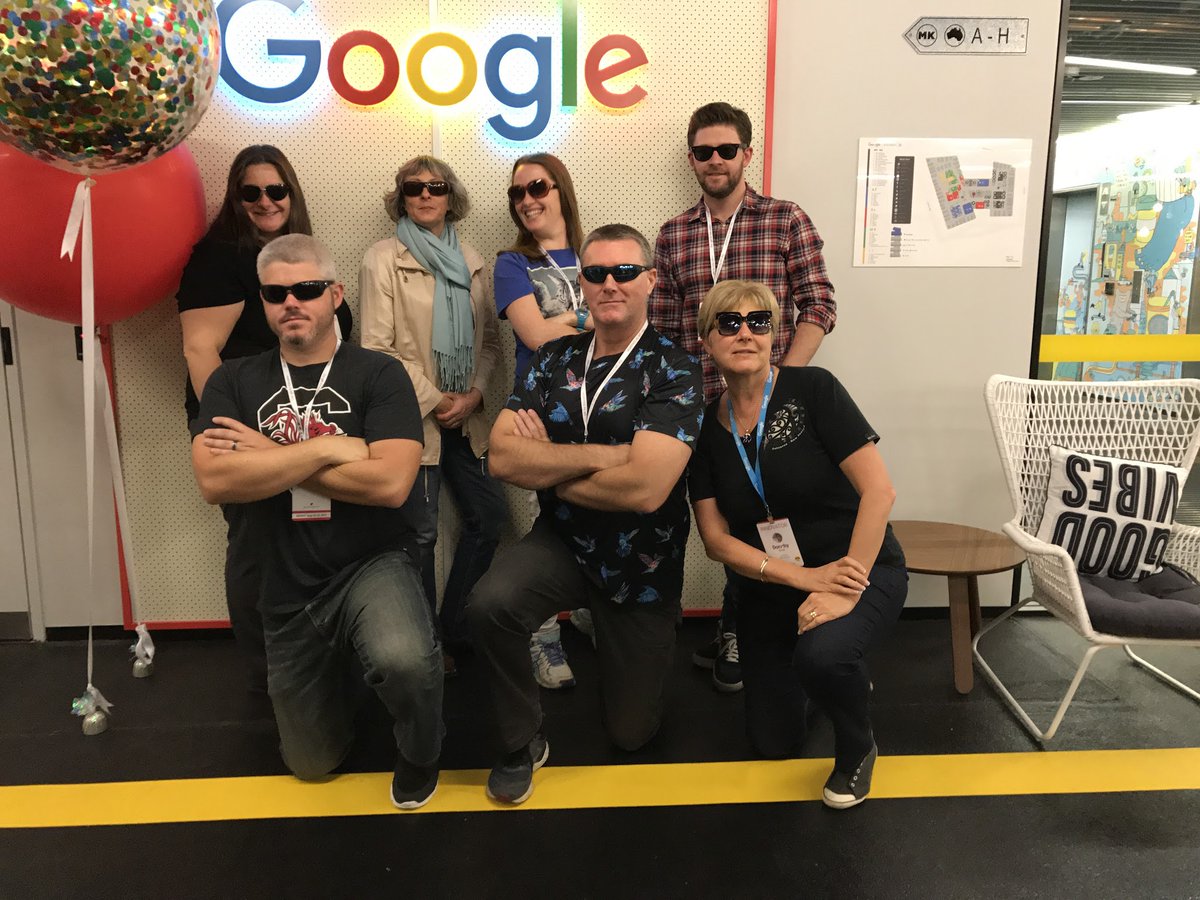
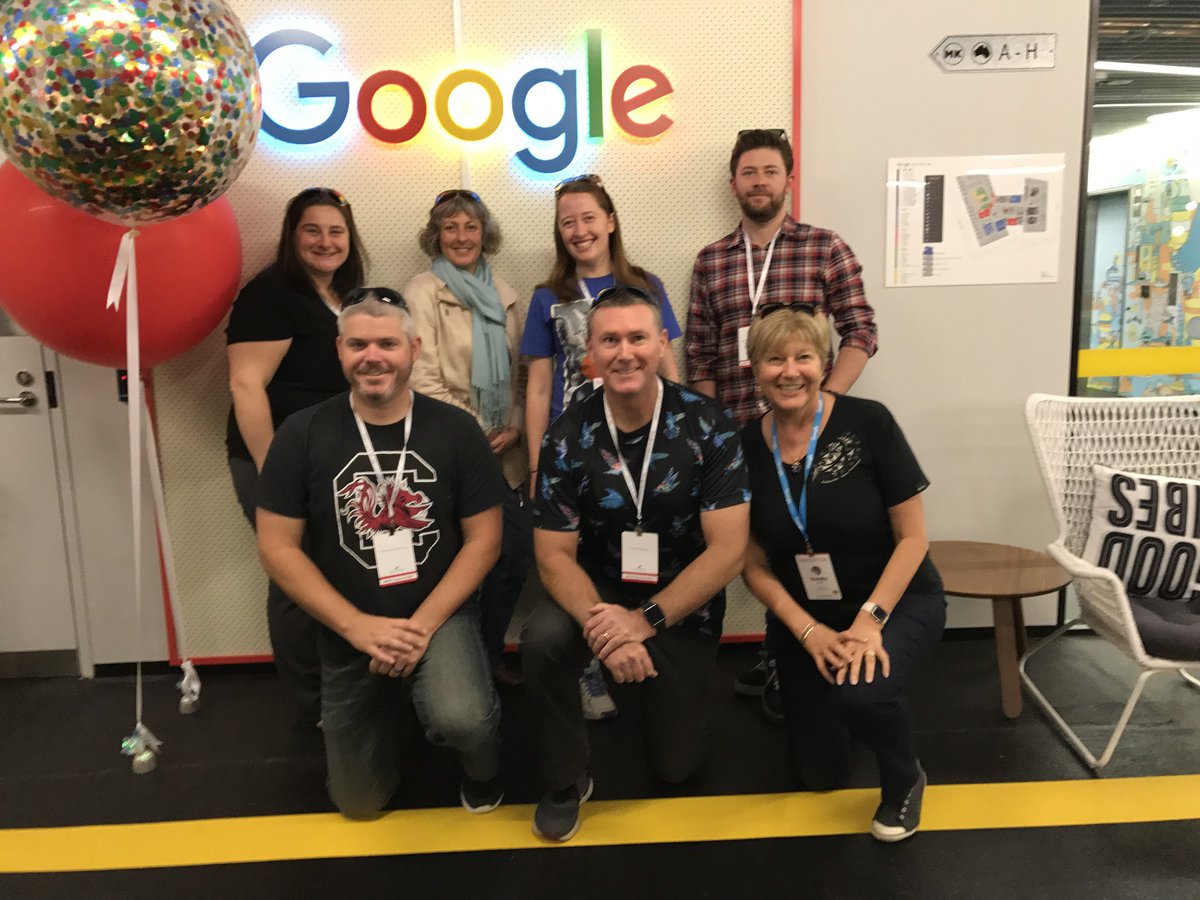

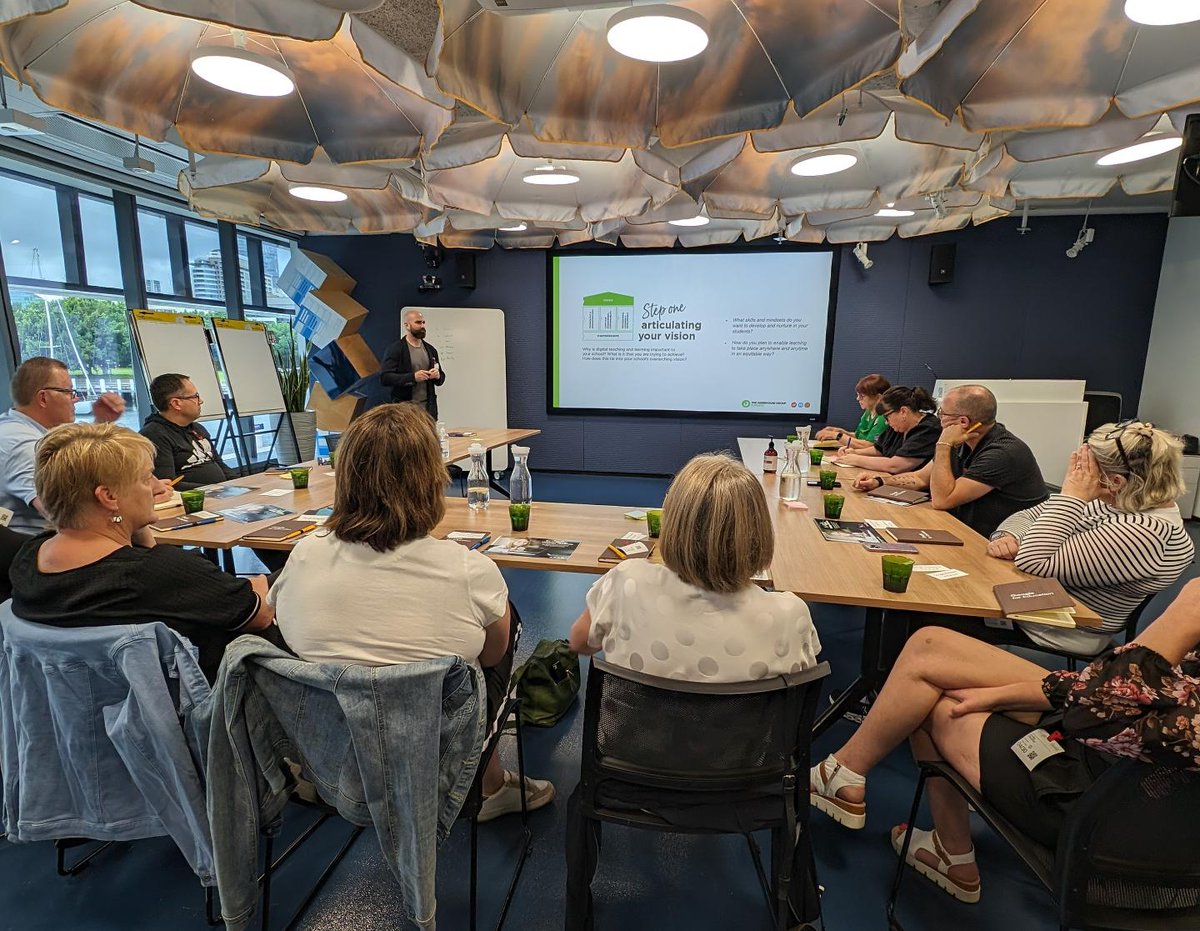



Mōrena to all our Kiwi Google Innovators, Trainers and Reference schools. Have you secured your spot at the upcoming 2 day energiser in the first week of July ? If not, check your email for your invitation and grab a spot.
How to present In 2006, I helped @ericschmidt create a deck outlining Google’s strategy, for a presentation Eric was delivering to the company. It taught me a profound lesson on how to present. When I showed up to my first meeting with Eric, he asked me to visit with every product team at Google, chat with them to figure out what they were working on, and then summarize it on one slide (for each team). Easy enough, I thought. I would use 3-5 bullet points per slide. Piece of cake. I started mentally mapping things out and got ready to leave. “But”, Eric said, “I want no words on any slide”. My well-laid plans disintegrated in an instant. How was I supposed to convey the key messages from each team, without WORDS? Eric must have seen the panic on my face, and kindly gave me a hint. “Put the text in speaker notes”. “But what goes on the slides, Eric?” I continued panicking. That classic, gentle “Eric smile” fluttered on his face. “Why, images, of course!” “You mean, you want each slide to just be comprised of images?” “You got it. And use the title wisely. 7-8 words max. Let’s meet in a week to review progress.” As I left the meeting, little was I to know that this conversation would fundamentally change my view on how to deliver effective presentations. 17 years later, I still cling tightly to the following principles: 1. The larger the audience, the fewer the words on the slide. In Eric’s case, the audience was thousands of employees, so we had 0 words per slide. 2. The title does most of the heavy lifting, which means it cannot be passive. It must be action oriented. Eg: not “Subscriber retention” but “Subscribers continue to be retained strongly” or even better “Net revenue retention continues to be > 100%”. 3. Use memorable images that substantiate and give credence to the words of the title. This image is what will occupy most of the slide area, so you need to spend much of your time thinking about what picture will best get the point (made by the title) across. In some cases, it might be a customer image or logo. in other cases, a graph. In yet other cases, it could be something else entirely. For the Google presentation, one of the images that gave me the most trouble was a slide on Google Search Appliance and other Enterprise products. The title stated that these products were increasingly being used by larger customers. The team didn’t want to share customer logos broadly since some were confidential, so logos were not an option. I decided to go with a trend line on the % of searches from enterprise customers, but the person who was supposed to pull this data for me, flaked at the last minute and I had to scramble. I ended up scrambling to create a mosaic of a bunch of consumer product logos with some kind of icon that denoted large enterprises. Not my finest moment but it got the point across. 4. Use speaker notes. Like Eric said, speaker notes should contain most of the details. It puts a lot of burden on the speaker since they cannot just read off the slides. But this doesn’t deter good speakers, since they prepare dozens of times, and then again. So there you have it: my 4 principles for delivering compelling presentations to live audiences. (CAVEAT: If the presentation has to be emailed to an audience who will consume it asynchronously, that’s completely different and has different rules). How did the 2006 Google strategy presentation turn out, you ask? It went quite well, and later I got a nice thank you note from Eric. I didn’t realize at the time that I should have been the one thanking him for the once-in-a-lifetime learning opportunity.

Dear Chris Hipkins, As the incoming Prime Minister I know you are prioritising getting back to basics, to clearing the decks and focusing on what really matters... @chrishipkins cc @jantinetti @RNZeducation @TheSpinoffTV #education #nzc teachingandelearning.blogspot.com/2023/01/an-ope…





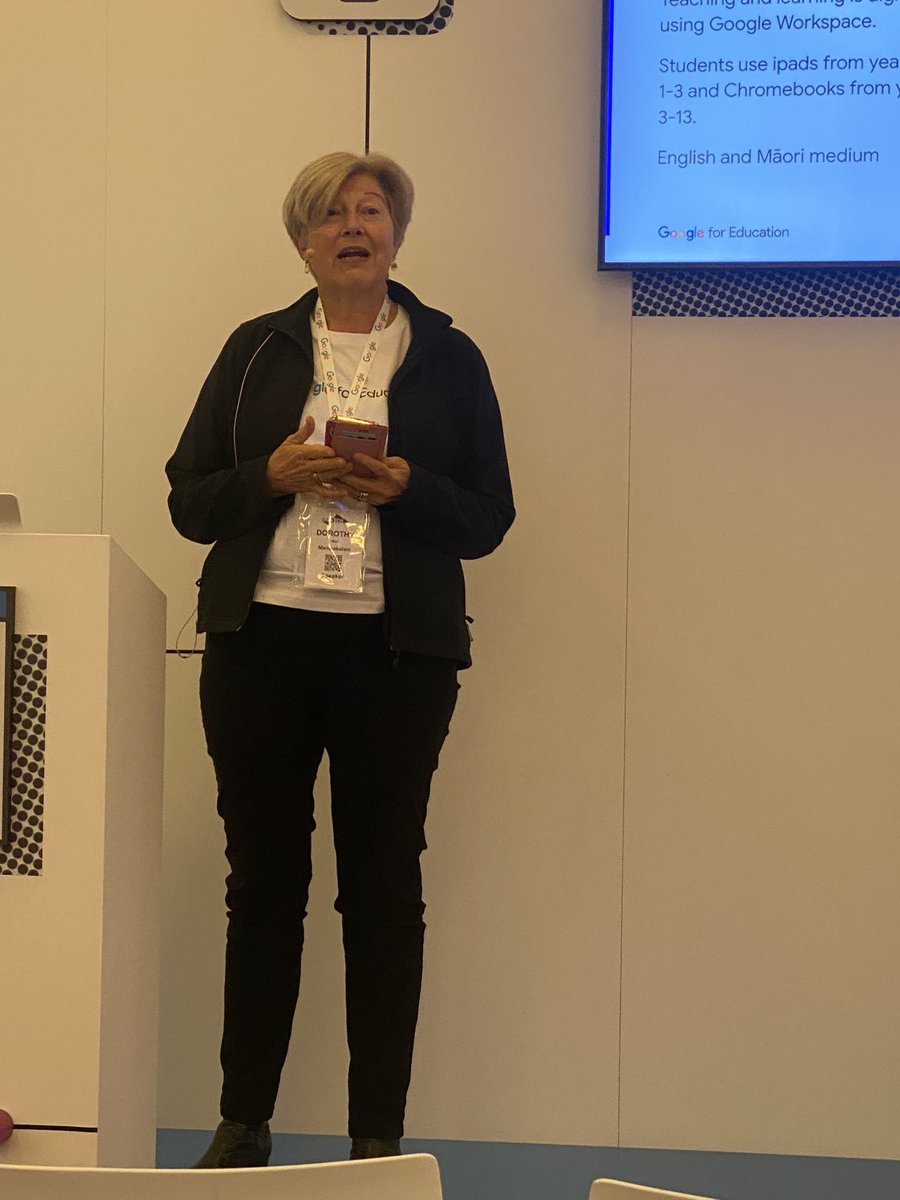
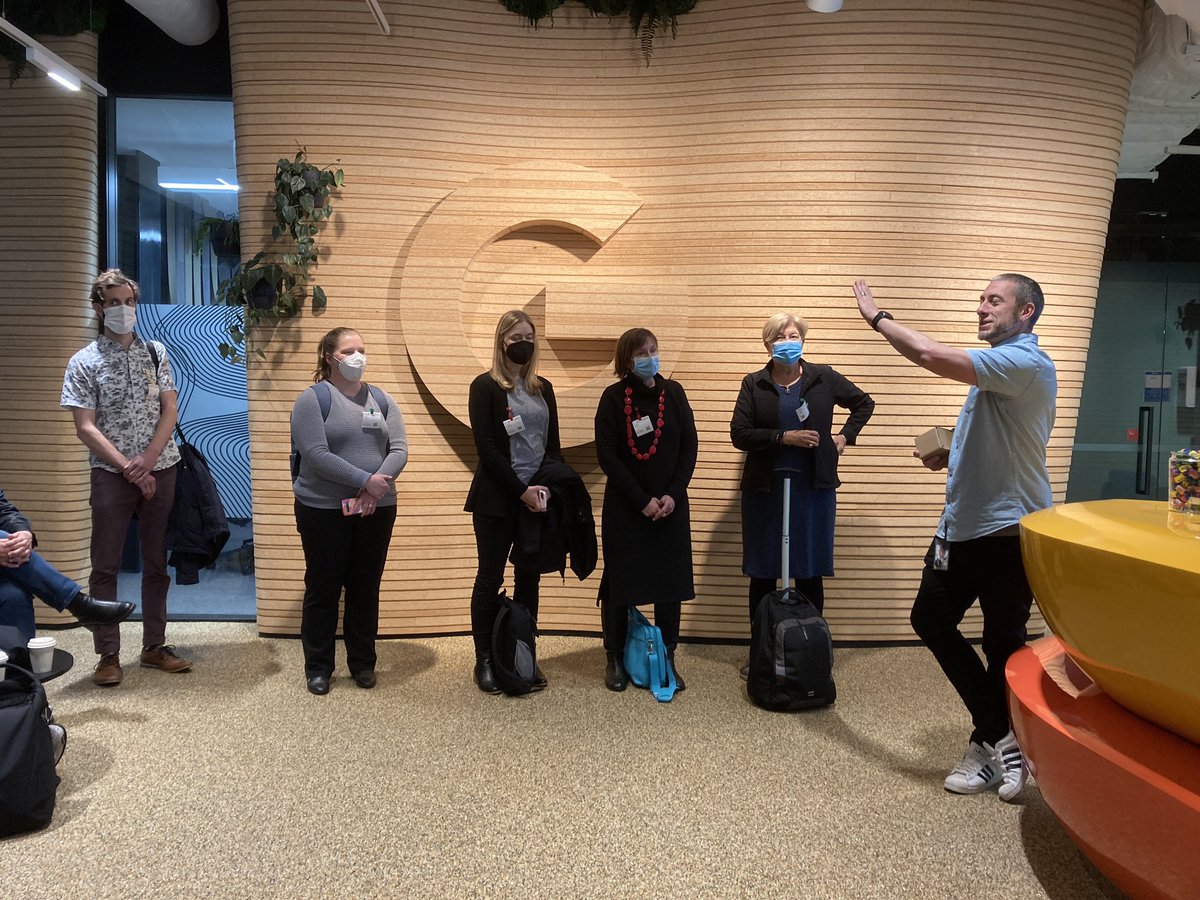
So great to be in person at @google Auckland offices for the #GoogleEnergiser Thanks @betchaboy & @crispy_smith for organising 😊