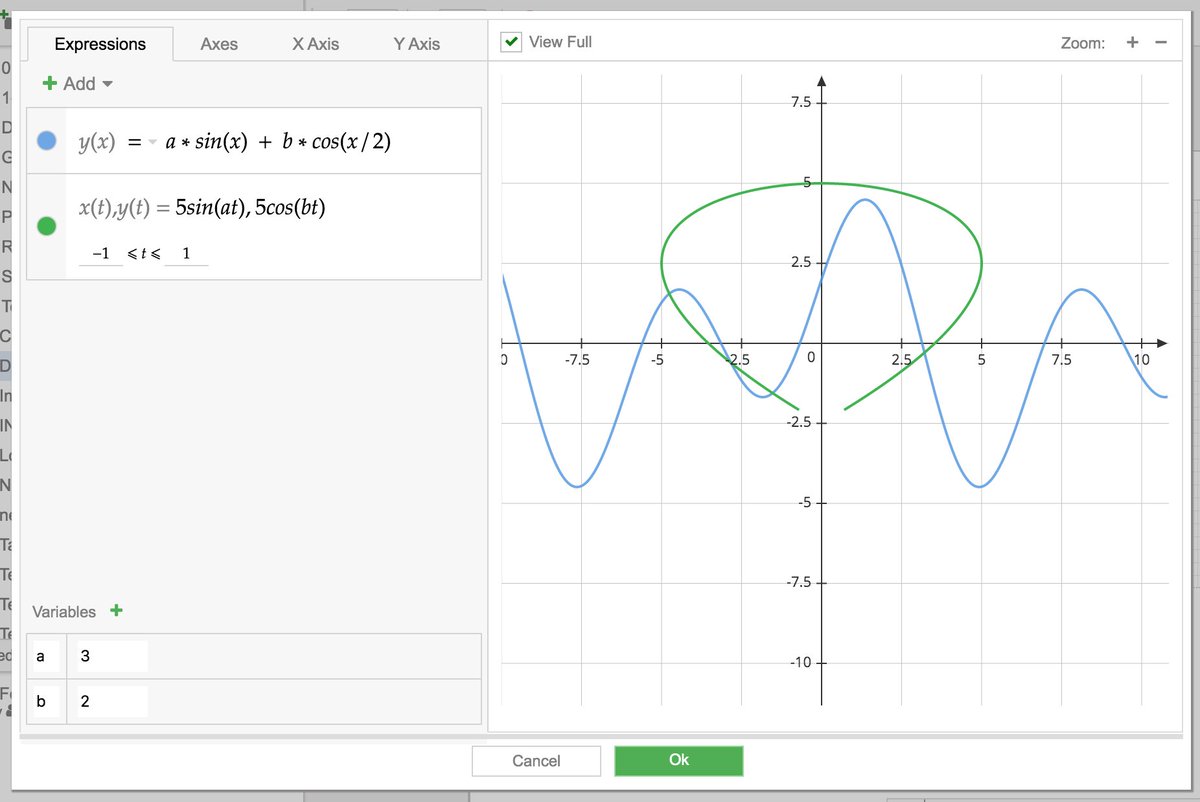
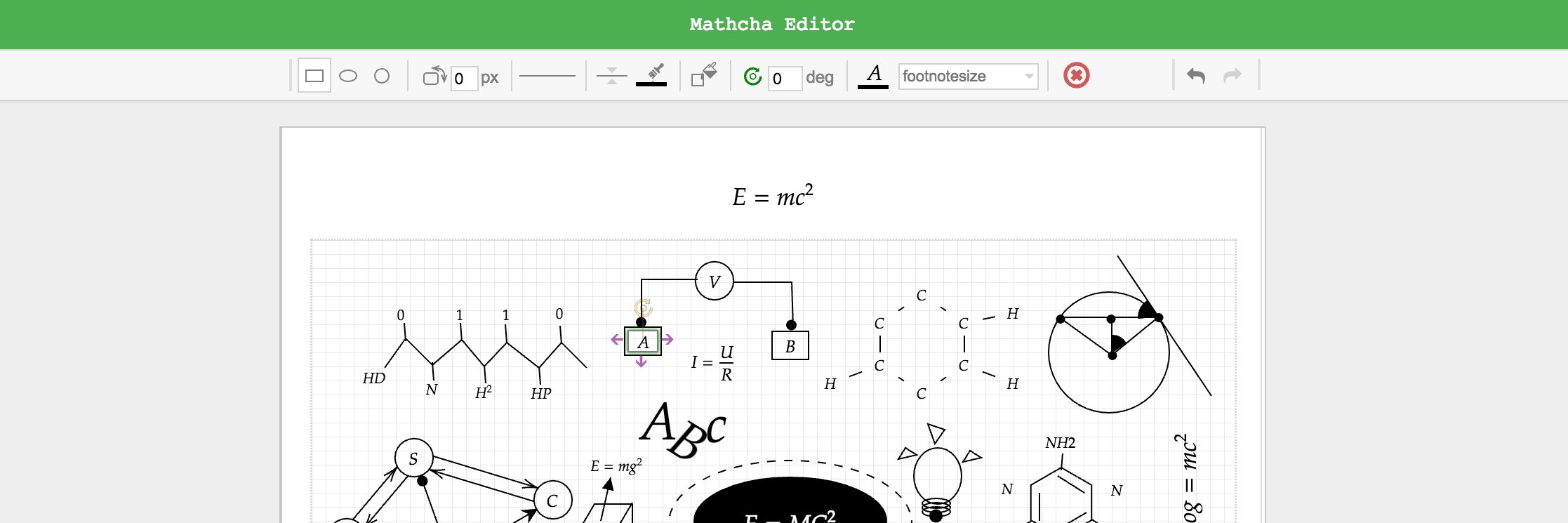
@mathchaeditor This is a really nice tool! It looks and feel profesional, yet is simple to use. I would give more love to the plotting tool. Maybe I dont know how to use it, but I could not figure out what the "Variables" setting is for. I couldn not find anything in the manual.
@evilpoke1 I'm working on optimizing performance on big document with many math containers, there is another feature regarding to Diagram I need to resolve. Anyway I'm targeting to finish Collaborative Editing feature in next 3 months.
Collaborative Editing feature is on hold as I'm adding more high priority features (will try to resume it as soon as possible when feature backlog is cleared)
Support Tabs within Mathcha (helpful to quickly switch between recent used documents).
Click on ... on selected Document on Left Side Bar-> Open Doc in New Tab
Drawing: Option to Join/Combine Shapes (only apply to Closed Shapes, not TextBox or Lines). It will be helpful to create complex Shapes
Operations: Unite, Intersect, Subtract, Exclude, Divide.
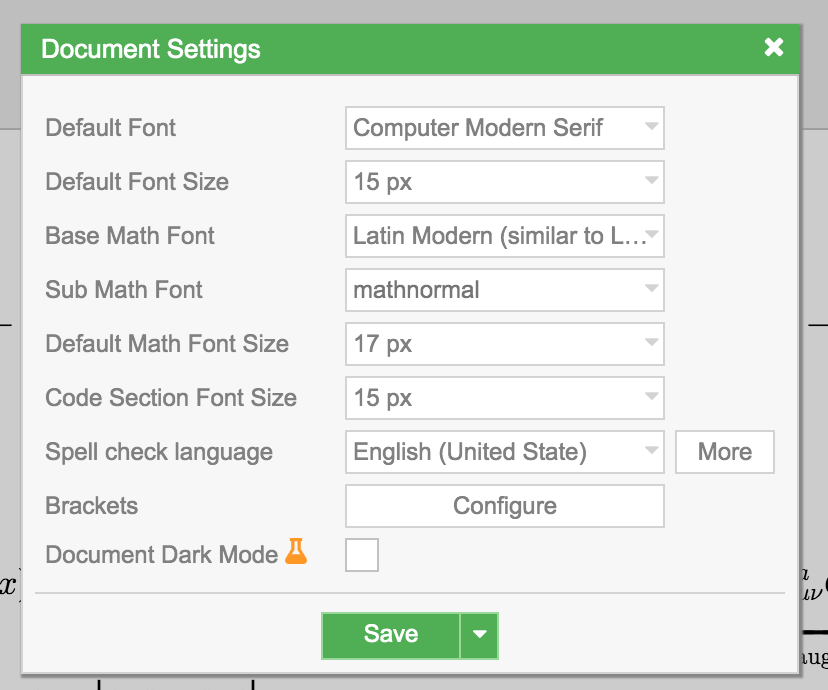
To make Document look similar to Latex Document, select as below in Document Settings:
Default Font: Computer Modern Serif
Base Math Font: Latin Modern
Feature: Code Section
- Allow to highlight on selected language (javascript, python, ...)
- Allow to define your own syntax highlighting (very basic) helpful to write pseudo code.
@theredcap117 Just added function to embed youtube video (this feature is quite easy to add), please search \video-container in Suggestion Box (Text Mode)