Matt Wang

422 posts

Matt Wang

Matt Wang

@mattt8p

SF

San Francisco, CA Katılım Nisan 2025
258 Takip Edilen281 Takipçiler
Matt Wang
Matt Wang@mattt8p·
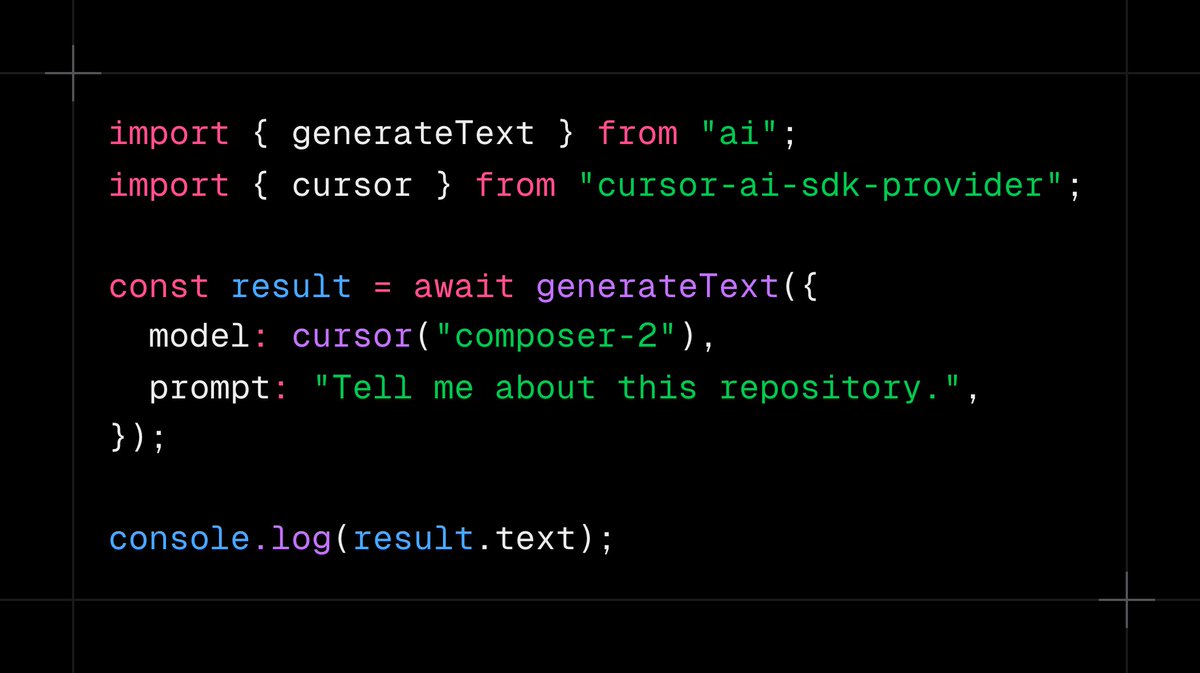
@nicoalbanese10 @aisdk Nice add!! Would you consider having AI-SDK provide the full agent harness like Claude SDK and Cursor agent SDK has?
English
0
0
1
57
Matt Wang retweetledi
Prathmesh Patel
Prathmesh Patel@Prathmeshp_16·
I spoke at @mcpsummit in NY on "Evaluate What You Can't See." The core problem I discussed: your MCP server can execute perfectly and still fail the user. You have almost no visibility into it. Covered the User-Value Chain framework, why REST instincts don't transfer to MCP tool design, and 6 concrete ways to get user context in a system that hides it from you. Full 30-min talk: youtu.be/XqjOcKEUSRQ?si… #mcp #modelcontextprotocol @mcpjams
YouTube video
YouTube
English
0
2
5
163
Matt Wang retweetledi
Prathmesh Patel
Prathmesh Patel@Prathmeshp_16·
Your users aren't in your app anymore. They're talking to an agent in ChatGPT, Claude, or Cursor. That agent decides when to call you. It has all the user's context. You get almost none of it. Shipping an MCP integration isn't enough. You have to know if it actually delivers user value. mcpjam.com/blog/effective…
English
4
3
3
163
Rohit Ganguly
Rohit Ganguly@rohitiwnl·
@mcpjams might be the most under-appreciated devtool that I can think about... so many things that would be an absolute pain to wrangle and debug is made simple
English
1
2
2
243
Matt Wang retweetledi
GitHub Projects Community
GitHub Projects Community@GithubProjects·
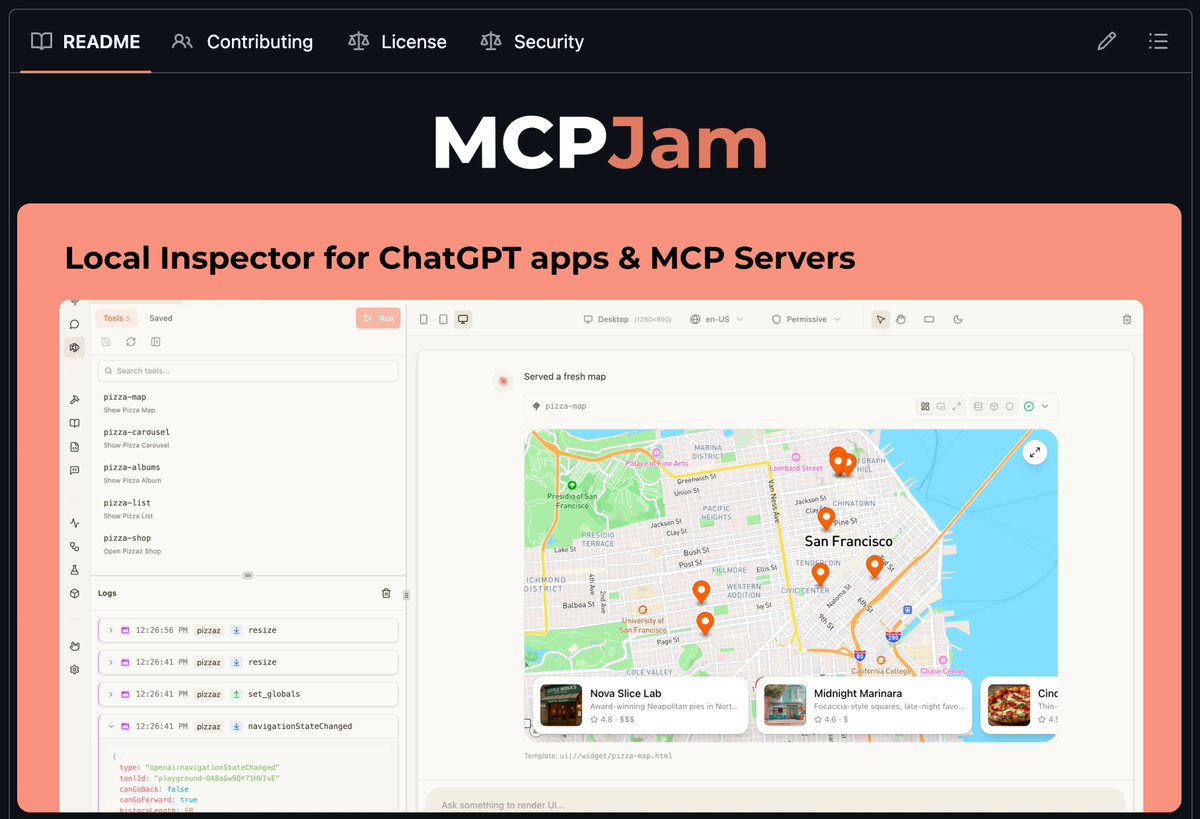
MCPJam is the local inspector for MCP apps and ChatGPT apps. Build and test locally with: • Full widget emulator. • MCP server inspection. • OAuth debugger. • LLM playground. Iterate on your MCP apps faster than testing directly in ChatGPT or Claude.
GitHub Projects Community tweet media
English
7
10
51
13K
Matt Wang
Matt Wang@mattt8p·
You can now share and mock MCP app views. We're excited to launch Views in MCPJam, you can now save your MCP app UI iterations, effectively taking a screenshot of your UI in that moment. With Views, you can: 1️⃣ Save views to track your app's UI progress over time 2️⃣ Share different UI drafts with teammates 3️⃣ Mock data to see what the UI would look like in different states The HTML and hydration data is saved, allowing Views work without having to be connected to your MCP app. Views are on the latest version of MCPJam. Full launch article in the thread 𝐧𝐩𝐱 @𝐦𝐜𝐩𝐣𝐚𝐦/𝐢𝐧𝐬𝐩𝐞𝐜𝐭𝐨𝐫@𝐥𝐚𝐭𝐞𝐬𝐭
English
1
0
2
159
Matt Wang
Matt Wang@mattt8p·
Text streaming is now supported for free models in MCPJam. Excited to announce that we now have streaming for the free models we provide in the LLM playground and Apps Builder. No need to bring your own API key, it's on us. Start e2e testing your MCP servers and UI apps in the playground for free, on the latest version of MCPJam: 𝐧𝐩𝐱 @𝐦𝐜𝐩𝐣𝐚𝐦/𝐢𝐧𝐬𝐩𝐞𝐜𝐭𝐨𝐫@𝐥𝐚𝐭𝐞𝐬𝐭
English
0
0
6
227
Matt Wang
Matt Wang@mattt8p·
@asana uses MCPJam to build ChatGPT apps and Claude Connectors. Recently, the Asana team launched their ChatGPT app and Claude Connector, bringing the Asana UI experience directly into ChatGPT and Claude for hundreds of millions of users. Asana engineers use MCPJam to develop and iterate locally, instead of having to redeploy and spin up ngrok on every change. Engineers can see code changes reflected immediately, reducing the feedback loop from minutes to seconds. MCPJam helped the Asana team move quickly from ideation to a production-ready app in just over a month. Check out the case study in the thread
Matt Wang tweet media
English
2
2
8
928
Matt Wang
Matt Wang@mattt8p·
We teamed up with the team at @goose_oss to put together 5 tips for building great MCP Apps (MCP-UI) 1️⃣ Adapt to the host environment using hostContext 2️⃣ Control what the model vs UI sees 3️⃣ Handle loading and error states when listening to tool results 4️⃣ Keep the model in the loop by updating model context 5️⃣ Control tool visibility Wrote an article on how to implement each of these tips, with code snippets. Link to the article in the thread below! 👇
Matt Wang tweet media
English
1
4
12
927
Matt Wang retweetledi
goose
goose@goose_oss·
We teamed up with @MCPJams to share everything we learned building MCP Apps. Here's some tips that would've saved us hours: → Adapt to host themes → Control what the model sees → Handle loading states properly → Keep the model in sync → Restrict who can trigger tools Link to blog in the thread 👇
goose tweet media
English
3
6
13
1.4K
Gregor Zunic
Gregor Zunic@gregpr07·
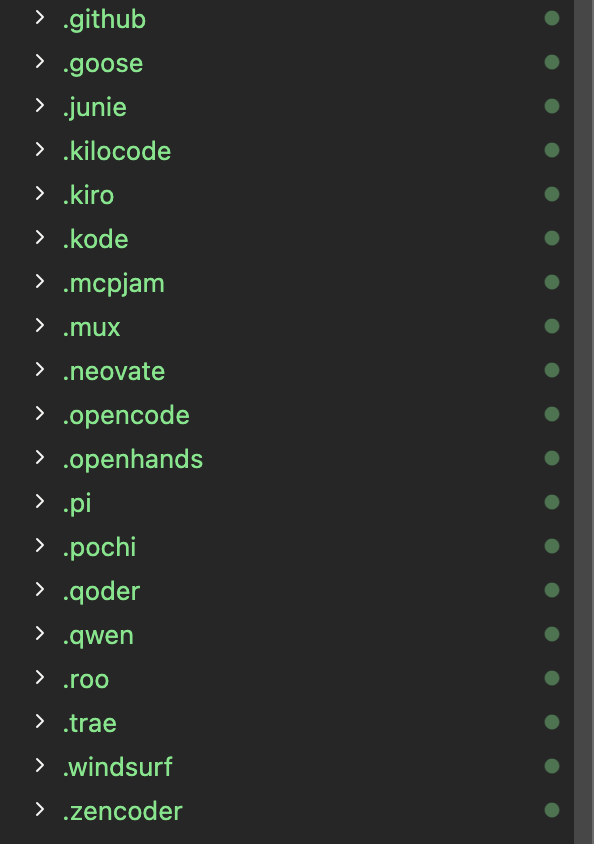
wtf, adding skills with npx skill add creates all these folders in a local project?
Gregor Zunic tweet media
English
53
3
203
48.3K
Matt Wang
Matt Wang@mattt8p·
MCP App / server builders should start thinking about writing skills to pair. We launched two features to help test Skills + MCP pairing: 1️⃣ View your skills beautifully in the skills tab. MCPJam lets you upload skills directly, which are then saved to your local skills directory. 2️⃣ Test Skills + MCP pairing in the LLM playground. Inspect how different skills improve your MCP server use Skills + MCP is a new and growing concept, would love to hear your opinions on it. Full article here: mcpjam.com/blog/skills
English
0
0
6
149
Matt Wang
Matt Wang@mattt8p·
You can now test Skills + MCP pairing on MCPJam There’s a growing trend of using skills paired with MCP servers. MCP provides the tools, skills that teach the agent how to use it and add additional context. We’re also seeing @AnthropicAI encourage the use of Skills + MCP in their products. Anthropic recently launched the connectors marketplace and encourage app devs to submit skills to compliment the app.
Matt Wang tweet media
English
1
1
13
253