mc1903
433 posts

mc1903
@mc1903
Too many years to count working with VMware, Dell & HPE stacks. When I find things that don’t work properly, I try to find the right person to get them fixed.
United Kingdom Katılım Ağustos 2010
135 Takip Edilen16 Takipçiler

Nice!
Just found small typo in our docs, was able to provide feedback by going to very bottom of the page & clicking on "Content feedback and comments", which has a form that includes the page you were on and will automatically take you back after submitting your feedback.

English
@MichaelDell Looking for some executive escalation help getting a long standing issue with support renewals resolved please. Is there an email to get above partner account manager level - preferably peoples with huge boots that they can scoot up someone’s behind? DM’s open.
English
@CharlieBighams Cheeky fucker Charlie! This was done at the factory not in transit.
English

@mc1903 Hi, you should be more careful when carrying our food.
English
Hey @CharlieBighams.
What the heck happened here?
Assume it was thrown together 5 mins before going home time on a Friday afternoon!
😕



English
@Veeam @VeeamCommunity @RickVanover @MadiCristil Please can you update the download page for this ISO to include the SHA256 hash for the current file? Thx.
English

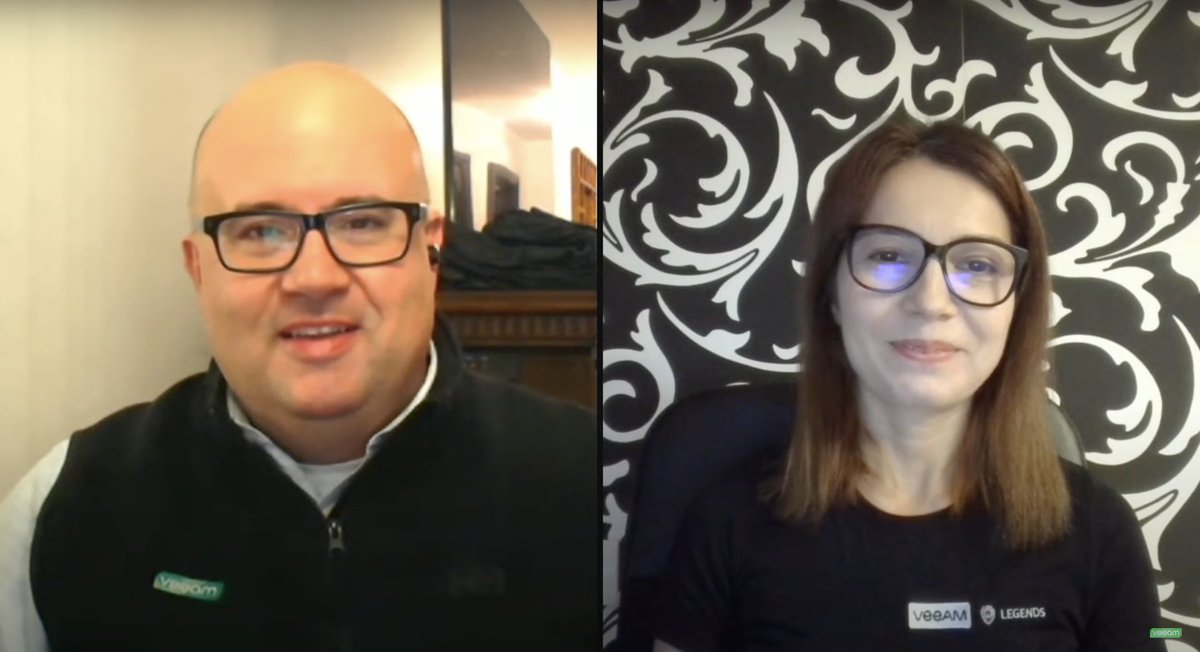
Hardened Repository ISO, Zero Trust Data Resilience, Linux, Veeam ONE — Lots of good stuff in the @VeeamCommunity recap! Grab a coffee and join @RickVanover & @MadiCristil for a closer look at what you might’ve missed this week >> bit.ly/3AJRfWc
English
[New] - How to upgrade VMware Cloud Foundation (VCF) with PVSCSI controller incompatibility? williamlam.com/2024/08/how-to…
cc @Joey_vm_Ware @mc1903

English
@lamw @Joey_vm_Ware Cool, I'll give the upgrade a go and generate an updated HCL JSON from your script if I need it to get past the PVSCSI issue Joey encountered. Cheers
English
@mc1903 First off, you do NOT need to do anything special to upgrade (even w/PVSCSI controller warning), just schedule & you'll have a screen to proceed :)
Second, the script I pointed generates JSON based on your configuration, blog post used NVMe but applies to PVSCSI
@Joey_vm_Ware
English
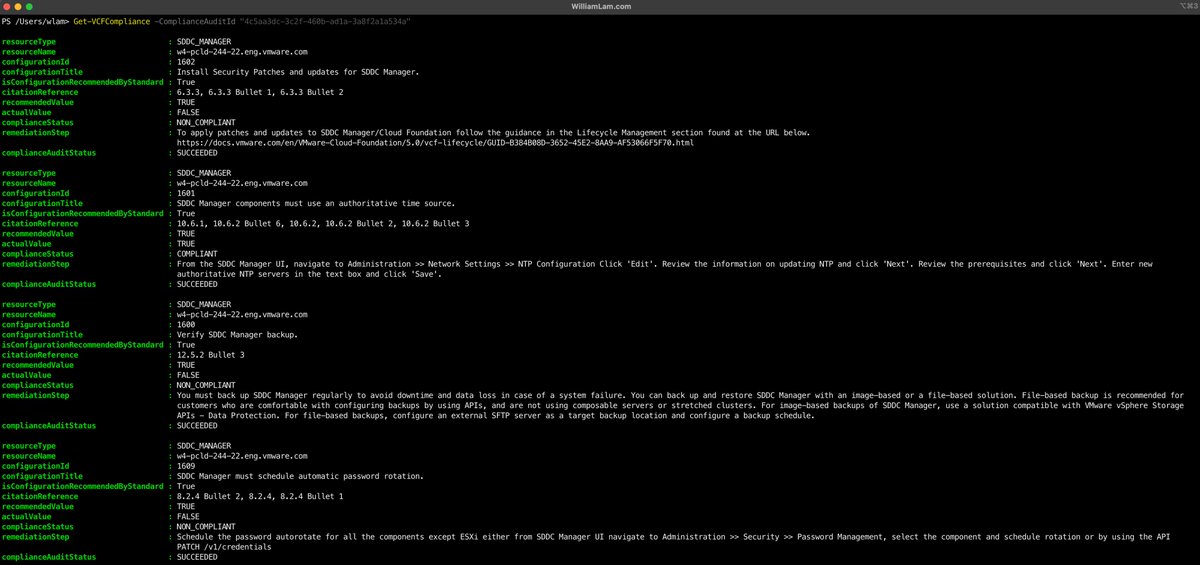
[New] - New PCI Compliance Audit APIs for VMware Cloud Foundation (VCF) 5.2 williamlam.com/2024/08/new-pc…
☝️Got to contribute to the PowerVCF project with some slick new PCI Compliance Audit functions for VCF!
English
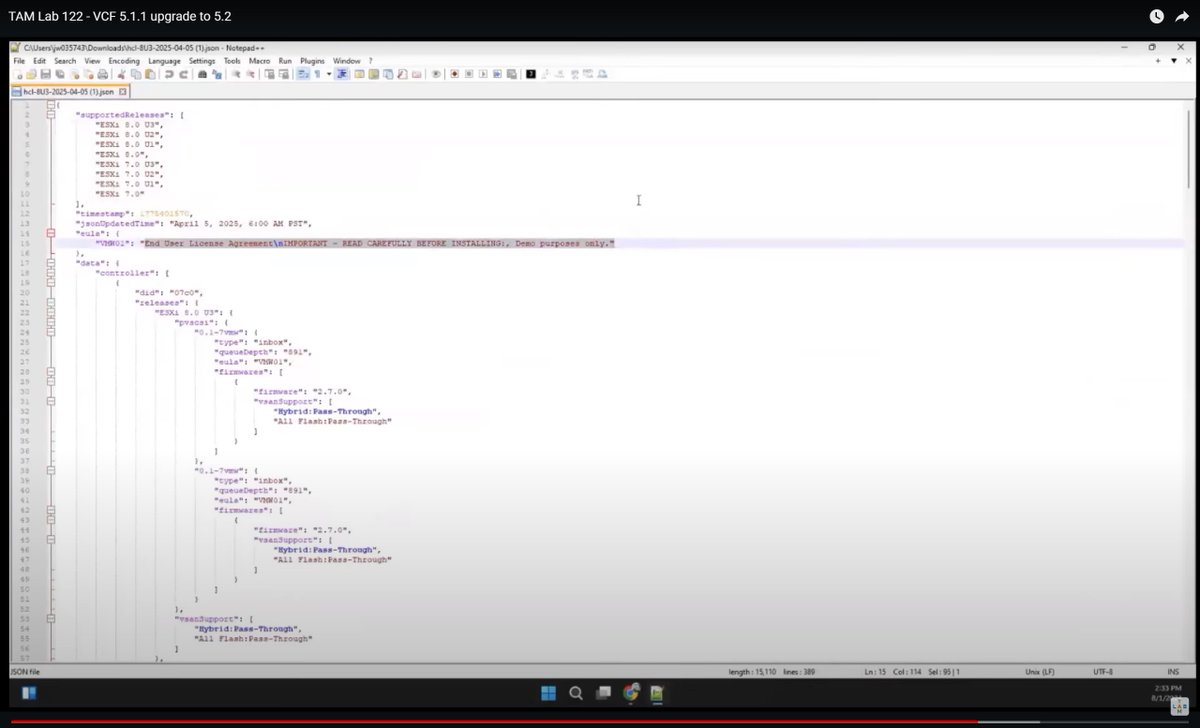
@lamw I think this is a different one... Unless your dynamic ESA HCL JSON also includes compatibility support for the PVSCSI controller?
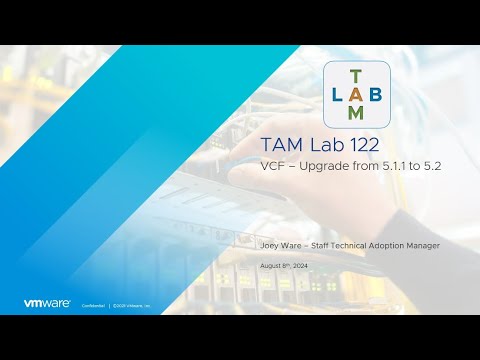
Joey mentions it here youtu.be/__cDf4znNbI?t=… and a short while later shows the file contents (screenshot attached).
YouTube
English
@mc1903 Thanks for reporting! Let me leave a note in the KB, I wish the new platform allowed for end users to leave feedback (I know its something we've requested, so hopefully have it in future). For time being, we'll make sure they get feedback
English
@lamw Evening William.
If you know anyone on the VCF Diagnostic Tool (VDT) dev team, please can you let them know the email address they have given for feedback on this KB bounces as undeliverable. Thanks.
knowledge.broadcom.com/external/artic…
English


Hi @karlchilds, hope you are well. Can you please tell me if these cert logos were ever made available to us 'normo' VCP/VCAP/VCIX's to download in hi-res. I see a few of the community big names have used them in the past, but they are not on any portal I have access to now. Thx.


English
@charlieepotterx Hope you screenshoted and reported the post? Rival team supporter or just general incel loser? Take care Charlie.
English

@DoubleTakeAce @YouTube What’s the MSRP per Carbonite Migrate license? Who owns it these days! It was OpenText when I last used it. The UI is a bit clunky (imho), but it worked well and when it didn’t the support was excellent.
English

How to migrate from VMware ESX to Proxmox using Carbonite Migrate youtu.be/q2VtWmzbqv8?si… via @YouTube #carbonite #migration #vmware #esx #proxmox #virtualization #doubletake
YouTube
English
@plankers @VMwarevSphere Maybe a vCenter FR is needed to check if any encrypted VM is needing that key provider, before it is possible to remove it.
English

In case you were ever wondering about recoverability of encrypted @VMwarevSphere VMs if the KMS is missing, well, I just did that to myself. And not intentionally, either. Good old fashioned lack of discipline when it came to default key providers.
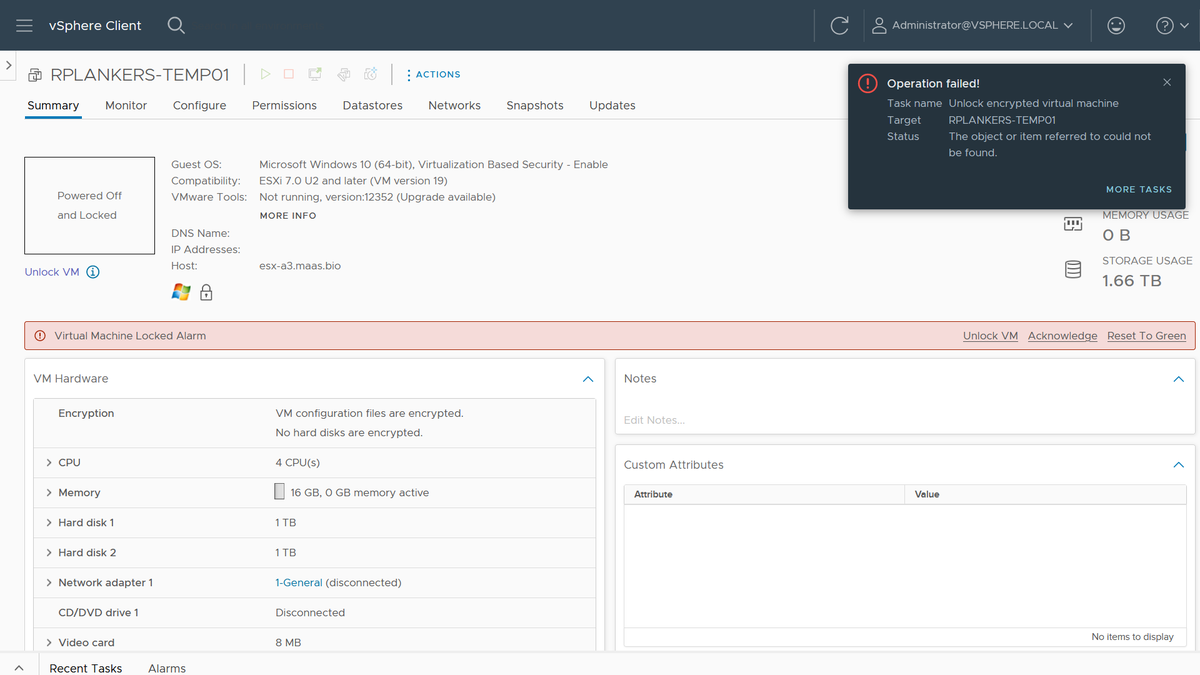
I have a few VMs that I care about that have vTPMs, which means they're using VM Encryption. I had a few extra key providers I was testing with, which I cleaned up yesterday. Turns out some of those VMs were using those key providers and were now "invalid" after a cluster restart for patching.
Here's how I fixed it:
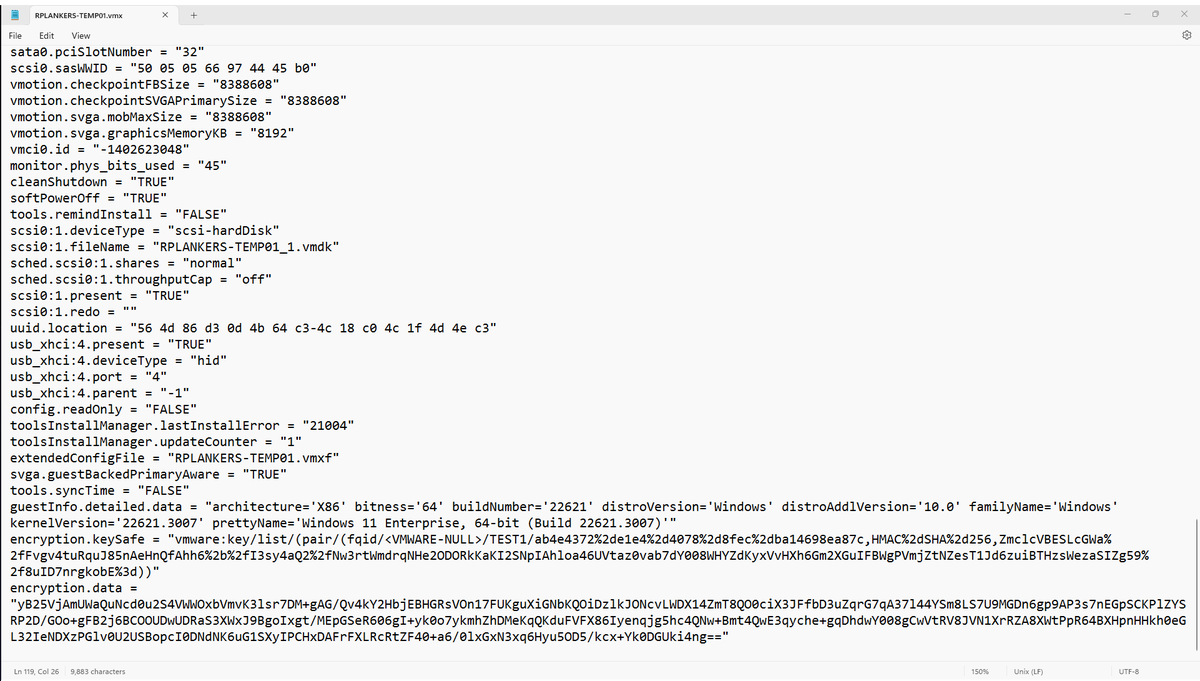
1. Look in the .vmx file for the VM, under encryption.keySafe. It'll have a reference to the key provider name. Mine started with "vmware:key/list/(pair/(fqid//TEST1/" so I know the key provider I need to restore is TEST1.
2. Look through all my backup Native Key Provider keys to find test1.p12. Didn't have one, so it was probably my external KMS. Which, as I think about it, makes sense. I didn't notice the problem yesterday because the hosts have the keys from a standard key provider cached in memory. However, I also patched and rebooted all the hosts, so when they came up they could not retrieve the key again, hence the "invalid VM" designation.
ESXi caches the keys like that because vCenter is a dependency for access to the KMS, and if an HA event occurs it's possible that vCenter is down. If the keys are cached in memory in every host in the cluster then those hosts can restart all affected VMs. No problem. However, it does mask a screwup like mine. Could have been weeks or months before I figured out what I'd done, so people have to use discipline and keep backups when they're deleting stuff.
3. Anyhow, I'd deleted that KMS VM in my cleanup spree. Dammit. Restore from backup.
4. Re-add the KMS as a standard key provider. Had to recreate the auth certs on the KMS but no biggie. Biggest problem is that Chrome is now opinionated about TLS certs on the KMS. Used Firefox, which was cool with it if I was.
5. Click "Unlock" on the VM... done. Powered on.
But wait, there's more!
6. I made my desired Native Key Provider the default key provider again.
7. I rekeyed the VM (right click, VM Policies, Re-encrypt) to the default key provider. I did this while the VM was running, no problem (it just re-encrypts the data encryption key).
8. Deleted the key provider and KMS... again.
Things I didn't plan on doing this morning, but it'd been a while since I did anything like this, and it's good to know that the recovery I tell people is possible works. As long as you have the backups!
English