Mohd Jibly retweetledi

You still use Claude Code like a developer in 2025.
Here's the 2026 (non-coder) cheat sheet:
1. Open the Claude desktop app.
2. Click "Code" (not Chat, not Cowork).
3. Sign up for a free GitHub account.
4. Drop your project folder into Code.
5. Select Opus 4.7 (not Haiku, not Sonnet).
6. Use this setup guide: claudecode.free
Claude now builds anything you describe in English.
But here's where the 2026 version gets powerful:
Before you prompt, flip these 2 settings:
1. Switch to "Bypass Permissions."
No more "Allow this?" 20 times per session. Vibecode 100x faster.
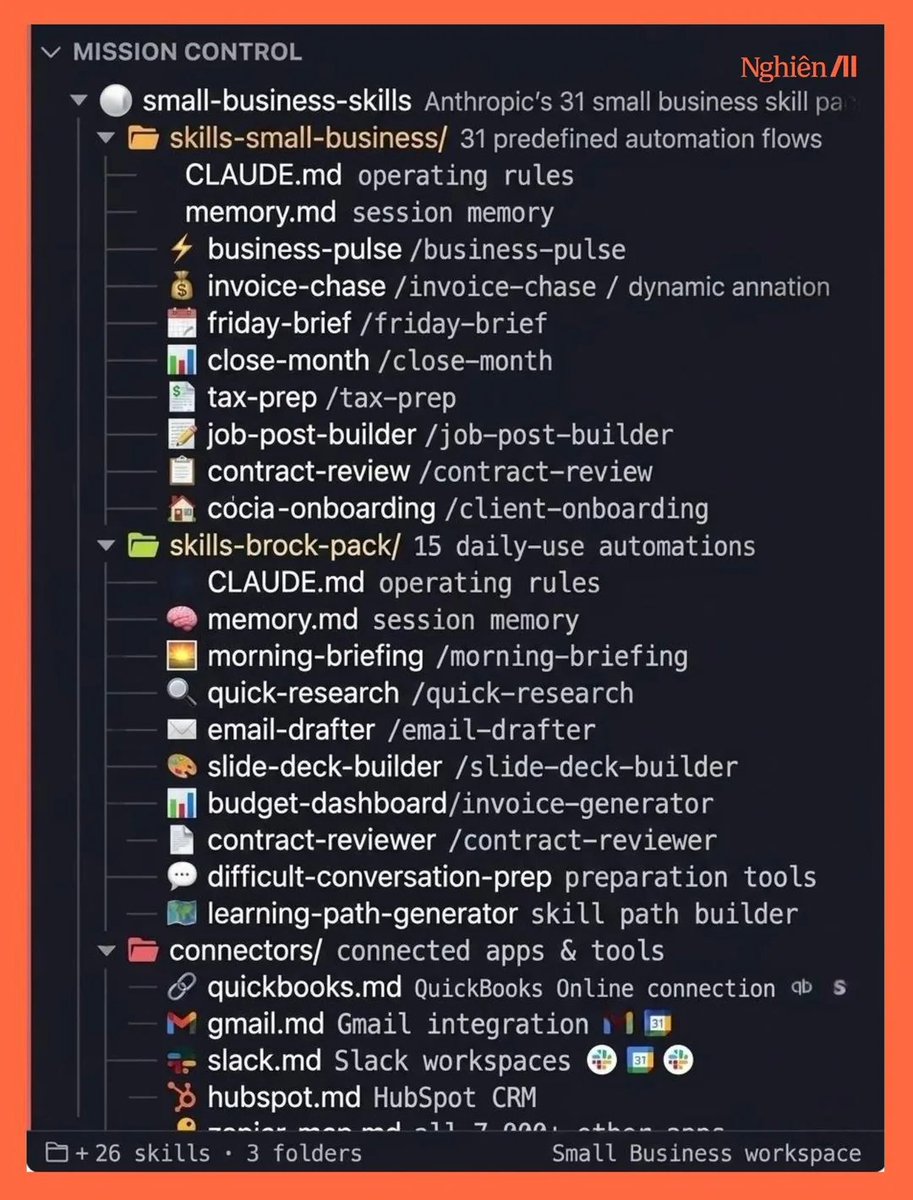
2. Create a "CLAUDE .md" in your project root.
Type: "Write down everything you've learned about this project." Claude remembers your fonts, colors, and structure. Forever.
Then stop typing 500-word paragraphs.
Screenshot instead.
Drag a screenshot of any site you love into Code.
Paste this instead:
"I do not know how to code. Build me something like this for [GOAL]. Make it work on mobile. Loop until it's right."
Claude reads your screenshot. It builds the site.
You check it on your phone. You screenshot every bug. You send a numbered list. Refresh. Repeat.
The secret is not knowing how to code anymore.
It is knowing how to brief, screenshot & loop. But to go even deeper, use my playbook: claudecode.free
(save this if you can't code - you won't need to)

Ruben Hassid@rubenhassid
English