

Mike Kassoff
199 posts


@rahulvohra @jordancooper semantic search in email is a game-changer. any plans to bring it to mobile?
English

is there no email provider that has implemented semantic search of your inbox? Why not? cc @rahulvohra
English
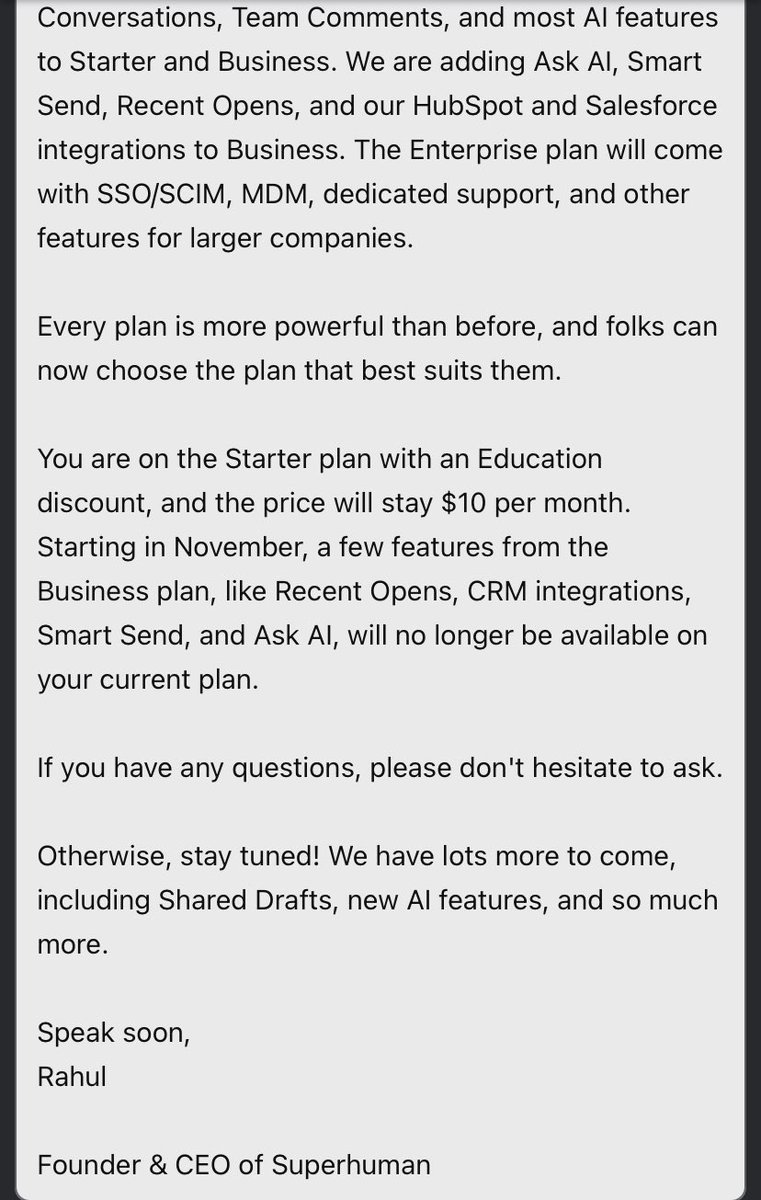
@Andrewislington @rahulvohra @Superhuman To be clear, Read Receipts are still included in the Starter plan. It is just the Recent Opens Feed that is included in the Business plan.
superhuman.com/pricing
English

@rahulvohra @Superhuman I’m fine with Ask AI being gone. It was crap. Never picked up on recently entered emails, would only pull out information from half the emails and was just genuinely more of an inconvenience than searching.
The thing that kept me was read receipts. They were useful. So useful
English
I think this is going to be the final month of me using @Superhuman. Very disappointing that these changes are coming in and these features are the reason I use superhuman. Goodbye 👋 It was nice whilst it lasted @rahulvohra
English
English




English

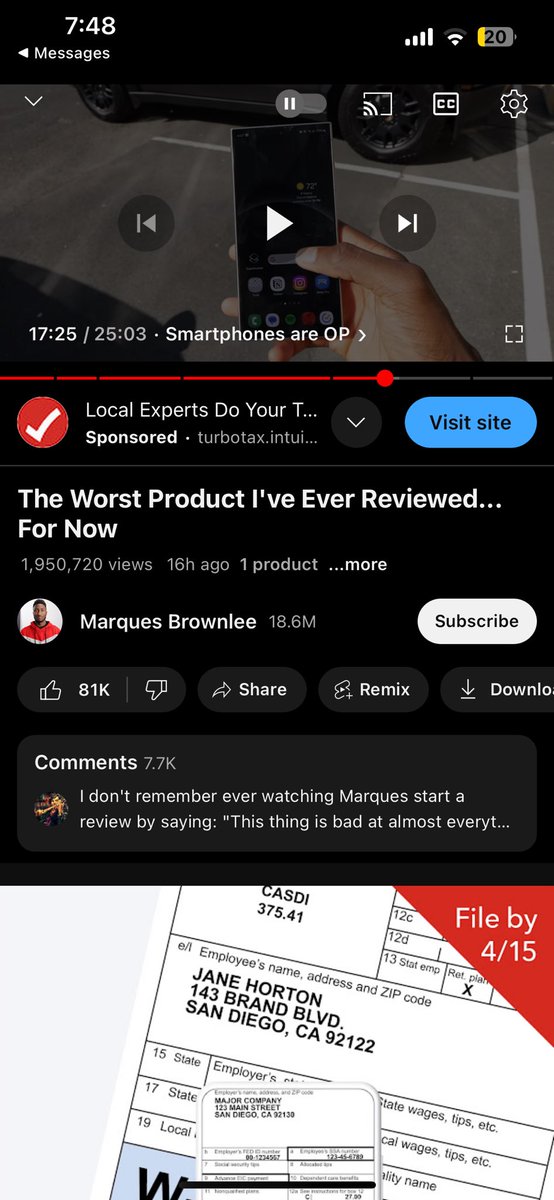
@mkassoff @rahulvohra @Superhuman I don’t see it. I can confirm that’s the version I have on this iPhone 15 Pro Max


English
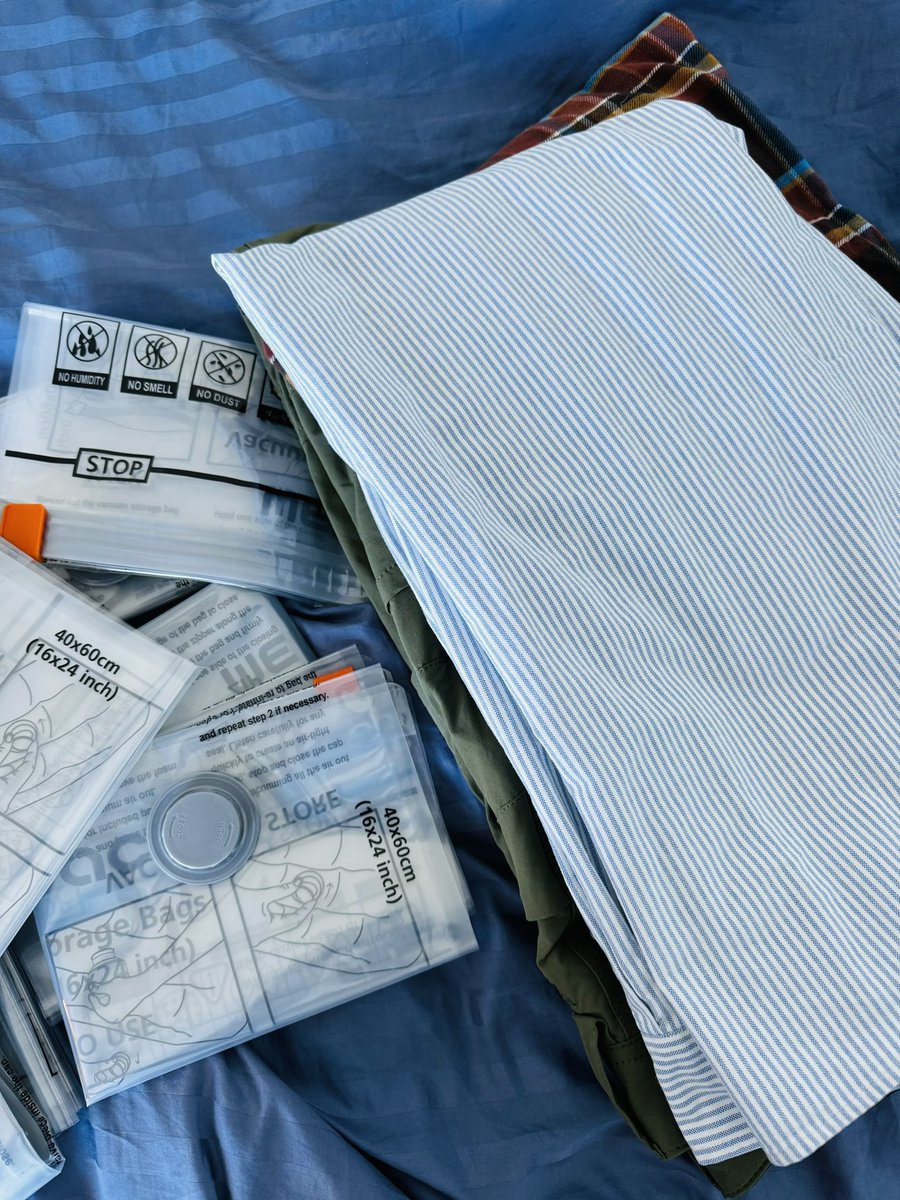
In case you guys are wondering how #longhaul #pilots carry wardrobe essentials with them for a week + on the road, our secret is vacumn bags. This allows for more clothes to be packed in without having to fight your bag to close. It's also great to organize everything!.
.
.
.
#B747✈️❤️
#AVVC
#Heavies
#AirlinePilots
#TheFlyingVC
#Airbus2Boeing
#QuadClubAviators
English
@CaptFZ @rahulvohra @Superhuman 2.45.0 is the iOS version you want. You’ll see a Superhuman AI button at the bottom of the screen when composing an email.
English
@mkassoff @rahulvohra @Superhuman But what’s the AI version for iOS and how would I know it’s turned on, on iOS?.
English
@CaptFZ @rahulvohra @Superhuman Yes, 2.45.0 is the version with Superhuman AI. If you aren't seeing it, you probably need to turn it on in the Desktop app or Web app.
English
@rahulvohra PS: Is 2.45.0 the AI version for @Superhuman or do u need to update that?. I checked the app store and that's the latest version.
English

This is great @Superhuman you need to look into this
DHH@dhh
Absolutely love this feature in HEY. Select a bunch of emails, select Reply Together, then "send same email to all". You write one email, but it sends each individually, so you maintain separate threads. Incredibly time-saving on jobs like this!
English
@djthill @Superhuman We now do this as a one time import when you sign up, but unfortunately Gmail makes it quite difficult tor us to maintain drafts over time as the Gmail API doesn’t provide a stable identifier for a draft, and so we’re not able to detect new drafts or changes to drafts currently.
English

Hello @Superhuman, any updates on when will you support syncing drafts with gmail?
English
@fragateiro13 @Superhuman Hi Antonio, the deal is still in place. The company is off for Thanksgiving but someone should get back to you on Monday!
English

@Superhuman Hi team, I’ve been emailing the support email for quite some time asking if this offer is still in place, but I haven’t had any reply. Can you please assist? (my subscription ends on the 27th and I’d love to continue using it!) thanks!
English

We're so excited to launch our new discounted plan: Superhuman for Education! 🎉
Students and faculty with an active school email address can sign up at: superhuman.com/education 🧑🎓
Thread 👇
English
@dan_coyle @Superhuman Hi Dan,
We are actively working on ways to bring this number down. There is a tradeoff between amount of data stored locally and speed/offline support, so we are thinking this through carefully.
If you delete your app and reinstall, that will help in the short term.
English

Is there really no solution for this @Superhuman ? I clear my offline data frequently but it basically does nothing.
If I have to uninstall from my iPhone it’s definitely not going to make $30/mo for a desktop email app worth it

English
@katiesquestions You can currently get a mega view of all of your calendars now (at least your Google and Outlook calendars)
English

dislike / feature requests:
1. the inbox zero photographs aren’t for me. prefer something clean. wish I could personalize to show a color or preset photo library
2. wish there was a mega view of all email inboxes and calendars (this is my #1 feature request for all mail apps)
English
@0xSMW @Superhuman @rahulvohra We have a fix for this. It will take a couple of weeks to hit the App Store, most likely in version 2.34.0 of the app.
English

Reason #20 to delete superhuman - text selection on mobile is IMPOSSIBLE @Superhuman @rahulvohra - if only you could see my frustrated taps trying to select before I went back and then opened again - what are we doing here guys? only client where this is impossible.
English
@0xSMW @rahulvohra @Superhuman Yes.
(1) hold down to select a word
(2) let go
(3) drag to change the selection
English
@rahulvohra @Superhuman Is there a workaround for easily selecting text out of emails?
English
@LizaGurtin @Superhuman - is used to remove recipients (e.g. -example@gmail.com). You can use * to start a list though.
English

Why don't `-` start a bulleted list in @Superhuman -- that would save me so much time
English
NEW✨ We all have busy lives and multiple calendars. When are we free? Without the full picture, it’s hard to see.
In Superhuman, you can now see all your calendars at once! 📅
To add a calendar, just hit Cmd+K (Mac) or Ctrl+K (Windows) → Calendar Settings.

English
@TheWillDobson @Superhuman What would you want the widget(s) to do? Widgets aren’t one of our top requested features at the moment, but feedback like this does help to bump it up!
English

With iOS 17 coming out, does anyone know if @Superhuman is still dragging their heels on building/releasing iOS widgets? This is my one blocker for purchase.
English
@lonbaker @Superhuman I’m reading this as you want to be able to tell Superhuman to send emails as part of Shortcuts. Is that right?
English

@mkassoff @Superhuman Ideally exposing the share menu on iOS, iPadOS and macOS would empower users to use Superhuman with whatever work flows they prefer.
English
@Superhuman: In the fastest email app around. But in 2023, lack of integration options and a web-centric UI are holding it back. #productivity
English