Kyle Nguyen
90 posts


@techyoutbe Rubbish. argocd, envoy ... are k8s concepts ? Wtf is wrong with this page
English

Kubernetes (64 Key Concepts) 👇👇

Tech Fusionist@techyoutbe
Kubernetes Simplified: Most people get overwhelmed by K8s. Here’s the simplest way to understand it 👇 Part1 (1-5) @techfusionist/note/c-247306631?r=4cjx17&utm_medium=ios&utm_source=notes-share-action" target="_blank" rel="nofollow noopener">substack.com/@techfusionist…
Part1 (6-10) @techfusionist/note/c-251142337?r=4cjx17&utm_medium=ios&utm_source=notes-share-action" target="_blank" rel="nofollow noopener">substack.com/@techfusionist… Español

2026年让你效率提升10倍的10个终端工具:
1. zoxide
更聪明的cd命令,学习你的习惯。输入'z proj'就能跳转到你想要的目录。
仓库 → t.co/pZCH3ZQt9F
2. fzf
模糊查找工具,支持搜索文件、进程、git分支、shell历史等。
仓库 → t.co/nWEAbBMTm6
3. ripgrep
比grep快10倍。默认遵守.gitignore。一旦用过就回不了头。
仓库 → t.co/kb1OcCH9NQ
4. lazygit
你讨厌的每个git命令,现在只需一个按键。交互式变基就像作弊一样简单。
仓库 → t.co/f9fDuU6VKT
5. starship
显示git状态、语言版本和云环境的shell提示符。支持所有shell,渲染速度10ms以内。
仓库 → t.co/Snotb0pW5B
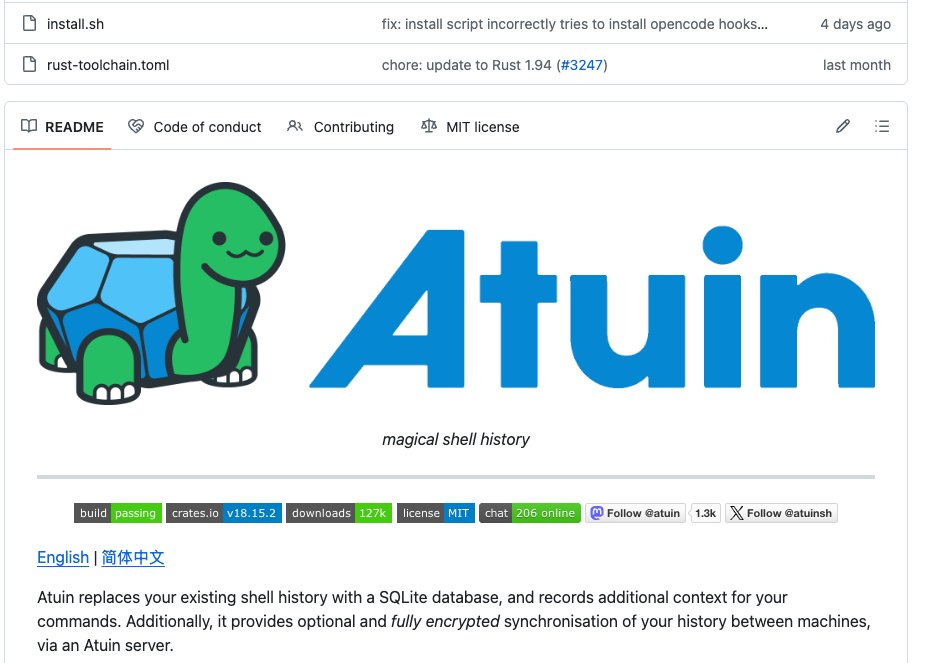
6. atuin
用可搜索的SQLite数据库替换shell历史。支持跨设备加密同步。
仓库 → t.co/j0tedZ18wi
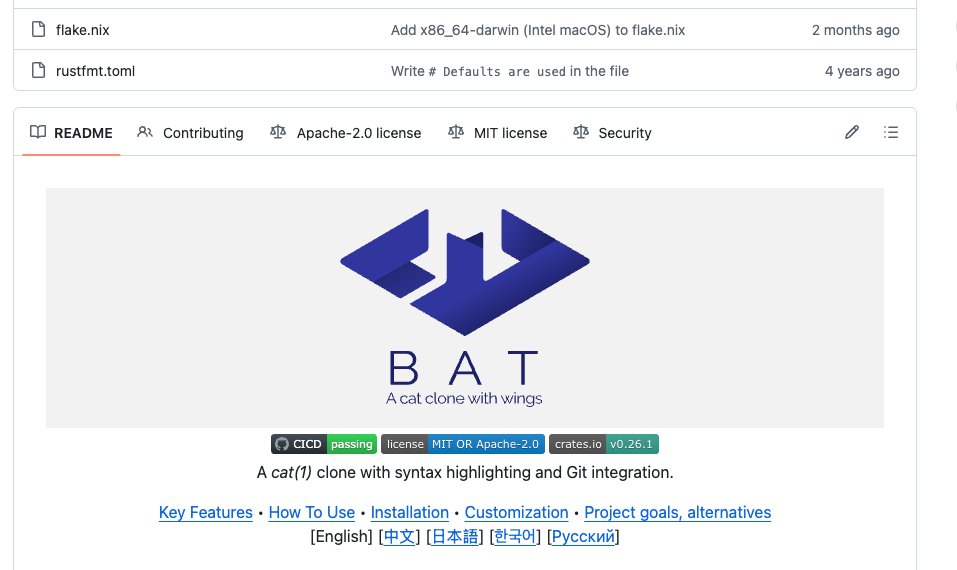
7. bat
cat命令的增强版,带语法高亮、行号和git集成。你的终端焕然一新。
仓库 → t.co/omdUbpX14E
8. eza
现代化ls命令,内置颜色、图标和git状态。一眼看清整个目录。
仓库 → t.co/MxRtY8Jipo
9. yazi
超快的终端文件管理器。支持图片预览、异步I/O和vim快捷键。
仓库 → t.co/egfS6pkLfx
10. delta
让git diff变成你真正想读的样子。并排视图、语法高亮、行号。
仓库 → t.co/GHJCrGMMm9


中文

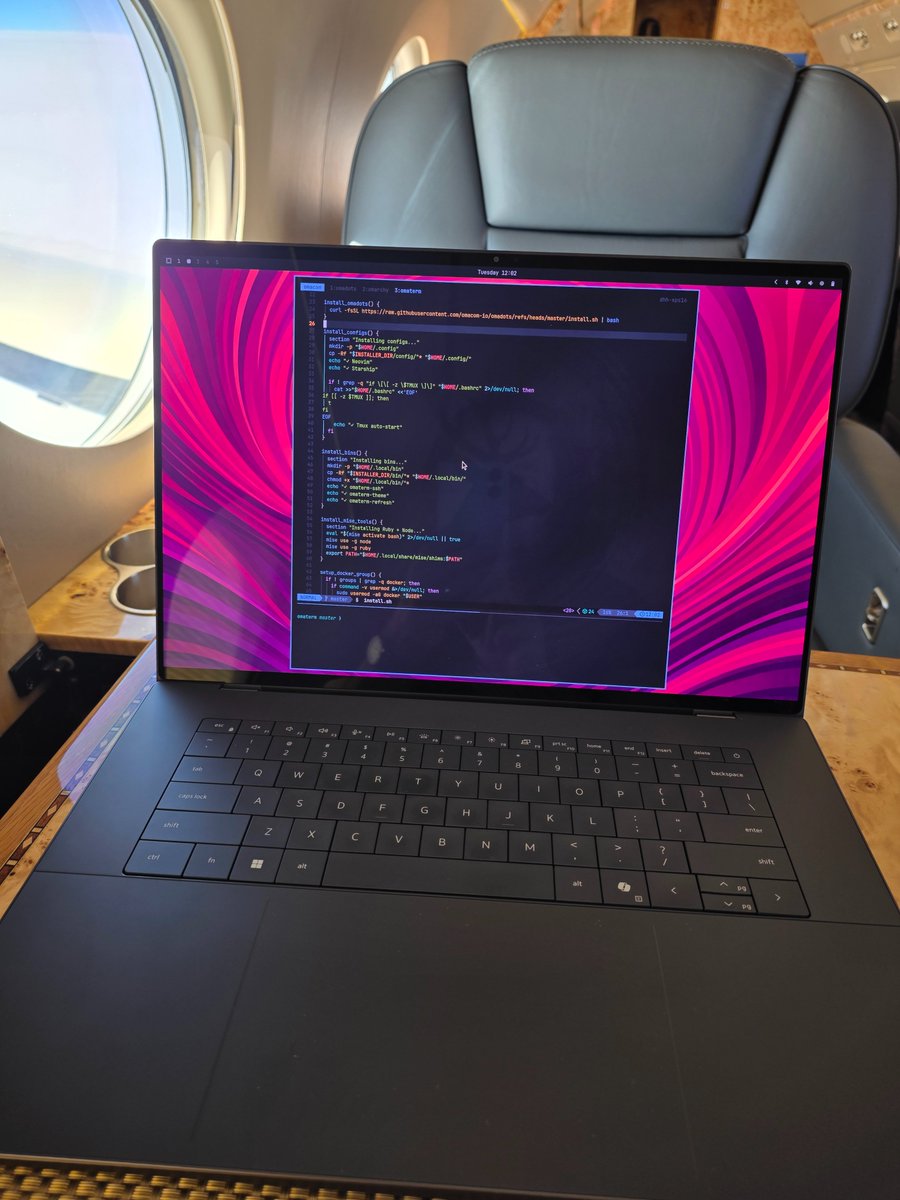
The Framework 13 Pro is truly in another league.
I have a pre-production version (the one I bought gets here in July), and this thing is beautiful.
I've been using this for an hour, so I'll post a more detailed review in a few days, but for the first time ever I feel this can go toe to toe with a MacBook in terms of quality.
As a reference, I've been a Mac user since 2009.
Fast. Top-notch trackpad and keyboard. 4:3 touchscreen display. Upgradeable. Infinite battery life.
Here is a picture of me writing this tweet. I'll record a video next week.

English

Running your own DevOps setup locally is one of the best ways to learn.
In this guide, @irvingpictures shows how to build a homelab using Docker, Kubernetes, and Ansible.
You’ll learn how containers, orchestration, and automation tools work together in a safe environment.
freecodecamp.org/news/how-to-bu…

English

The Kubernetes ecosystem is beautiful. Every tool exists to solve a problem that Kubernetes couldn't solve.
You run everything with kubectl. Get pods, describe, logs, exec, delete, apply, 50 times a day across 5 namespaces. It works, but it is slow and painful, specially -n namespcae in every command.
>> So you use K9s or Lens. A terminal UI that shows your entire cluster in one view. It lets you switch namespaces, different clusters, and tail logs, exec inside pod, and do everything you need.
You deploy with kubectl apply from your laptop. Someone changes a deployment directly on the cluster, and what is running no longer matches what is in Git. That is drift, and it is silent until prod breaks.
>> So you use ArgoCD. Git becomes the single source of truth, every change syncs to the cluster automatically, and if anyone touches a deployment manually ArgoCD overrides it back.
Your Kafka consumer has 200,000 messages piling up, CPU is at 5 percent, and HPA sees no reason to scale. The queue keeps growing, and users are waiting.
>> So you use KEDA. It scales pods on queue depth, SQS message count, or Prometheus metrics, and not just CPU. The backlog clears.
HPA adds pods during a spike, but the nodes are full, and new pods sit in Pending. HPA did its job, but the cluster had nowhere to put them.
>> So you use Karpenter. A new node appears in seconds when pods are stuck in Pending and disappears when the load drops. You only pay for what you use.
Every pod can talk to every other pod by default. Your payment service can reach your database, your internal tool can reach your logging service and nothing is blocked unless you block it.
>> So you use Network Policies. Your database only accepts traffic from the app, everything else is denied and the blast radius of a compromised pod shrinks dramatically.
You have 20 microservices, one starts responding slowly and retries pile up across 4 other services. A cascade begins and you have no visibility into where it started because all traffic is invisible.
>> So you use a Service Mesh. Istio or Linkerd puts a sidecar proxy next to every pod, gives you mTLS between every service, retries, circuit breaking and traffic metrics without touching a single line of app code.
Your secrets are Base64 encoded in Kubernetes, sitting in etcd and readable by anyone with kubectl access. You want them in Vault or AWS Secrets Manager but you do not want to rewrite your app to fetch them.
>> So you use the Secrets Store CSI Driver. Secrets live in Vault or AWS Secrets Manager and get mounted directly into your pod as files. The secret never lives in Kubernetes.
A developer ships a container running as root, another ships with no resource limits and you find out after the incident. Every time.
>> 𝘖𝘳𝘪𝘨𝘪𝘰𝘯𝘢𝘭 𝘱𝘰𝘴𝘵 𝘣𝘺 𝘈𝘬𝘩𝘪𝘭𝘦𝘴𝘩 𝘔𝘪𝘴𝘩𝘳𝘢
>> So you use Kyverno. Policies enforced at admission before anything enters the cluster, no root containers, no images without a digest and no deployments without limits.
Something is wrong. Pods are restarting, latency is spiking and memory is climbing but you have no numbers, no history and no way to know when it started.
>> So you use Prometheus and Grafana. Prometheus scrapes metrics from every pod, node and component and Grafana turns those numbers into dashboards. You see the spike, the exact time it started and which service caused it.
Grafana shows the spike but not which request triggered it, which service it hit first or where it slowed down. Logs give you fragments and metrics give you totals. Neither gives you the full story.
>> So you use Jaeger. It follows one request across every service it touches, shows you latency per hop and the exact failure point. The needle in the haystack, found in seconds.
That is the ecosystem. Not a list of tools.
English

@livingdevops Missed a network step, listening ports, incoming connections
English

A critical Linux process just died out of nowhere!
As a DevOps engineer, I've dealt with this countless times in production. When it happens, every second counts.
Here's my 7-step debugging playbook:
👉 𝗦𝘁𝗲𝗽 𝟭: 𝗩𝗲𝗿𝗶𝗳𝘆 𝘁𝗵𝗲 𝗼𝗯𝘃𝗶𝗼𝘂𝘀
🔺 ps aux | grep process_name → Is it actually dead?
🔺pgrep -fl process_name → Double-check memory
🔺dmesg -T | tail -50 → Look for segfaults or OOM kills
👉 𝗦𝘁𝗲𝗽 𝟮: 𝗛𝘂𝗻𝘁 𝘁𝗵𝗿𝗼𝘂𝗴𝗵 𝘀𝘆𝘀𝘁𝗲𝗺 𝗹𝗼𝗴𝘀
🔺journalctl -xe --no-pager -n 50 → Recent errors before crash
🔺tail -f /var/log/syslog → Live warnings and crash messages
👉 𝗦𝘁𝗲𝗽 𝟯: 𝗖𝗵𝗲𝗰𝗸 𝗿𝗲𝘀𝗼𝘂𝗿𝗰𝗲 𝗰𝗼𝗻𝘀𝘂𝗺𝗽𝘁𝗶𝗼𝗻
🔺top -o %CPU → High CPU usage patterns
🔺 top -o %MEM → Memory limit breaches
🔺dmesg | grep -i "oom" → OOM Killer activity
👉 𝗦𝘁𝗲𝗽 𝟰: 𝗜𝗻𝘃𝗲𝘀𝘁𝗶𝗴𝗮𝘁𝗲 𝘀𝘁𝗼𝗿𝗮𝗴𝗲 𝗶𝘀𝘀𝘂𝗲𝘀
🔺 df -h → Disk space exhaustion
🔺 iostat -xm 1 → I/O bottlenecks causing freezes
🔺 dmesg | grep -i "error" → File system corruption
👉 𝗦𝘁𝗲𝗽 𝟱: 𝗙𝗶𝗻𝗱 𝗳𝗶𝗹𝗲 𝗹𝗼𝗰𝗸 𝗶𝘀𝘀𝘂𝗲𝘀
🔺lsof -p → Stuck on locked files
🔺lsof | grep -iE "deleted|locked" → Lingering file problems
👉 𝗦𝘁𝗲𝗽 𝟲: 𝗧𝗿𝗮𝗰𝗸 𝗲𝘅𝘁𝗲𝗿𝗻𝗮𝗹 𝗸𝗶𝗹𝗹𝘀
🔺journalctl -u process_name --no-pager -n 50 → Manual terminations
🔺lastcomm | grep process_name → Who sent the kill signal
👉 𝗦𝘁𝗲𝗽 𝟳: 𝗥𝗲𝗮𝗹-𝘁𝗶𝗺𝗲 𝗱𝗲𝗯𝘂𝗴𝗴𝗶𝗻𝗴
🔺strace -p → Live syscall monitoring
🔺gdb -p → Attach debugger for deep inspection
The key is following this systematically rather than randomly trying commands.
Whether you manage AWS workloads, Kubernetes clusters, or bare metal servers, this debugging flow works universally.
Save this post for your next 3 AM production incident.
English

@gxjo_dev How about ops engineers ? linux, terraform, cloud network inra, k8s
English

Best Backend Projects That Get You Hired (2026)
Distributed Rate Limiter (Redis + sliding window)
Scalable URL Shortener (base62 + DB sharding)
Distributed Job Queue (workers + retry + DLQ)
Webhook Delivery System (retry, idempotency, signatures)
API Gateway (auth, routing, rate limiting)
Multi-tenant SaaS Backend (tenant isolation, billing logic)
Feature Flag Service (dynamic config rollout)
Distributed Lock Service (Redis/Zookeeper style)
Session Store (distributed, TTL-based)
Search Service (ElasticSearch + indexing pipeline)
Log Aggregation System (ingestion + storage + query)
Metrics Backend (time-series DB + dashboards API)
Event Ingestion Pipeline (Kafka + consumers)
ETL Pipeline (batch + streaming)
Recommendation Engine Backend (ranking + retrieval)
Fraud Detection Backend (rules + event processing)
Chat Backend (WebSockets + persistence)
Notification System (email/SMS/push + queues)
Presence System (online/offline tracking)
Activity Feed Backend (fan-out, fan-in models)
Real-time Analytics Backend (stream processing)
Distributed Cron Scheduler (job scheduling at scale)
Workflow Engine (task orchestration, retries)
Circuit Breaker Service (failure handling)
Service Discovery Backend (dynamic service registry)
Config Management Service (central config store)
File Storage Backend (S3-like, signed URLs)
CDN-like Backend (caching + edge logic simulation)
Video Processing Backend (upload → transcode → serve)
Image Processing Pipeline (resize, compress, store)
RAG Backend (document ingestion + retrieval + LLM)
Vector Search Backend (embeddings + similarity search)
AI API Gateway (model routing + fallback)
Prompt Logging & Evaluation Backend
Semantic Search Engine Backend
English

@AskYoshik And writing terraform, pretending they're writing prod codes
English

The 2026 DevOps stack that actually wins interviews & keeps systems alive:
Packaging → Docker (still king, stop fighting it)
Orchestration → Kubernetes (no, Nomad didn’t win)
GitOps → ArgoCD > Flux (fight me)
IaC → Terraform + OpenTofu (both fine, pick one & stop religious warring)
CI/CD → GitHub Actions (sorry Jenkins fans, it’s over)
Observability → Prometheus + Grafana + Loki (ELK is legacy tax now)
Tracing → OpenTelemetry (Jaeger/Ops is cute but OTEL won)
Policy → Kyverno > OPA/Gatekeeper in most teams
Secrets → External Secrets + AWS Secrets Manager / Vault (Vault still elite)
Cost → Kubecost + CloudZero (stop pretending you don’t burn $$$$$)
AI helper → Claude / Cursor in VS Code (kubectl explain who?)
If your resume still says “Ansible for everything” and “manual kubectl apply” in 2026…
you’re not “experienced”, you’re endangered.
Real DevOps isn’t memorizing 400 kubectl commands.
It’s knowing which 12 tools actually run billion-dollar companies — and why the rest is noise.
What’s one tool you still use that most people have already replaced?
Drop it below 👇
English

@paulsputer @alexcooldev Wait, what ? One can't live in UK with that range
English

@alexcooldev Tech bros in 🇬🇧:
Entry Level: $3,000 – $4,000
Mid Level: $3,500 – $4,500
Senior Level: $4,000 – $5,000
Team Lead: $4,000 – $5,500
(outside finance or well funded VC)
English

Same
Tech bros in 🇻🇳:
Entry Level: $400 – $700
Mid Level: $1,000 – $1,500
Senior Level: $2,000 – $3,000
Team Lead: $3,500 – $5,000
Tech bros in 🇺🇸:
Junior Level: $6,000 – $10,000
Honestly, this isn’t the life we should be living in this part of the world. 😮💨
Akintola Steve@Akintola_steve
Tech bros in 🇳🇬: Entry Level: ₦150 Mid Level: ₦350K – ₦500K Senior Level: ₦600K – ₦800K Team Lead: ₦1M – ₦1.5M Techie in 🇬🇧 : Junior Level: £1,500 Honestly, this isn’t the life we should be living in this part of the world.
English

@dhh @MichaelDell Sir could you share your pc/laptop specs for Omarchy ?
English

Many thanks to @MichaelDell for having one of the new Panther Lake XPS 16 laptops sent over for Omarchy testing. There's a bit of work to do, but it's already very usable, and that tandem OLED is to die for 🤩

English

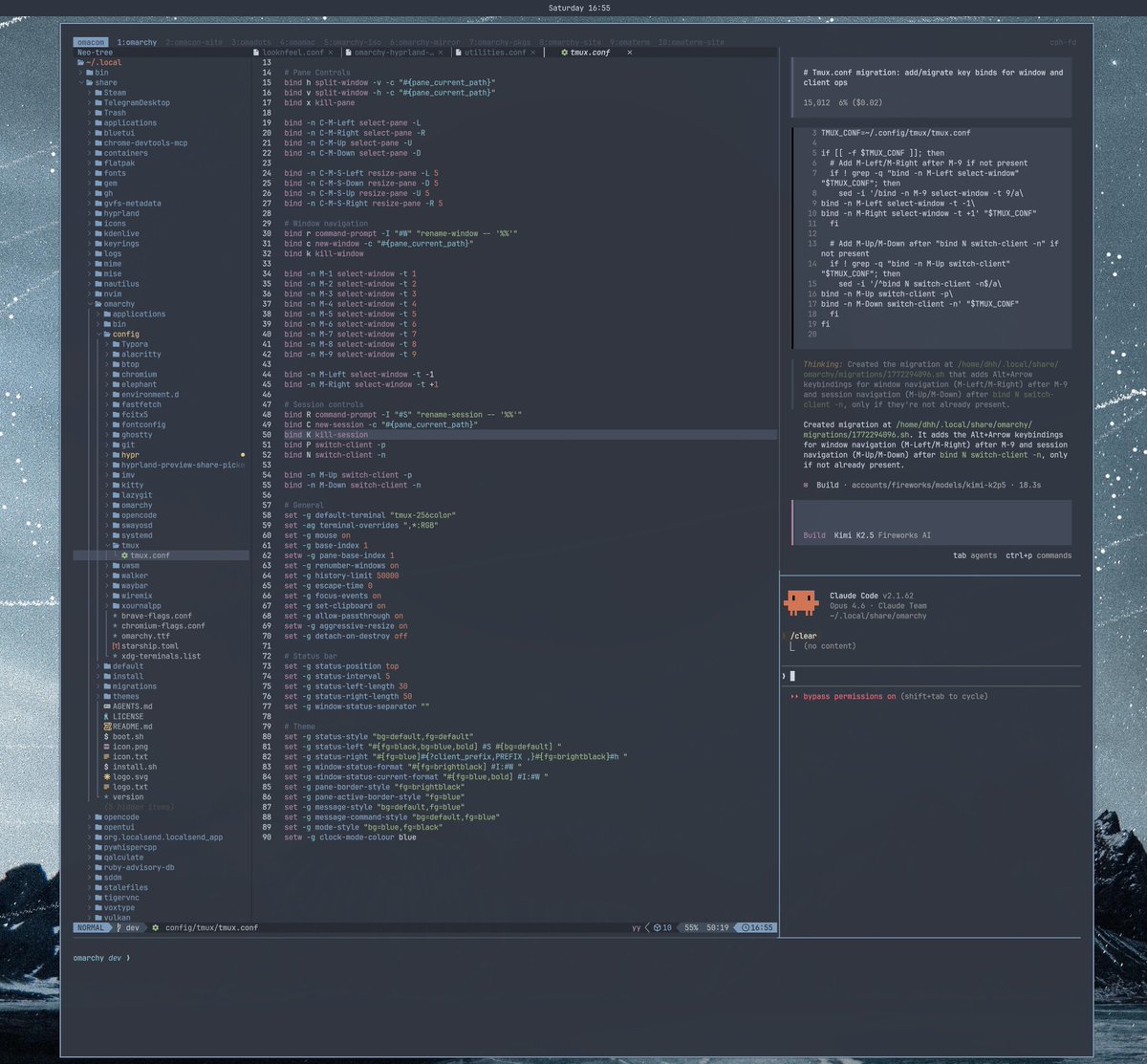
My new favorite tmux dev layout features @opencode (with Kimi K2.5 running on @FireworksAI_HQ) on top and Claude Code on the bottom. I start almost all agent tasks with Kimi (so fast!), then ask Claude if I need a second opinion/more advanced stuff. Great combo!

English

@kanavtwt @standaloneSA There should be an AI version where Pipedpiper returns and uses AI
English

@iamt33c33 Mac mini is da best in terms of an 24/7 agent with iMessage capabilities sir :)). Apple silicon outperforms intel/amd in perf and energy to run thru all days and nights
English