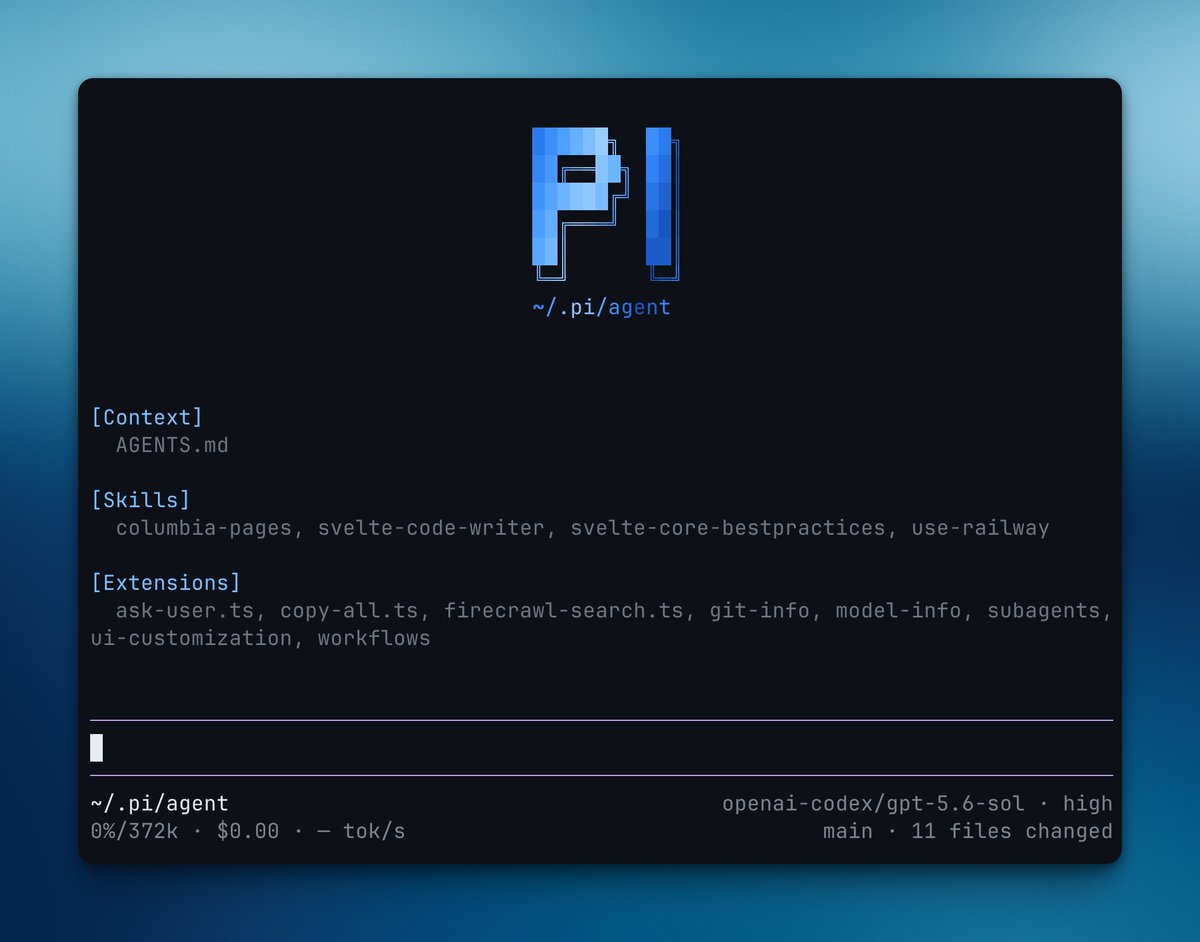
Sabitlenmiş Tweet

An endorsement from Pidalf himself! People of Pi follow us and spread the word 🖤
Mario Zechner@badlogicgames
btw, @pidotdev is the official account for pi on this hell site. go give it a follow.
English
Pi
83 posts

@pidotdev
There are many agent harnesses, but this one is yours
btw, @pidotdev is the official account for pi on this hell site. go give it a follow.


There are many agent harnesses, but this one is open source and it is yours. Thank you People of Pi for 70000 stars on GitHub⭐️




🚀 HOW TO RUN YOUR OWN AI CODING AGENT IN THE TERMINAL — LOCAL, PRIVATE, FREE (with Pi + llama.cpp) Step-by-step guide: What we're using: Pi — a minimal terminal coding agent by earendil-works. No Electron, no bloat, no cloud. Runs in the terminal, fast, extensible. Works with 30+ cloud providers (Anthropic, OpenAI, Google, DeepSeek, Groq, OpenRouter…), but just as easily connects to a local model via an OpenAI-compatible API. That's exactly what we want. Website: pi.dev Repo: github.com/earendil-works… npm package: @earendil-works/pi-coding-agent" target="_blank" rel="nofollow noopener">npmjs.com/package/@earen…
─ INSTALLING PI ─ One command: npm install -g --ignore-scripts @earendil-works/pi-coding-agent Or without npm: curl -fsSL pi.dev/install.sh | sh Launch with `pi`. By default it prompts you to /login (Claude, OpenAI, Copilot…), but we don't care about that — we want a local model. ─ WHERE THE CONFIG COMES FROM ─ - ~/.pi/agent/settings.json → global settings (default provider, thinking level, compaction, packages…) - ~/.pi/agent/models.json → model and provider definitions models.json reloads every time you open /model, so you can edit it live without restarting. ─ STARTING THE LLAMA.CPP SERVER ─ llama-server -m Qwen3.6-27B-Q5_K_M.gguf --host 0.0.0.0 --port 8080 -ngl 99 -c 32768 --jinja Important flags: - --jinja → uses the chat template baked into the model - --port 8080 → OpenAI-compatible endpoint at localhost:8080/v1 - -ngl 99 → all layers on GPU - -c 32768 → context window Verify it's running: curl http://localhost:8080/v1/models Returns JSON with a list of models → you're ready. ─ CREATE ~/.pi/agent/models.json ─ { "providers": { "llamacpp": { "baseUrl": "http://localhost:8080/v1", "api": "openai-completions", "apiKey": "llama", "compat": { "supportsDeveloperRole": false, "supportsReasoningEffort": false, "maxTokensField": "max_tokens" }, "models": [ { "id": "Qwen3.6-27B-Q5_K_M.gguf", "name": "Qwen 3.6 27B (Local)", "reasoning": true, "input": ["text"], "contextWindow": 32768, "maxTokens": 8192, "cost": { "input": 0, "output": 0, "cacheRead": 0, "cacheWrite": 0 }, "compat": { "thinkingFormat": "qwen-chat-template" } } ] } } } apiKey: "llama" is just a placeholder — llama.cpp ignores it, but Pi needs it to show the model in /model. cost all zeros = local model, nothing gets billed. Any GGUF model from HuggingFace will work — Qwen, Gemma, Llama, DeepSeek… just set the right thinkingFormat and contextWindow. ─ LAUNCH AND SELECT THE MODEL ─ pi /model Select Qwen 3.6 27B (Local). Or directly from the CLI: pi --model llamacpp/Qwen3.6-27B-Q5_K_M.gguf Done. Try a prompt, e.g. "rename all .js files to .ts in this folder" or "write a test for this file". The agent reads and edits files, runs bash, saves sessions as a JSONL tree. ─ WHY DO THIS ─ - None of your code ever leaves your machine - Works offline (on a plane, in a cave, anywhere) - $0/month, no matter how many tokens you burn - Swap models anytime — change the GGUF, reload models.json - Pi doesn't force you to adapt to it — you adapt it to you ─ EVERYTHING PI CAN DO (beyond local models) ─ Session system — every session is a JSONL tree. You can jump back to any point, branch (/fork, /clone), browse the tree via /tree. Nothing is lost, everything stays in the file. Compaction — long sessions exhaust the context window. Pi handles this automatically: it summarizes older messages, keeps recent ones, auto-retries on overflow. Manually via /compact. Message queue — you can keep typing while the agent is working. Enter = steering message (delivered after the current turn), Alt+Enter = follow-up (delivered only after all work is done). Escape aborts and restores the message to the editor. Skills — on-demand instruction packs in Markdown format (Agent Skills standard). Invoke via /skill:name or let the agent load them automatically based on context. Share them via pi packages. Prompt templates — reusable prompts as .md files with variables. Expand via /templatename. Extensions — TypeScript modules that can do basically anything: custom tools, custom commands, event handlers, UI components, status lines, custom compaction, git checkpointing, SSH sandbox, and even games in the terminal while you wait (yes, Doom runs). Themes — dark/light + custom themes, hot-reload without restart. ─ WHAT ABOUT MCP? ─ Pi has an interesting philosophy: there is no MCP (Model Context Protocol) in the core. The author argues it's better to write CLI tools with README files (see Skills) or build an extension that adds MCP support exactly the way you want it. Why? MCP adds a layer of complexity that's often unnecessary. BUT — if you need to connect an MCP server, there's an extension for that. Install it: pi install npm:pi-mcp-adapter In your settings.json you can have "packages": ["npm:pi-mcp-adapter"] and Pi loads it automatically. The MCP adapter lets you connect any MCP server (filesystem, browser automation, databases…) as if it were an extension. So if you have an existing MCP ecosystem, you don't lose it — you just plug it in as a package. ─ INTERESTING THINGS WORTH KNOWING ─ Subscription login — if you have Claude Pro/Max, ChatGPT Plus/Pro, or GitHub Copilot, you can use them via /login without an API key. Pi handles OAuth. Print mode — `pi -p "question"` prints the answer and exits. You can pipe: `cat README.md | pi -p "summarize this"`. Works with images too: `pi -p @screenshot.png "what's in this image?"`. SDK — Pi has a programmatic API. You can embed it in your own app. Real-world example: the openclaw project on GitHub uses the Pi SDK for a full integration. RPC mode — `pi --mode rpc` for non-Node.js integrations over stdin/stdout JSONL. Share sessions — `/share` uploads a session as a private GitHub gist with a shareable HTML link. `/export` exports to HTML or JSONL. OSS session sharing — if you use Pi for open source work, you can share your session data to help improve models and evaluations. Tool: pi-share-hf on GitHub. Offline mode — `PI_OFFLINE=1` or `--offline` disables all startup network activity (update checks, telemetry, package checks). No phoning home. Context files — AGENTS.md (or CLAUDE.md) is loaded automatically from cwd and parent directories. Project conventions, commands, style — all in one place. Can be disabled via --no-context-files. System prompt override — replace the default via .pi/SYSTEM.md (project) or ~/.pi/agent/SYSTEM.md (global). Append without replacing via APPEND_SYSTEM.md. ─ BONUS TIP ─ pi install npm:pi-observability — adds a live TPS dashboard, replaces the default footer with an observability bar, and prints a tokens-per-second summary after each run. Incredibly useful when tuning how your local model performs. Full docs are in the repo under docs/ — models.md for custom model setup, custom-provider.md for building your own provider, and there's a Discord community linked from pi.dev. Pi forces you to adapt the tool to yourself — not the other way around. "Adapt pi to your workflows, not the other way around." That's the difference between a tool that traps you and a tool that becomes yours. #LocalLLM #llamacpp #AIAgent #OpenSource #CodingAgent #piAgent #SelfHosting #DevTools
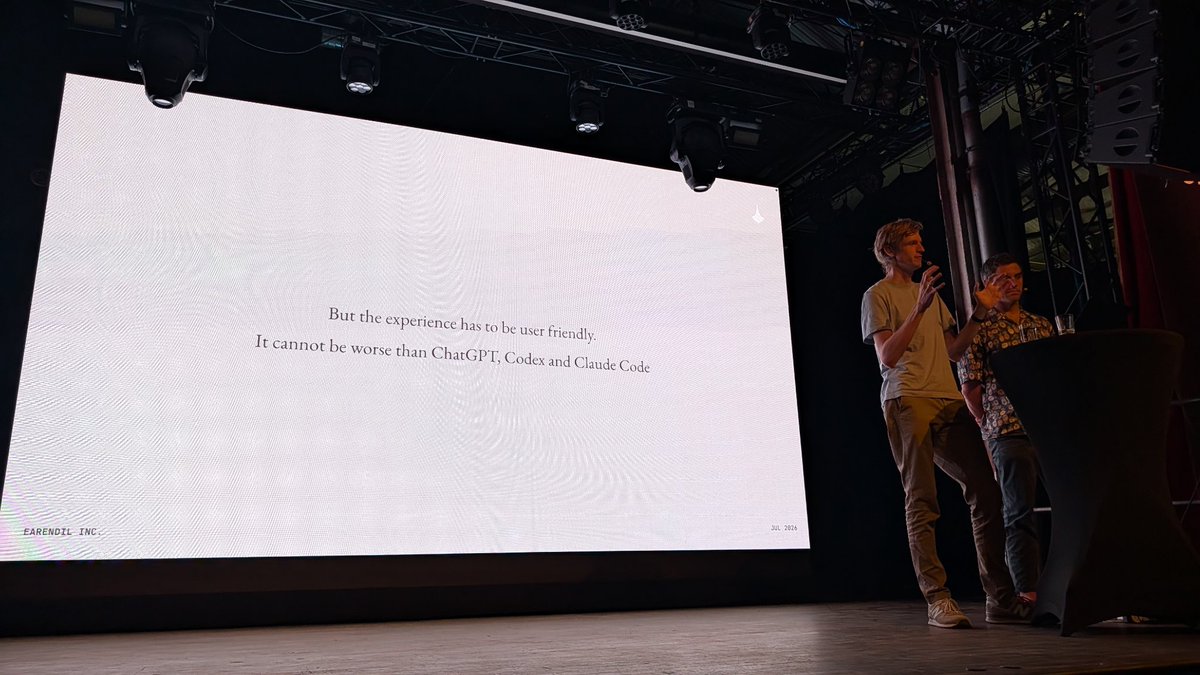
On with our talks! @mitsuhiko and Colin Hanna are up on stage sharing their ”Reflections on building cloud and local hybrid machine entities“.


And Pi out of the box sends less than 1.2k tokens ;) systima.ai/blog/claude-co…