Matthew Pierce

5.7K posts

Matthew Pierce banner
Matthew Pierce

Matthew Pierce

@piercemr

Storyteller, video creator, speaker, Dungeon Master & geek dad in L&D. Help others to use & make better videos. Work @TechSmith views are my own.

Usually Michigan Katılım Kasım 2008
778 Takip Edilen1.8K Takipçiler
Matthew Pierce
Matthew Pierce@piercemr·
@RX7966 JKL are the hotkeys for J- playhead goes in reverse. K- Stop the playhead & L- playhead moves forward. Push the J or L key multiple times to speed it up. If you haven’t tried it - give it a go. And yeah - I’ll see that we can add some clarity.
English
0
0
0
7
RX7966
RX7966@RX7966·
What is JKLing? But seriously, JKL must not be an audio recording industry standard, I googled it and only came up with Just Kidding Loser or Jimmy Kimmel Love
English
1
0
0
18
RX7966
RX7966@RX7966·
@piercemr I’m trying to follow your guide at TechSmith, 50 Editing Tips You Need for Better Videos. Step 12 says in part: “Instead of JKLing your way through a video in the hopes of picking up on every mistake, you’ll be able to find error spots in your videos by audio only” …
English
1
0
0
16
Matthew Pierce
Matthew Pierce@piercemr·
Save $500 on your full conference pass for Learning & HR Tech Solutions in Orlando, FL, April 23-25. Register for your conference pass at learninghrtech.com before April 19 with exclusive promo code SPEAKER94 to save. I'll be there speaking on #Asyncvideo & #AsyncWork
English
0
0
0
154
Matthew Pierce
Matthew Pierce@piercemr·
It's not every day that a product you've worked on and with for a really long time is featured as an answer in the @WSJ Crossword Puzzle.
TechSmith Snagit@Snagit

Hopefully, you did Saturday, March 16th @WSJ Crossword on, but if you haven't -- SPOILERS!!! But we're SUPER PUMPED! Don't worry; we used the blur tool to cover up all but one answer... . . . . . . . . 89 Across.... "Screencapture app" Take a guess... 🎉

English
0
0
2
198
Matthew Pierce retweetledi
TechSmith
TechSmith@TechSmith·
@piercemr has a great conversation with Britt Carter, Creator Success Manager and creator of The Betting Belle YouTube channel, about the realities of being a content creator. Check it out here: the-visual-lounge.captivate.fm/listen
TechSmith tweet media
English
0
2
3
103
Matthew Pierce
Matthew Pierce@piercemr·
@editblog @TechSmith It is not as easy as the star - but it gives you lots of control, and you can set up as many as you want. Plus those can have all sorts of properties set on the placeholder. Hope that helps. Will definitely share this with the dev team.
English
0
0
0
14
Matthew Pierce
Matthew Pierce@piercemr·
@editblog @TechSmith When you save - make sure you use Save to Canvas size to keep all the settings. Then, you can add that placeholder to any project. Then drag and hold the media over the placeholder to add it. It will keep the settings.
English
1
0
0
26
Matthew Pierce
Matthew Pierce@piercemr·
@editblog @brandbuzz @AdobeVideo @TechSmith Great question. Not as easy as clicking to add to favorites. But I think you can create a placeholder, then add the scale & position. Then add it to either the project or library. I’m mid-flight- so can’t check other options, or if that will work. But will check.
English
1
0
0
46
Scott Simmons
Scott Simmons@editblog·
@piercemr @brandbuzz @AdobeVideo @TechSmith I have a question that I can’t feel the life of me figure out , if I set a scale and position for a clip is there a way to save that as a preset to use over and over? I see that you can save the fx as presets but I don’t see any way to save those clip motion parameters.
English
2
0
1
41
Matthew Pierce
Matthew Pierce@piercemr·
@CaptivateTeachr @Camtasia Definitely pass in the suggestion. For screen content theres an older feature- SmartFocus, but windows only and it’s in need of some updates. @CaptivateTeachr are you thinking for face, screen content, both?
English
1
0
0
34
Paul Wilson
Paul Wilson@CaptivateTeachr·
@Camtasia is there anything like auto reframe (Premiere Pro) in Camtasia?
English
4
0
0
58
Matthew Pierce retweetledi
Mike Taylor
Mike Taylor@tmiket·
25 Little-Known Snagit Features That Will Save You So Much Time buff.ly/4anrnfN
English
0
1
10
593
Matthew Pierce retweetledi
TechSmith
TechSmith@TechSmith·
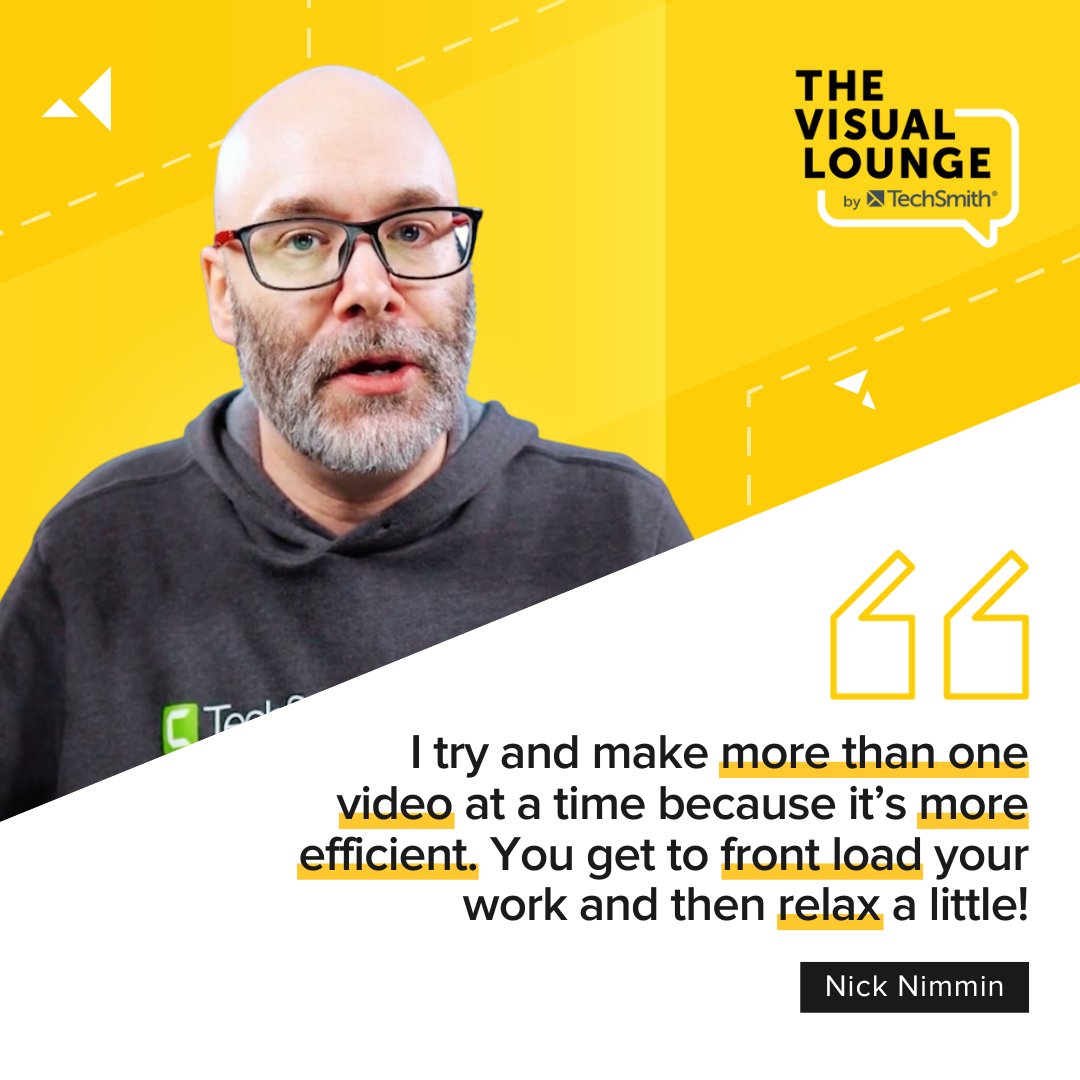
🤖 Can AI speed up video creation? YouTube creator and speaker Nick Nimmin explains how AI tools can support your processes, but why you should avoid letting them do the whole job. 🎧 Tune into The Visual Lounge with @piercemr for more: the-visual-lounge.captivate.fm/listen #thevisuallounge
English
0
2
4
479
Matthew Pierce retweetledi
TechSmith Snagit
TechSmith Snagit@Snagit·
🚨We are LIVE with our biggest sale of the year! Enjoy 25% off on Snagit, your go-to screen capture and recording software. Designed for creators of all levels to create pro results!💡📸 Deal ends Friday, December 1st at 11:59 p.m. PT ⏳✨ techsmith.com/camtasia.html
TechSmith Snagit tweet media
English
0
2
3
636
TechSmith
TechSmith@TechSmith·
🤔 Want to make your presentations feel more genuine? Script your start, end and key questions (and bullet-point what’s in between), says Senior Director, Customer Education, Leslie Chamberlain. Episode 185 of The Visual Lounge with @piercemr is on your go-to podcast app now.
English
1
0
1
270
TechSmith
TechSmith@TechSmith·
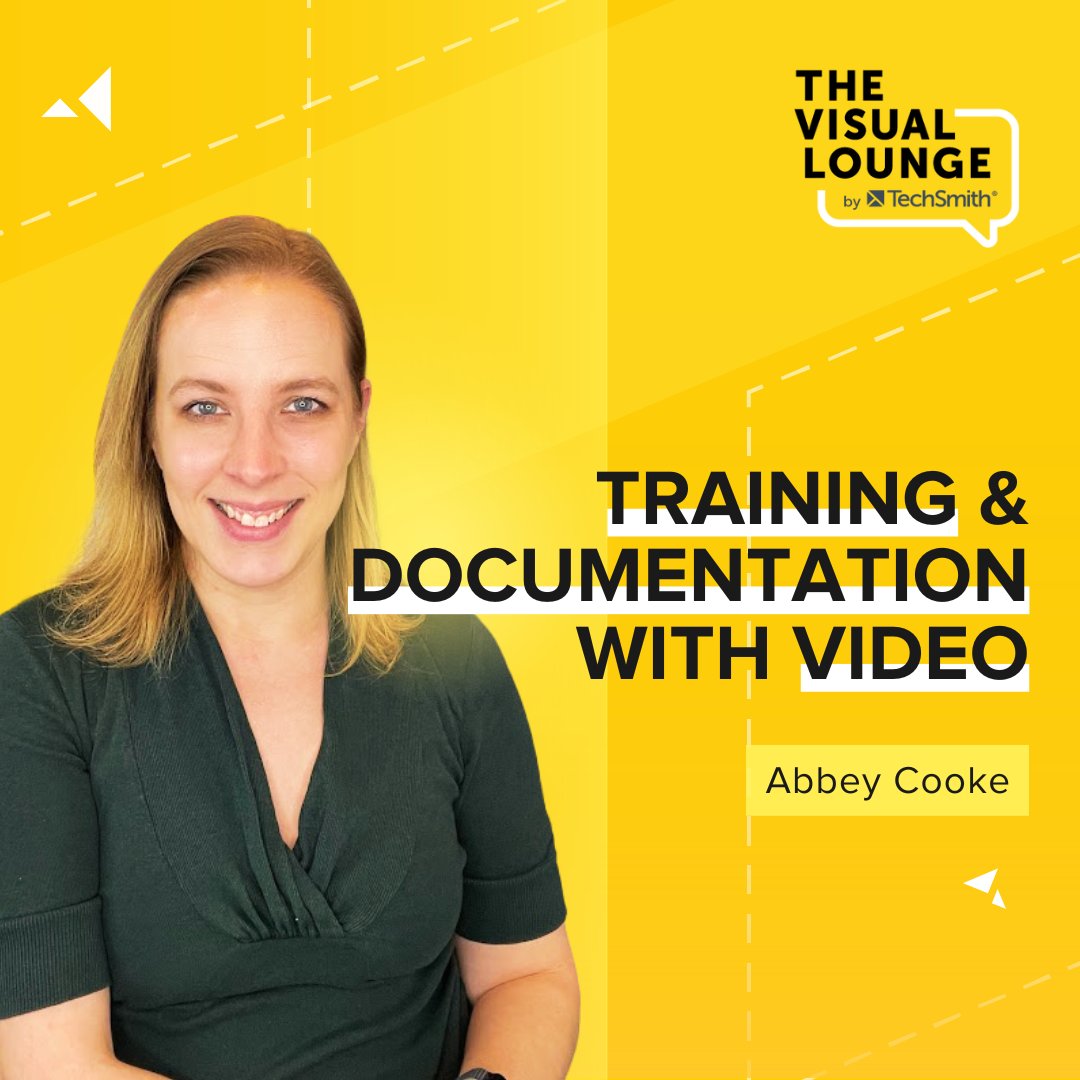
There are plenty of ways to create effective training content, so why choose video? Abbey Cooke of @SouthernStates and Lizard Brain Learning joins The Visual Lounge to tell us her thoughts, tips and tricks. Ep 181 with @piercemr is on your podcast app 🎧
TechSmith tweet media
English
1
0
0
306