See Wen 老师 🇲🇾🇰🇷

1.2K posts

See Wen 老师 🇲🇾🇰🇷 banner
See Wen 老师 🇲🇾🇰🇷

See Wen 老师 🇲🇾🇰🇷

@seewenlim

ES & MS Mandarin Teacher | @GoogleForEdu Certified Educator Level 2 | @Seesaw Certified Educator | @AppleEdu @MagicSchoolAI @Canva | @Kahoot Verified Creator |

Republic of Korea Katılım Ocak 2016
420 Takip Edilen483 Takipçiler
Sabitlenmiş Tweet
See Wen 老师 🇲🇾🇰🇷
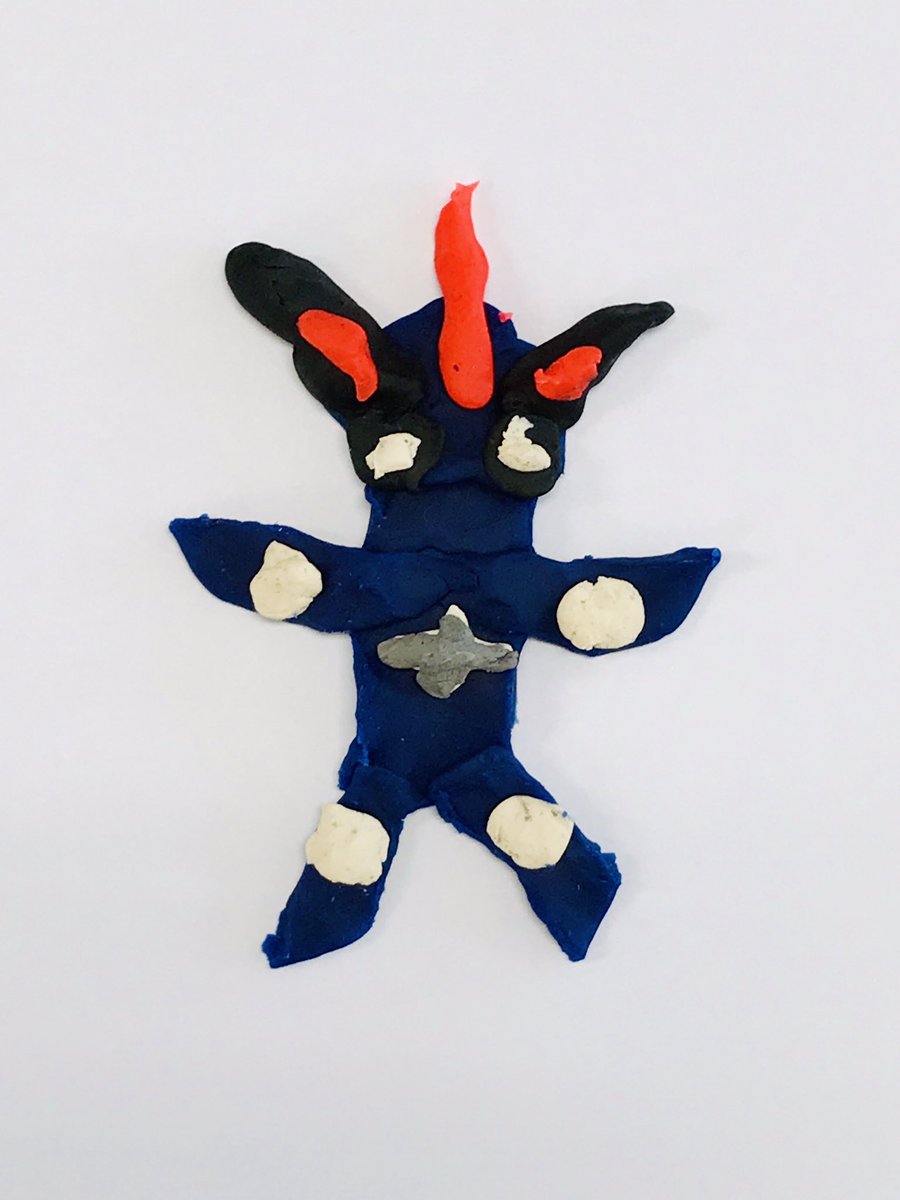
I tried out @AIatMeta #AnimatedDrawings with my students, and it was a hit! The kids made 'cute monsters' out of Play-Doh, and then we turned their creations into animated GIFs. Watching them laugh and light up with each animation totally made my day! 🥰 Thank you @dalorleon!
See Wen 老师 🇲🇾🇰🇷 tweet media
edutopia@edutopia

Elementary teachers, do you have students that love to draw? They’re likely to fall in love with the new Animated Drawings tool from Meta AI, which can turn their sketches into animated GIFs in seconds. Check out this quick demo from Edutopia’s @dalorleon. 👇

English
1
2
15
16.3K
See Wen 老师 🇲🇾🇰🇷
Students can do amazing things with just the #Keynote app on iPad! 🎨✨ One student turned a paper drawing into a motion graphic, then used stop-motion + Keynote animations to create a GIF and a full video. All creativity, no extra apps needed! 🚀 #EveryoneCanCreate @AppleEDU
GIF
English
6
0
1
153
See Wen 老师 🇲🇾🇰🇷
5/ The result? Unique, student-created animated stories that wowed the class. One student even inspired others with her polished project! 💡👏 Want to empower digital creators in your classroom? Try this simple but powerful #Keynote project! 💻🎨
English
0
0
0
52
See Wen 老师 🇲🇾🇰🇷
4/ Then, students exported their work as a GIF and used Keynote again to turn it into a full video. No third-party apps — just Keynote and creativity! 🎥✨
English
0
0
0
52
See Wen 老师 🇲🇾🇰🇷
3/ Next, they applied stop-motion techniques by duplicating slides and making small changes between frames. Frame by frame, the animation came alive. 🌀
English
0
0
0
42
See Wen 老师 🇲🇾🇰🇷
2/ They imported the drawings into Keynote and used motion paths to bring them to life. 🎬 It’s amazing how much animation you can do with Keynote’s built-in tools!
English
0
0
0
26
See Wen 老师 🇲🇾🇰🇷
🧵 How we used only Keynote on iPad to create animated videos in class: #EdTech #AppleEDU #CreativeClassroom 1/ Students started with a simple drawing on paper. ✏️📝 This step focused on planning and storytelling — Who are the characters? What’s happening?
English
0
0
0
36
See Wen 老师 🇲🇾🇰🇷
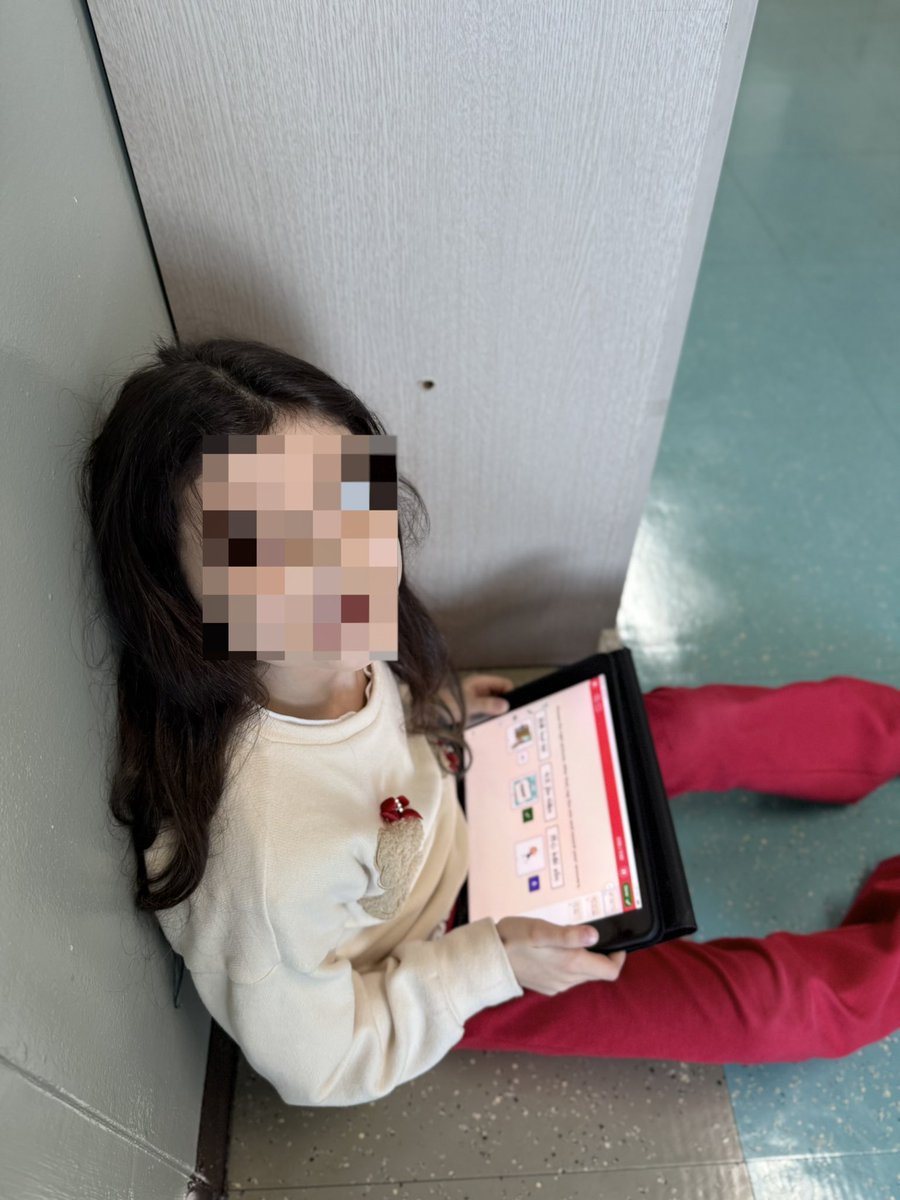
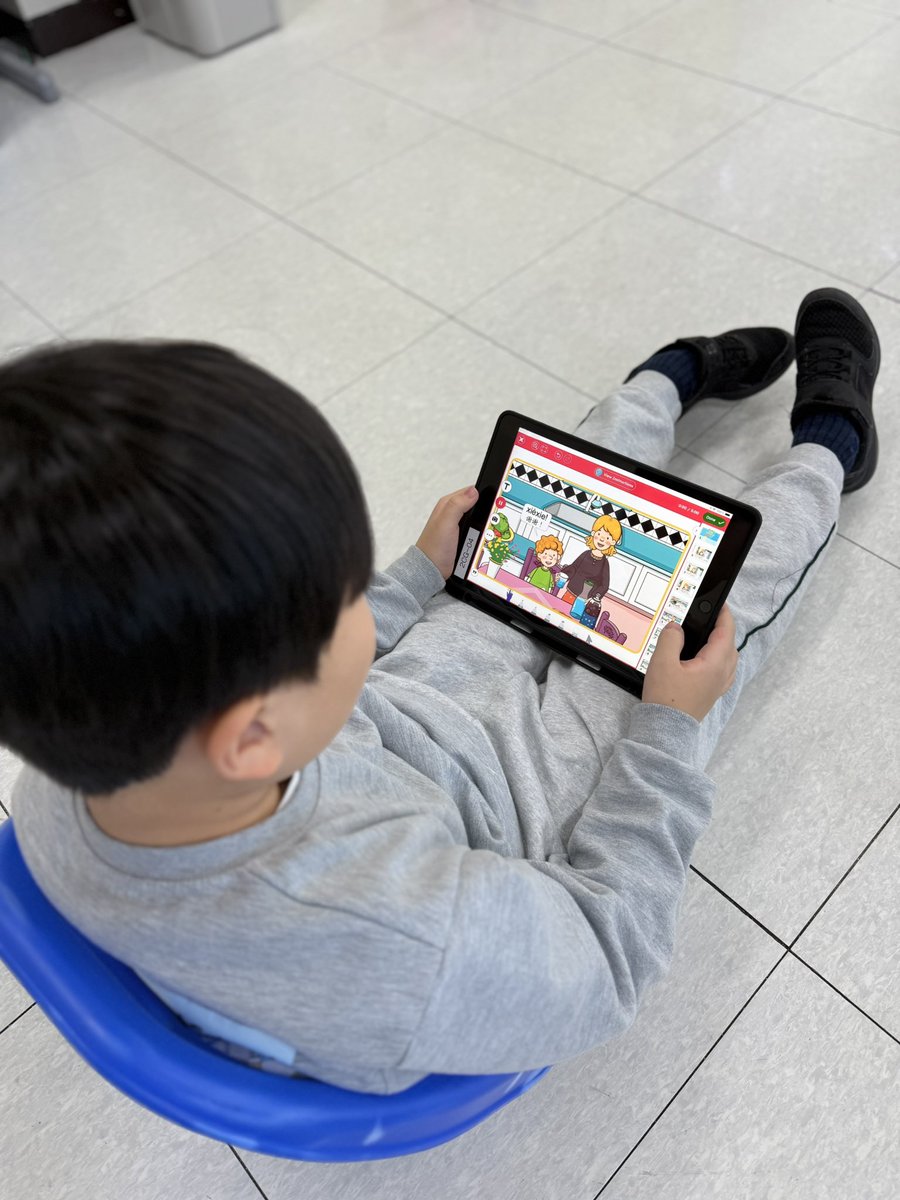
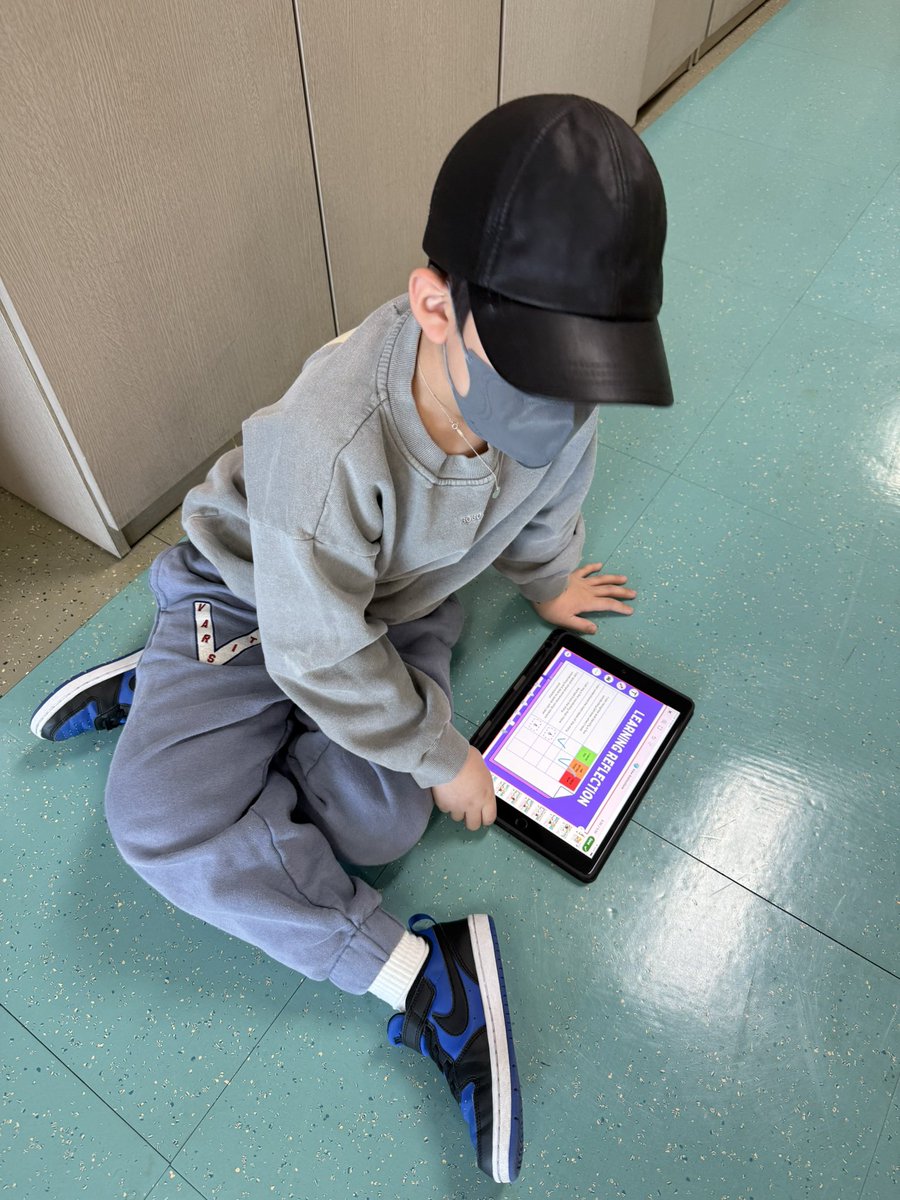
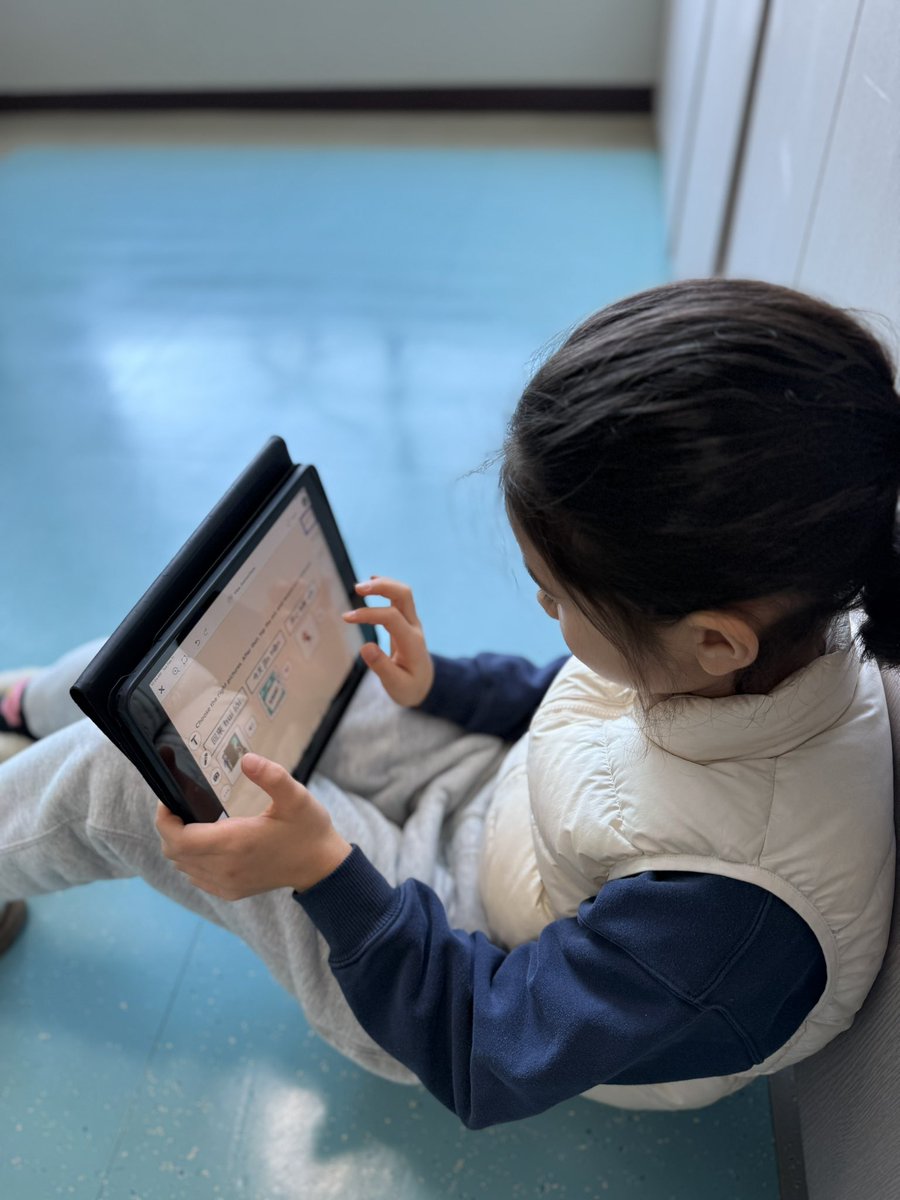
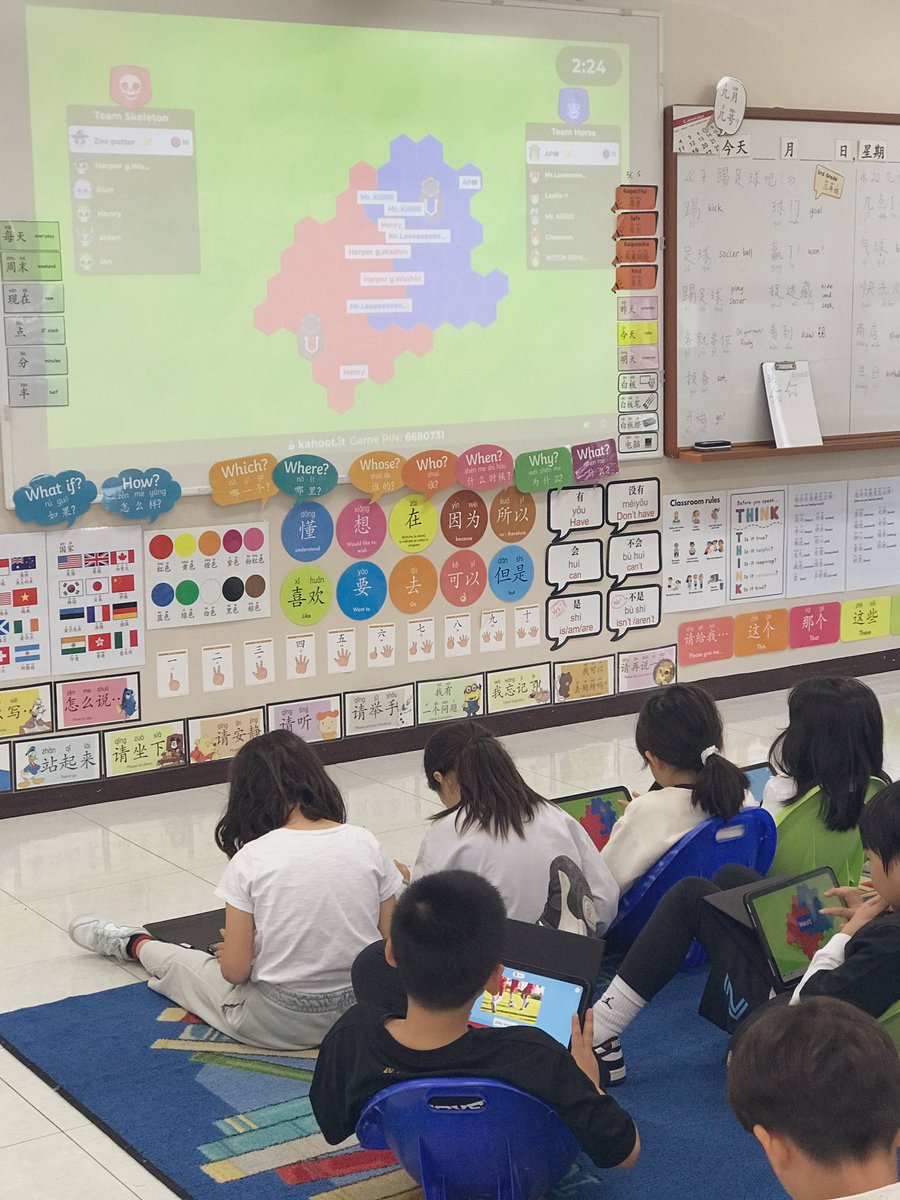
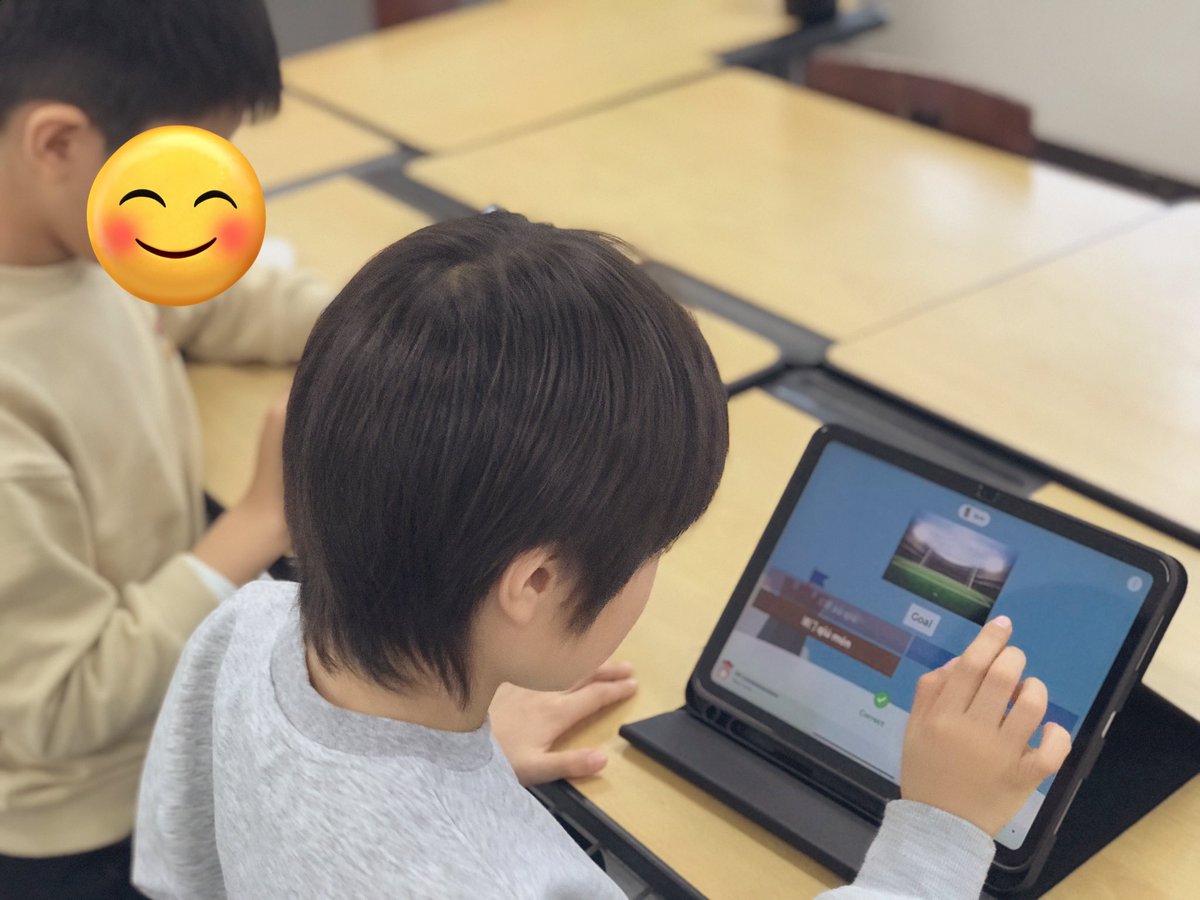
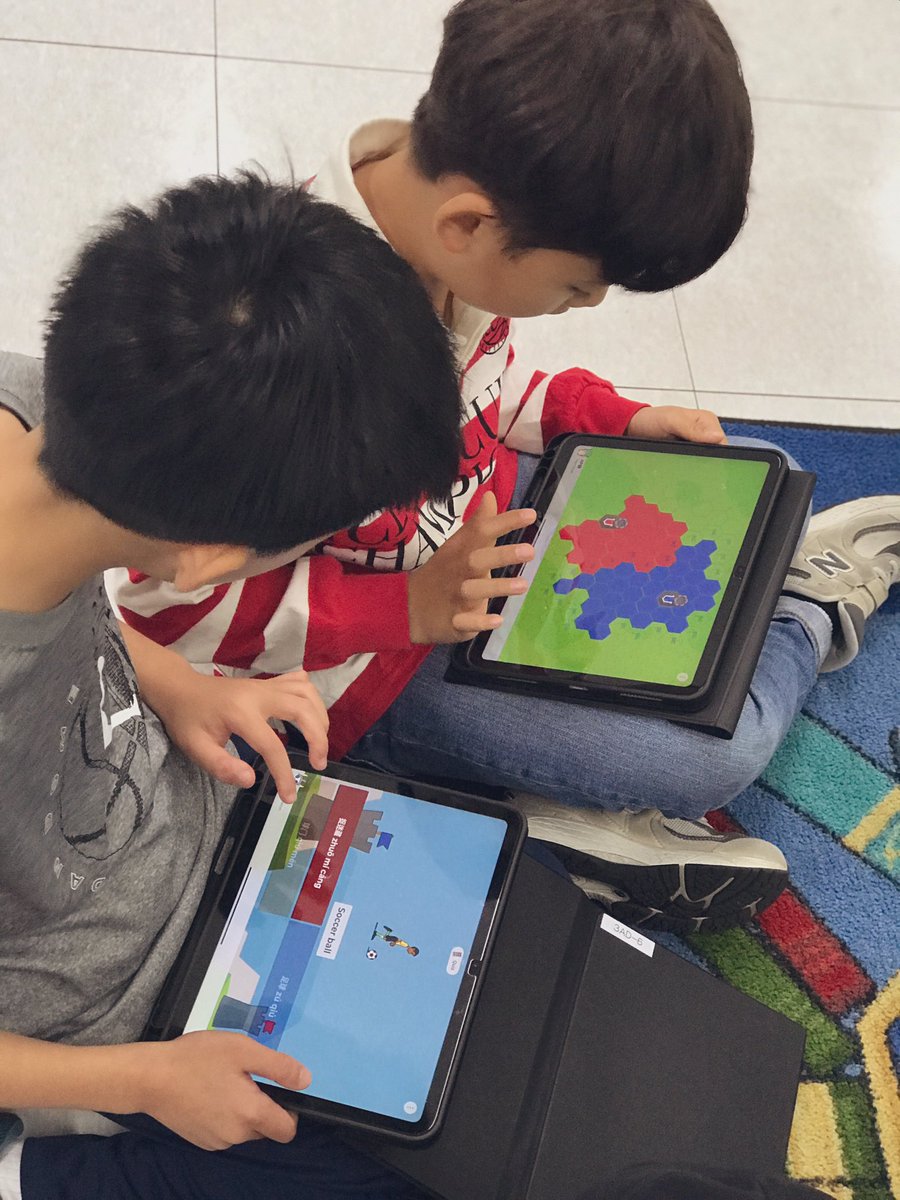
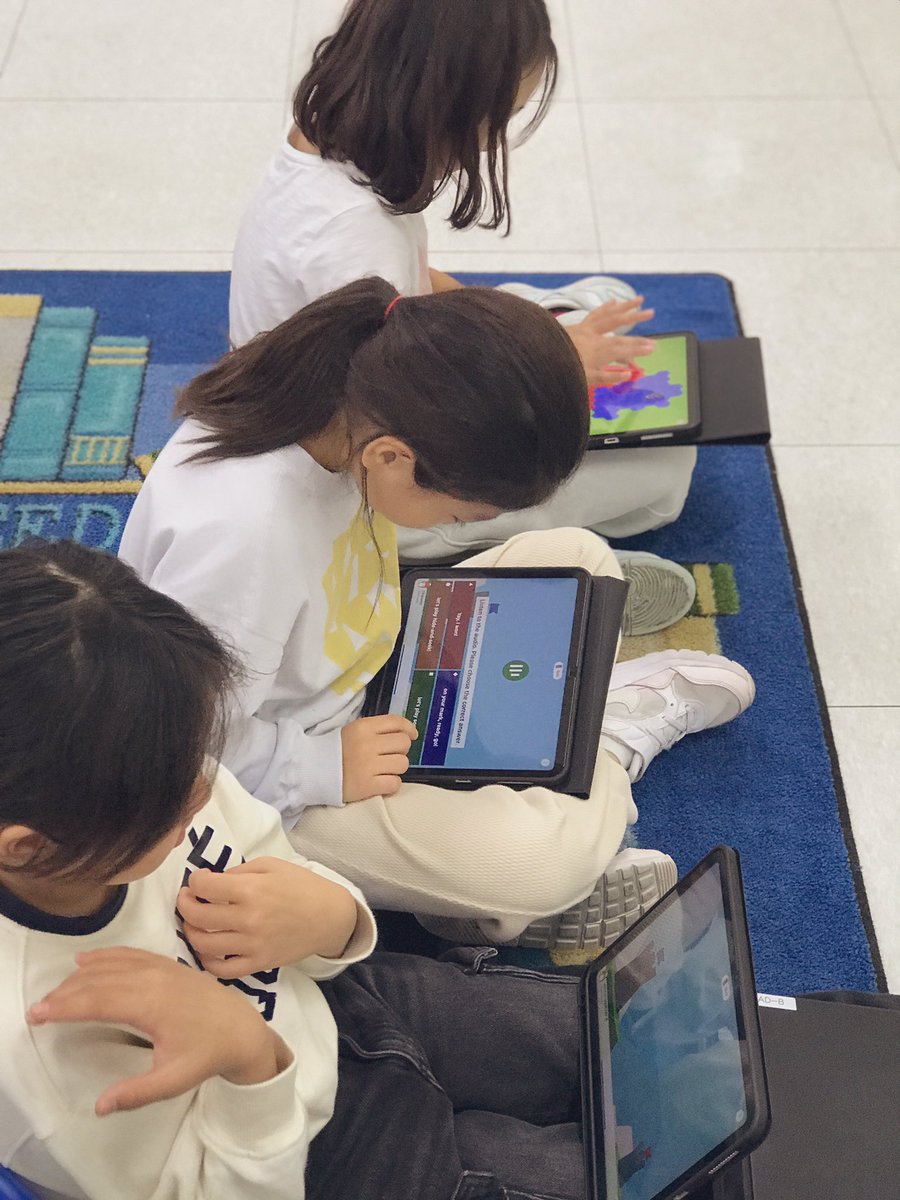
Assessing my ss’ reading and speaking skills just got easier with @Seesaw - a digital portfolio where ss record their progress, reflect on their learning, and share their achievements with families. Parents truly appreciate being able to stay connected and see real-time progress!
See Wen 老师 🇲🇾🇰🇷 tweet mediaSee Wen 老师 🇲🇾🇰🇷 tweet mediaSee Wen 老师 🇲🇾🇰🇷 tweet mediaSee Wen 老师 🇲🇾🇰🇷 tweet media
English
0
0
1
2.2K
See Wen 老师 🇲🇾🇰🇷
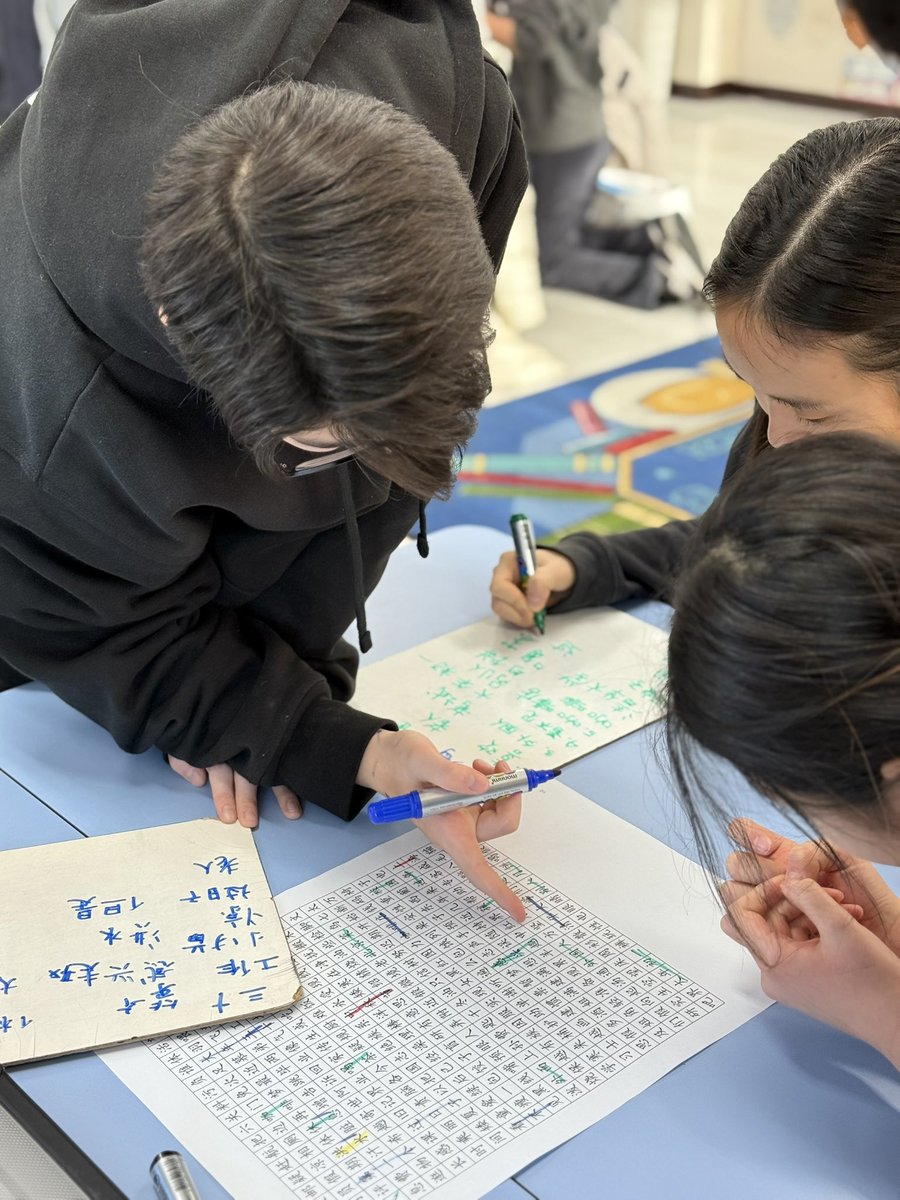
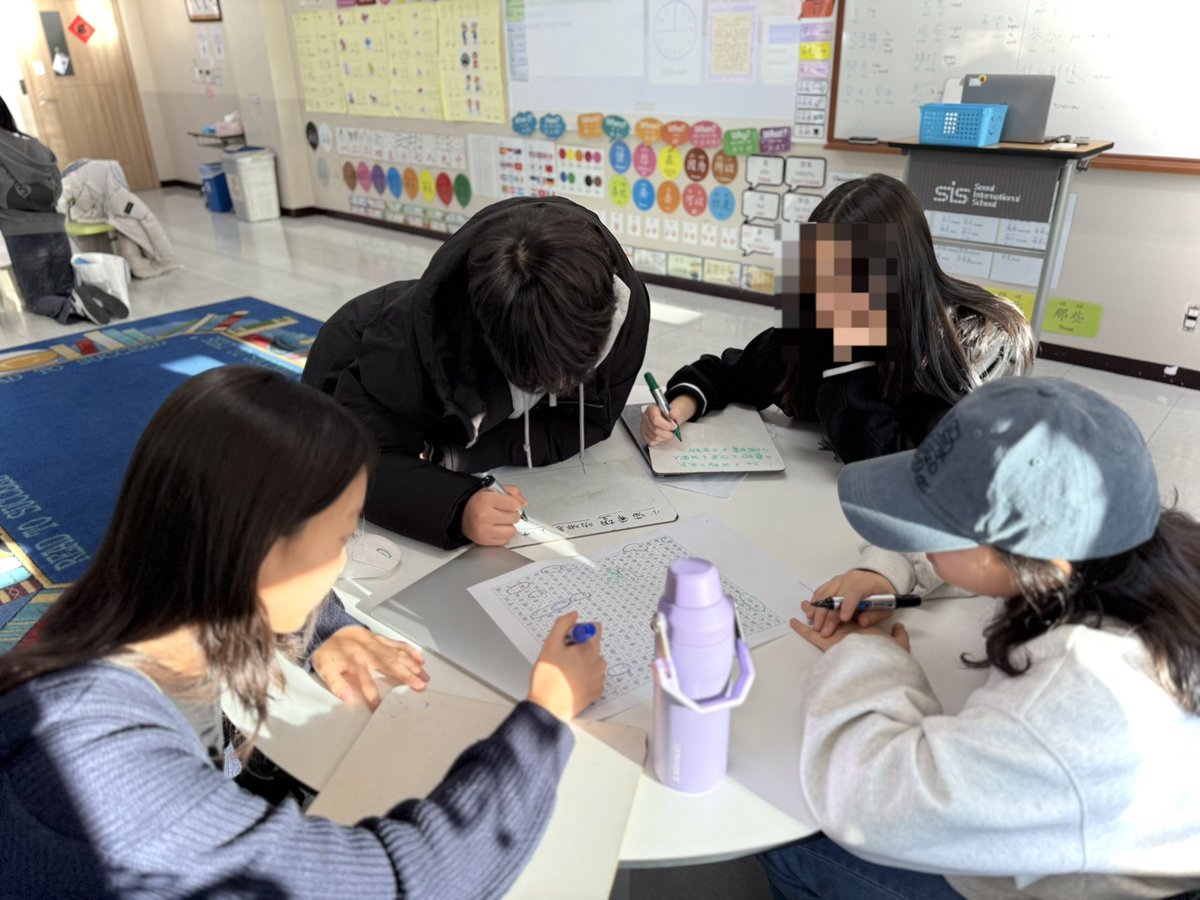
Who doesn’t love a good word search? Word searches are a fun and engaging way to reinforce vocabulary, especially for language learners! I love seeing my middle school students light up when they find the words they’ve been searching for! #WordSearch #LanguageLearning #EdTech
See Wen 老师 🇲🇾🇰🇷 tweet mediaSee Wen 老师 🇲🇾🇰🇷 tweet mediaSee Wen 老师 🇲🇾🇰🇷 tweet media
English
0
0
0
68