stargOOse

2.7K posts

stargOOse banner
stargOOse

stargOOse

@stargOOse

you can call me toolkönig @[email protected]

Germany Katılım Ocak 2009
60 Takip Edilen55 Takipçiler
stargOOse
stargOOse@stargOOse·
@HaldernPop Kurze Frage zur Fahrt auf die Wiese. Welche Wiese ist denn die 1. und welche die 2. Campingwiese?
Deutsch
1
0
0
41
stargOOse
stargOOse@stargOOse·
@pixelmator Just discovered your Pixekmator Photo and really like it. I would like to buy the lifetime licence but i am in trial period until the 10th. Is it possible to buy right away? Or do I need to wait? I am a bit anxious that you release mac version and the price goes up.
English
0
0
0
38
stargOOse
stargOOse@stargOOse·
@pocketcasts i really like pocket cast a lot. My favorite podcast player. One missing feature or bug. No chapter images on the lock screen. 😭
English
1
0
0
0
stargOOse
stargOOse@stargOOse·
@ripppleapp Ahhh, sorry. I wasn’t aware of the iOS 16.1 beta thing. :)
English
1
0
0
0
Rippple
Rippple@ripppleapp·
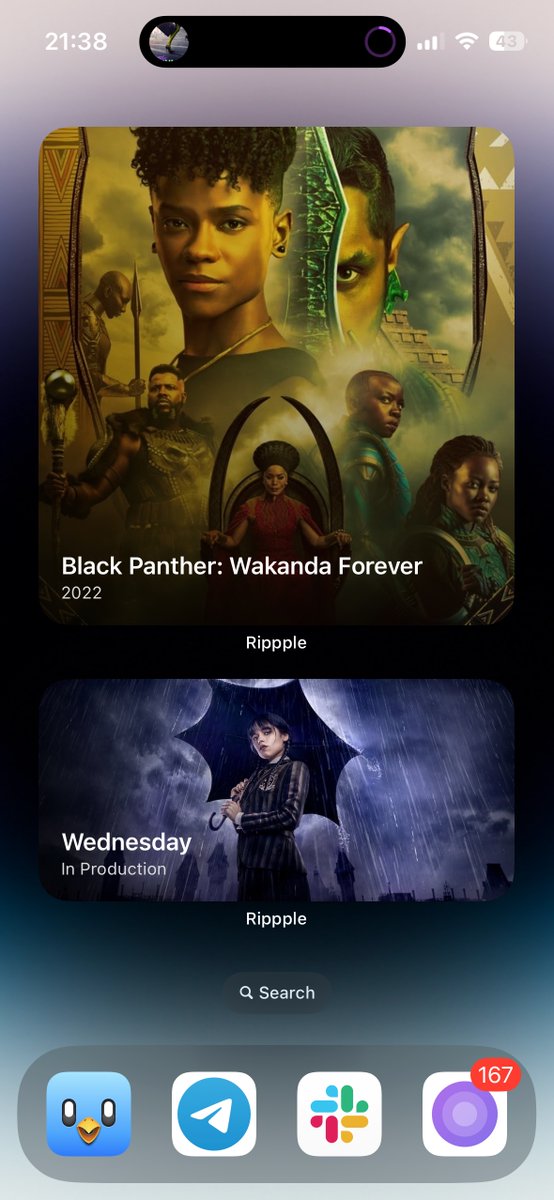
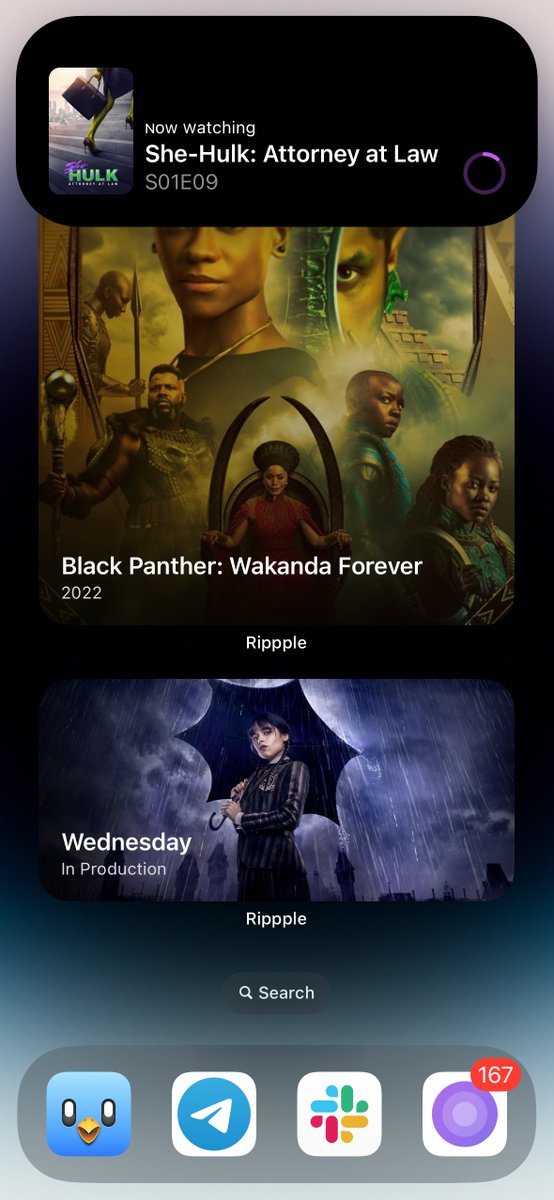
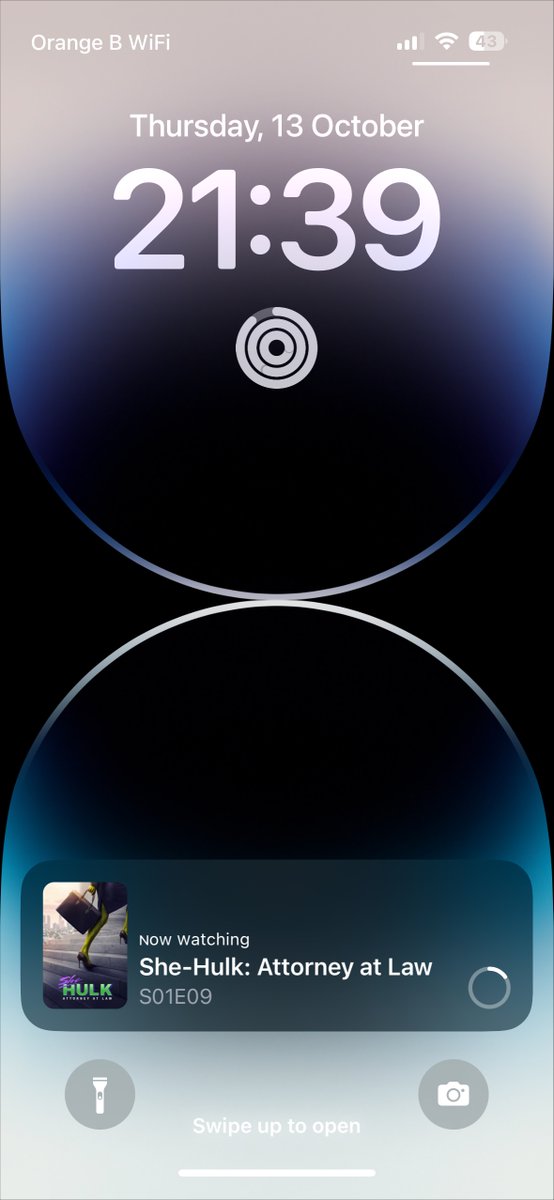
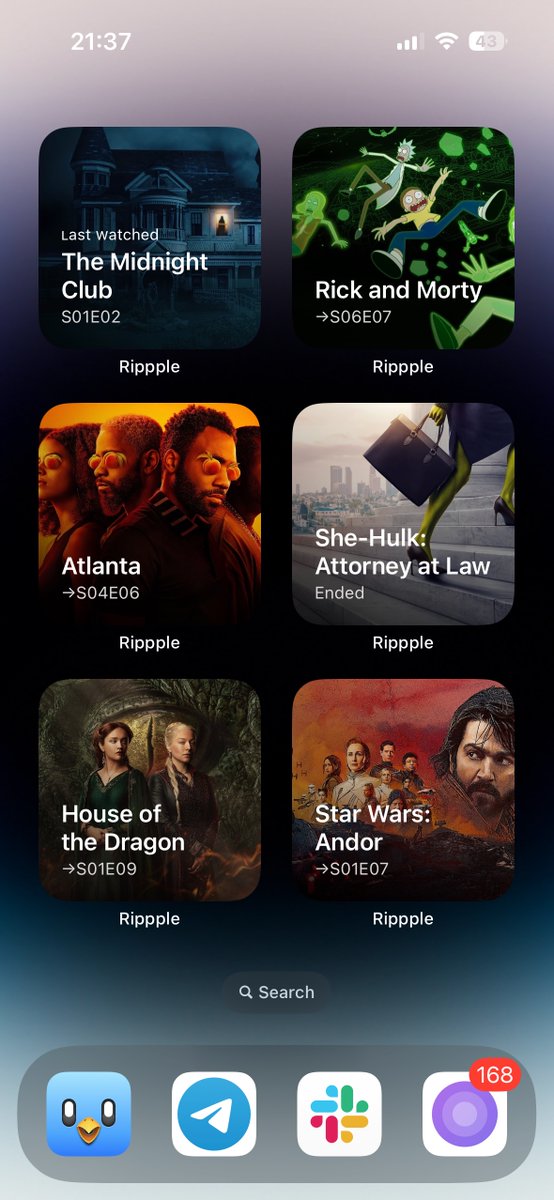
@stargOOse For Dynamic Island you also need to be on iOS 16.1 beta. For both, you can just check in and the Live Activity and Dynamic Island should kick in. Live Activities can be disabled at the Settings/device level so make sure you didn’t do that too.
English
1
0
1
0
Rippple
Rippple@ripppleapp·
🔜 Coming soon in Rippple: support for Dynamic Island and Live Activities for your trakt check in, a more powerful way to configure your Widgets and a lot of other improvements #beta #app #update
Rippple tweet mediaRippple tweet mediaRippple tweet mediaRippple tweet media
English
4
3
11
0
stargOOse
stargOOse@stargOOse·
@ripppleapp I am too dumb for the dynamic island and live activities features. How does that work? I am on iPhone 14 Pro
English
1
0
0
0
Rippple
Rippple@ripppleapp·
There are still a few spots left on the beta. If you are running iOS 16.1 beta or have an iPhone 14 Pro or iPhone 14 Pro Max, here's your chance to test a good looking Dynamic Island and Live Activities integration ✌️ testflight.apple.com/join/iz05hhED
English
1
0
3
0
stargOOse
stargOOse@stargOOse·
@CameraMApp Yes I know, but for a quick shot I would love to tap to focus an adjust the EV by sliding on the screen.
English
0
0
0
0
stargOOse
stargOOse@stargOOse·
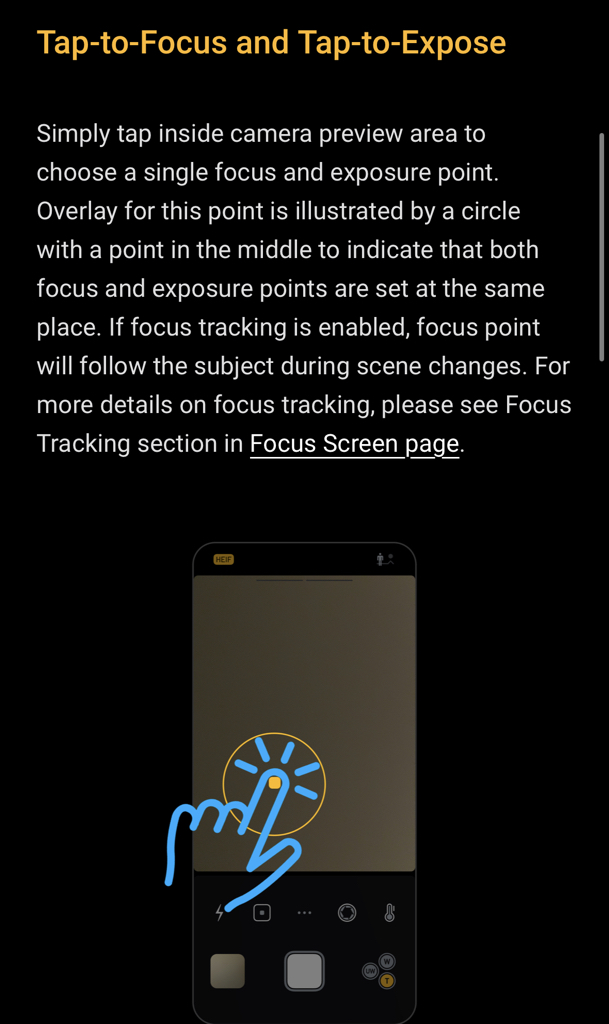
@CameraMApp how am i able to set focus and exposure with one touch? i get always exposure…
stargOOse tweet media
English
1
0
0
0
stargOOse
stargOOse@stargOOse·
@CameraMApp Wouldn“t tap to focus on default screen make more sense then exposure? Because swiping controls the EV.
English
1
0
0
0
stargOOse
stargOOse@stargOOse·
@CameraMApp and default screen? the manual states: „Simply tap inside camera preview area to choose a single focus and exposure point. Overlay for this point is illustrated by a circle with a point in the middle to indicate that both focus and exposure points are set at the same place.“
English
0
0
0
0
stargOOse
stargOOse@stargOOse·
@CameraMApp please add a homescreen shortcut with your app icon. that would be a nice addition to the ones you already have.
English
0
0
0
0
stargOOse retweetledi
Tommy
Tommy@_TommyMason·
Freelancers on their way to an agency pitch
Tommy tweet media
English
5
45
400
0
stargOOse
stargOOse@stargOOse·
@BenRiceM shooting with 48MP crashes in the latest testflight version for me on iPhone 14 Pro, directly after hitting the button
English
0
0
0
0