Sabitlenmiş Tweet

Let me let you in on my secret of never running out of content ideas to post. The secret is JOURNALLING. It is that simple and easy.
When the year started, I created a journal in my Notion titled "2026 in Tech." I take 5 minutes to write about my day (to be honest, I don't write everyday but I make sure I write about the day I missed the following day). Some days I would write a line or two, some days I would write 3 paragraphs. What matters is that I write something for every day.
In doing so, it is easy to extract relatable and personalized posts for your social media from your journal. You can feed it to AI to add more and refine what you have, but you are not posting a generic content templates and that's what really matters.
Now I admit, I haven't been posting consistently because of the perfectionist in me, work, school stress, personal life, but I have a content bank from which I can easily refine a post and put it out.
Here's what my journal entries actually look like:
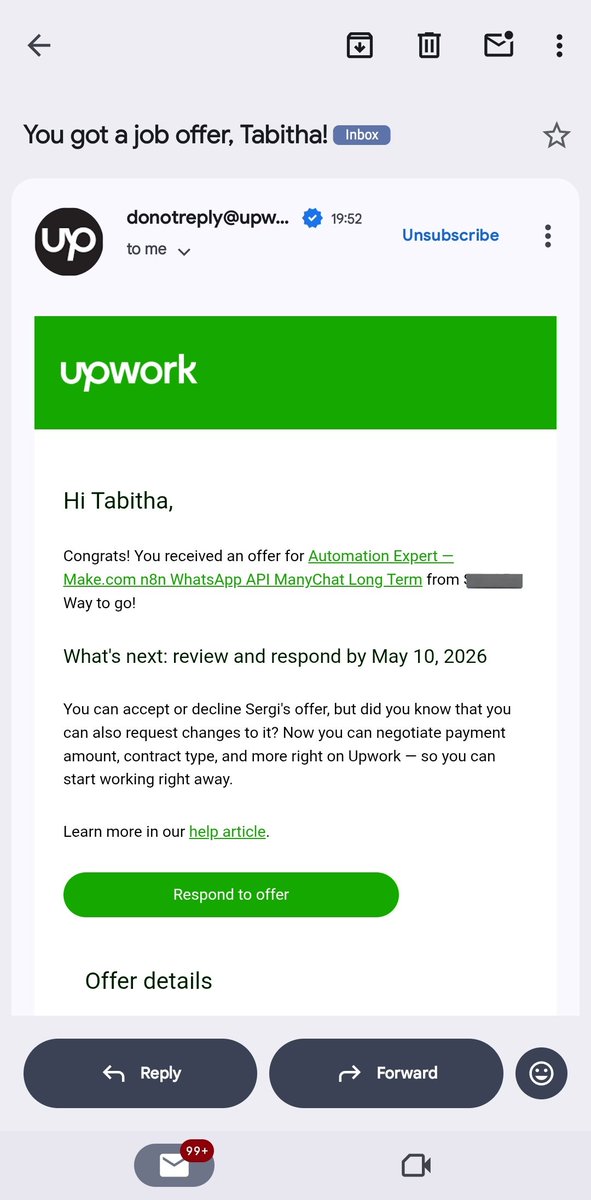
January 1, 2026: "I got my first invite on Upwork. I was done working for the day since I spent all day building my Github repo. Saw the notification and imposter syndrome first hold me. 'What if I can't do it'. Ran to my brother's room to tell him about the invite, he told me to apply regardless of how I felt."
January 6, 2026: "Got the fucking gigggggggggg🥳🥳🥳. Let's fucking go joorrrrr. I am so happy bruh, it's so great. My life has actually changed😭😭😭."
January 10, 2026: "Didn't do anything tech productive today, chai so sorry. I am actually angry at myself and beating myself for it but I know I will do so much better than today for tomorrow."
January 23, 2026: "National Grid spoilt so light no dey. But I worked on my client's project sha. Went out to work at coca-cola cus the network in my hostel is so shit."
See? Just raw thoughts. Emojis, pidgin, excitement, frustration. Everything I was actually feeling in that moment.
And from those entries, I created:
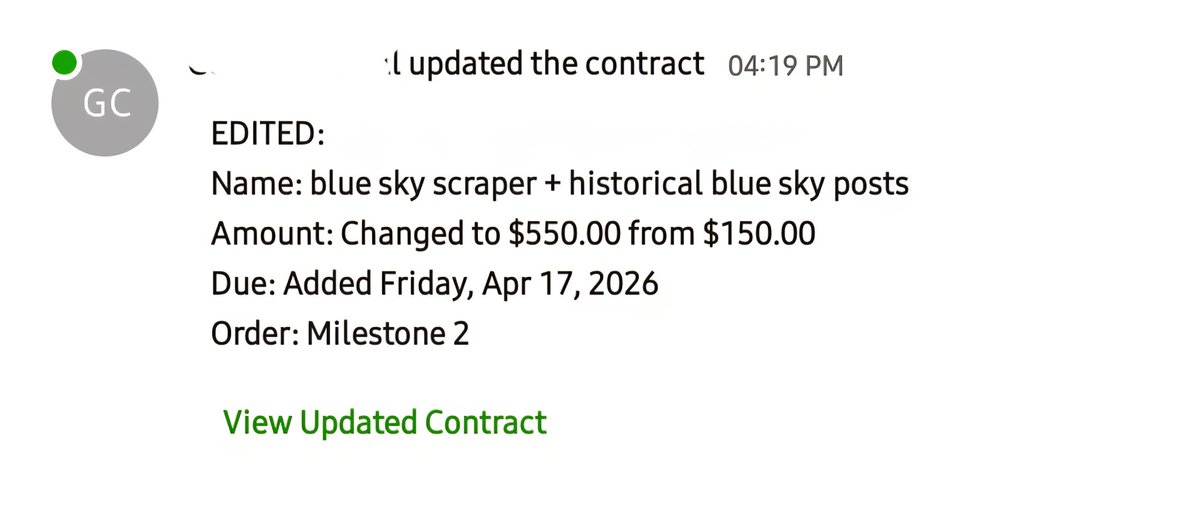
My viral post about getting my first client (15k+ views)
A post about building my github repo
Every struggle became a lesson. Every win became a story people could relate to.
The best part? It's all authentic. I'm not making up scenarios. I'm not following templates. I'm literally just documenting my journey as it happens.
So here's how you can do this:
Step 1: Create your journal
Open Notion, Google Docs, or even Notes app. Title it "[Year] in [Your Field]." Mine is "2026 in Tech."
Step 2: Write every day (or catch up the next day)
Spend 5 minutes before bed writing about your day. Don't edit. Don't polish. Just write what happened.
What did you build today?
What broke?
What made you happy?
What frustrated you?
What did you learn?
Step 3: Review weekly for content ideas
Every Sunday, open your journal and read the week's entries. Look for:
Wins (big or small)
Struggles you overcame
Lessons you learned
Funny or relatable moments
Step 4: Turn entries into posts
Pick one entry that resonates. Expand on it. Add context. Explain what you learned. Make it actionable.
You can use AI to help structure it, but the story is already there in your journal. You're just refining it.
Step 5: Keep the authenticity
Don't sanitize your journal entries when you turn them into posts. Keep the emotion. Keep the realness. That's what people connect with.
When I posted about January 6 (getting my first gig), I didn't just say "I got hired." I said "This year na my year fr. This is just the beginning, keep an eye on this account"
Action steps you can take from this:
Start your journal today. Right now. Open Notion and create a page.
Write about today. Even if it's just "Today I applied to 3 gigs."
Do this every day for a week. Don't worry about content yet. Just build the habit.
Next Sunday, read your entries and pick one moment to turn into a post.
Refine it with AI if you want, but keep your voice. Keep the emotion.
Post it. See how people respond.
Your life is already interesting enough. Your journey is already worth sharing. You just need to write it down.
I promise you, a month from now, you'll have more content ideas than you know what to do with.
Start your journal today. Even if it's just one line. That's all you need.
Let's keep building.

English