Dear EthStorage V1 Ceremony Participants,
Thank you for being part of our trusted setup ceremony!
We’re deeply grateful for the incredible participation from the community — with more than 2,000 contributors, the response has far exceeded our expectations. Your enthusiasm and support mean so much to us.
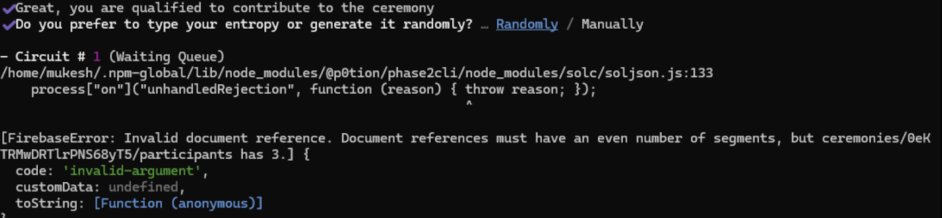
With so many people joining, the queue has occasionally become stuck. This can cause participants to lose visibility of their position or encounter FirebaseErrors. We understand how frustrating this can be, and we’re in constant communication with the PSE team @PrivacyEthereum (a research and development lab delivering privacy to the Ethereum ecosystem) to resolve these issues. Please know that we’re here to support you every step of the way.
To make things easier, we’ve gathered the most common questions and put together the following unified guidance:
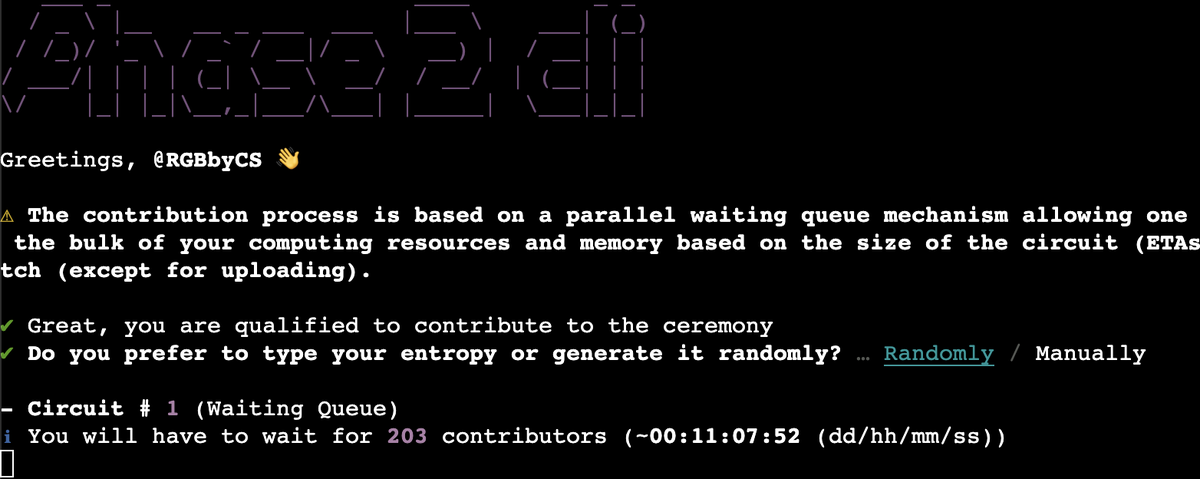
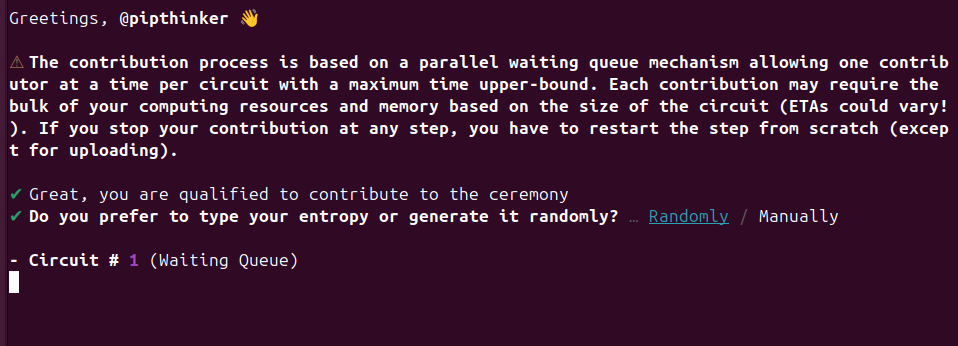
1 Unable to see your queue position
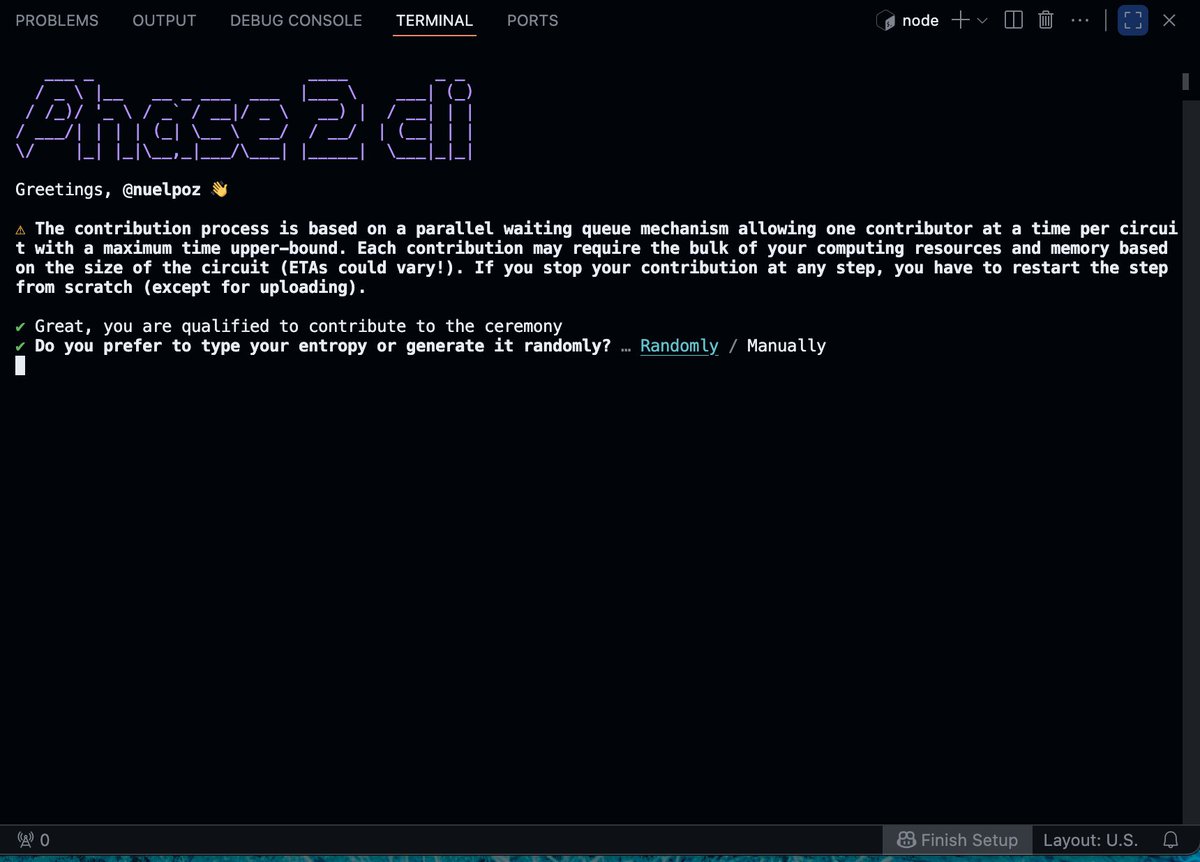
If your terminal does not display your current position in the waiting queue (as shown in the following screenshot), this does not mean your contribution is stuck.
Please remain patient — The CLI will automatically begin your contribution when it’s your turn.

English