

Dash
28 posts


Dash รีทวีตแล้ว



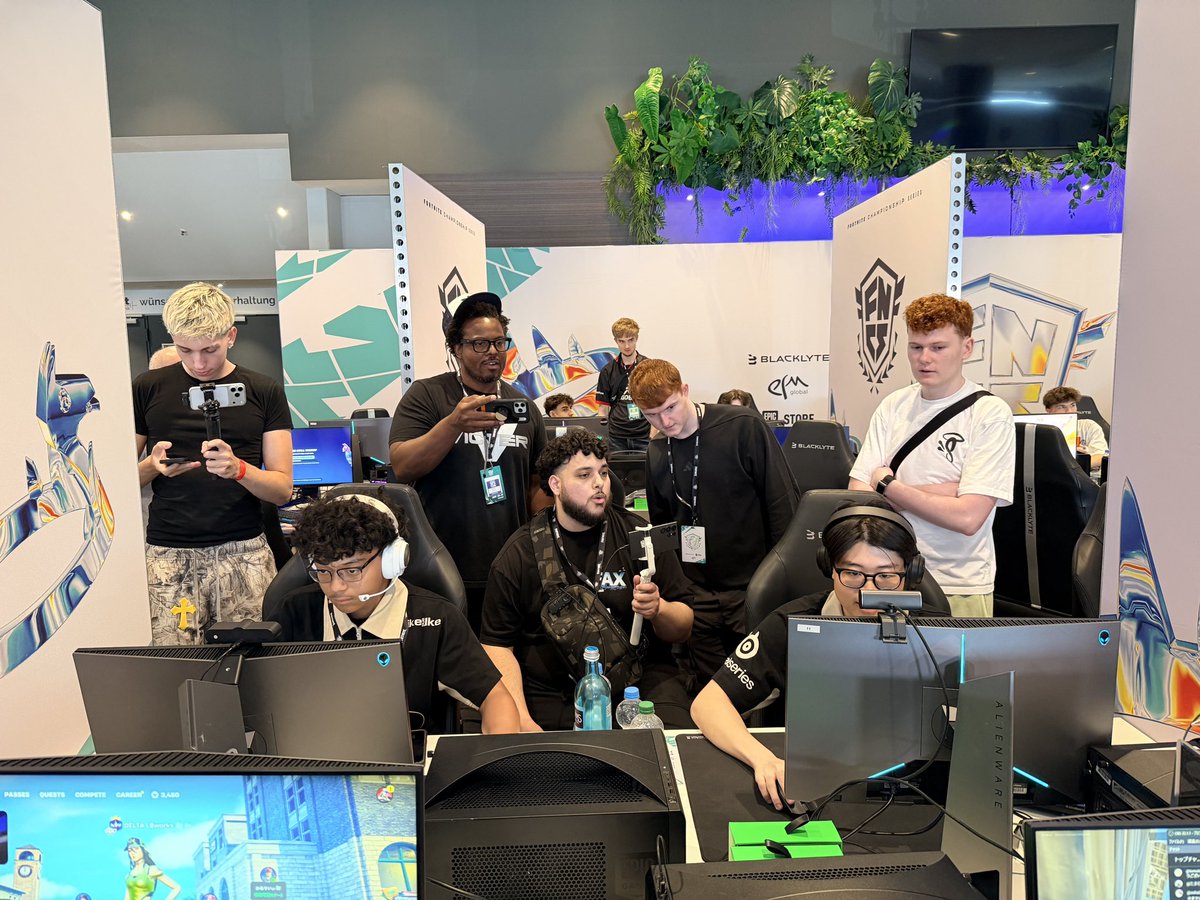


@Drazah @Brparadox Would lovee this my shit buns =even with a full pro tier tweak 🤣😀@Drazah @Brparadox

English

GGs Miami…
As promised, I’m giving away a $2,000 PC with Paradox Customs!!
To enter:
- Follow me and @Brparadox
- Retweet and Like this post
- Tag 2 friends
Giveaway ends May 14th at 3PM EST

English

If you’re not optimizing your BIOS… you’re literally losing FREE FPS.
No downloads.
No expensive upgrades.
Just hidden settings your PC already has.
Here are BIOS tweaks that work on almost every build 👇🧵
English

Your GPU has been talking to your CPU the wrong way since you built your PC.
By default, Windows puts your GPU on "Line-Based Interrupts" — a legacy method where your GPU queues signals to the CPU in a shared line like it's 2003. This creates DPC latency, which is the actual root cause of microstutters, inconsistent frame pacing, and audio crackling mid-game.
The fix is called MSI Mode. It gives your GPU a direct, modern communication path to your CPU over PCIe — the way the hardware was designed to work.
How to do it:
→ Search "Sathango MSI Utility v3" on GitHub (free, open source)
→ Run as Administrator
→ The tool shows your current mode instantly — check before assuming
→ If you're on Line-Based, switch to MSI
→ Leave priority at Normal — do NOT set it to High
→ Reboot
Who this actually helps:
GTX 1000/2000/3000 series and older AMD cards see the biggest gains. RTX 4000+ and modern AMD have less to gain but it still doesn't hurt. Most valuable if you're experiencing microstutters or frame pacing issues in Warzone, Valorant, or CS2. Note: NVIDIA driver updates can reset this — re-check after major driver installs.
You won't get +50 FPS. You'll get cleaner, more consistent frame delivery and a tighter feel. Free. 2 minutes. Fully reversible.
Test it in your games for a day. Fully reversible — just uncheck MSI and reboot if it doesn’t feel better.

English