
Martin Howe

4.8K posts

Martin Howe banner
Martin Howe

Martin Howe

@Martin_Howe

Stolt pristagare | Utvecklare | Lärare | VD | Utbildare | #MIEExpert | #GoogleWorkSpace | ℹ️ https://t.co/x24dTbVpVm

Borlänge, Sweden เข้าร่วม Eylül 2010
336 กำลังติดตาม273 ผู้ติดตาม
ทวีตที่ปักหมุด
Martin Howe
Martin Howe@Martin_Howe·
Det är alltid trevligt att få återkoppling på utfört arbete. Att dessutom få uppskattning gör ju inte saken sämre. När allt detta kommer från en person på denna position så sträcker jag på mig lite extra. Tack Helene! #TillgängliggörDigitalaVerktyg
Helene Barnekow@HBarnekow

Kvällens bästa läsning - det är precis så det ska vara, digital hjälpmedel som hjälper oss att göra det som inte annars är möjligt. Och älskar när lärare leder oss framåt. Tack @Martin_Howe ! @MicrosoftSE #MicrosoftEDU #nyamöjligheter

Borlänge, Sverige 🇸🇪 Svenska
1
0
5
0
Microsoft OneNote
Microsoft OneNote@msonenote·
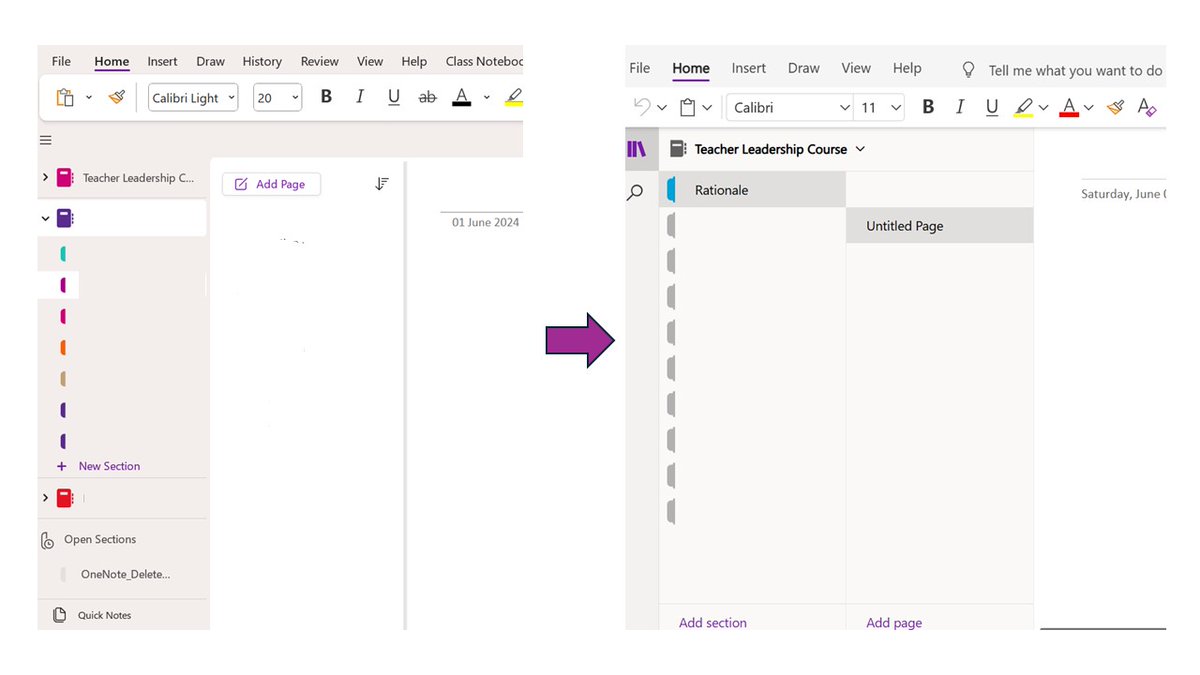
It's Feedback Friday! What suggestions do you have for OneNote to make your work easier? Let us know in the replies. #FeedbackFriday
Microsoft OneNote tweet media
English
75
8
87
20.3K
Martin Howe
Martin Howe@Martin_Howe·
@JenMsft @drsql Ok, thanks. I most often use #OneNote M365 and can't get it to work there... 😕
Borlänge, Sverige 🇸🇪 English
1
0
1
56
Jen Gentleman 🌺
Jen Gentleman 🌺@JenMsft·
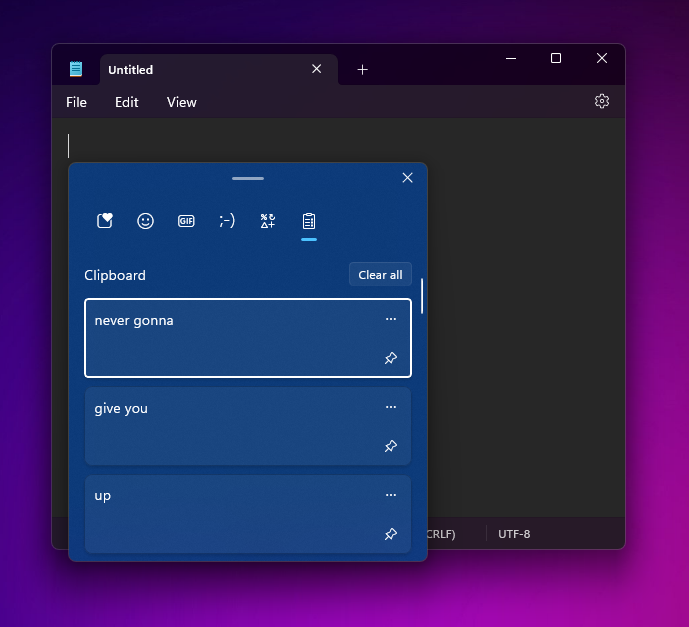
On a scale of "didn't know it existed" to "all the time", how often do you use clipboard history? (WIN + V) 👀
Jen Gentleman 🌺 tweet media
English
516
53
772
107.5K
Martin Howe
Martin Howe@Martin_Howe·
@JenMsft All the time, it's awesome! 😍👍🏻 #TillgängliggörDigitalaVerktyg
English
0
0
1
5
Jen Gentleman 🌺
Jen Gentleman 🌺@JenMsft·
@drsql Depending on the app, some will let you do CTRL + Shift + V to paste without formatting
English
4
0
9
744
Martin Howe
Martin Howe@Martin_Howe·
@DerekJohnsonSV Will it be possible to turn this off? Hard seeing this increase our pupils focus on the school work... 😉 #TillgängliggörDigitalaVerktyg
English
0
0
0
67
Derek Johnson
Derek Johnson@DerekJohnsonSV·
Today, we announced Microsoft Designer being integrated directly into your Microsoft Teams chats and channels so you can collaborative create and refine images right in your flow. Just '@ Designer' within any Teams chat or channel and describe what you'd like to create. Anyone else in the chat can not only see your creations, but also respond with plain language directions ("make it more exciting") and arrive at the perfect image for you. We're just getting started in bringing Designer to all your workflows across Microsoft 365! What would you like to see next?
GIF
English
7
11
57
7K
Martin Howe
Martin Howe@Martin_Howe·
@msonenote I'd like to be able to collapse all sections at once. Plz... #TillgängliggörDigitalaVerktyg
English
1
0
0
97
Microsoft OneNote
Microsoft OneNote@msonenote·
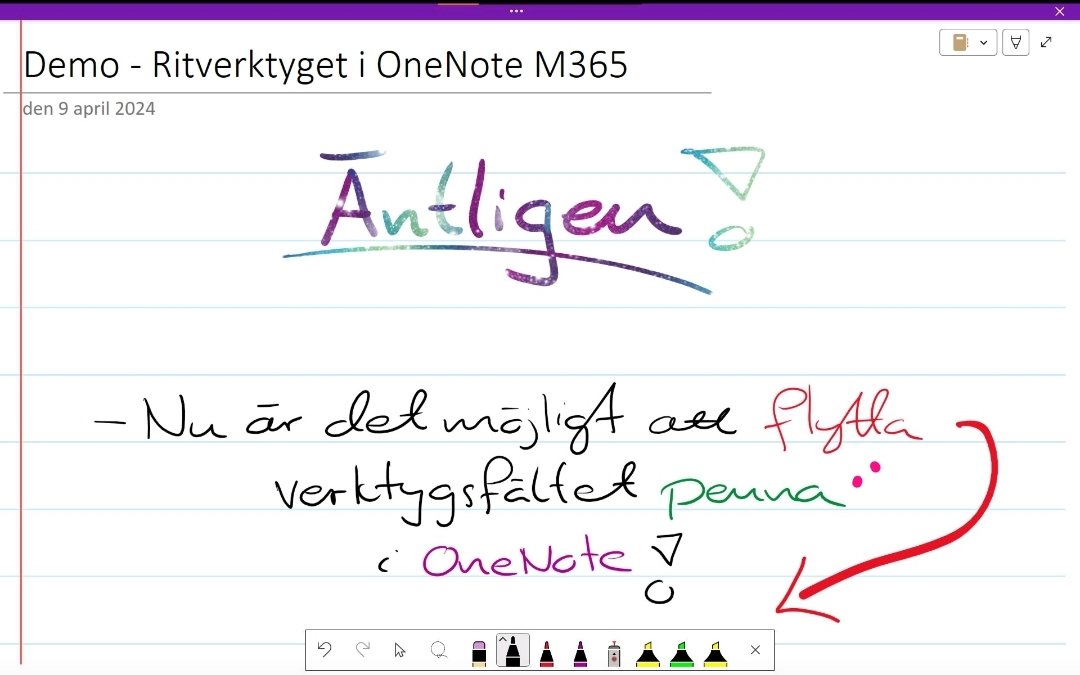
✏️ Calling all teachers! Is there a feature you'd like to see in OneNote that would help with your daily tasks? Drop your replies below!
English
55
6
45
16.6K
Martin Howe
Martin Howe@Martin_Howe·
@AlphaBalzer @OneNoteEDU Ok, you ment modules. I knew this... But I found this information on the page: "Reuse of Class Notebook and Channel resources is not supported at this time. Modules that have those resource types will be copied without them."
Borlänge, Sverige 🇸🇪 English
0
0
0
41
Andrew Balzer
Andrew Balzer@AlphaBalzer·
@Martin_Howe @OneNoteEDU Reuse a module - found here #bkmk_reuse" target="_blank" rel="nofollow noopener">support.microsoft.com/en-us/topic/ma… Just make the module a desired template in a template team and reuse as you like 👍
English
1
0
1
24
Martin Howe
Martin Howe@Martin_Howe·
@AlphaBalzer @OneNoteEDU I don't know this function... Can you please link me to further information about this?
Borlänge, Sverige 🇸🇪 English
1
0
0
27
Becky Keene 🦋
Becky Keene 🦋@BeckyKeene·
I owe @mtholfsen an apology! I commented that it would be great to integrate @MSFT365Designer with the Announcements banner in @MicrosoftTeams and he quite rightly let me know that it was already there! YAY. Available for people with Teams Premium or Copilot. Check it out!
English
2
3
27
1.3K
Petri Jämsen
Petri Jämsen@petrijamsen·
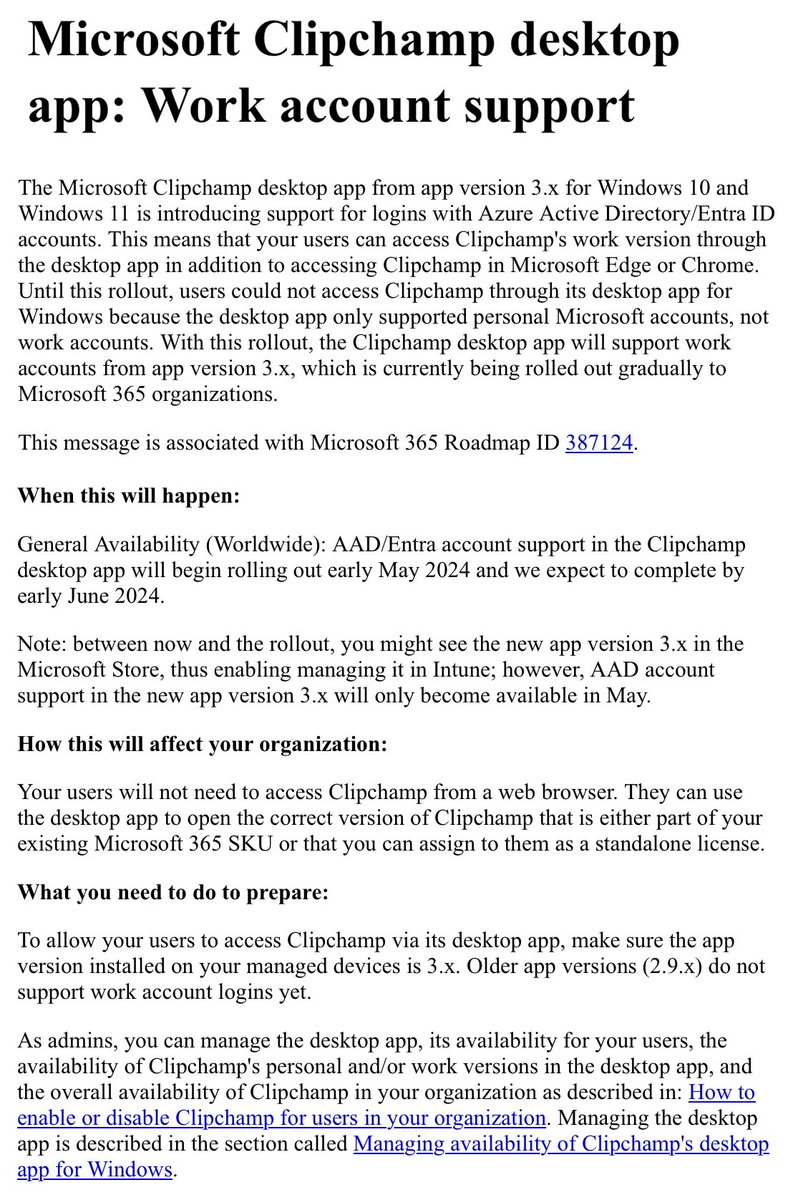
Microsoft Clipchamp desktop app: Work account support. Rolling out should be complete by early June 2024. #clipchamp
Petri Jämsen tweet media
English
2
0
2
199
Andrew Balzer
Andrew Balzer@AlphaBalzer·
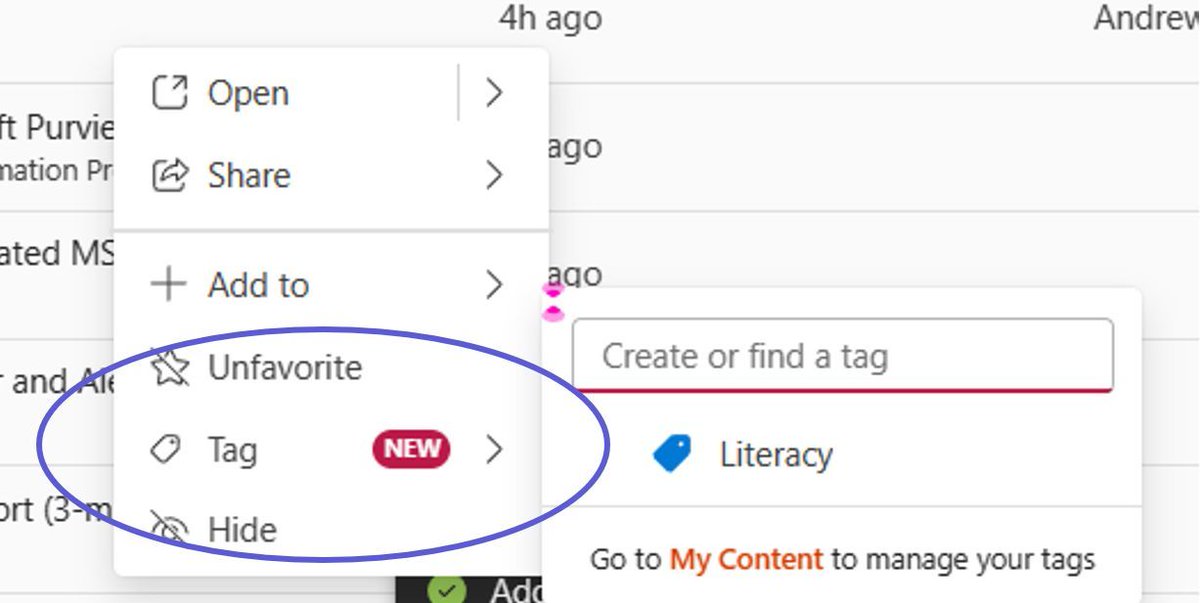
In #Microsoft #Stream you can now tag videos. Great for creating subject areas such as History, English, Maths or sorting your staff PL meeting recordings, training recordings, literacy videos. Tags can be searched and sorted - give it a try! #MicrosoftEdu
Andrew Balzer tweet media
English
1
0
1
107
Martin Howe
Martin Howe@Martin_Howe·
@JenVerField @MicrosoftEDU For my colleagues in our municipality I give personal training, aswell hands out information and inspiration through my own Teams with a shared OneNote and Stream movies. In addition, I remind our school leaders to take note of this! #TillgängliggörDigitalaVerktyg #MIEExpert
Borlänge, Sverige 🇸🇪 English
0
0
0
31
Jennifer Crutchfield
Jennifer Crutchfield@JenVerField·
How do you bring in PD for your teachers on @MicrosoftEDU apps? I always send out info, but admins would like to have a trainer come in as well. #edtech
English
8
0
6
882