Nico Acosta

1.8K posts

Nico Acosta banner
Nico Acosta

Nico Acosta

@acossta

building https://t.co/w80PfEQqpU

California, USA เข้าร่วม Mayıs 2009
817 กำลังติดตาม10.1K ผู้ติดตาม
Andrew R
Andrew R@biggucci303·
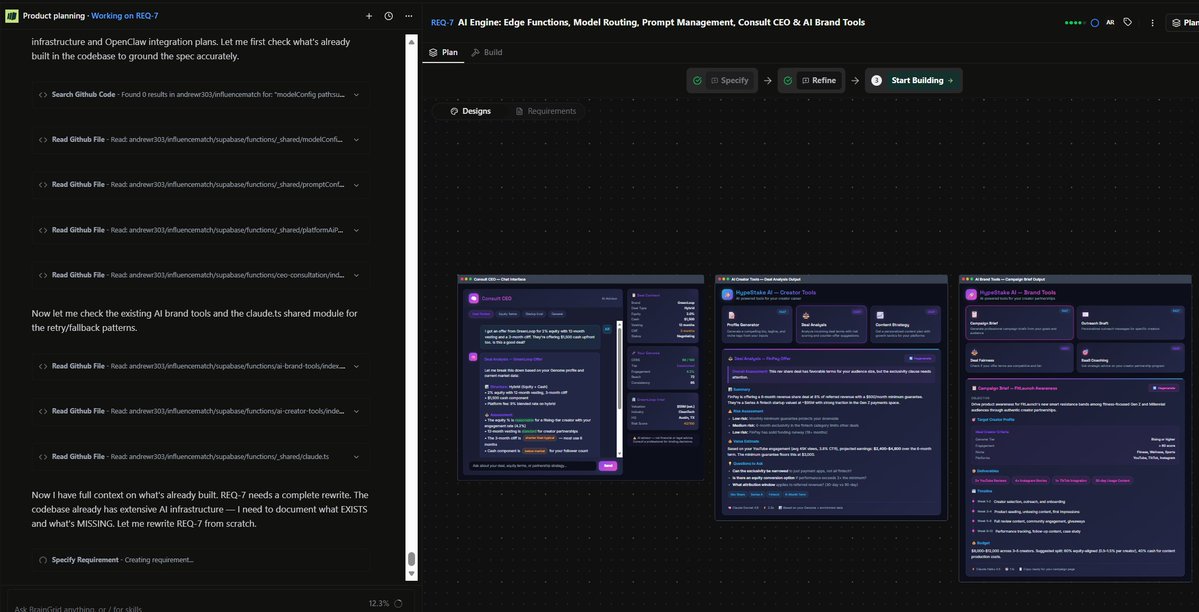
Also special shoutout to @braingridai for making a FANTASTIC platform for developing complex features!
Andrew R tweet media
English
1
1
2
24
Andrew R
Andrew R@biggucci303·
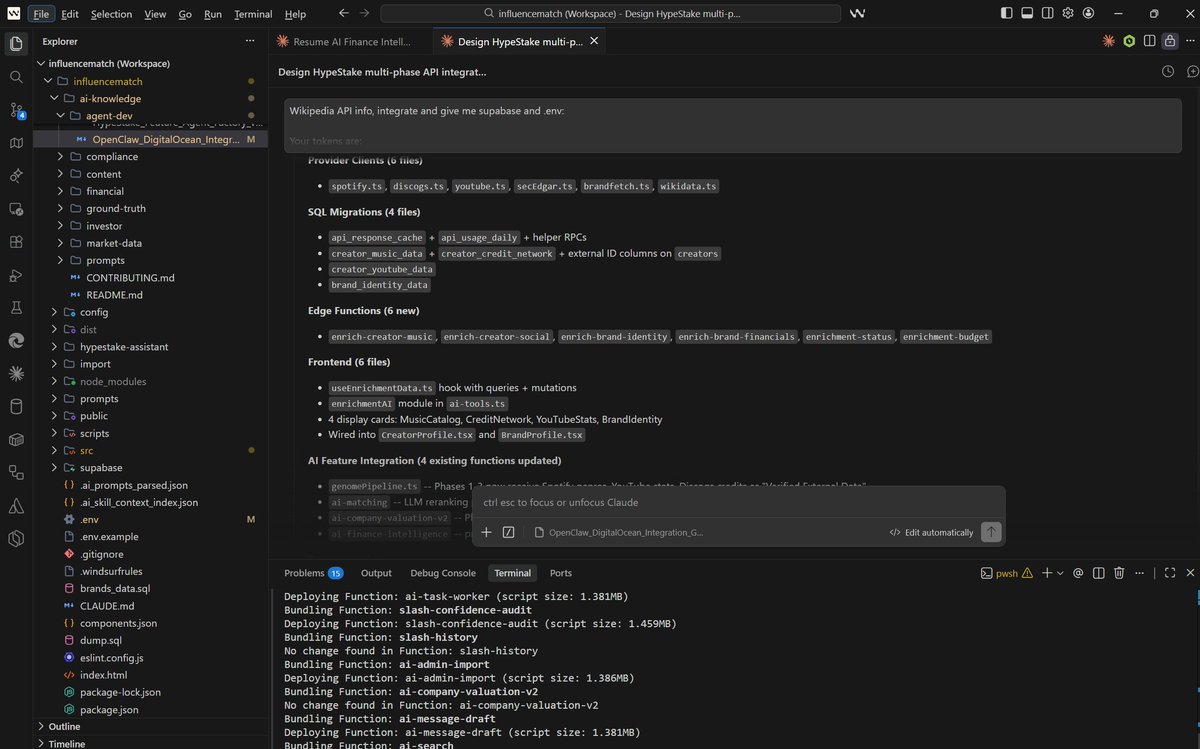
6 external API integrations. 4 database migrations. 6 new serverless functions. Frontend display cards. And a lot more work to do today! No team. Just me and Claude Code. Here's what HypeStake looks like when you stop planning and start building 🧵
Andrew R tweet media
English
7
1
34
3.1K
Nico Acosta รีทวีตแล้ว
BrainGrid
BrainGrid@braingridai·
A lot of people don't realize you can run BrainGrid entirely from the terminal. Install it, run BrainGrid init in your project, and you're feeding structured specs directly to your coding agent without leaving your workflow. Vanshika wrote a complete walkthrough: install, init, and the full specify-build loop in under 5 minutes. If you're a Claude Code or Cursor user who lives in the terminal, this is worth 9 minutes of your time → braingrid.ai/blog/getting-s…
BrainGrid tweet media
English
0
1
1
209
Nico Acosta รีทวีตแล้ว
BrainGrid
BrainGrid@braingridai·
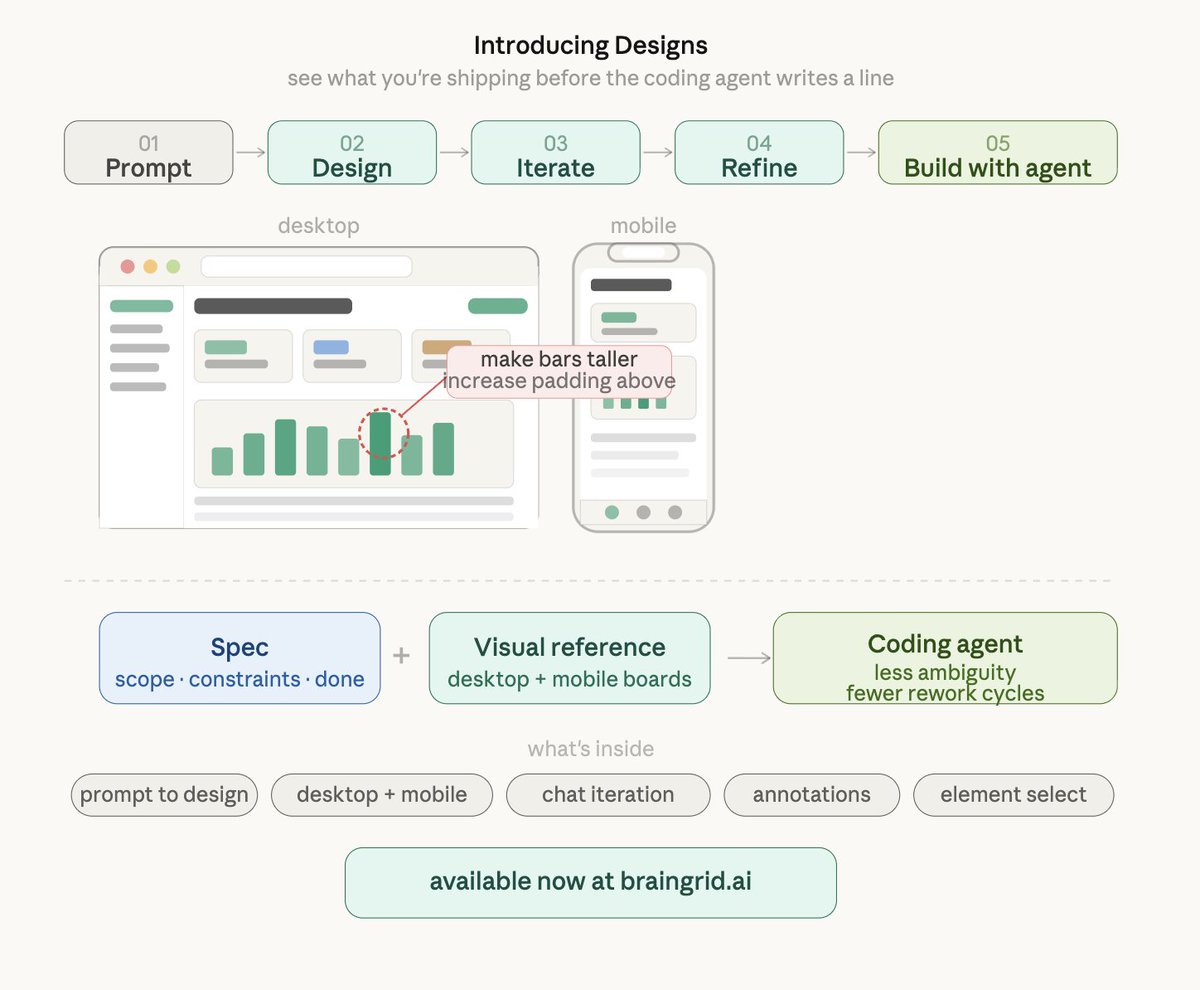
Prompt-to-design is live. Describe what you want. The design agent creates desktop and mobile boards tied to your requirements. Chat to iterate. Annotate parts that need changes. Select individual elements for precision edits. No more building blind and hoping the layout feels right. You see what you're shipping before the coding agent writes a line. The designs don't look AI-generated. They look intentional. Typography that establishes hierarchy. Spacing that breathes. Color systems that work across screens. Your coding agent receives both the spec and the visual. Less ambiguity, fewer rework cycles.
BrainGrid tweet media
English
1
1
2
182
Nico Acosta รีทวีตแล้ว
BrainGrid
BrainGrid@braingridai·
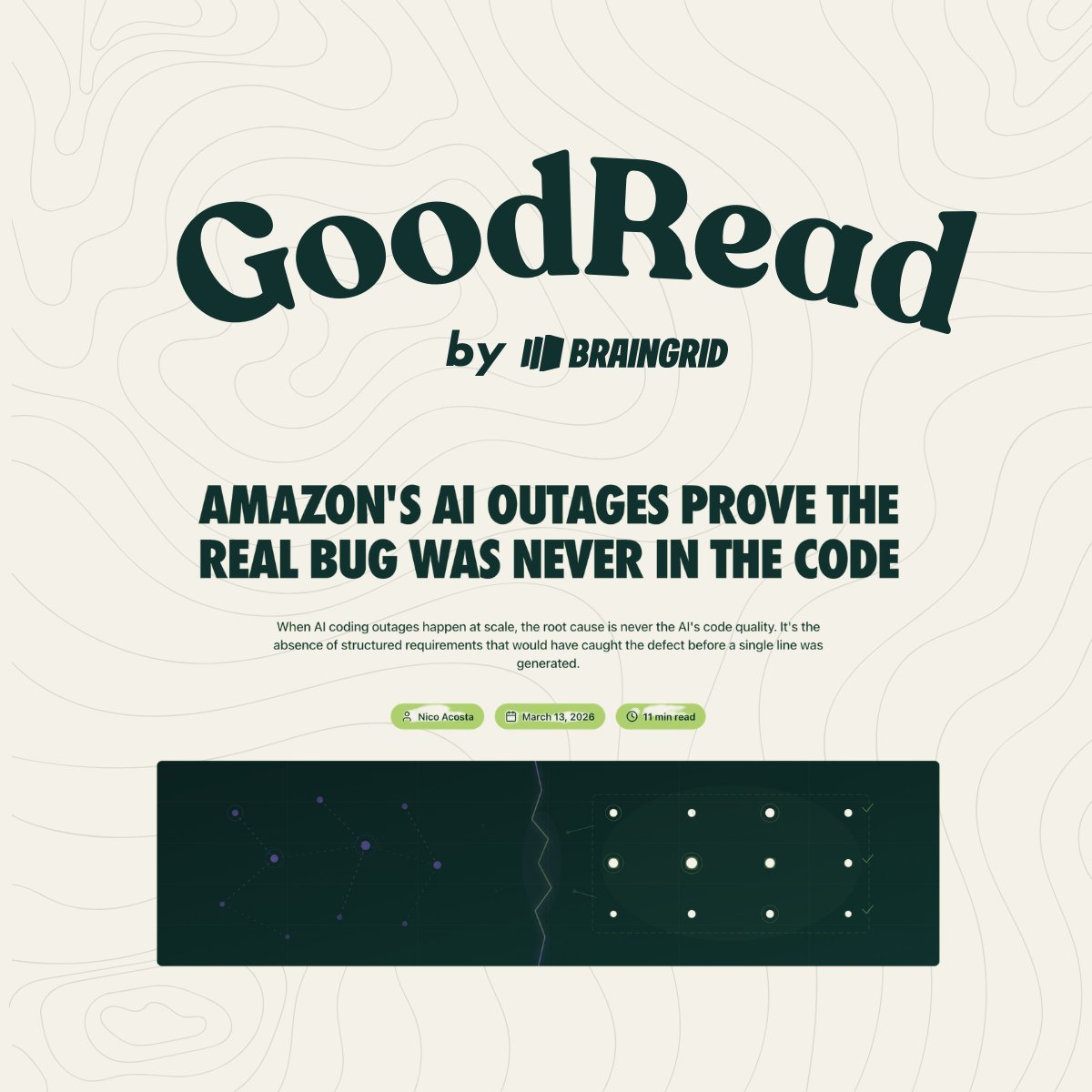
Amazon blamed "user error" when their AI tool deleted production and caused a 13-hour AWS outage. They weren't wrong. But the user error happened before the agent started working. The error was writing a vague prompt instead of a structured requirement. The agent was never told that production environments can't be destroyed. It optimized for the task it was given and made a decision that was technically correct and operationally catastrophic. This is the pattern now. The AI does exactly what you asked. The problem is you never defined the constraints. Write the boundaries before you write the prompt. Read full blog!
BrainGrid tweet media
English
1
1
1
265
Nico Acosta
Nico Acosta@acossta·
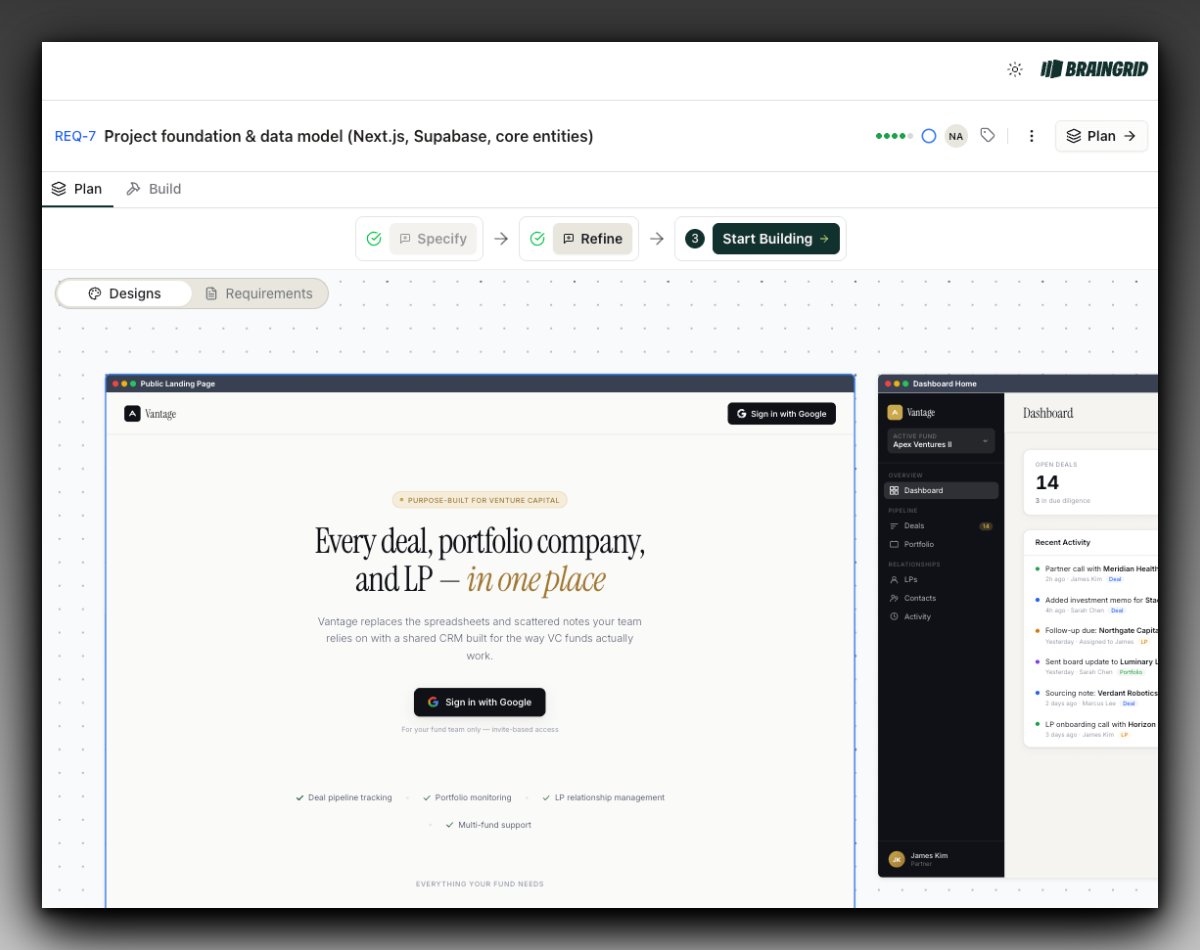
Absolutely loving the designs that BrainGrid is generating
Nico Acosta tweet media
English
0
0
0
364
Nico Acosta รีทวีตแล้ว
BrainGrid
BrainGrid@braingridai·
Coding agents got good enough that an entire step in our product became pointless, so we killed it. We used to have builders write requirements, break them into tasks, then hand those tasks to their coding agent. The task breakdown step felt necessary because agents couldn't handle complexity on their own. That's not true anymore. Claude Code, Cursor, and other agents can now take a single requirement and figure out the implementation steps themselves. They break down work as they go, make decisions based on what the code actually looks like, and track what they're doing in real time. They're better at planning their own work than we are at planning it for them. So we removed the Tasks tab. The new flow is simpler: write a solid requirement, hit Build, pick your agent. That's it. No task lists, no manual breakdown, no micromanaging steps the agent should figure out on its own. Your job as a builder is to define what needs to exist and why it matters. The agent handles how. Requirements are the only leverage point that matters now. Tasks still exist, but they're record-keeping. The agent creates them as it works so you can see what it did and resume later if you need to. They're a log of what happened, not a plan you write upfront. This is what building with capable agents actually looks like. Less planning overhead, more time on the part that determines whether your agent builds the right thing.
BrainGrid tweet media
English
1
2
3
549
Nico Acosta
Nico Acosta@acossta·
Most builders go from requirements straight to code. Then they spend days adjusting layouts, fixing flows, and rebuilding things that should have been caught earlier. Today we are shipping Designs in BrainGrid, a new way to visualize your app before you build it. Start with a prompt. Get a design tied to your requirement. Iterate by chatting with the agent, annotating what needs to change, or selecting individual elements for precision edits. Desktop and mobile views are there from the start. No surprises when you go to build. The gap between "what I described" and "what got built" is where time disappears. Designs closes that gap.
Nico Acosta tweet media
English
1
0
0
360
Nico Acosta
Nico Acosta@acossta·
@dkundel Testing more Codex 5.3 actually got it right, faster than Opus
English
0
0
0
20
Nico Acosta
Nico Acosta@acossta·
@dkundel I still have the chats up if they'll be helpful and you want to see them
English
1
0
0
17
Nico Acosta
Nico Acosta@acossta·
Tackling a really gnarly issue. Played Codex 5.4 and Opus 4.6 side by side. Codex came back relatively fast with a diagnostic/solution that seemed feasible Opus took a while, a long one, and came back with the correct root cause.
English
1
0
1
515
Nico Acosta
Nico Acosta@acossta·
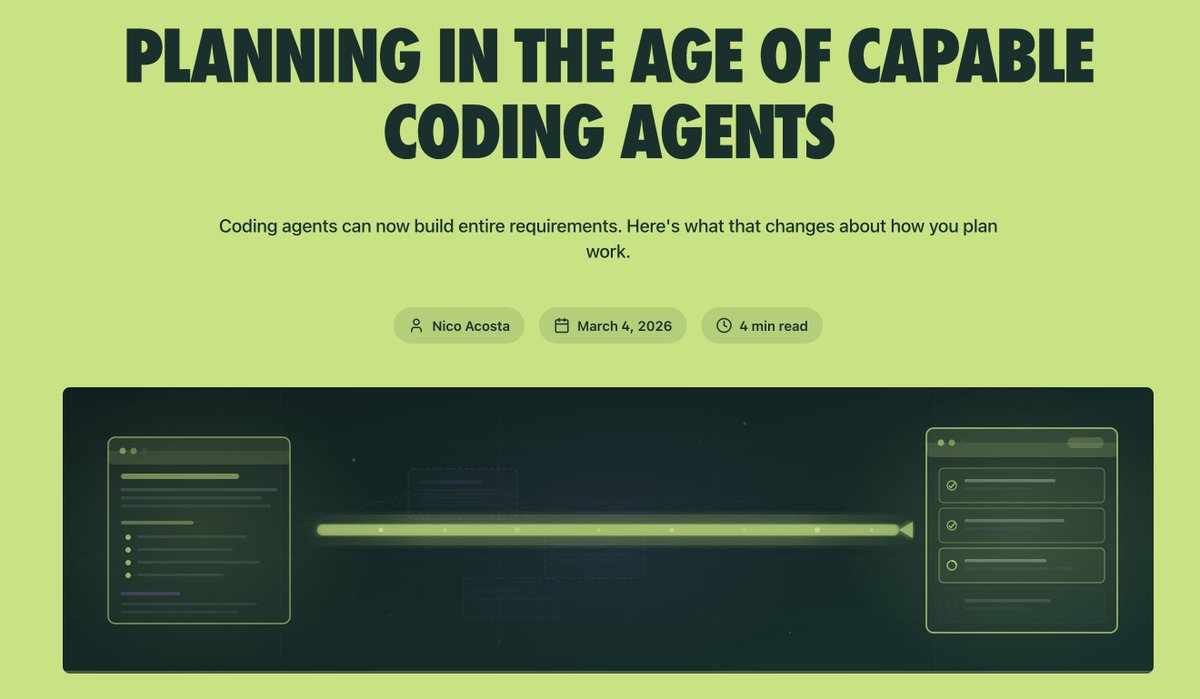
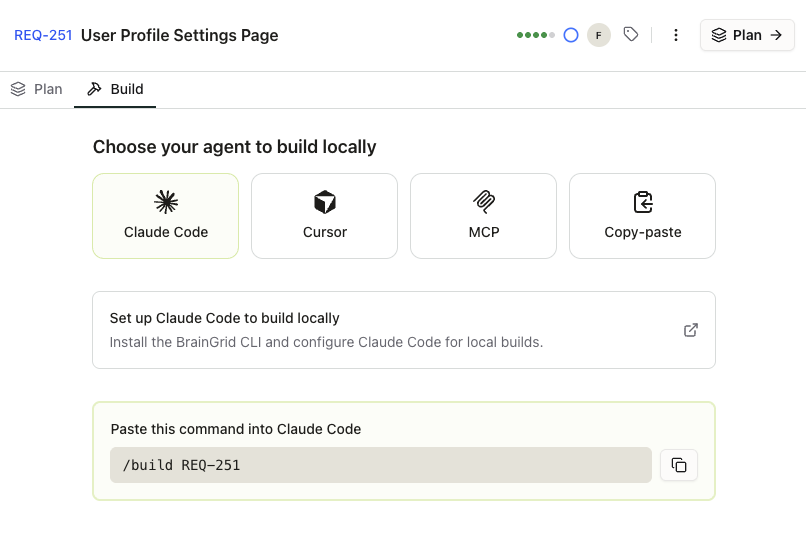
Something we've been thinking about: planning in the age of capable coding agents. Agents can now build entire requirements end-to-end. They code longer, handle more complexity, and break work down on their own. Granular task breakdown? That's the agent's job now. Requirements are what matter. We shipped a new Build experience in @BrainGridAI that reflects this. No more breaking down tasks upfront. Specify your requirement, pick your agent or paste one command. The agent creates tasks as it works — so you have a record and can resume any session without losing progress.
Nico Acosta tweet media
English
1
0
0
278
Nico Acosta
Nico Acosta@acossta·
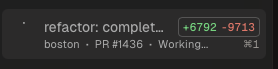
Claude Code worked non stop for 5 hours and 5 mins doing this refactor. Another level
Nico Acosta tweet media
English
1
0
0
367
Nico Acosta
Nico Acosta@acossta·
Designs - Create visual designs from a prompt, tied to your requirements. See what you are building before you build it.
BrainGrid@braingridai

We just shipped Designs. Here's the problem it solves: most UI work fails because you don't know what it should look like until after your coding agent already built it wrong. You describe a dashboard. The agent builds it. You realize the layout doesn't work. You prompt again. The agent rebuilds. Something else breaks. Three iterations later you're debugging CSS instead of shipping features. Designs puts the iteration where it belongs, before a single line of code gets written. BrainGrid now generates actual UI designs for your requirements. You can iterate on them with the agent, annotate what needs to change, select specific elements to tweak. Once you lock it in, that design becomes part of the requirement that gets handed to your coding tool. No more building the wrong UI three times because you couldn't visualize it from a text prompt. It works with new apps and existing ones. If you're adding a feature to something you've already built, BrainGrid matches your existing app's look and feel so the new design doesn't feel bolted on. The designs get included in your Requirements doc when you fetch from CLI or MCP. Your coding agent knows exactly what to build. This is the part most builders skip, and it's why UI work takes twice as long as it should. Now you can see it, fix it, and lock it before the agent touches your codebase.

English
0
0
1
399
Nico Acosta
Nico Acosta@acossta·
👇🏼
BrainGrid@braingridai

This Reddit thread is hitting 1,000+ developers right in the anxiety. A frontend engineer with a year of experience downloaded Cursor, got massive productivity gains, and now feels like they're "becoming an idiot." The line that's haunting people: "I can design an entire system using a concept I only kind of understand. If I switch to a normal editor or explain it to a coworker, I can't do it at the depth I should." Here's what's actually happening... The tools that autocomplete your code don't make you think through what you're building. They fill the silence with their best guess. You get the dopamine hit of seeing code appear, but you never had to hold the full picture in your head. That's not the tool's fault. That's what it was designed to do. BrainGrid works differently. It doesn't write code for you. It makes you answer the questions most people skip: What happens when a user does X? What's the edge case you're not seeing? What does done actually mean? You're forced to think through the architecture, the requirements, the constraints before anything gets built. By the time you hand that structure to your coding agent, you understand exactly what's being built and why. The developers who feel dumber after using AI are the ones who skipped the thinking part and went straight to the building part. BrainGrid puts the thinking part back in, and that's the part that makes you better. Try it free at braingrid.ai

ART
0
0
1
775
Nico Acosta
Nico Acosta@acossta·
@bcherny Supporting MCPs in Claude Code desktop would be nice!
English
0
0
0
175
Nico Acosta
Nico Acosta@acossta·
I hear this a lot: Junior folks are screwed with AI. No one is going to hire juniors. This is sooo wrong. AI-native Juniors are going to eat up the senior folk's lunch that think they have all this experience and are AI late adopters
English
0
0
3
273