
Caix
162 posts


Caix
@caixverse
A Mediocre Artist | AIGC Explorer | Visual Storyteller | Crafting Future Narratives
AI เข้าร่วม Aralık 2023
357 กำลังติดตาม264 ผู้ติดตาม
Caix รีทวีตแล้ว

Veo 3 updates: 1080p HD resolution, 9:16 vertical video support and ~50% lower pricing
Veo 3: $0.40/sec (from $0.75/sec)
Veo 3 Fast: $0.15/sec (from $0.40/sec)
English
Caix รีทวีตแล้ว

New in Gemini Canvas: Select and Ask
You can now visually edit any part of your web app just by clicking an element and describing the change. No code necessary—just click, describe, and see your updates instantly in preview mode.

English
Caix รีทวีตแล้ว
🍌 nano banana is here → gemini-2.5-flash-image-preview
- SOTA image generation and editing
- incredible character consistency
- lightning fast
available in preview in AI Studio and the Gemini API


English
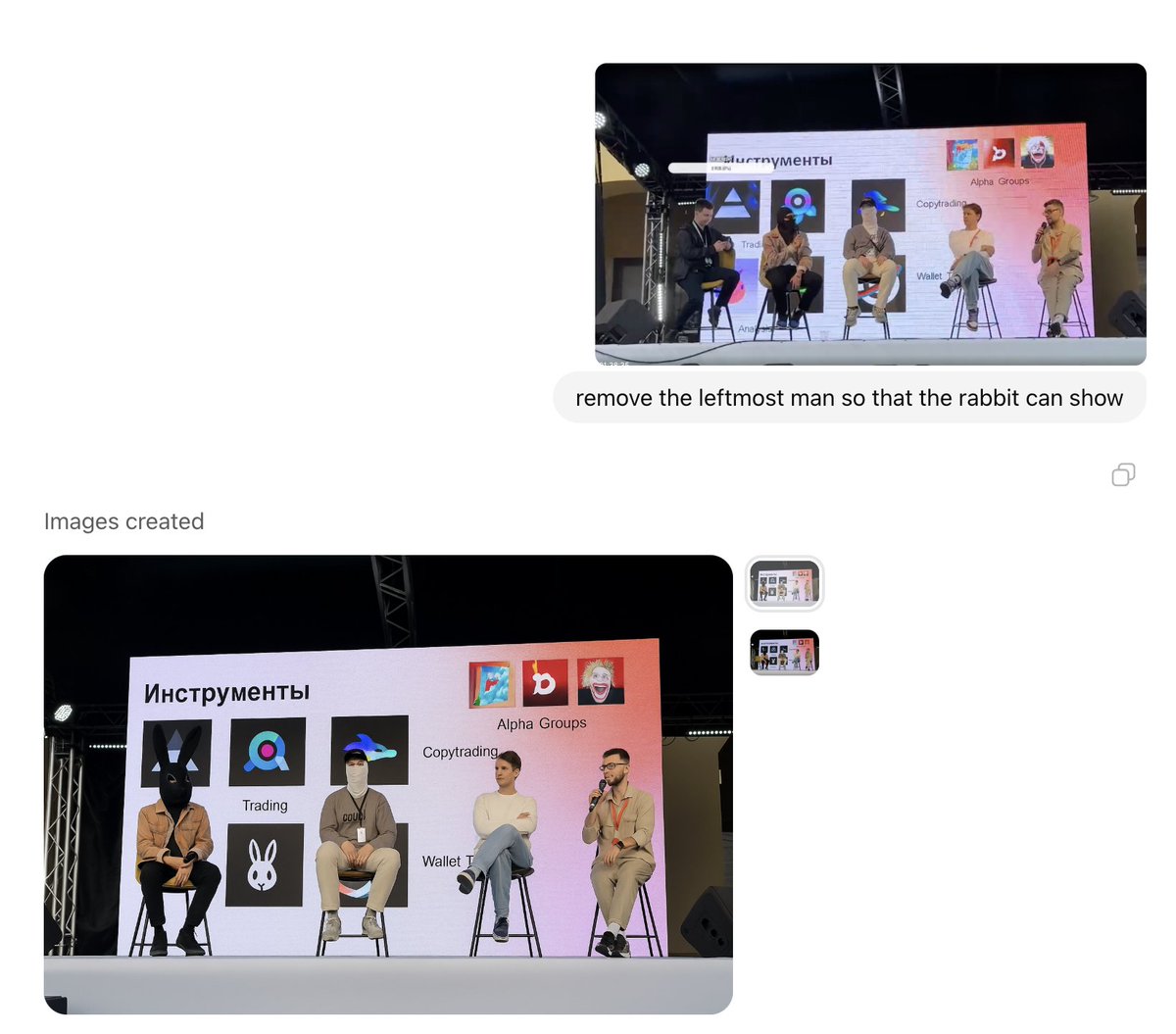
@frontrunpro Take it. hahahaha🤣🤣🤣🤣🤣🤣🤣
👇(Caption text)
“Why are you kicking me out? I just looked down at my phone for a message...”

English

Shoutout to whoever cooked this slide. Ru fam = giga goats 🐐🔥

English
I love this toilet paper… but I can’t afford it.🧻💸
Lately, I found that making motion posters with #Veo3 is just as impressive.
So I put this idea into words — it understands exactly what you want to say, nails the headline & layout. 🌟#aivideo
@GoogleLabs @GeminiApp
English

@frontrunpro @heavendex @CryptoOmen @FlippingProfits @Soloxbt @xiaosuannai4 @pedrigavifrenki @0xjumpman Amazing!!
English
1/ $27 M raised in the $LIGHT presale by @heavendex in less than 11 hours — and Frontrun just traced the biggest KOL bags:
🥇 @CryptoOmen $340 k
🥈 @rektober $100 k
🥉 @FlippingProfits $100 k
4️⃣ @Soloxbt $96 k
5️⃣ @xiaosuannai4 $84 k
6️⃣ @pedrigavifrenki $70 k
7️⃣ @0xjumpman $52 k
8️⃣ @CryptoM_7777 $52 k
9️⃣ @gr3gor14n $50 k
🔟 @spacemanbtw $34 k

English
6️⃣ A powerful multimodal stack: Text + Image + Video.
If you're creating for social media, try this Google AI combo:
✅Gemini – for writing + content planning
✅Gemini Image(Imagen)– for generating visuals
✅Gemin Video(Veo3) – for full video output
Example workflow:
✦Start with a product doc
✦#Gemini extracts highlights → writes copy
✦Imagen generates visuals
✦Veo3 creates the promo video
All in one window — fast, seamless, scalable.
If you're also using Veo3 or other AI tools to create content — let's connect!
I’m still testing things out and will continue sharing cool finds.
English
5️⃣ Not sharp enough? Upscale your video to 4K/60fps.
By default, Veo3 exports at 720p. But you can boost quality in post using:
→ Topaz Labs Video AI
✅ Upscale to 4K
✅ 60fps smooth motion
✅ Noise reduction + detail enhancement
Highly recommended for creators who care about quality.
English
Level up your #veo3 workflow with these hacks.
After weeks of hands-on testing, these are the most effective techniques I’ve found for controlling #VEO's output.👇
1️⃣ Use JSON prompts to control video details precisely.
After extensive testing, I found that writing prompts in JSON format makes Veo3 outputs much more controllable — especially when dealing with complex scenes or emotions.
Why? Because AI understands structured, logical language better.
Example:
JSON{
"scene_setting": {
"location": "Modern café, large floor-to-ceiling windows",
"time": "Golden hour, sunlight slanting in"
},
"characters": {
"main_character": "30yo professional woman, white shirt, black glasses",
"emotion": "Focused but slightly tired"
},
"camera_work": {
"movement": "Slow push-in from medium to close-up",
"style": "Cinematic depth of field"
},
"audio": {
"dialogue": "Woman: 'We need to rethink this proposal'",
"background": "Soft café ambience, keyboard typing",
"note": "(no subtitles)"
},
"timing": {
"0-3s": "Establish setting and mood",
"3-6s": "Push-in, focused expression",
"6-8s": "Dialogue, subtle head movement"
}
}
If your writing is strong, you don't have to use JSON — but for structure-heavy scenes, it really helps.
English