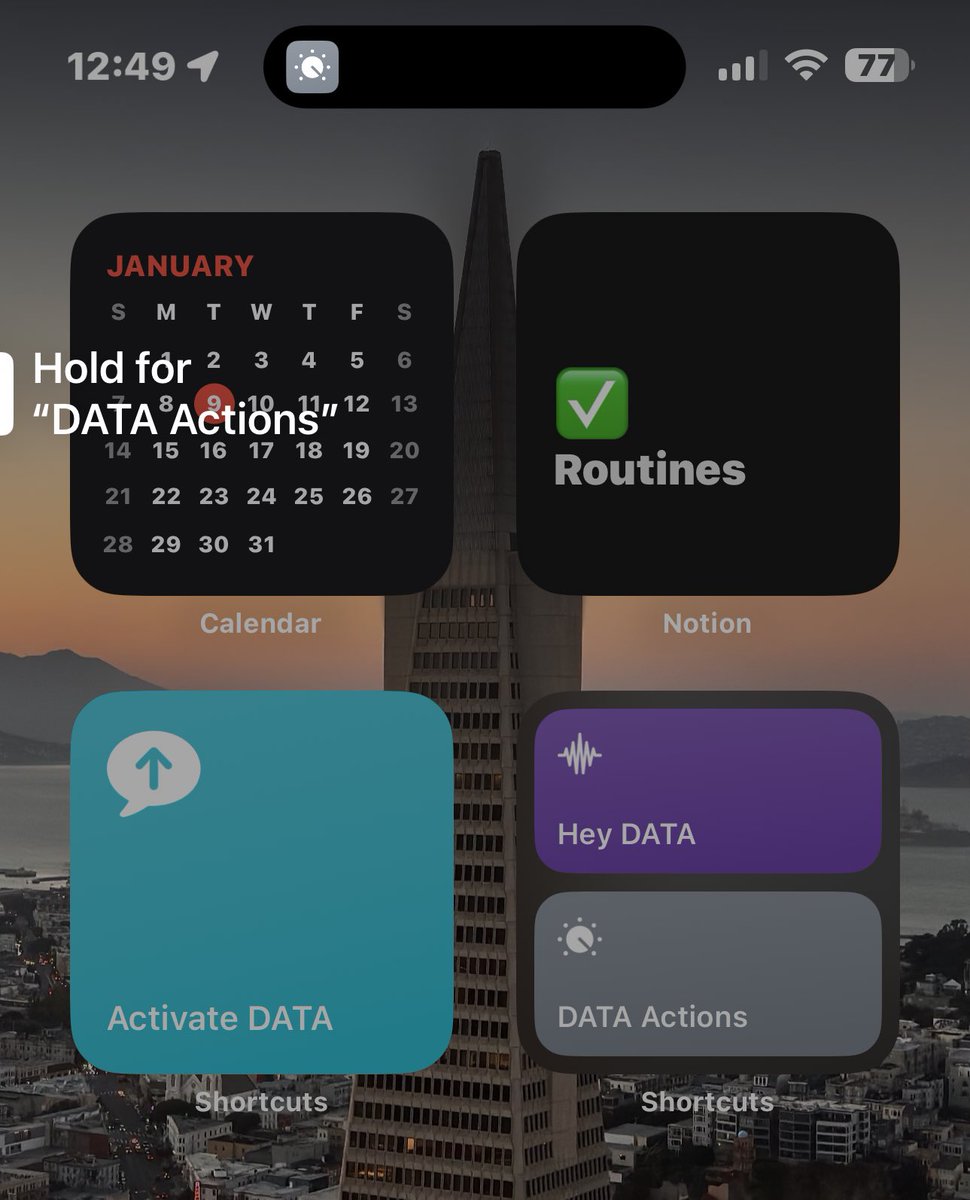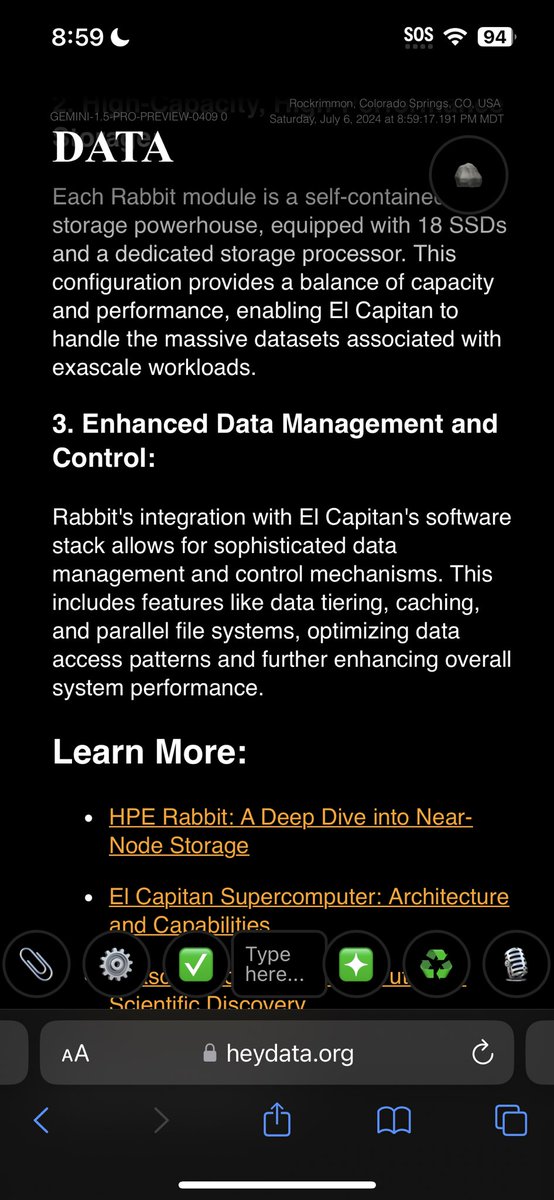

HeyDATA.org is our AI project to make computing feel more human @LanderMedia Here are the 4 best demo videos of the magic of DATA in action. DATA is a personalized assistant who knows and remembers every conversation you have with it accross your iPhone, Mac, iPad, Watch, Texts, Emails, and HomePods. You can talk to DATA right in your AirPods or text it just like a person. DATA can read, write, understand, speak any language, and translate between them. It can help with real work and home life tasks like research, writing, scheduling, reminders, and triage. And it's easily customizable so you can have DATA automatically do whatever you want whenever you want with just a few taps and natural language instructions - no code required. DATA can do just about anything you can do on your phone on your behalf automatically including very advanced things Siri can't, like summarizing, analyzing, and drafting replies or writing documents. It can read web pages, texts or emails you show it, or PDFs of any kind. It can do other real world tasks that require complex analysis and common sense too, like: - figure out where the nearest beach is (even when you're in Colorado) and instantly fetch the current surf report up to the current minute. - summarize and drafting replies to entire email chains - plan out entire work projects or multi-day vacations on your calendar - sketch out ideas for you in picture form or drafting Notion pages with charts and graphs. DATA can also use its own judgement to determine when to run an action or not, even if you've scheduled it, allowing you to make VERY complex automations that require many different inputs to make a decision, like for example: - only opening the blinds on your lunch break if it's sunny out and you're working from home. DATA works natively and easily with Apple HomeKit & other shortcuts. DATA can also take initiative and check in with you throughout the day by voice or text and proactively send messages to you and others on your behalf based on your personal and professional goals, current tasks, and calendar. DATA can integrate with many apps on your phone, and is compatible with multiple large AI language models. I've gotten to make a few demo videos that I think really capture how powerful DATA can be for every day life. Here they are all in one tweet. Make sure your sound is on as you watch them. 1. This is the first demo video I ever made from April 19th, 2023. It walks through all the ways you can interact with and use the DATA shortcuts. Everything from saying "Hey Siri" to tapping on custom apps on your home-screen. 2. The second demo video was made May 5 and is an example use case I made of how commands work - commands allow DATA to actually run actions on your phone like taking pictures and sending messages. This demo shows me taking a picture of an email template, and data drafting an email based on that template. It's gotten much better at realizing when it has just run a command and incorporating that information naturally into the conversation now, especially on GPT-4. 3. This third Commands video, May 12 is a walkthrough of ALL the phone functions that commands allow DATA to do: sending texts and emails, making pictures, seeing pictures, reading things, and scheduling events. Since this video we've added auto-replies to texts and emails, summarizing documents, writing documents, health app data retrieval, web surfing, scheduling alarms, making playlists, and more. 4. This last demo I made today, June 15, shows everything DATA does working in concert to generate a crazy detailed morning briefing with background music - including making a unique playlist and giving a detailed analysis of current events complete with Ski & Surf conditions near me other live information from the internet. So now that you've seen everything DATA can do, what's the coolest feature? What features should we add? What would you use DATA for first?