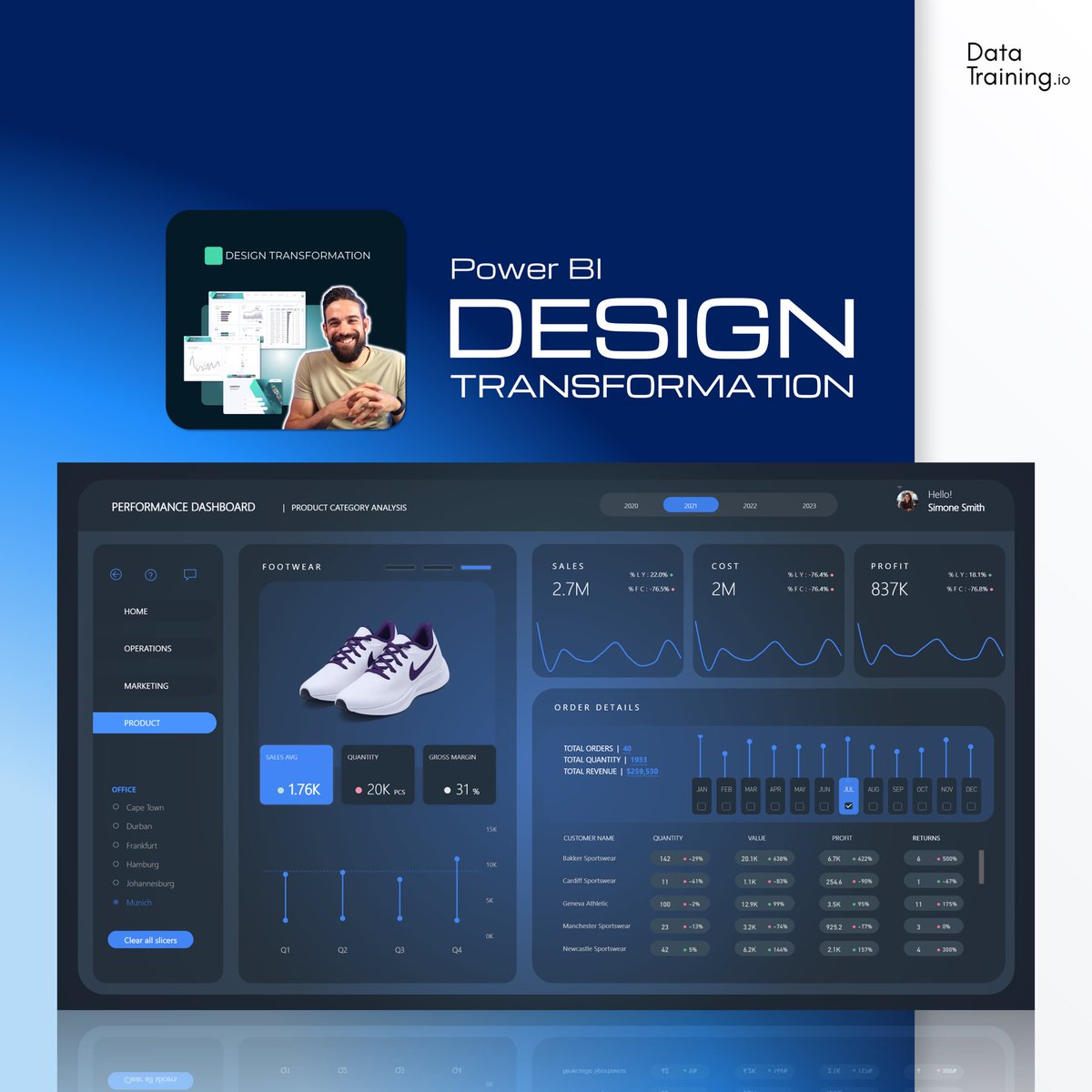
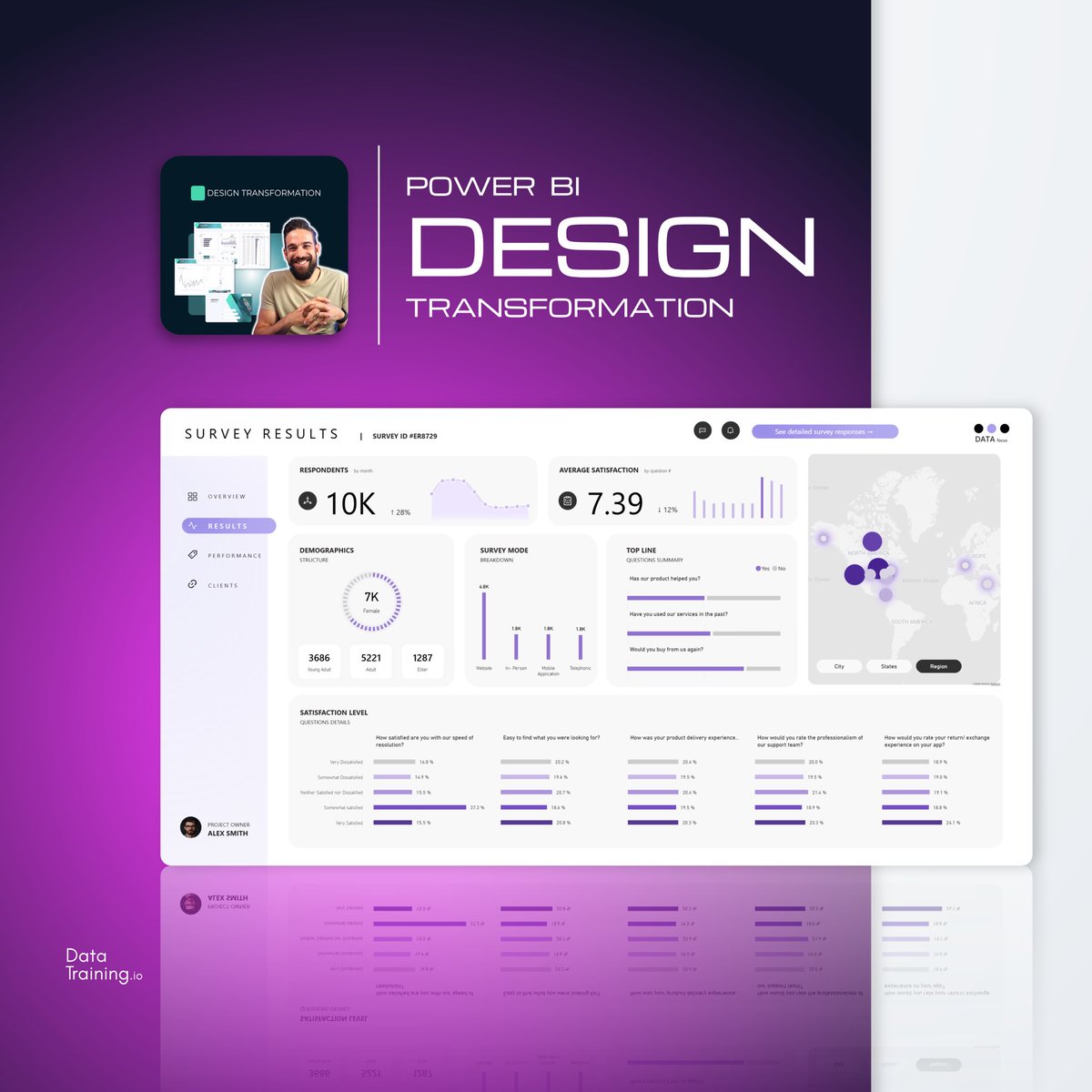
Power BI reports that make a difference 🚀 training 1.1M + followers in Power BI across social platforms 👉🏼https://t.co/lWIqE7UzQo https://t.co/lWIqE7UzQo
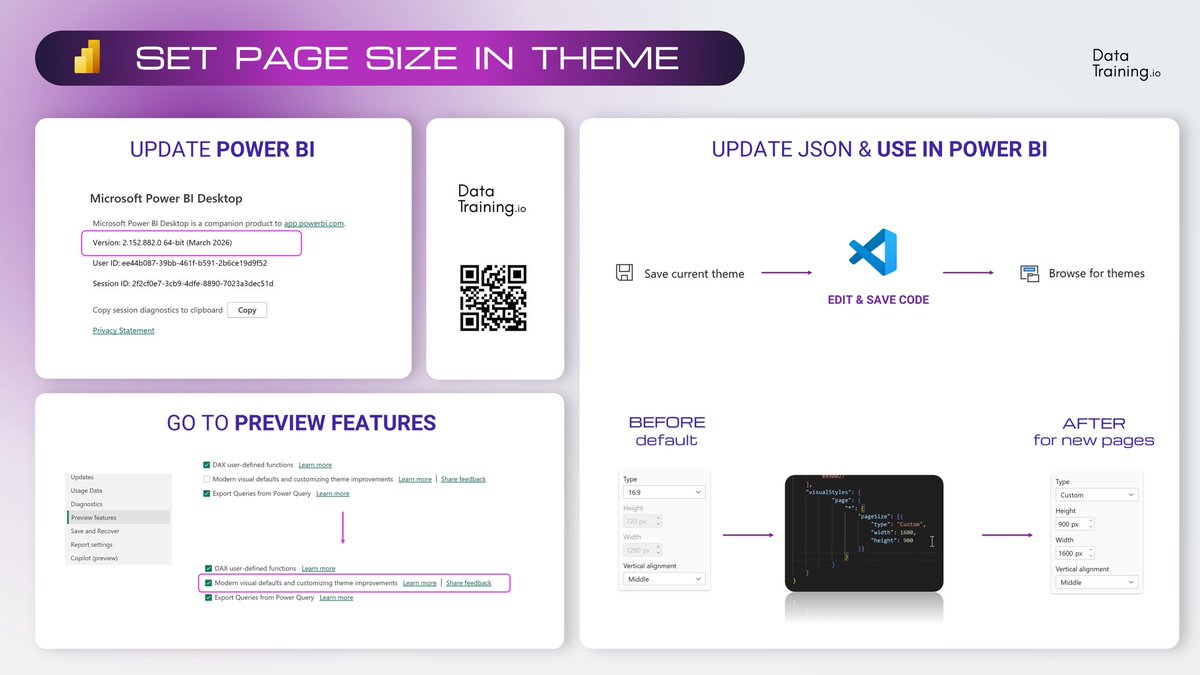
✨Set Default Page Size in Theme
Power BI March 2026 update introduced a small but useful improvement. You can now define page size directly in the JSON theme. Every new page will follow the same layout automatically.
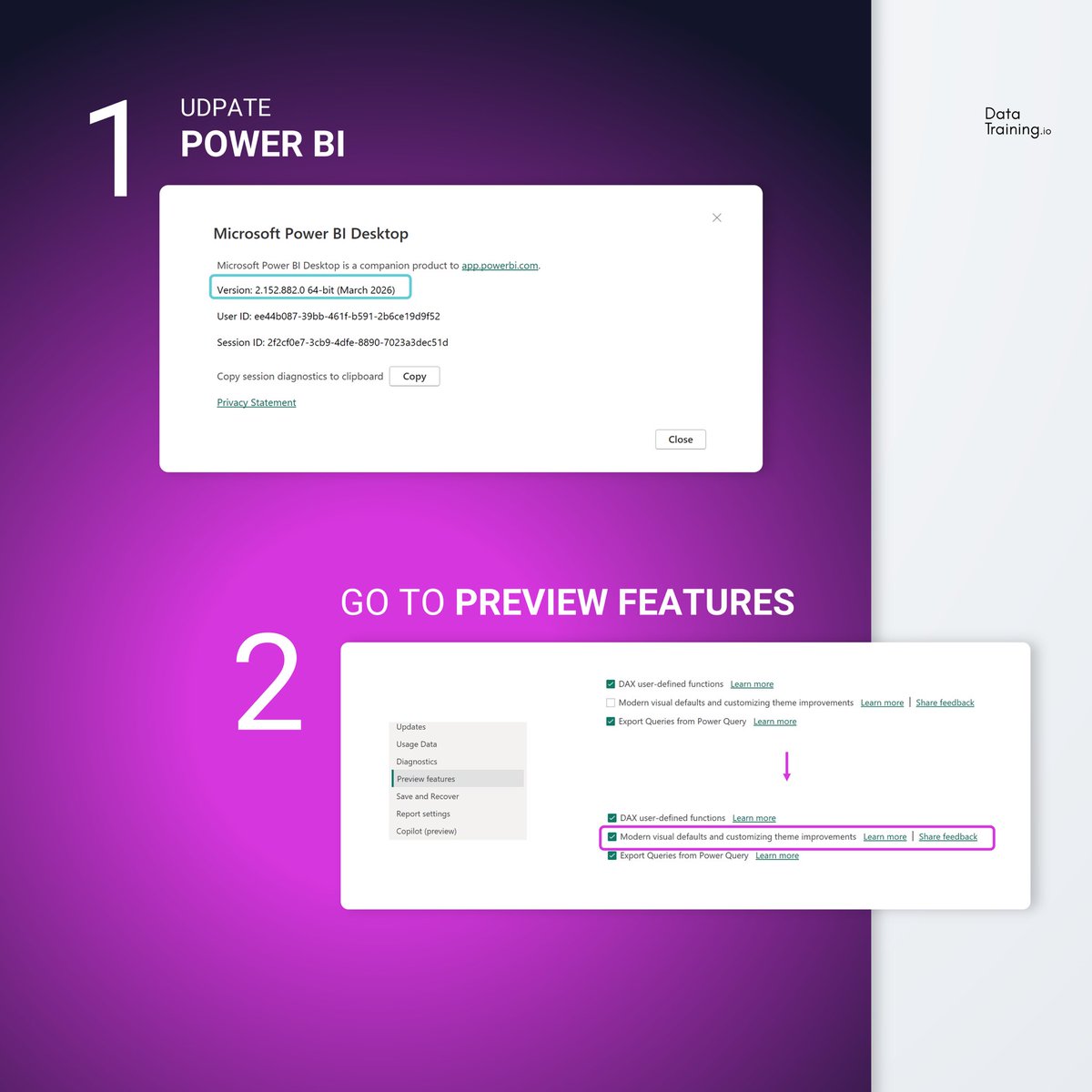
Step 1: Update Power BI Desktop
Install the March 2026 version of Power BI Desktop.
Step 2: Turn on the preview features
Go to Options > Preview features and enable modern visual defaults and customizing theme improvements. This preview also updates the default visual styling for new reports.
Step 3: Edit the theme JSON
Open your theme file and add the page section with the canvas size you want to use as default.
Step 4: Import the theme into your report
Load the updated JSON theme into Power BI
Did you already try it? 🙌🏻
#powerbi#pagesize#theme#update#dataanalytics
This one sentence changed my life:
“OMG, the training was horrible… I’m sure you would have done a better job.”
It was 2012.
I came home from a job that drained me.
My girlfriend came back from a full day of Excel training.
That sentence wouldn’t leave my head.
I quit.
One week later, I launched my first training.
And here we are.
🙌🏻😆
#powerbi#data#analytics#training
@HowToPowerBI I had dinner with a former colleague last week. After 15mins he said “OMG now I know why I miss you so much, you can explain complex topics so easily”…(BTW is was sharing enthousiasm about Claude Code at that moment)…I postpone being a trainer for years now 🤔
Leader lines for series labels in Power BI March 2026 🤩
Paired with labels coloring makes the readability sooo much better 🚀
#powerbi#report#march2026#labels#ui#ux
The craziest CAREER SHIFTS I’ve ever seen…
Since running countless analytical trainings, I’ve met so many incredible Power BI developers.
Some of them made the most shocking career changes at a stage in life where most people start to question themselves:
“Am I too old?”
“Is it too late?”
But here’s the answer:
Is it too late? No.
Am I able to do it? Yes.
Can I switch the industry/domain? Definitely.
I’ve seen people reinvent themselves completely from scratch and succeed in various data fields.
🙌🏻
#powerbi#career#shift#industry#shift
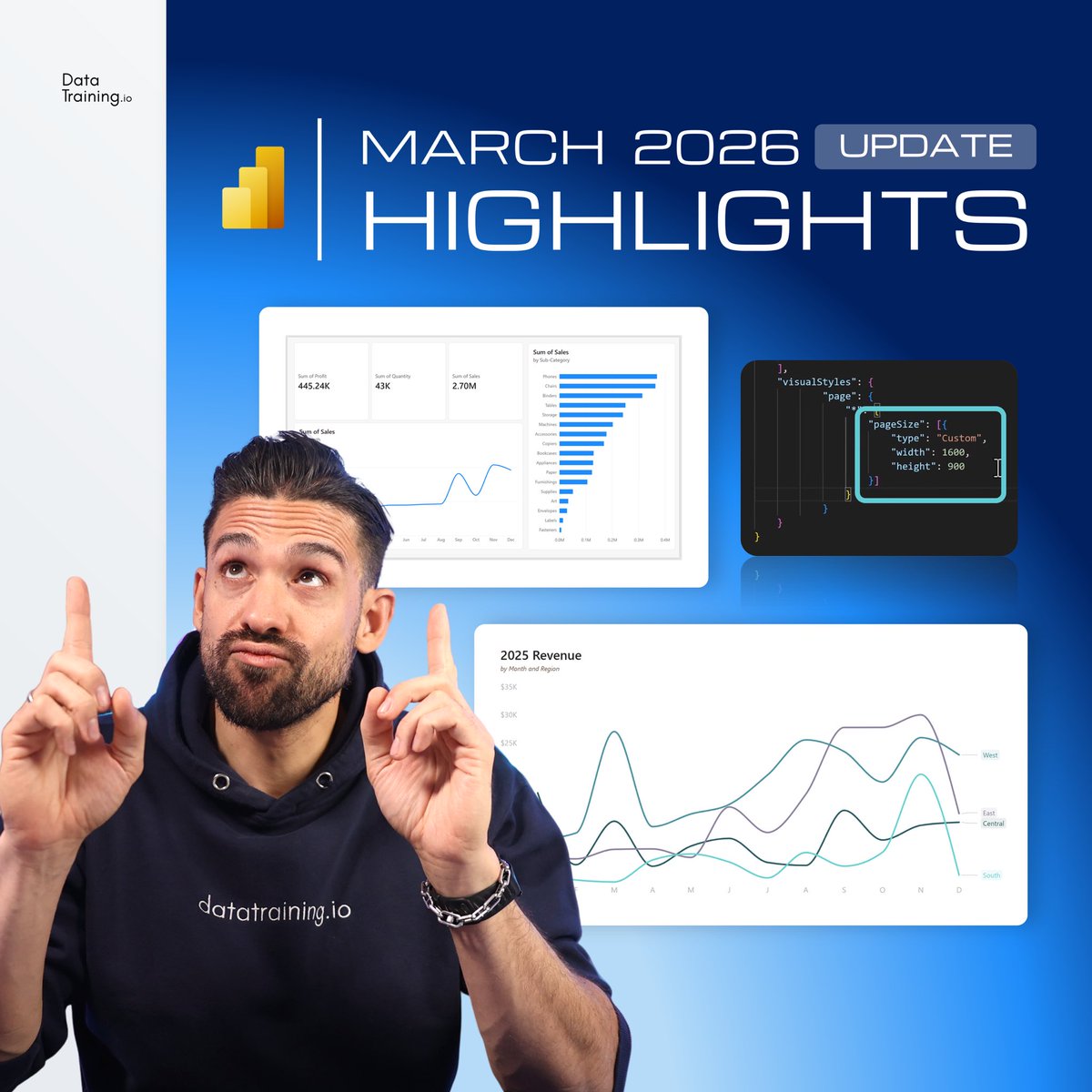
March Update 2026 - Highlights and my HOT TAKE:
1. Modern Visual Defaults (Preview):
Fluent 2 design applied to all visuals. This is the biggest visual shift in years after accessible and organizational themes. Great direction to make the default better 🎨
2. Leader Lines for Series Labels:
Nice improvement especially for many lines that overlap. 📈
3. Default Canvas Size Updates:
YES! Let's just completely forget the time this was not possible in json 📐
4. Custom Totals (Preview):
Finally! 🎉 The options we all needed. Waiting for more here (averages please!)
Share it with whoever needs to see it!
#powerbi#update#hottake#analytics
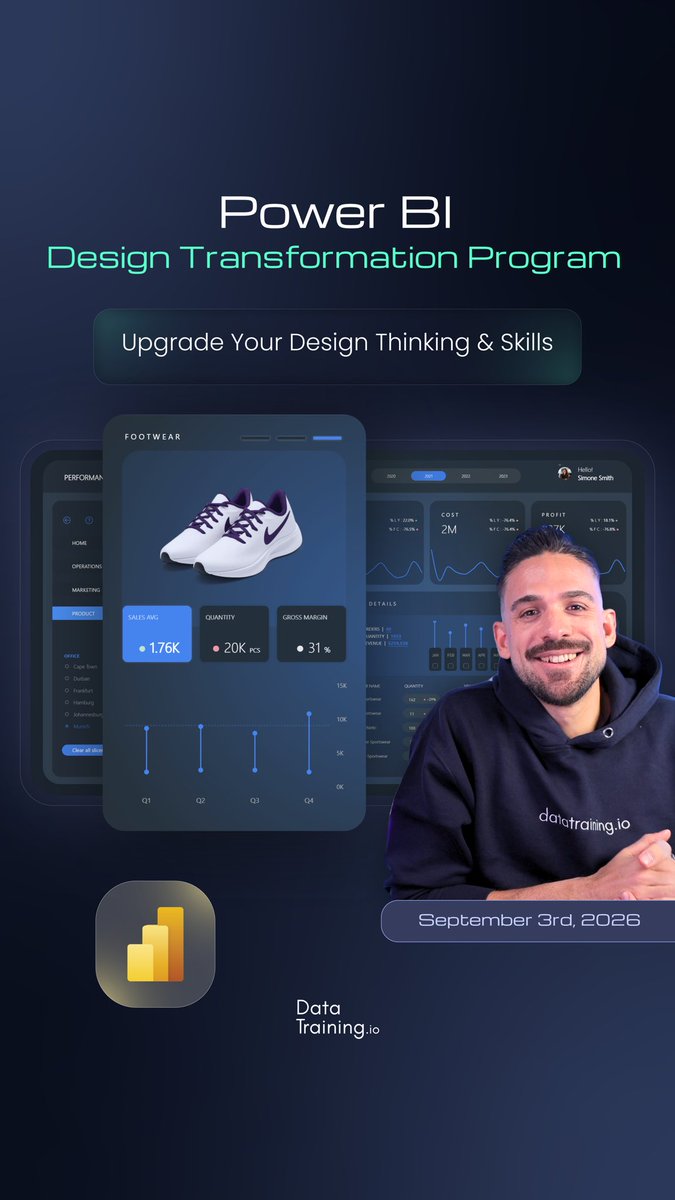
If you're serious about report development join me this September ✌🏻
Preparing for the PL-300 exam?
Our structured training includes everything you need to prepare and get PL-300 certified ✅
Try 3H free now.
#powerbi#pl300#data#analytics
New in the Power BI March 2026 Update ✌🏻
Set the default page size directly in themes
Have you tried it already?
Follow for more Power BI news ✅
#powerbi#update#new#setpage#analytics