Umer Farooq
1K posts

@Dev__F
AI Engineer • Building AI that actually works! https://t.co/ctLLJKKaZs


New in the Codex app: - Computer use on Windows - Mobile now works with Windows - Codex Profile - Small improvements everywhere


If you ever get tired of managing your Codex threads, just let Codex manage itself! Codex can now create threads, search them, organize them, pin the important ones, and spin up worktrees for parallel tasks.

Codex now supports more of the Windows developer loop. With Computer use on Windows, Codex can test apps, debug flows, and review work where your project context lives. Codex in the ChatGPT mobile app lets you connect to Windows machines and keep steering from your phone.

2 quality-of-life improvements for developers working with Codex today: Codex background agents now have stable pixel identicons. When the same agent shows up across tabs, mentions, transcripts, and the thread panel, it’s easier to recognize at a glance.


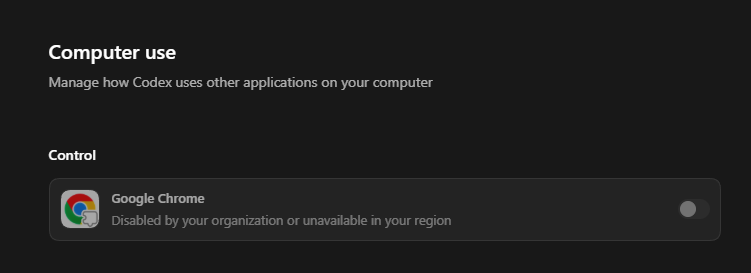
Windows users, this one’s for you. Computer use now works on Windows, so Codex can take action on your Windows computer. And with Windows support for Codex in the ChatGPT mobile app, you can start, review, and steer tasks on the go while work continues on your Windows machine. An early experience, but we’re working on more ways to keep your work moving, wherever you are.


If you ever get tired of managing your Codex threads, just let Codex manage itself! Codex can now create threads, search them, organize them, pin the important ones, and spin up worktrees for parallel tasks.


Small QoL improvement in today’s Codex App update: you can now search through all prior chat content to find past threads!✨