고정된 트윗
RunMaestro.ai
53 posts

RunMaestro.ai
@RunMaestroAI
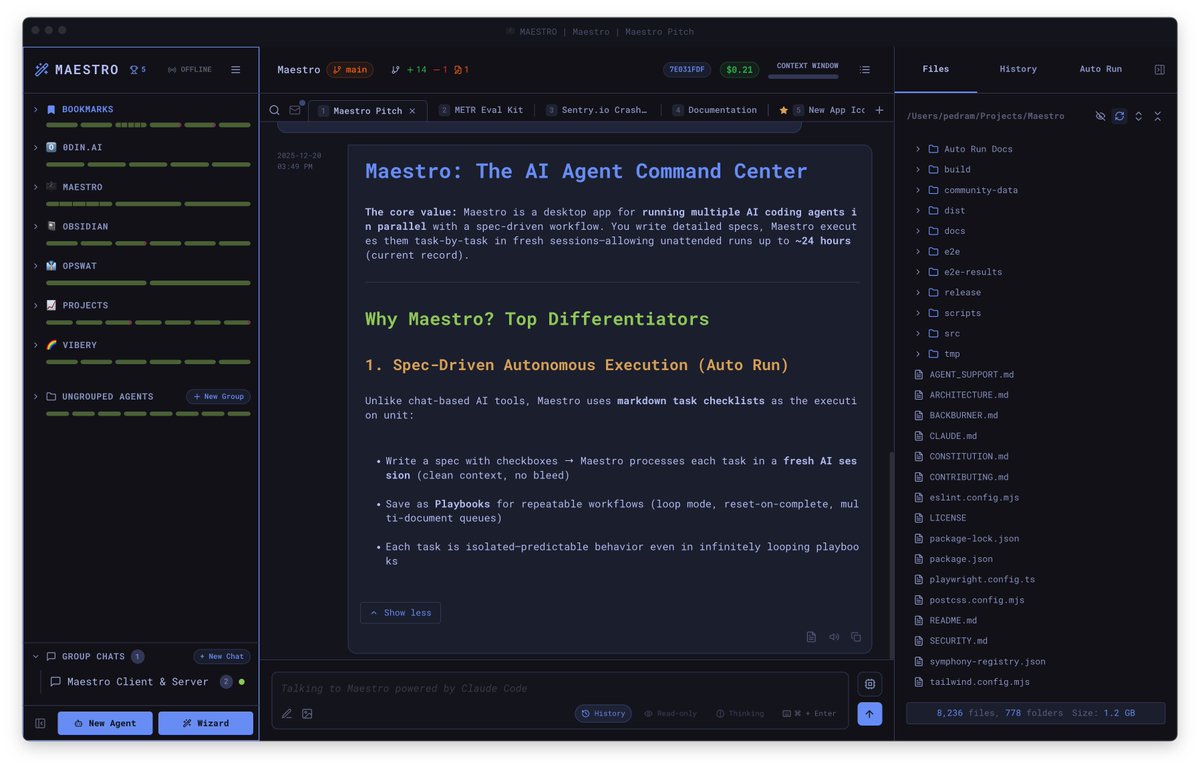
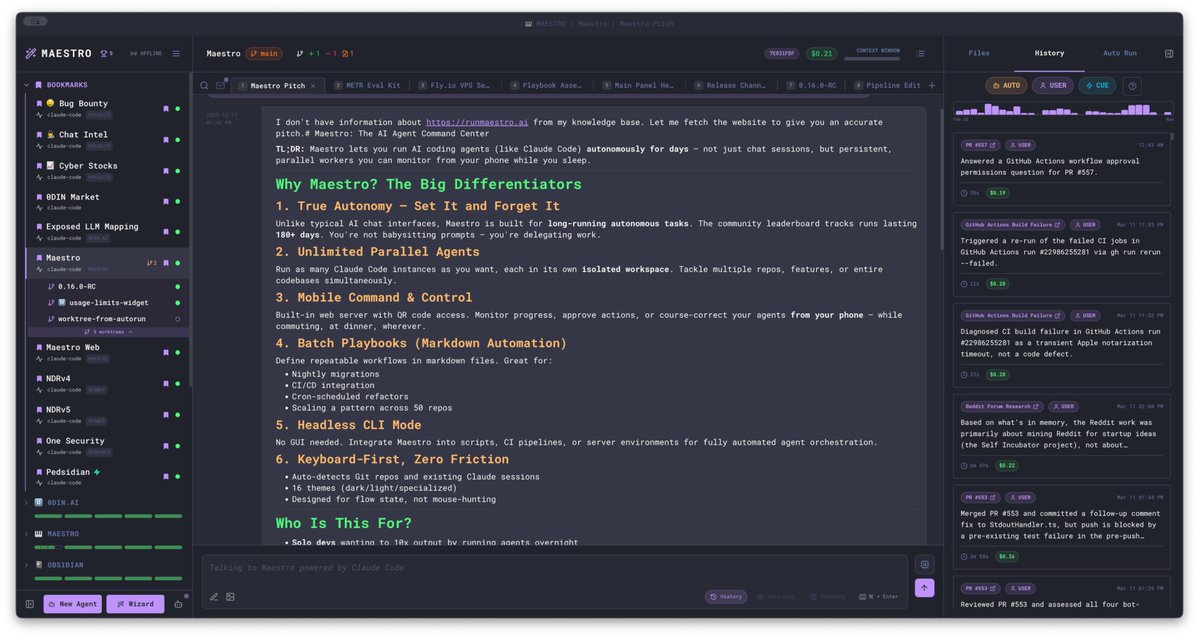
Maestro is a cross-platform desktop app for orchestrating your fleet of AI agents and projects. It's a high-velocity solution for multitasking keyboard hackers.
Austin, TX 가입일 Şubat 2026
36 팔로잉95 팔로워

@ArtemXTech ...or... use a delightful open source UX:
github.com/RunMaestro/Mae…
English

@PaulRBerg Solve this and a myriad of other UX desires with a beautiful cross-platform desktop wrapper. Open source, free (as in beer):
github.com/RunMaestro/Mae…
English

That is the pinnacle of the UX today, but there are so many other features that will make managing your dozens of agents far easier.
Group chat for example allows you to have agents, backed by different providers (Codex, Claude, etc.) work with one another.
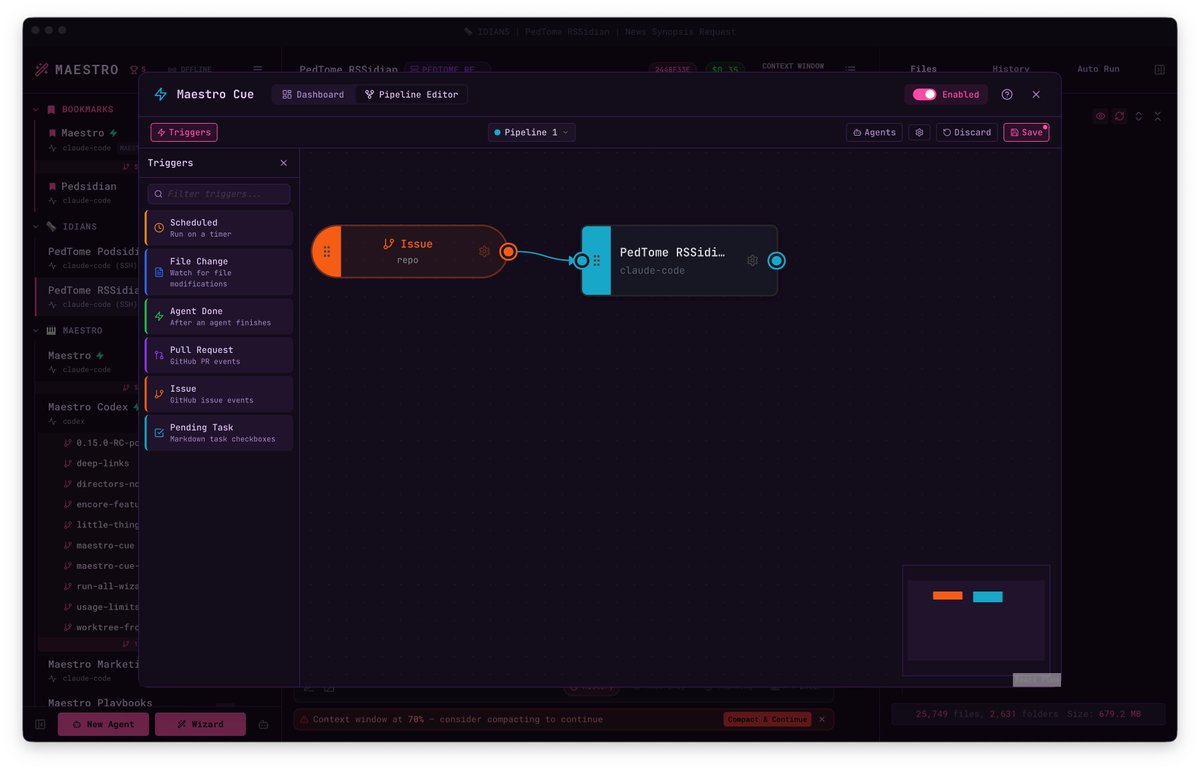
We're actively working on Maestro Cue at the moment, that brings triggers into the system. Think heartbeats, cron jobs, file/directory triggers, Github issue/PR triggers, etc.
English

@emelle0x @RunMaestroAI It's always fun to see creative takes on beloved characters! Ralph Wiggum brings such a nostalgic charm; I can only imagine how playful the loop GUI must be!
English

@garrytan That's awesome. Now to upgrade your interfacing experience!
github.com/RunMaestro/Mae…
All your skills, subagents, MCPs and other customizations will convey. Free. Open source. Cross platform. Actively developed. Instantly addictive.

English

Apparently, at our peak, we were the #2 on GitHub!
trendshift.io/repositories/2…
Next goal... hitting #1

English

Hacking and vibe coding chat with @pedramamini and @gregcmartin on the @ghostsecurityhq podcast:
youtube.com/watch?v=kBrHEa…

YouTube
English
RunMaestro.ai 리트윗함

Adding Maestro to my AI development workflow and agents. @RunMaestroAI #AI #Agents #AgenticAI so far, so good 😊

English

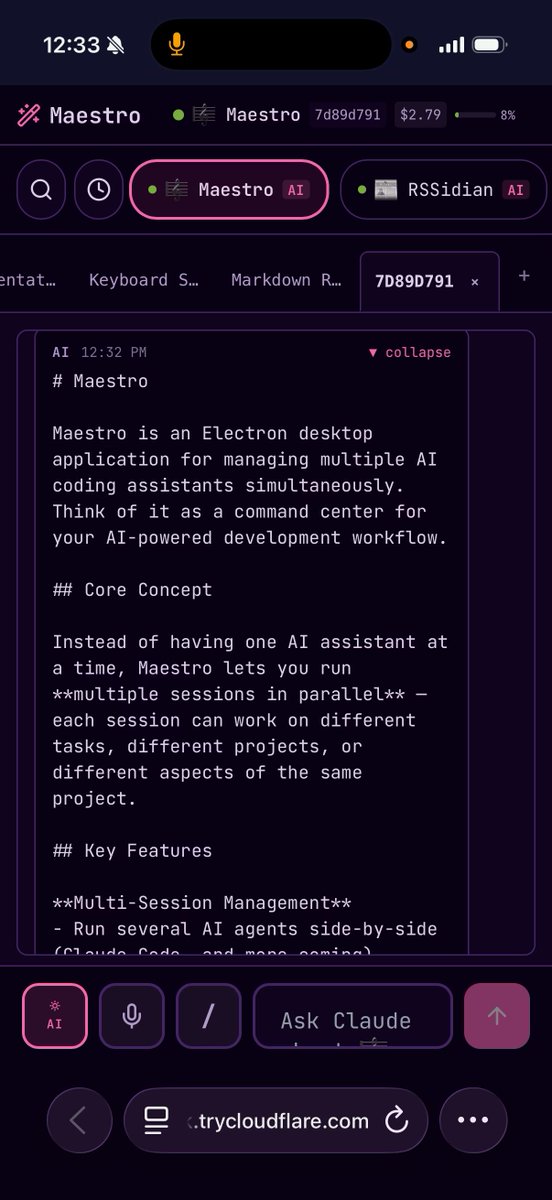
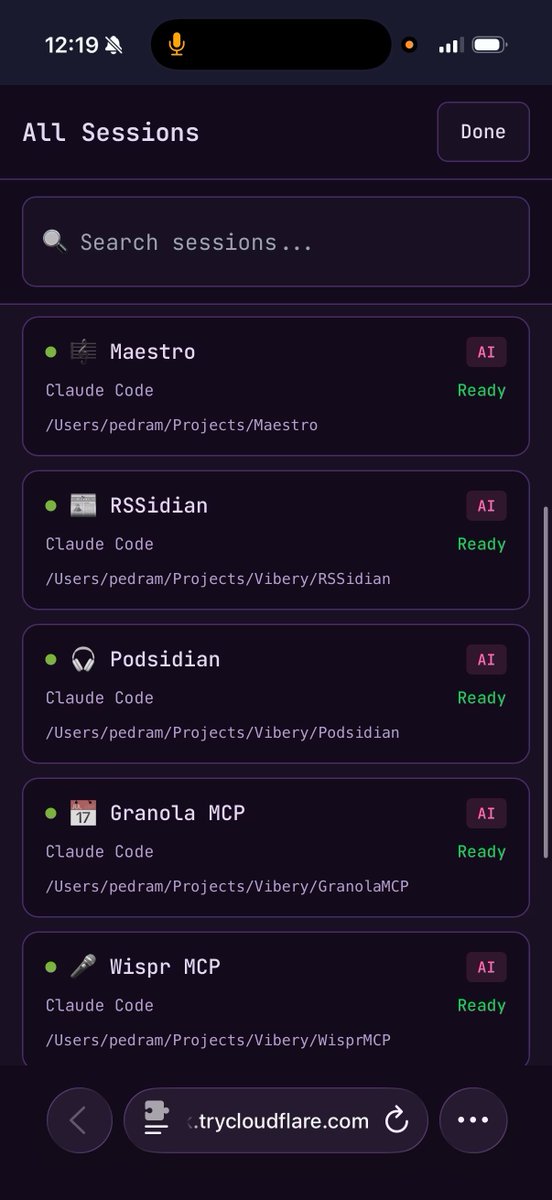
@adocomplete We've had this feature since v0.2.0 (November 28th 2025) docs.runmaestro.ai/remote-access


English
RunMaestro.ai 리트윗함

Amazing idea @pedramamini 👌💪
"Maestro Symphony is a new way to contribute to open source projects.
Pick an issue from the Symphony board that interests you, run it locally, and watch your contribution come to life."
RunMaestro.ai@RunMaestroAI
Finally out! So many changes. Much of them internal refactoring. We'll be iterating more quickly again. Read the full release notes: github.com/RunMaestro/Mae… Feedback welcome!
English

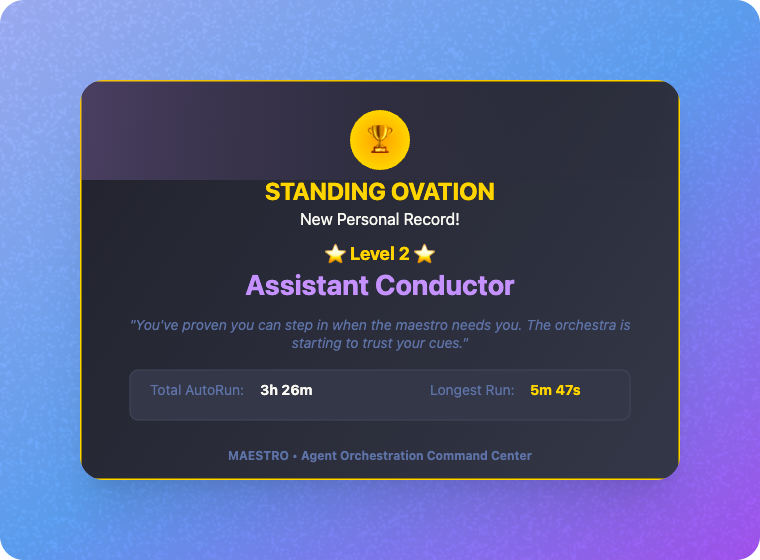
@fullpatstack Hah! Those early achievements come easy... gets real hard real fast. What are you hacking on?
English


Finally out! So many changes. Much of them internal refactoring. We'll be iterating more quickly again. Read the full release notes:
github.com/RunMaestro/Mae…
Feedback welcome!

English

@om_patel5 That's what our desktops looked like before we wrote Maestro. If you're working at that level of parallelism, give this open source desktop a try and please provide feedback.
English

@coreyganim If you like that, you should try Maestro. Similar concepts, way more advanced. As addictive as it is powerful. Open source.
English

Best Cowork setup guide I've seen.
How to fully implement in under 15 minutes:
Setup (do once)
□ Download Claude Desktop → claude. com/download
□ Sign in → Click "Cowork" tab at top
□ Create folder: ~/Claude-Workspace/
□ Inside it, create: /context, /projects, /outputs
Context files (this is the leverage)
□ Create context/about-me.md
→ Your role, what you do, what success looks like
□ Create context/brand-voice.md
→ Paste 2-3 examples of YOUR writing
→ List phrases you hate ("leverage", "I hope this finds you well")
□ Create context/working-preferences.md
→ "Ask questions before starting"
→ "Show plan before executing"
→ "Never delete without confirmation"
Plugins
□ Click Customize → Browse plugins
□ Install: Productivity (everyone needs this)
□ Install: One for your role (Sales, Marketing, Finance, etc.)
□ Type "/" to see available commands
Connectors
□ Settings → Connectors
□ Connect your top tool: Slack, Google Drive, or Notion
First task
□ Paste this to verify setup works:
"Read all files in context/. Tell me what you know about me and how I prefer to work."
Then try:
□ "Organize this folder by type and date"
□ "Create a report from these scattered notes"
□ "Draft a doc based on this template"
The compounding trick: After every session where output missed the mark, update your context files.
Hope this helps!
witcheer ☯︎@witcheer
English

We just open-sourced Mission Control — our dashboard for AI agent orchestration.
26 panels. Real-time WebSocket + SSE. SQLite — no external services needed.
Kanban board, cost tracking, role-based access, quality gates, and multi-gateway support.
One pnpm start, and you're running.
github.com/builderz-labs/…
English

@RunMaestroAI @FactoryAI Wowww….coool. This is an amazing feature and an effective pathway to full autonomous project development (from just code development).
English
RunMaestro.ai 리트윗함

The Mozilla 0DIN.ai team just published my guest blog post on the art of unattended AI coding sessions. I cover some of the history before taking a dive into Maestro, an open source app with an active community of over 200 Discord users and over 2,300 stars as of this time of writing.
In the piece, I explore how to move past "babysitting" AI. Showing how persistent iteration beats one-shot perfection, and how we’ve managed to push unattended runtimes from hours to days.
If you’re interested in understanding the pillars of autonomous automation, check out the full post here:
0din.ai/blog/while-tru…
English

@EnoReyes @FactoryAI You've got some serious fans, because you'll notice that Factory came before Gemini and Qwen3!
English