

BSitko
20.5K posts

BSitko
@BSitko
https://t.co/7y6gH43xHI Nerdy dude in the Multifamily Industry, Chief Information Officer, Process Manager, Retro Tech Nerd #c64, Blogger. Father of 2, husband of 1.
Annapolis, MD Katılım Mart 2008
582 Takip Edilen1.9K Takipçiler


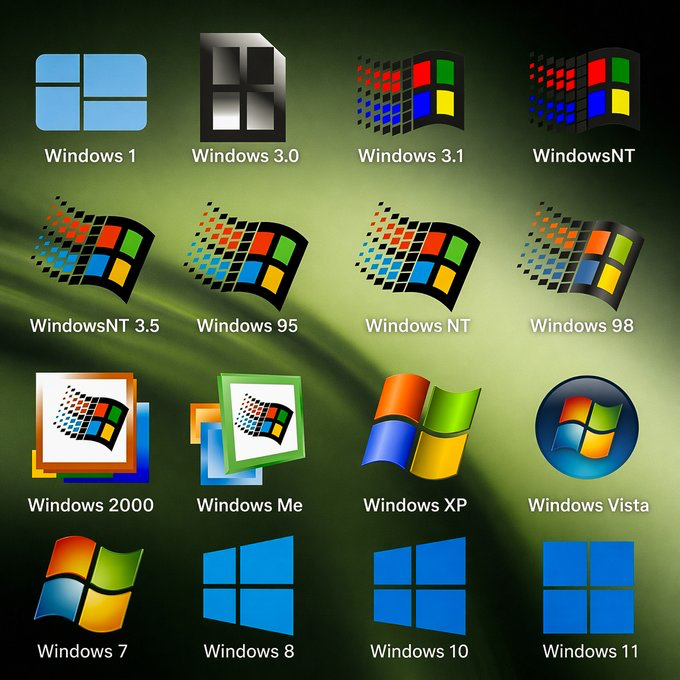
You see this logo.
What is the first thing that comes to mind?
English
@GeorgeBurduli @mholt6 @WindowsCentral I do think that's the biggest point to make - why a mode and not better optimization?
English

@mholt6 @WindowsCentral This mode temporarily boosts CPU clocks, in short bursts. Some users may not care about relative performance improvements and would rather maintain stable clocks. Also, it is not the most elegant solution. “Process too slow? Hmm, let’s throw more CPU at it instead of optimizing.”
English

TESTED: Windows 11's upcoming "Low Latency Profile" mode brings genuine performance improvements to the OS, speeding up flyout and app launches significantly.
We've benchmarked opening some apps on video with the Low Latency Profile enabled and disabled, and you can see differences in how quickly things appear. For some things, it's a fraction of a second faster, for others, it's a significant increase in speed.
In our testing, this new Low Latency Profile is a major improvement in overall responsiveness when it comes to opening apps and flyouts. Our tests were conducted on a clean install of the latest Windows 11 preview build on the same hardware. windowscentral.com/microsoft/wind…
English
@davepl1968 I'm down for the update but not at the cost of speed. I don't think MS understands the distinction sometimes
English

I worked on the XP run dialog. I'm a grizzled old man now, barely recognizable in the mirror, but even I think 94ms is a long-assed time to wait for a dialog to open.
Windows Latest@WindowsLatest
Microsoft confirms Windows Run dialog is getting a modern look on Windows 11! - Modern design: A refreshed look that matches Fluent Design and Windows 11, with dark mode support. - Faster than before: Perf was top-of-mind when rewriting Run, and with a **94ms median time-to-show time it’s faster than ever before. - Quick user directory access: You can now type ~\ to jump to your user directory, then keep navigating just like you would from the command line. The modern Run dialog is slowly rolling out in current Insider builds of Windows as an opt-in feature, ensuring we are collecting your feedback. To enable the new Run dialog, you’ll need to: - Be on Windows Insider Experimental Channel. - Enable to Settings -> System -> Advanced and toggle on the new experience with the “Run Dialog” option at the top of the screen.
English
@WindowsCentral I had to check to see if this was April Fool's day. They serious?
English
Microsoft is gearing up for one of its most important Windows 11 updates yet — and it’s all about getting AI right. Starting next month, Windows 11 will introduce a new API that will let developers plug AI agents directly into the Taskbar.
Don't worry, this isn’t another forced AI feature or a resource‑hogging sidebar. Instead, it’s a foundational upgrade designed to make Windows a first‑class platform for AI innovation.
AI momentum on Mac has exploded, and developers are increasingly building their best tools there first. Microsoft knows it can’t afford to let Windows fall behind, so these new APIs aim to close that gap by giving developers deeper, more native hooks into the OS — without forcing anything on users who don’t want AI. windowscentral.com/microsoft/wind…
English
@WindowsLatest I'll believe it when I see it. I remain cautiously optimistic
English

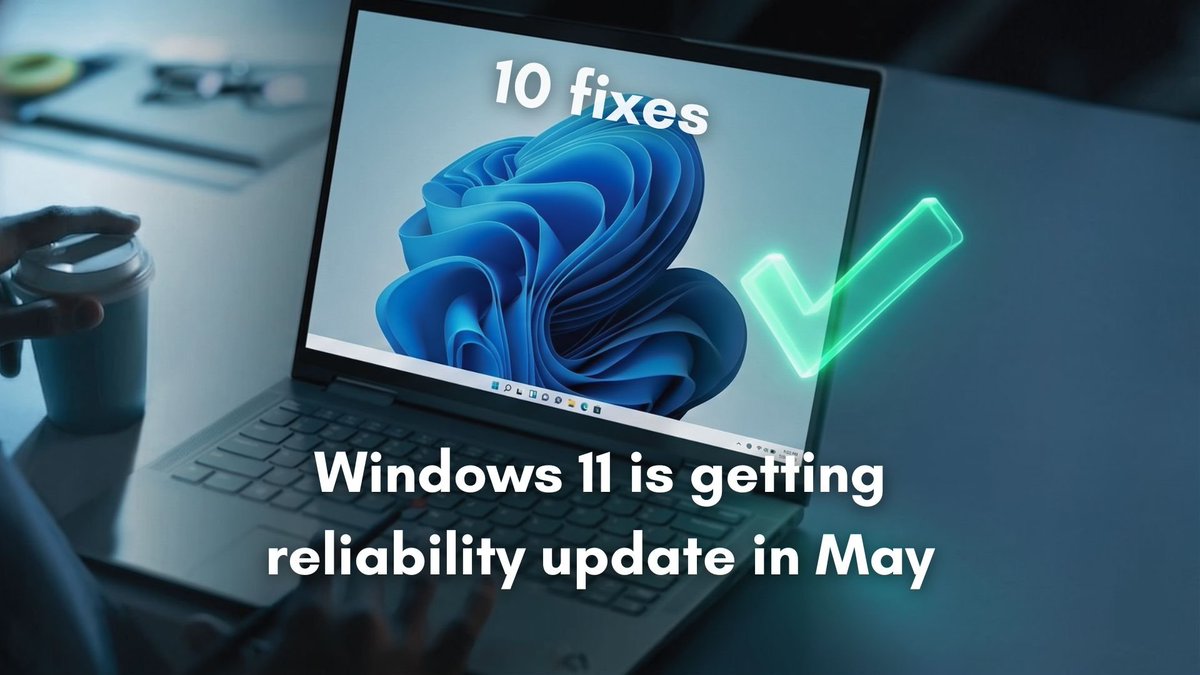
It's happening! Microsoft is preparing a major Windows 11 update for the May 2026 rollout that focuses solely on system reliability and stability.
Microsoft is finally fixing the parts you use every day, which is honestly what the OS needed most.
Big changes:
• File Explorer and explorer.exe should feel faster and less glitchy
• Taskbar and system tray reliability is improving
• Settings gets faster in key areas like apps and storage
• Windows Hello should work more reliably after sleep
• Clipboard, typing, emoji panel, and voice dictation are getting smoother
• Startup apps and background update memory use are being improved
• There are also fixes for color profiles, audio, fonts, and overall security
Most of these fixes are already in Release Preview, so they should begin rolling out soon and land for everyone in May.
English

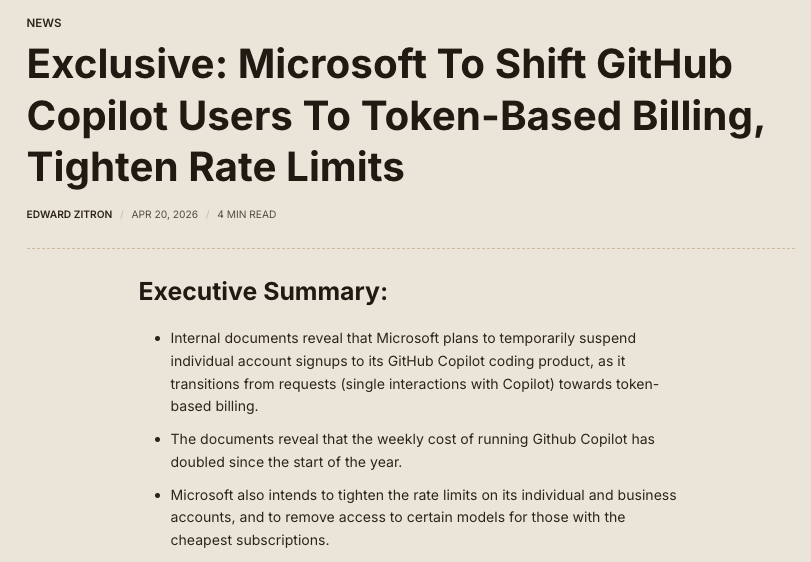
Exclusive: Microsoft is tightening rate limits on GitHub Copilot, removing Opus from $10-a-month subscriptions, and plans to move users to token/API-based billing later in 2026 in a sign that it's looking for way to cut costs for its AI services.
wheresyoured.at/news-microsoft…
English


@davepl1968 @Ubiquiti I've gone whole hog at work but I'm skeptical about my home network. No cables in the house and can't get Internet greater than 1 GB.
English
If you're not using @Ubiquiti gear, you're missing out on this kind of nerdfest. So many charts and graphs!
I'm downloading Deepseek 70B over 5Gb fiber and it ranges from 1.5Gb/sec to 4.5GB/sec, which speaks pretty well to HuggingFace's connectivity!
There's a UDMPro Max, 14 switches, 10 access points. Looks like 17 non-Unifi devices as well.
My devices range from 25Gb fiber to 10MB PDP-11s, and they all happily communicate!
There are currently 107 network clients on the local LAN... 33 hardwired (25Gb, 10Gb, 1Gb) and 74 wifi clients.
I have most of my central APs upgraded to 10Gb connections and WiFI 7, so I've seen some crazy speeds in bench tests (2Gb/sec+).
90% of this is out-of-pocket and not sponsored; I just like the gear. And it's made in America!

English

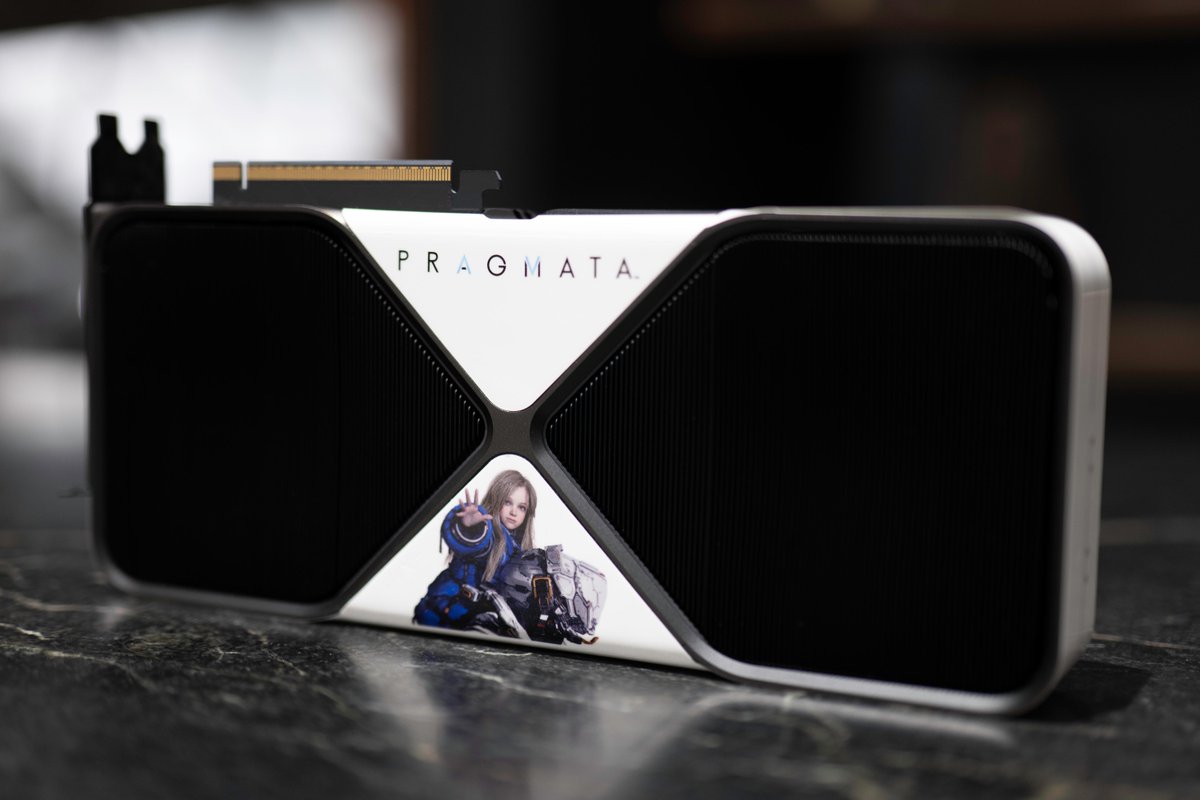
PRAGMATA has launched with #RTXON, featuring path tracing and DLSS 4!
To celebrate, we are giving away this custom wrapped GeForce RTX 5090 featuring Hugh and Diana, perfect for the adventure that awaits on the moon.
Want it? Comment "PRAGMATA RTX" to enter!
English
@MicrosoftDesign The issue is guessing how it's being sorted. There's the way it was, sure, but you still have to adapt and there's no roadmap.
English

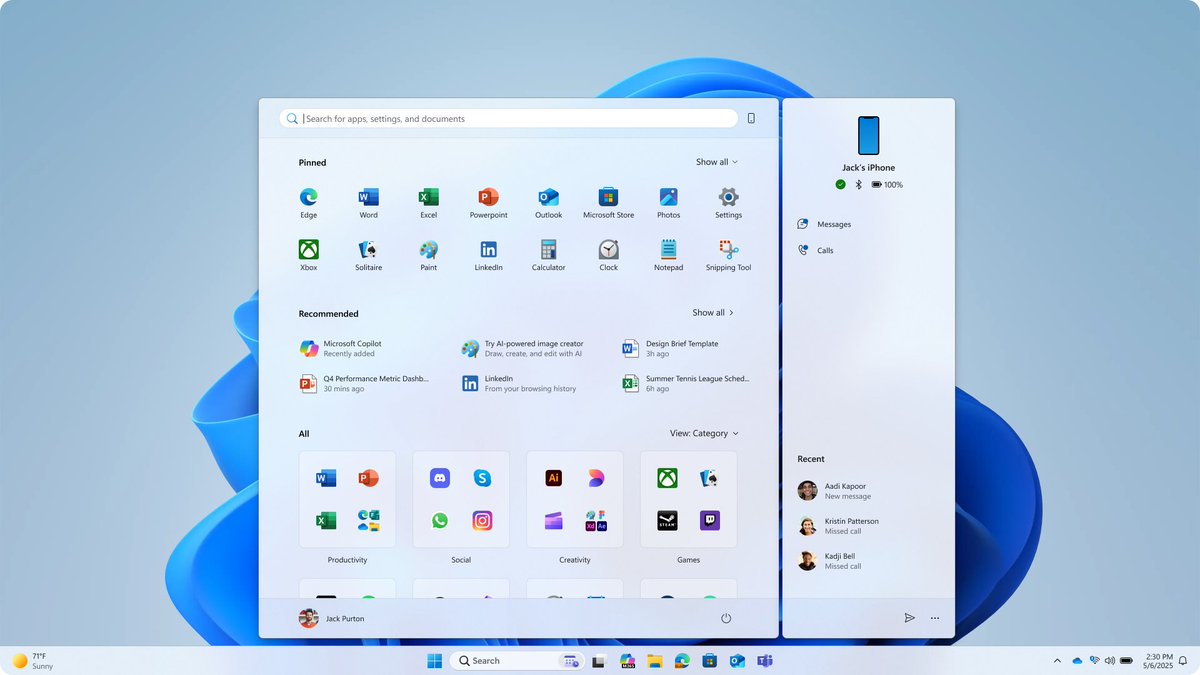
Pressing Start has always meant you get everything you need, in one place, whenever you need it. But when refreshing the Start menu, we faced the challenge of keeping that original promise while creating an experience that works in a world of multiple devices and tasks. Read how we responded: msft.it/6011Qhbfv
English
@tomwarren Side note, the verge was a lot better when you could read at least one article a month. Seems everything is pay walled now. Shame.
English

Microsoft has started removing unnecessary Copilot buttons from Windows 11 apps. The unnecessary Copilot buttons are disappearing from Notepad, Snipping Tool, Photos, and Widgets. Details 👇 theverge.com/news/909640/mi…
English
@WindowsCentral Honestly, I dare you to use Windows 11 with those exact specs. Good luck being productive
English
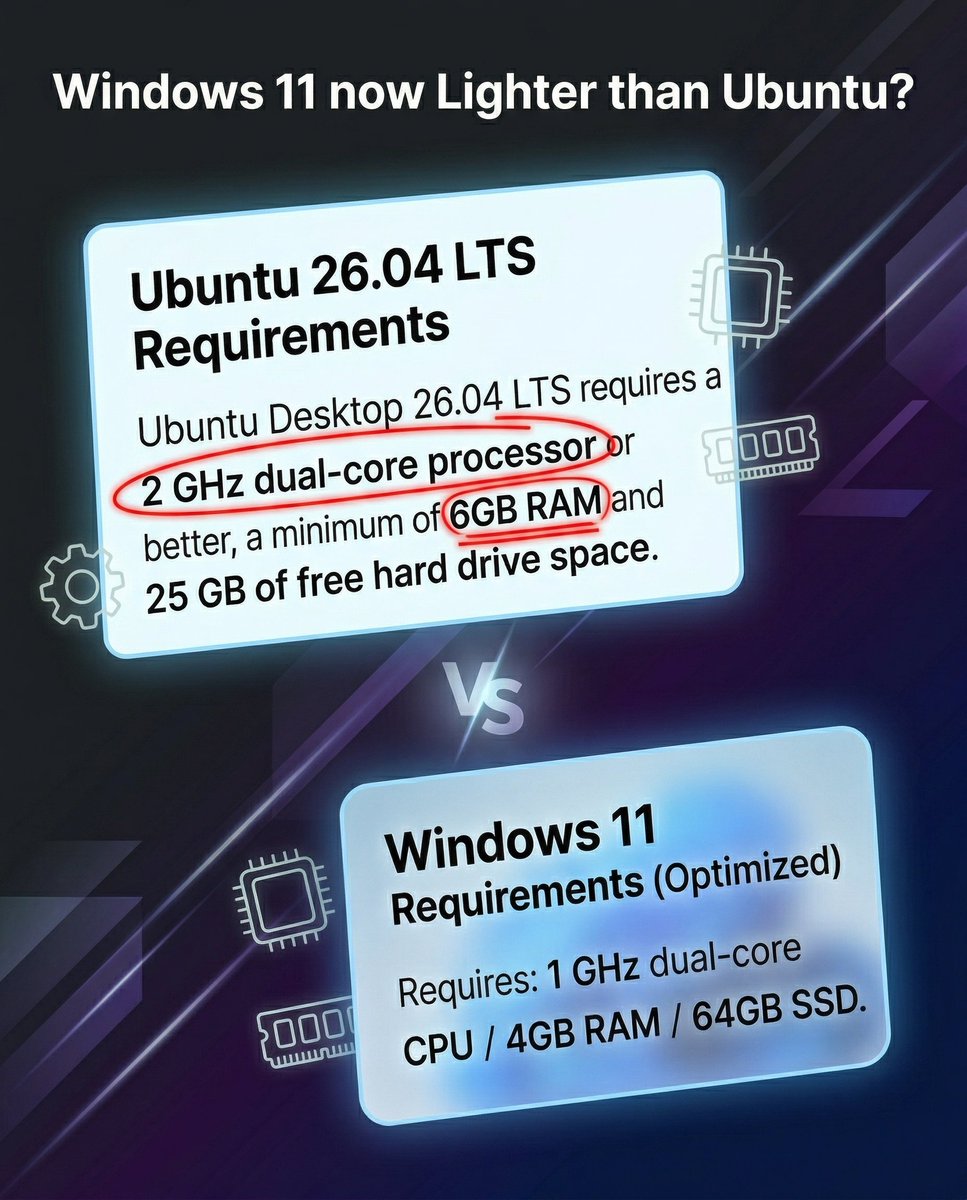
👀Windows 11 beats Ubuntu 26.04 LTS in system requirements?
Windows 11 now requires less RAM and CPU than Ubuntu 26.04 LTS, and we're still processing that. For years, the narrative has been “Linux is lighter,” but the latest Ubuntu minimum specs flip that script completely.
A 6GB RAM / 2GHz dual‑core requirement for Ubuntu vs. 4GB / 1GHz for Windows 11 is not the comparison we expected in 2026.
Whether it’s a sign of Linux getting heavier or Windows getting leaner, it raises a bigger question: what does “lightweight OS” even mean anymore? (1/2)
English
@davepl1968 Medicine mixed with ... I want to know how you know this but ..actually I don't. Zero isn't bad, Diet Coke is def better.
English
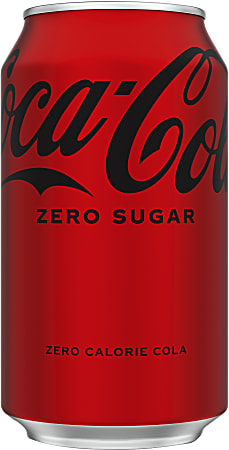
I've not tried Coke Zero yet. I keep hearing about it. I have it in the fridge. My kids rave about it.
It's just that every artificial sweetener I've ever tried tastes like medicine mixed with ass.
So I want to believe. I want it to be true. And that's why I haven't tried it yet. Because expectations are the thief of joy. The longer I don't try it, the longer it might be true.
Keeks 🦋@DietCoke_Esq
I will litigate this. Diet Coke is just not the same drink. Coke Zero is regular Coke with no calories
English
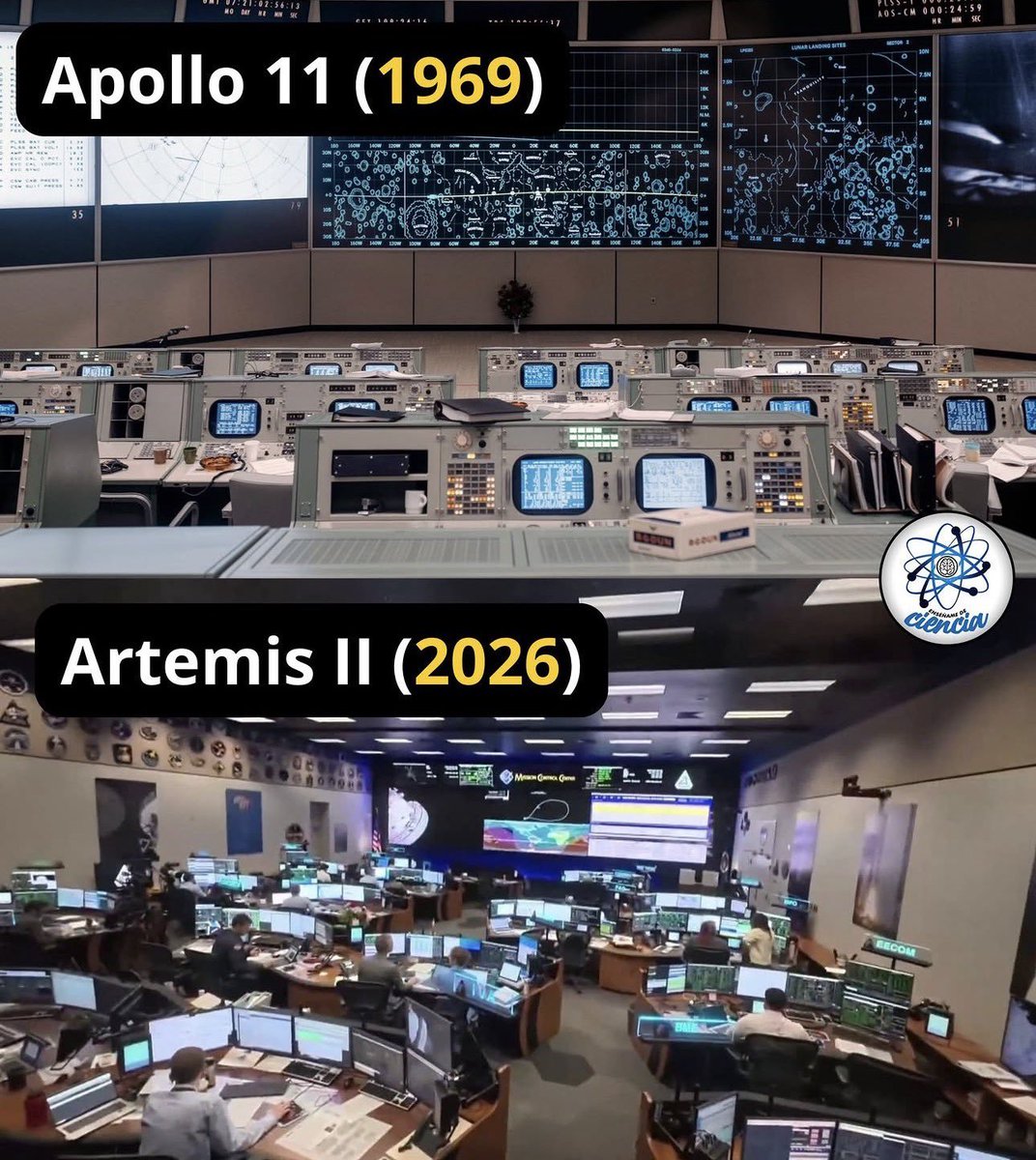
@davepl1968 The 3-4 monitors at each workstation makes a huge wall of screens irrelevant, IMO.
English
Hot Take: When you're spending a few billion anyway, make the control center look like it. This should be the set from Wargames at a minimum, not a hotel meeting room with a projector.
English
@WindowsLatest Advanced mode. Settings menus don't work as well for power users because they don't do as much, can't see under the hood. Disjointed older menus.
English
Microsoft has also confirmed that it's truly invested in the design of Windows 11. That means it's taking care of the little details because every detail matters.
"We're really focusing on design craft in Windows at the moment," Microsoft's lead designer said.
"There is still lots to do but this is the kind of work I love seeing ship: Settings pages redesigned for clarity, account dialogs updated for dark mode, Narrator working with Copilot on all devices."
It's all part of the company's efforts to make Windows a better operating system, and this time, it's really not just words.
Microsoft is cooking, and I'm pumped!
How do you want Microsoft to improve Windows Settings?

Windows Latest@WindowsLatest
Microsoft explains why it still can’t fully kill Control Panel in Windows 11. According to the company’s design lead, the reason is simple: Windows still has to support a huge mix of older network devices, printer drivers, and legacy hardware that could break if Microsoft gets too aggressive. That is why Control Panel continues to survive even as Settings expands. In other words, Microsoft does want Windows 11 Settings to replace more of the old experience, but it also knows that millions of users still depend on the deeper controls and compatibility that the 40-year-old Control Panel provides. Do you prefer Control Panel over Windows Settings?
English
@WindowsLatest Settings just don't dive deep enough, there's no advanced mode. Printers is a good example of this as they removed it from the control panel but gave us a poor experience for those that know what they are doing
English
Microsoft explains why it still can’t fully kill Control Panel in Windows 11.
According to the company’s design lead, the reason is simple: Windows still has to support a huge mix of older network devices, printer drivers, and legacy hardware that could break if Microsoft gets too aggressive.
That is why Control Panel continues to survive even as Settings expands.
In other words, Microsoft does want Windows 11 Settings to replace more of the old experience, but it also knows that millions of users still depend on the deeper controls and compatibility that the 40-year-old Control Panel provides.
Do you prefer Control Panel over Windows Settings?

English
@GamewithDave Has to be Deux Ex or Solder of Fortune or Unreal Tournament.
English
