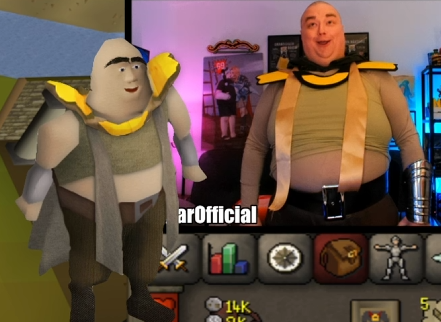
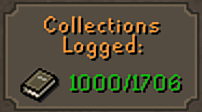
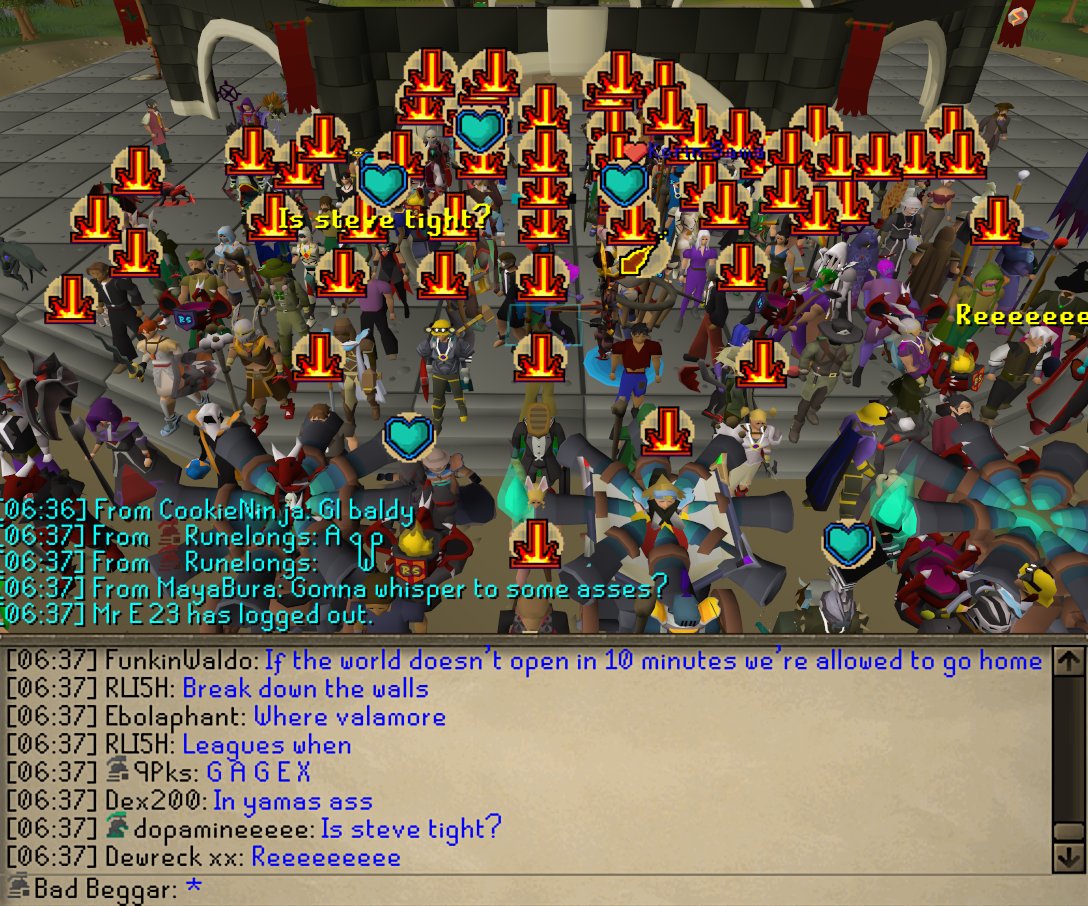
@BeggarOfficial On my 4th try I got it to 46hp and died and took a break, came back and cleared it with 4 extra brews!! You got this but I know the pain. My homie in clan big dicked everyone finishing it first try no previous knowledge of mechanics.
@TwitchSupport I streamed a different category one day and had double my normal viewcount. Was I being viewbotted or were there just a lot more people watching the category? Can’t wait to be paranoid every time I have a big bump in viewership now.
Thanks Twitch! 😂
Earlier this month, we shared plans to cap CCV on channels our systems detect are receiving sustained, significant inauthentic traffic - and we’ll continue applying those caps as part of our ongoing viewbot detection work.
Now, we’re introducing a new, optional View Count Cap feature that creators can use if they believe they're being targeted by bots. Set a cap based on your normal audience size, and we will cap your CCV to match that value.
You can turn it on ahead of time as a preventative measure, or enable it during a stream if you think your channel is being targeted. The optional cap stays in place until you turn it off. Partners will have access to this feature to start, and we plan to expand to our wider community soon.
Note, you aren’t required to turn the self-cap on. This feature is being offered for you to use as you deem appropriate, and you can use it at your discretion.
We’ll continue to explore ways to target viewbots and protect our community from botting across the board.
To apply the optional cap, head to your Navigate to Settings > Stream Manager:
dashboard.twitch.tv/settings/stream