English
E_Baks
9.2K posts



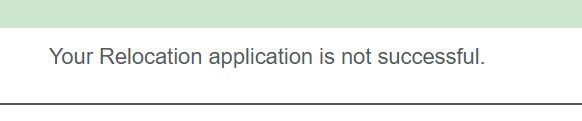
This is how relocation page look like 👆… Login to your dashboard and click on “Relocation” *HOW TO APPY 👇* 1. Select Reason for your relocation … If you’re using Medical Report you’ll select *HEALTH* 2. State reason for your relocation… Reason will be on your Medical report. 3. Select your relocation state 4. Upload your Medical report. *NOTE:* It must be in jpeg format and below 200kb… That was reason I told you to snap or scan your printed Medical report and save on your phone gallery. 5. Submit or Send Request…. A notification will pop up you have successfully applied for relocation wait for approval on your final day on camp. That’s all 🤷♂️. If you find this useful.. Kindly react 👍