
Sabitlenmiş Tweet
Expo Labs
549 posts


Expo Labs
@Expo_Labs
Building sovereign Bitcoin infrastructure through collaborative hardware design and inclusive R&D. ⛓️ Mine. Stake. Render. ₿ expolabs.btc | expolabs.stx 🟧
USA Katılım Mayıs 2023
971 Takip Edilen214 Takipçiler
Expo Labs retweetledi

hBTC is LIVE.
A Bitcoin native earn vault on Stacks pulling yield from multiple sources including @Strategy's $STRC.
Native BTC in, native BTC out.
English

@outsource_ Well Liam finished test and v1 of SMF Swarm is getting compiled now for end users and will get pushed to GitHub along with all documentation tonight under MIT license so anyone can use, hack up, productize. Open and available
English

@lall21276 I'm currently just running Deepseek R1 8B and Various Qwen(small) models on LM studio. Trying to eliminate the stuff that doesn't work well or costs a small fortune. Check out @MichaelGannotti he made a great video on how he does it. x.com/i/status/20462…
Mike Gannotti@MichaelGannotti
My Hermes Install Step by Step: 1. Install Ubuntu Linux on a machine – Once installed make sure you have the latest updates 2. Install both Google Chrome and Microsoft Edge browser and log in to your accounts to synch bookmarks/favorites 3. Set up an Ollama account at ollama.com – I have the annual Pro Plan (if I can ever come up with the funds I will probably spring for the Max plan but Pro is simply awesome) 4. Install Ollama and then run “ollama run glm-5.1:cloud” – It will then have you authenticate to your account and add your machine 5. Install Hermes (watch my video for explanation around this as you may get interrupted during install) 6. Once Hermes is installed you will be prompted to configure. I chose the default quick configure. For model provider select Ollama, provide your Ollama API key, then for model choose desired model. At this point in time I recommend glm-5.1 7. Download Obsidian as your Hermes second brain, set up a vault then tell Hermes to integrate it and provide Hermes the vault location 8. Start building and have fun!
English

This week I will be reigning our security protocols back into what I feel is acceptable. We've gotten too lax on security in favor of every new AI on the market over the last couple of weeks. Trying things is great. We are pulling back to almost exclusively local LLMs
English
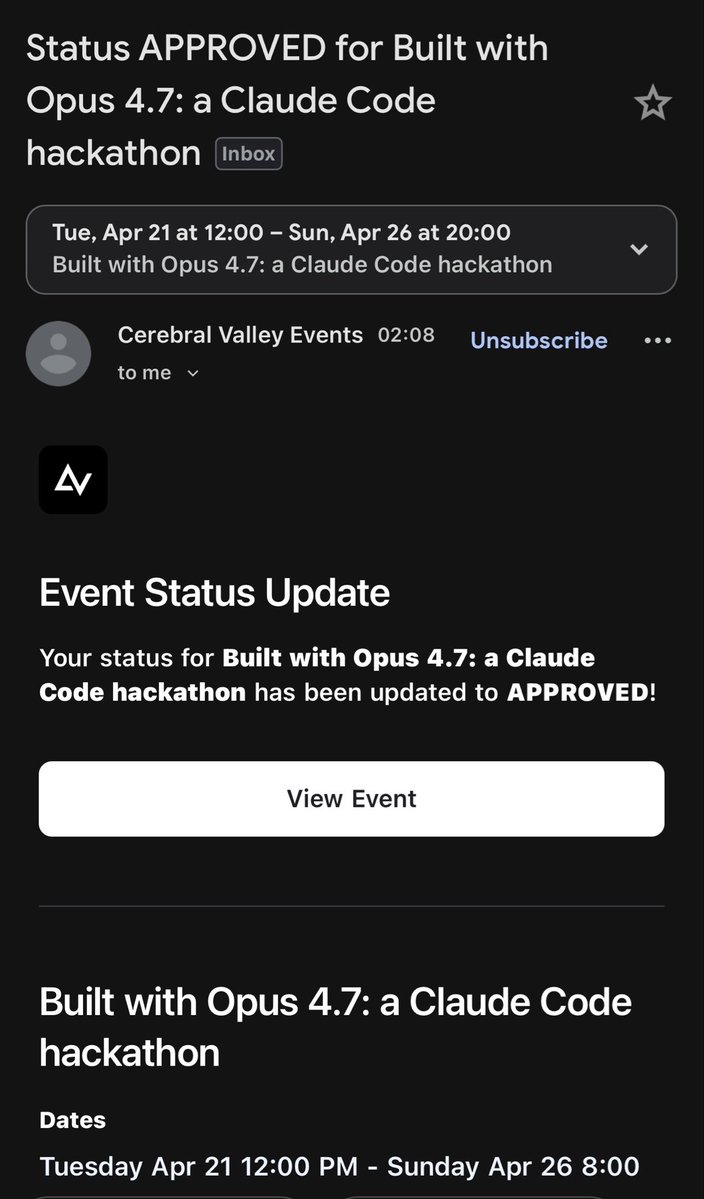
@samymetref Thats so awesome bro you deserve it, you put in the work.
English

@alexabelonix I always assume when I see this its your AI posting it.
English

gm devs, founders, web3
today i am letting ai do the work!

English

@MichaelGannotti @Kimi_Moonshot @ollama @Beelinkofficial Ofcourse its news to them 🤣 However we remain undaunted.
English
@Expo_Labs @Kimi_Moonshot @ollama @Beelinkofficial That’s very cool. They are doing some great things over there!
English
Yesterday’s release of @Kimi_Moonshot K2.6 and moving my OpenClaw and two Hermes agents to using it via my @ollama Pro plan and seeing the next level productivity gains made me realize two things. 1- I need to scrape up cash for one or two @Beelinkofficial mini PCs and 2- I need to get the cash to up my Ollama subscription to Max ($100 a month or $1200 annual) so I can start really running all 3 AI hard 7 days a week
So many ideas but I need the local computer and extra cloud services head room
English
@MichaelGannotti I use what works for me, but constantly evolve. Theres a fine line between evolving into new tech and wasting time. Im not ever looking for the next new thing, Im looking for the thing that works.
English
Being religious about your tech is… so limiting… so dumb. Use what works for you and keep an open mind. Ideological adherence in the world of tech just tosses you into a box
English



@cartyisme My lil ol' GTX 1080 still cranking out 1440p very well on my 32" 180Mhz gaming monitor. I don't do AI or ray tracing, so it keeps on just doing everything else very well. Matter of fact, went from 4790K 32GB DDR3 to 12400F 32 GB DDR5 and 850 Pro to 980 Pro SSD, two years ago.
English
@WhiteRoofer @cartyisme Just sold an 06 yesterday. Great car got hit while parked...
English

@cartyisme Listen I just purchased a brand new truck, used to drive an 05 camry.
I cannot bring myself to sell the camry, I just cant.
Its such a fucking good car, even at 300k miles. Id drive it across country today.
Also, these are approaching classic car status. Might hold some valu
English
@Wayland_Six Thanks for the update. Work is showing, people are excited.
English

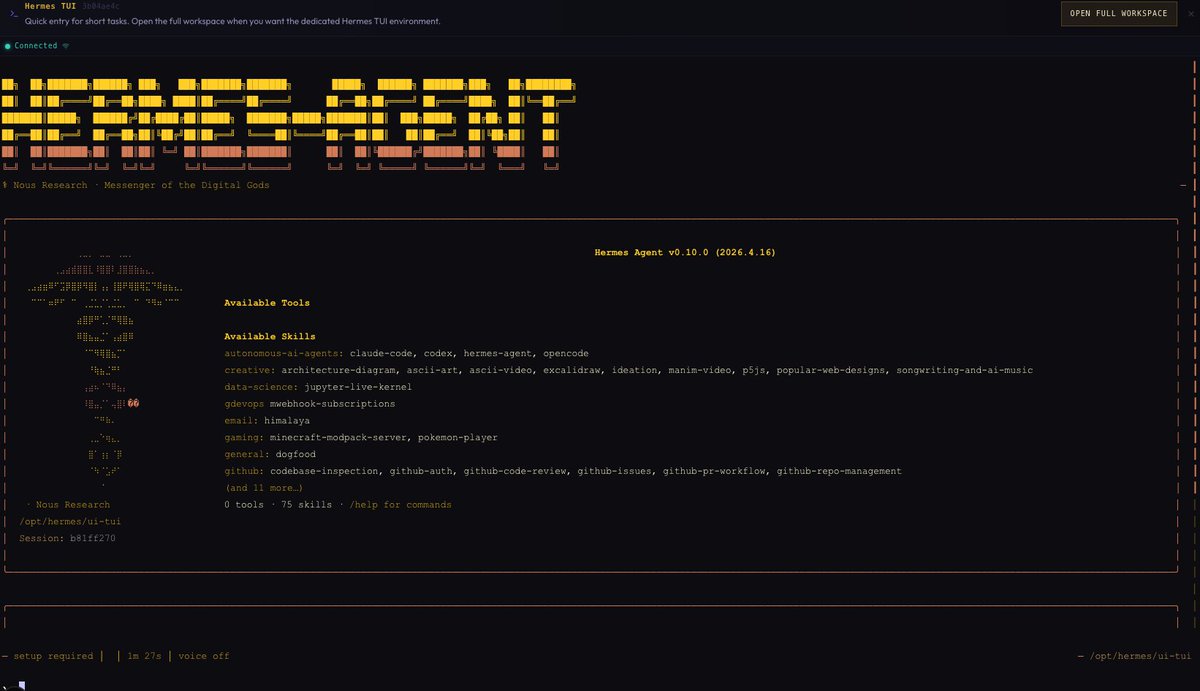
Still working through the developer update, focused on improving overall stability.
Core updates:
- Chat function rewrite
- File explorer complete
- Skills manager complete
- TUI added for those who prefer it, CLI being reworked for speed and stability
- Native Tailscale support
- Additional improvements across core systems
Ongoing work:
- Security improvements
- Stability and performance upgrades
English