Sabitlenmiş Tweet
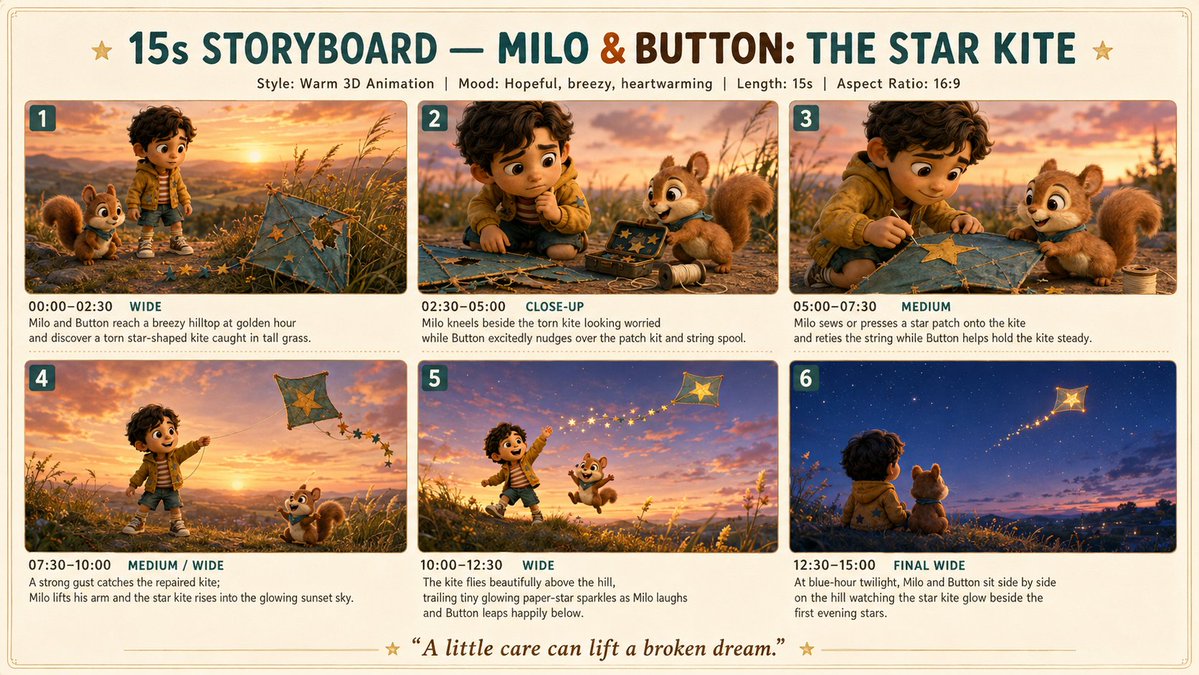
Just made a 15-sec Pixar-style short with Renoise Canvas and the glowing cat eyes shot alone was worth the entire build.
Story: a little boy alone in a blackout storm, hiding under his blanket. His cat walks in. Her eyes slowly glow blue — and the whole room transforms.
No dialogue. Just light, fear, and one slow blink.
Here's exactly how I built it 👇
STEP 1 CONCEPT
Started with one question: what's the smallest thing that can kill fear?
Answer: something familiar that becomes magical exactly when you need it.
Built the whole story around Luna's glowing eyes as the turning point.
STEP 2 — CHARACTER DESIGN
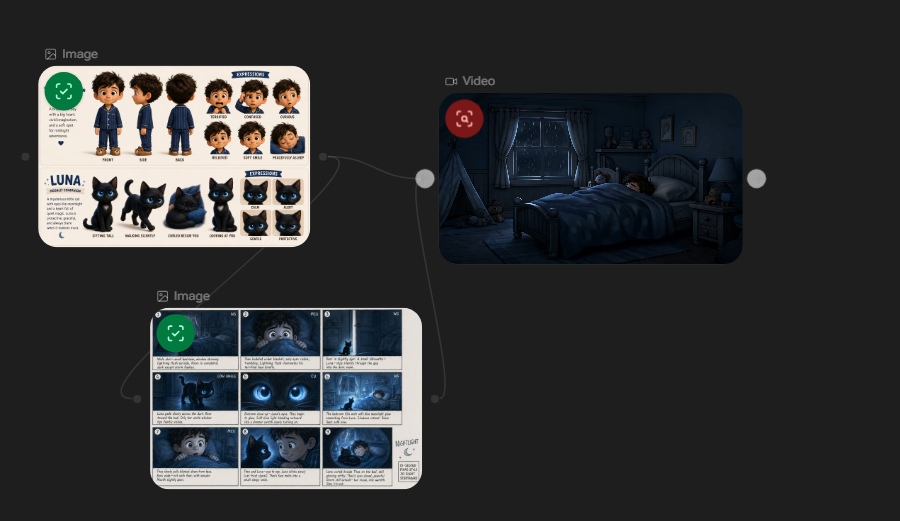
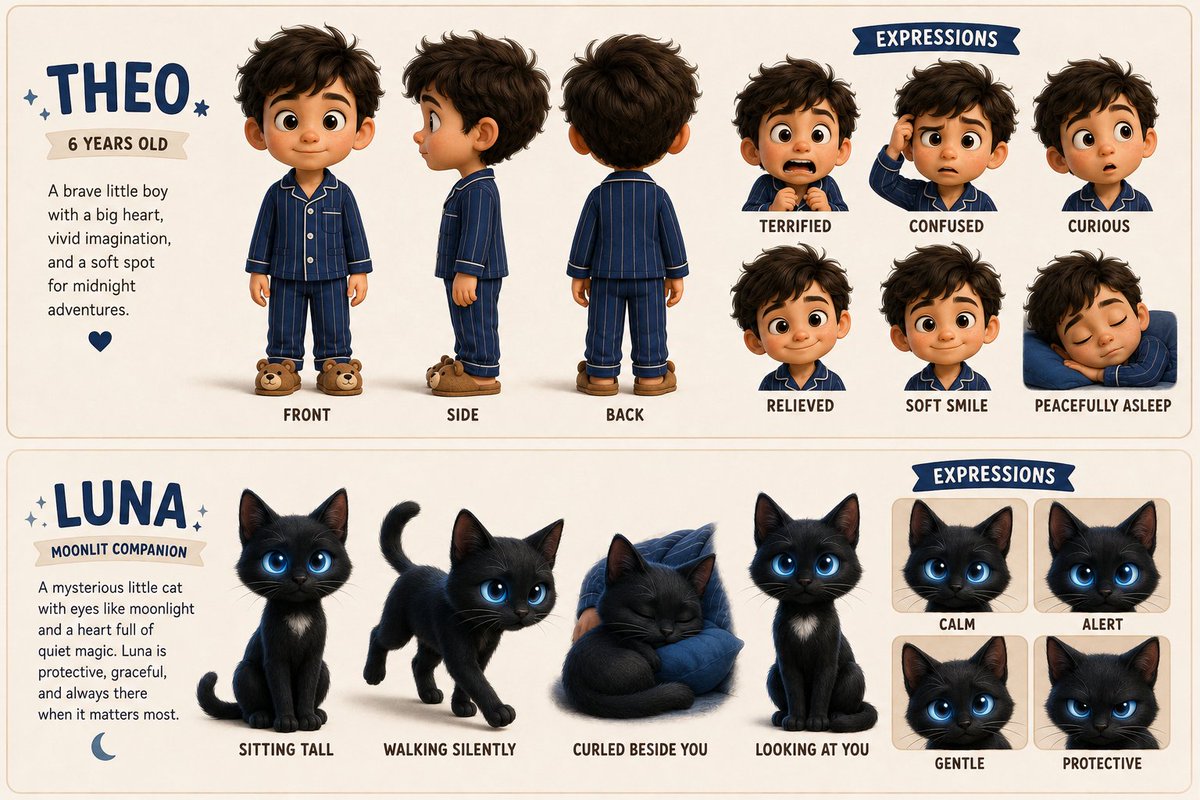
Opened Renoise Canvas and built character reference sheets first.
→ Theo: navy striped pajamas, messy dark hair, hazel eyes, freckles
→ Luna: sleek black cat, white chest patch, bioluminescent blue eyes
Ran the character prompt multiple times until expressions felt right.
Luna's fur needed 4 iterations to get the iridescent quality.
STEP 3 — STORYBOARD
9 panels. Mapped every beat before touching the video prompt.
→ Panel 1-2: establish fear (dark room, storm, hiding boy)
→ Panel 3-4: Luna enters silently
→ Panel 5: HERO SHOT eyes glow
→ Panel 6-7: room transforms, Theo's wonder
→ Panel 8-9: slow blink, smile, peace
Having the storyboard locked made the video prompts 10x easier.
STEP 4 — VIDEO GENERATION
Shot-by-shot prompts with exact timestamps (0:00 to 0:15).
Hardest shot: Luna's eyes lighting up at 0:08.
Iterated 5 times on that one shot alone.
The bioluminescent glow spreading outward — that took the most work.
Worth it. That shot carries the entire emotional payoff.
STEP 5 — FINAL TOUCHES
Added Renoise watermark.
Color palette throughout: deep navy + storm gray + soft blue glow.
Warm skin tones on Theo vs cool room light = natural contrast.
FINAL RESULT
15 seconds. One storm. One cat. Zero dialogue.
Sometimes the scariest dark just needs the right kind of light.
@renoiseai
#RenoiseChallenge #PixarStyle #AIVideo #RenoiseCanvas

English