Keele HumSS TEL

208 posts

Keele HumSS TEL banner
Keele HumSS TEL

Keele HumSS TEL

@HumSS_TEL

Technology enhanced learning updates from the Faculty of Humanities and Social Sciences @KeeleUniversity and based in @KeeleInnovation.

Keele University Katılım Kasım 2013
175 Takip Edilen181 Takipçiler
Keele HumSS TEL retweetledi
Keele University IT Services
Keele University IT Services@KeeleUni_IT·
Have you checked out our new online store offering great discounts on Apple products? We've teamed up with @AcademiaGroup to launch the new site exclusively for Keele staff and students! bit.ly/2OYZ0gU

Keele University IT Services tweet media
English
0
3
3
0
Keele HumSS TEL retweetledi
KIITE
KIITE@KeeleInnovation·
We're delighted to have launched the second module in our 'Inclusive Learning & Teaching' series, providing vital professional development to all staff who wish to develop their teaching practice: keele.ac.uk/kiite/news/201…
English
0
4
9
0
Keele HumSS TEL
Keele HumSS TEL@HumSS_TEL·
Noticed a new app added to @GoogleForEdu recently? 👀 Google Jamboard is a super simple, sharable whiteboard with potential for presentations, collaborative activities and more. Click the #Jamboard hashtag to see some of the creative ways students and educators are using it. 💡
GIF
Keele, England 🇬🇧 English
0
1
5
0
Keele HumSS TEL
Keele HumSS TEL@HumSS_TEL·
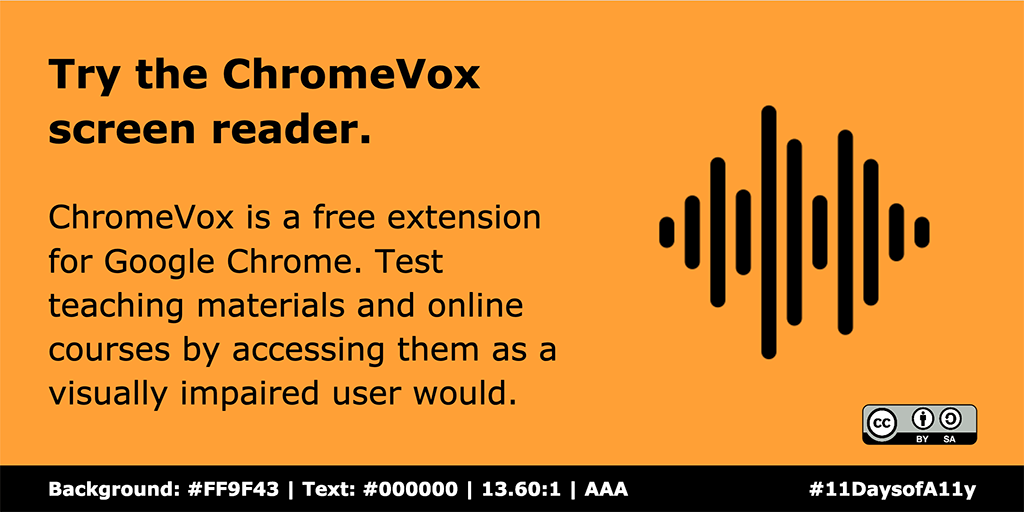
Okay, so *somebody* may have forgotten to tweet the final tip yesterday. 😐 ChromeVox is a free screen reader extension for Google Chrome. Why not try accessing digital resources/environments to see how they might be improved? 💻 We hope you've enjoyed #11DaysofA11y! 👋
Keele HumSS TEL tweet media
Keele, England 🇬🇧 English
0
0
4
0
Keele HumSS TEL
Keele HumSS TEL@HumSS_TEL·
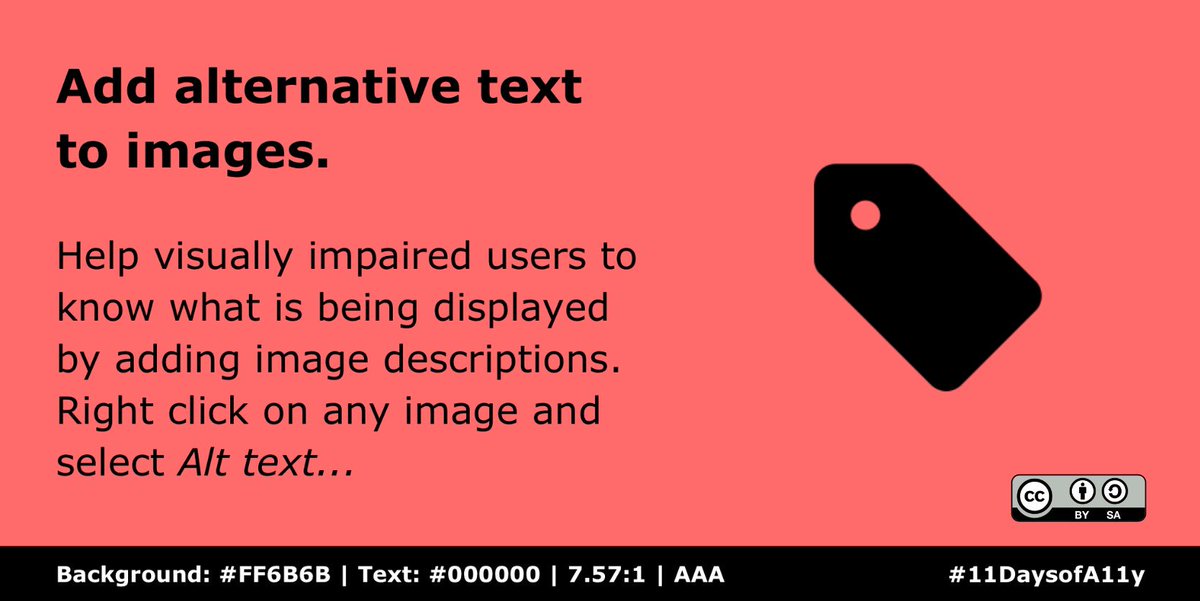
Our penultimate #11DaysofA11y tip. 🥺 As a general rule across @gsuite apps, help visually impaired users to know what is being displayed by adding image descriptions. Right click on any image and select Alt text... Try to be succinct, accurate and avoid jargon. 👌
Keele HumSS TEL tweet media
English
0
0
0
0
Keele HumSS TEL
Keele HumSS TEL@HumSS_TEL·
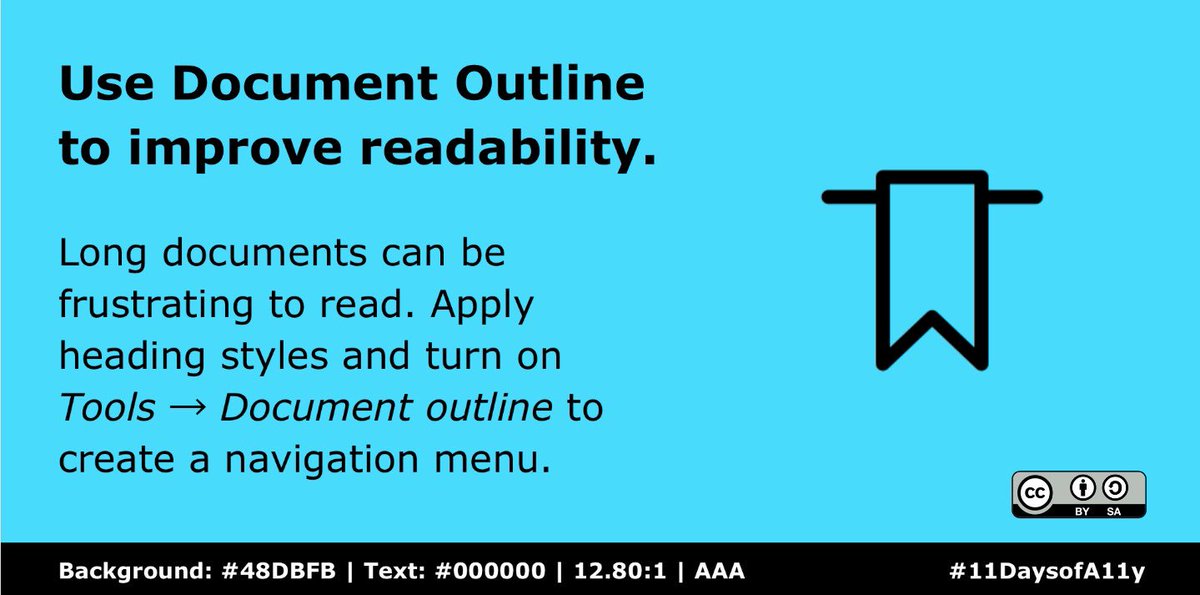
Ready for the 8th #11DaysofA11y @gsuite tip? 🤓 Long documents can be frustrating to read. In Google Docs, apply heading styles to your text and turn on Tools → Document outline to create a straightforward navigation menu. 📑 #GSuiteEdu #a11y
Keele HumSS TEL tweet media
English
0
0
0
0
Keele HumSS TEL
Keele HumSS TEL@HumSS_TEL·
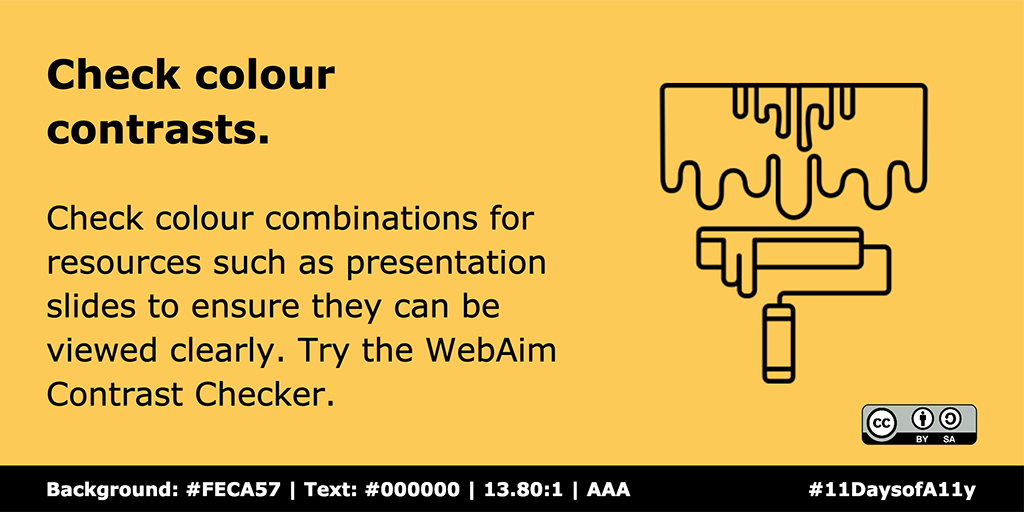
Checking colour combinations for resources such as presentations is a great way to improve accessibility. Providing them in a digital format also means that adjustments can be made quickly and easily. 🖍️ Try the WebAim Contrast Checker at webaim.org/resources/cont…. #11DaysofA11y
Keele HumSS TEL tweet media
Keele, England 🇬🇧 English
0
1
2
0
Keele HumSS TEL
Keele HumSS TEL@HumSS_TEL·
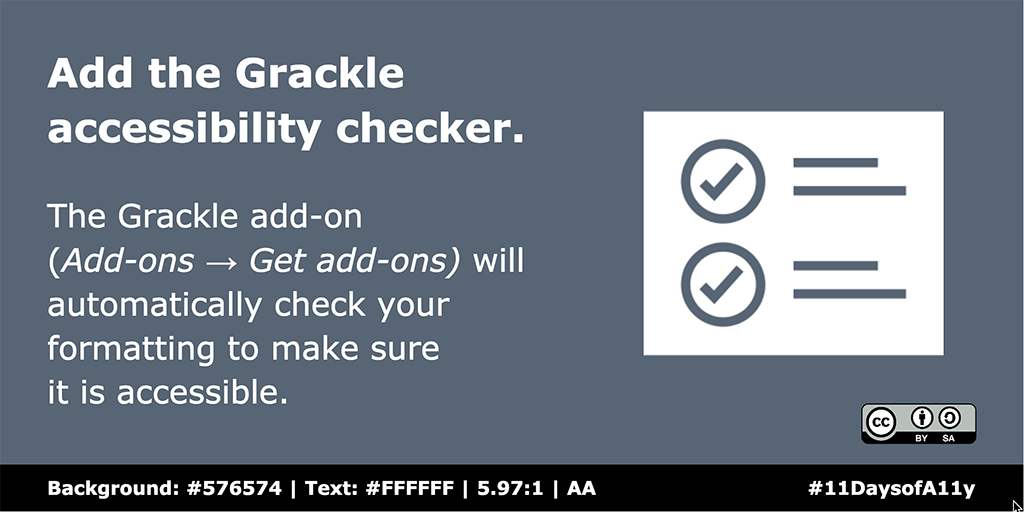
If you use Google Slides, the Grackle add-on (Add-ons → Get add-ons) will check the accessibility of your formatting. Grackle advises on potential issues such as missing titles, image descriptions and colours, making for more accessible presentations. 👌 #11DaysofA11y #a11y
Keele HumSS TEL tweet media
Keele, England 🇬🇧 English
0
1
1
0
Keele HumSS TEL
Keele HumSS TEL@HumSS_TEL·
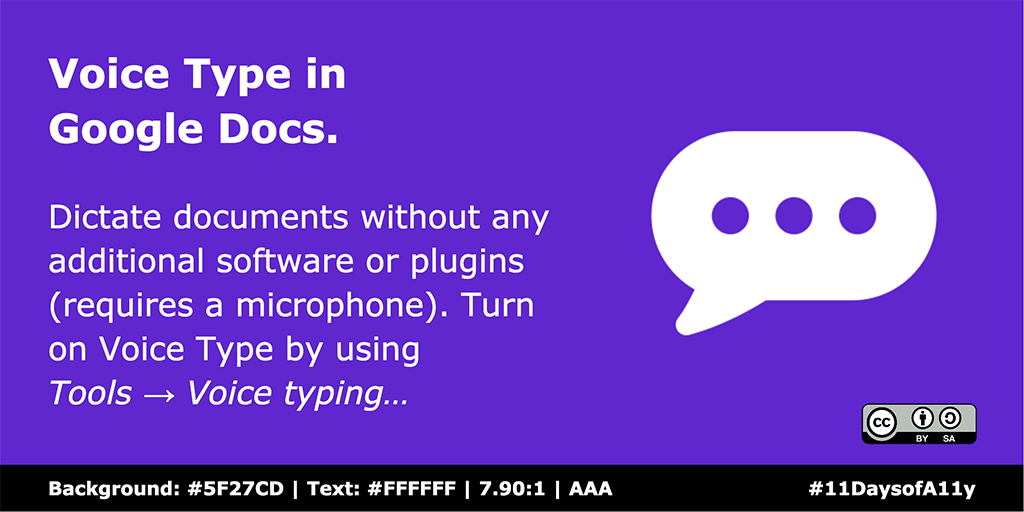
New week, new #11DaysofA11y tip! 🗓️ Dictate Google Docs without the need for any additional software or plugins (requires a microphone). Turn on Voice Type by using Tools → Voice typing… 🎙️ If you've missed any of our @gsuite tips so far, catch up at tinyurl.com/11DaysofA11y.
Keele HumSS TEL tweet media
Keele, England 🇬🇧 English
0
1
3
0