Lisa Applequist

399 posts

Lisa Applequist

Lisa Applequist

@LisaApplequist

Assistant Principal in a K-5 Dual Language School

Morton Grove, IL Katılım Nisan 2012
485 Takip Edilen341 Takipçiler
Lisa Applequist retweetledi

Sammi Roth
Sammi Roth@mrsroth123·
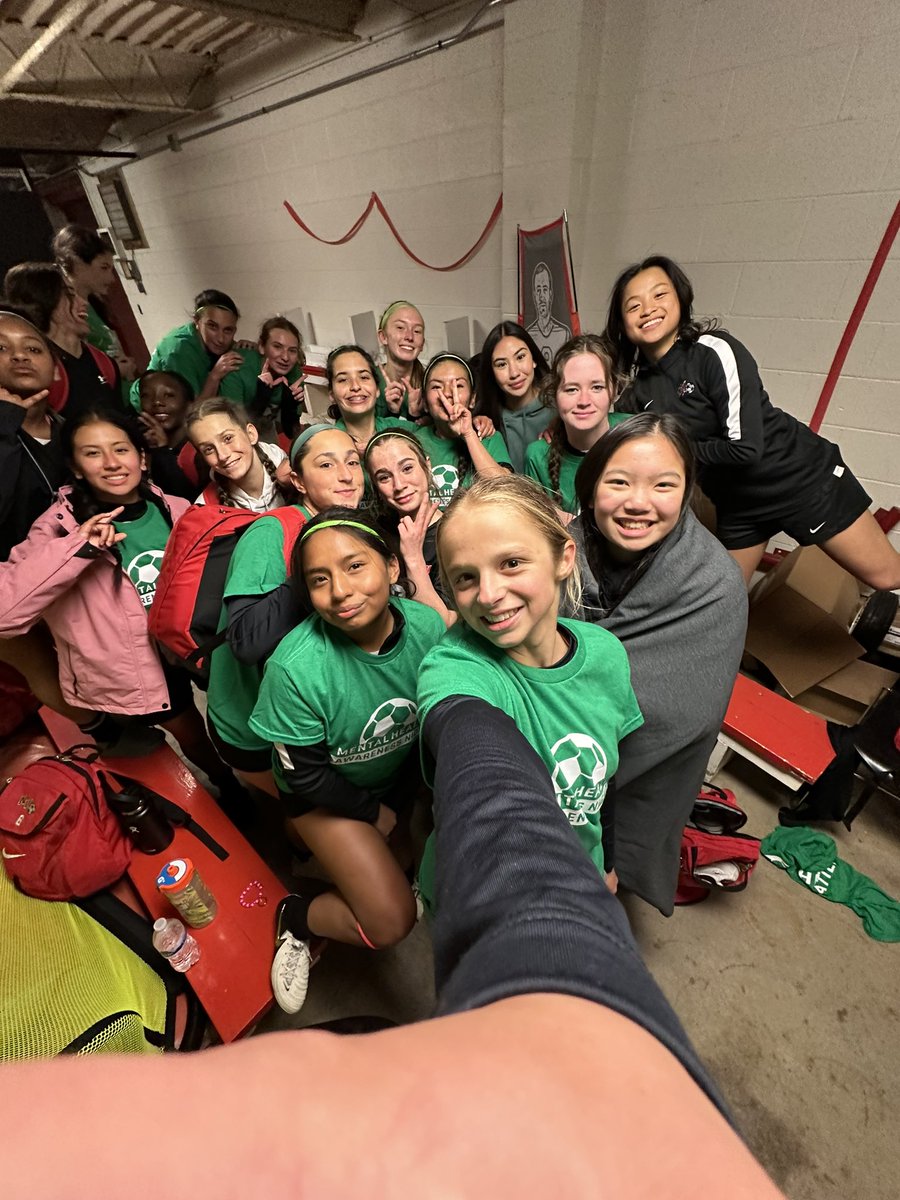
Congratulations to @CCSD21Whitman 5th grade girls on the run! Way to persevere in the big city this morning! A special thank you to the amazing Ms. Hernandez and Ms. Reynolds to your commitment to the program and these girls! #beabulldog #séunbulldog

Sammi Roth tweet media
English
0
1
9
247
Lisa Applequist retweetledi
COACH C
COACH C@NilesWestAAD·
Wolves win their first conference game against Highland Park 2-0. Goals by Applequist and Georgees.
English
0
2
6
382
Vikings Soccer
Vikings Soccer@nnvikingsoccer·
We have had a challenging week with our injuries and influenza but we have gone after it with relentless energy and desire to compete! No subs no problem! The scores might not have gone our way but we are better for it! #builtdifferent #thatsnorth
English
1
0
8
806
Lisa Applequist retweetledi
Sammi Roth
Sammi Roth@mrsroth123·
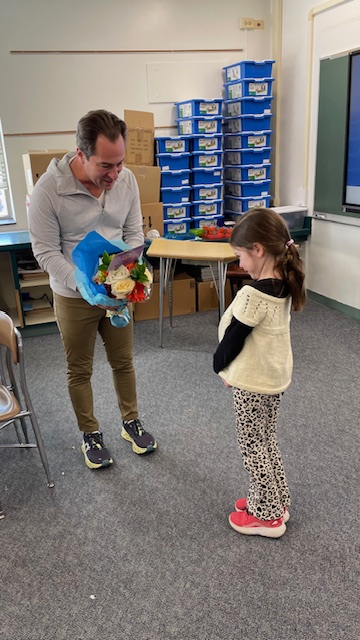
What a great way to end Whitman's Kindness Month! Thank you to the organization, Inspire Through Flowers, for the special treats for our hard working staff members. @ccsd21 @CCSD21Whitman #beabulldog #seunbulldog
Sammi Roth tweet mediaSammi Roth tweet mediaSammi Roth tweet mediaSammi Roth tweet media
English
0
2
5
390
Lisa Applequist retweetledi
Dion (J & T Sports)
Dion (J & T Sports)@Dion_JTsports·
The CSL North girls basketball will be determined Friday as four teams enter their games tied for first.
Dion (J & T Sports) tweet media
English
0
5
15
1.6K
Wheeling Wildcats Bowling
Wheeling Wildcats Bowling@BowlingWildcats·
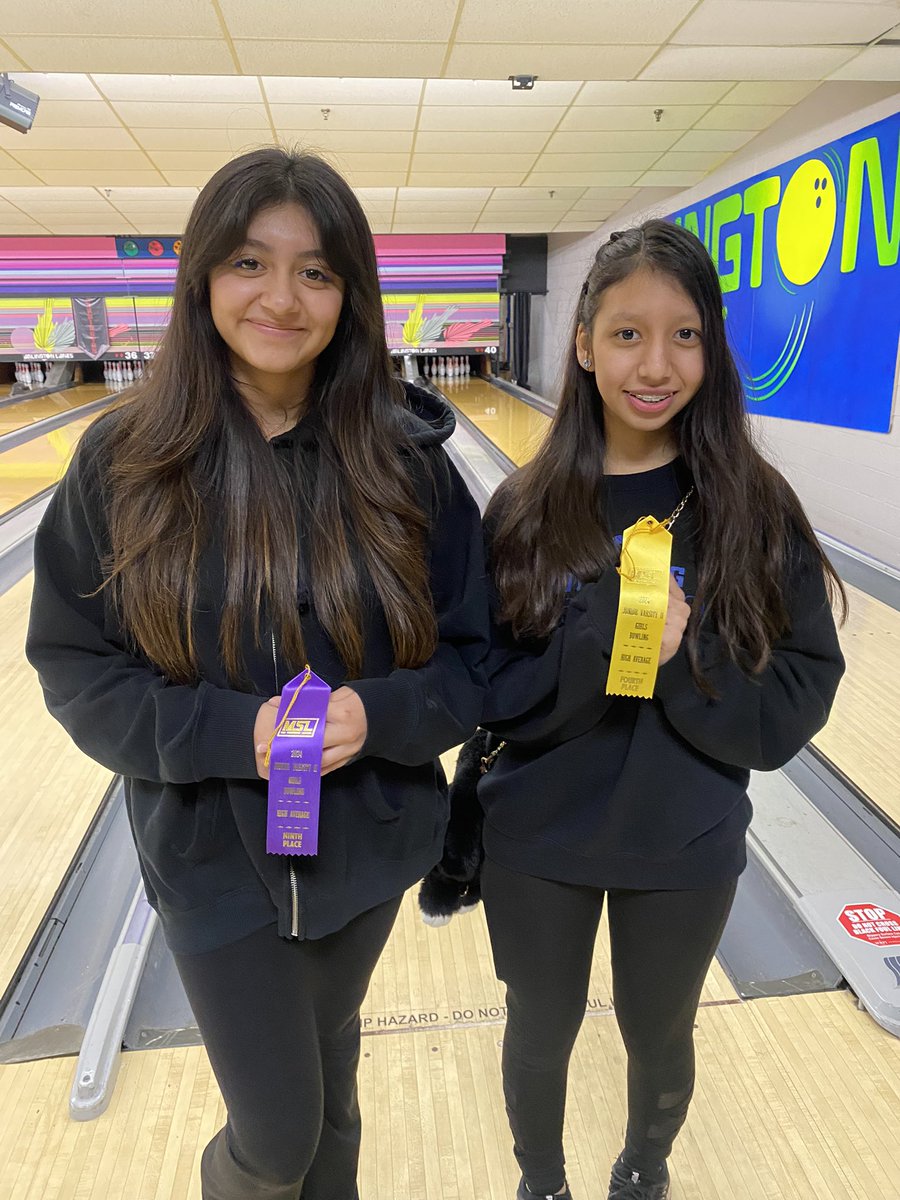
Congrats to jv2 wrapping up the conference season by coming in 3rd overall! Shout out to Mia Peralta placing 4th overall and Micaela Perez 9th overall!
Wheeling Wildcats Bowling tweet media
English
1
3
18
902
Lisa Applequist retweetledi
Amanda Mistretta
Amanda Mistretta@NWGirlsHoops·
Wolves walk away with the W in OT against Deerfield! Congrats to the players of the game, both players put on a great performance today! Katie Daly ended with 23 points (Career High) Thank you @GrowTheGameIL for allowing us to take part in this special tournament!
Amanda Mistretta tweet mediaAmanda Mistretta tweet media
English
0
7
25
1.7K
Lisa Applequist retweetledi
Andrew Lokenauth | TheFinanceNewsletter.com
Microsoft Excel is used by 99% of the World's businesses so here are 20 must-know Excel functions that everyone should memorize: 1) =VLOOKUP: This function allows you to search for a value in a table and then return a corresponding value from the same row. 2) =INDEX/MATCH: These functions allow users to perform advanced lookups and retrieve data from a table or range of cells. 3) =INDEX: This function allows you to return the value of a cell in a specified row and column. 4) =MATCH: This function looks for a specified value in a range of cells and returns the position of the value within that range. 5) =IF: This function allows you to specify a logical test and then take different actions based on whether the test is true or false. 6) =SUM: This function allows you to quickly add up a range of cells. 7) =SUMIF: This function sums the values in a range, if it meets a certain criteria 8) =SUMIFS: This function sums the values in a range that meet multiple criteria. Use SUMIF you want the sum of two different criteria, for example, both "Sales" and "June" 9) =COUNT: This function counts the number of cells in a range that contain numbers. 10) =COUNTIF: This function allows users to count the number of cells that meet specified criteria. 11) =COUNTIFS: This function counts the number of times a criteria is met. For example, it counts the number of times that both "Sales" and prices ">$10" are mentioned 12) =DATEDIF: This function calculates the number of (1) days, (2) months, or (3) years between two different dates. 13) =AVERAGE: This function calculates the average of a range of cells. 14) =MAX: This function returns the largest value in a range of cells. 15) =MIN: This function returns the smallest value in a range of cells. 16) =CONVERT: This function converts one unit of measurement to another. There are multiple conversions that you can do. An example is meters to feet, or Celsius to Fahrenheit. 17) =CONCATENATE: This function allows you to combine multiple text strings into one string. 18) =TRIM: This function helps to remove the extra spaces in data. TRIM can be useful in removing irregular spacing from imported data 19) SPARKLINES: This function allows you to insert charts inside any cell and provides a visual representation of data. Sparklines can show trends or patterns in data. 20) GOAL SEEK: This function is also known as What-if-Analysis. Goal Seek uses trial & error to back-solve a problem, by plugging in guesses until it arrives at the correct answer.
English
33
602
2.5K
688.4K
Lisa Applequist retweetledi
Amanda Mistretta
Amanda Mistretta@NWGirlsHoops·
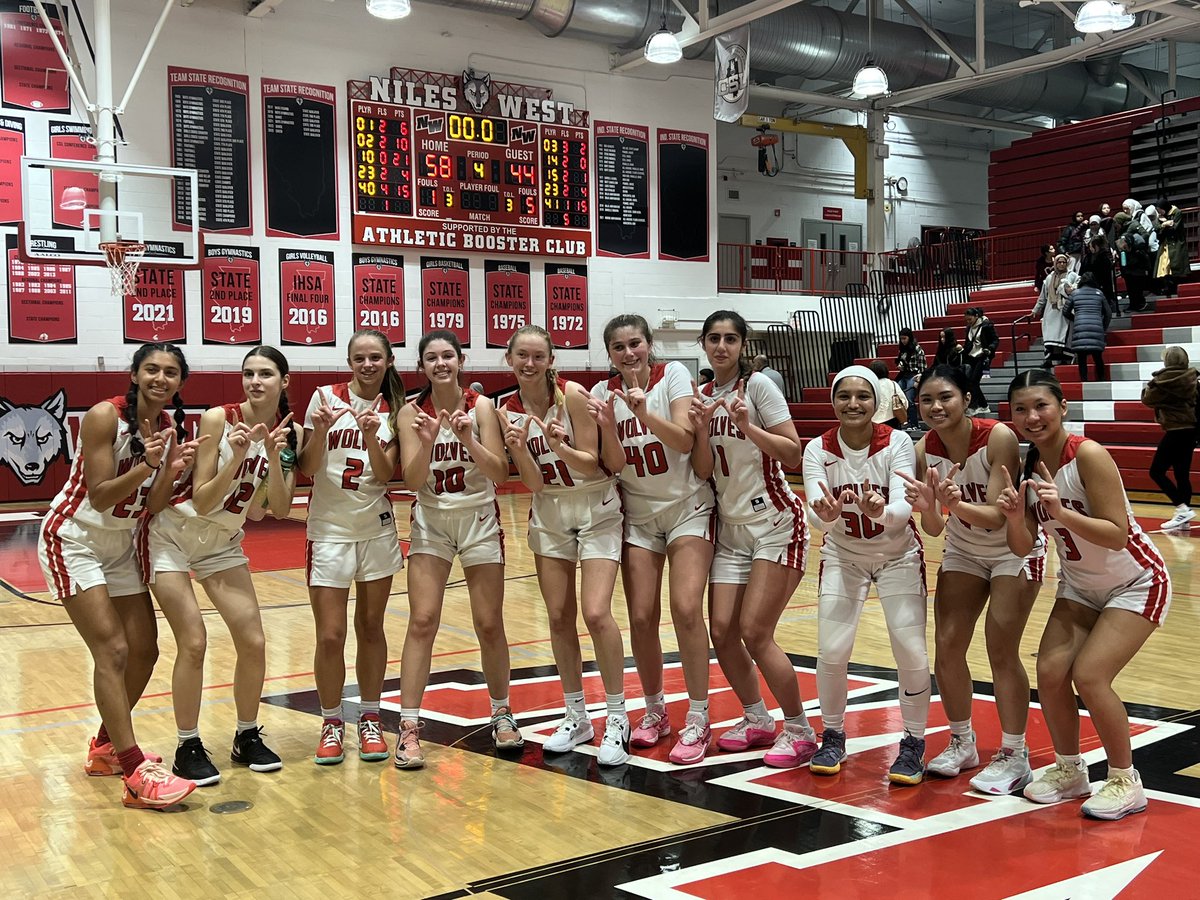
Program Sweep today! Glad we were able to put on a show for our future Wolves! 🐺 Katie Daly-21 points Emira Becovic-15 points Linnea Applequist-10 points Proud of this program, way to work hard tonight! #WolfpackMentality
Amanda Mistretta tweet mediaAmanda Mistretta tweet media
English
0
3
15
933