GaspodeWD 🎮🎙️📽️@GaspodeWD
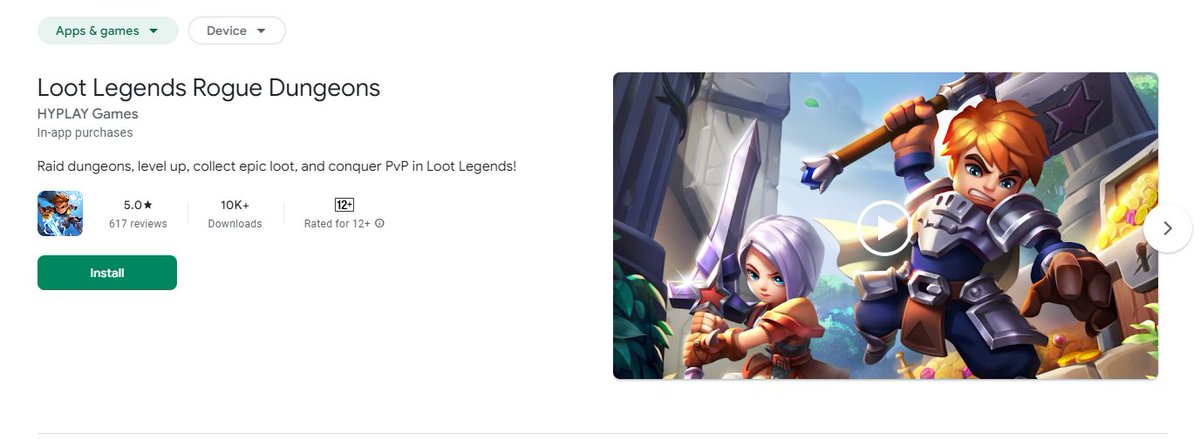
Loot Legends: start looting now!
Compete for the impressive $TOPIA P2A pool.
50% of the pool goes to top players, and 50% to leading guilds at the end of the P2A phase.
Introduction
Ready to dive into the world of Loot Legends? This guide will walk you through the basics, from your first dungeon crawl to mastering the art of binding loot and beyond.
Step 1: Download and Set Up
Start your journey by downloading Loot Legends directly from the Google Play Store or iOS App Store.
Step 2: Sign In with Your Hyplay Account
Sign in using your Hyplay account to access the game. If you don't have a Hyplay account yet, you can create one through the app's sign-in page.
Once you’re set, you're dropped straight into a dungeon, ready to face your first challenge.
Step 3: Understanding Your Hero's Essentials
When you first enter the dungeon, you'll notice two key bars on your screen:
Health Bar: Represents your hero's life. If it reaches zero, you’ll need to use a revival method or lose all your loot.
Mana Bar: Used for casting your special abilities. Managing your mana is crucial for taking down tougher enemies.Special abilities consume mana, so use them strategically.
You can find health and mana potions scattered throughout the dungeon or buy them from NPC shops.
Step 4: Exploring the Dungeon
Control your hero from a top-down perspective as you navigate the dangerous and mysterious dungeon. Use your basic attack and special abilities to defeat enemies and progress through the map.
Step 5: Collecting Loot and Binding It
The goal is to explore, defeat mobs, open chests, and gather as much loot as possible. But there's a twist—only loot that you bind to your hero will be kept when you leave the dungeon.
Locate a special altar on the map to bind your loot before exiting.
Step 6: Navigating Locked Areas
Some parts of the map are locked, requiring keys or a sacrifice of your hero’s health to access.
Choose wisely which areas to explore and how to unlock them.
Step 7: Auto-Walk and Combat Options
You can use the in-game map to auto-walk to specific areas, making it easier to double back or revisit points of interest. For combat, you have three options:
Manual Play: Full control over your hero’s movements and attacks.
Auto Attack Play: Your hero auto-attacks, but you handle movement and skills.
Auto Skill Play: Your hero handles both attacks and skills automatically.
Step 8: The Boss Fight
At the end of the dungeon, you’ll face a challenging boss. Prepare for an intense battle! If you fall, you can choose to revive using scrolls or gems—if you don’t, all collected loot is lost.
Step 9: Returning to Town
Once the boss is defeated, use the teleportation ability to return to town. Here’s where the metagame begins.
Step 10: Upgrading and Preparing for Future Dungeons
In town, you can upgrade your equipment, unlock pets, and, eventually, start building a village. This part of the game is rich and deep, but we'll cover that in another guide!
You are now ready!
With this guide, you’re all set to conquer the dungeons and claim your loot in Loot Legends.
Remember, strategic loot-binding and knowing when to take risks are key to your success.
Happy looting!
@LootLegendsGame @HYCHAIN_GAMES
*ArbAmbassador*