

skyocean
25 posts

You can set up MCP support so your IDE’s AI assistant works with your database directly. Ask about schemas and generate queries in natural language, and pick which parts of the database the AI can use.
See how to set it up in DBeaver Team Edition Web 26.0 (It’s also available in CloudBeaver Enterprise) ↓
English


We fixed a bug where rate limits on Claude subscriptions weren't properly adjusted for long context requests in Opus 4.7.
We've reset 5-hour and weekly rate limits. Enjoy Opus 4.7!
English
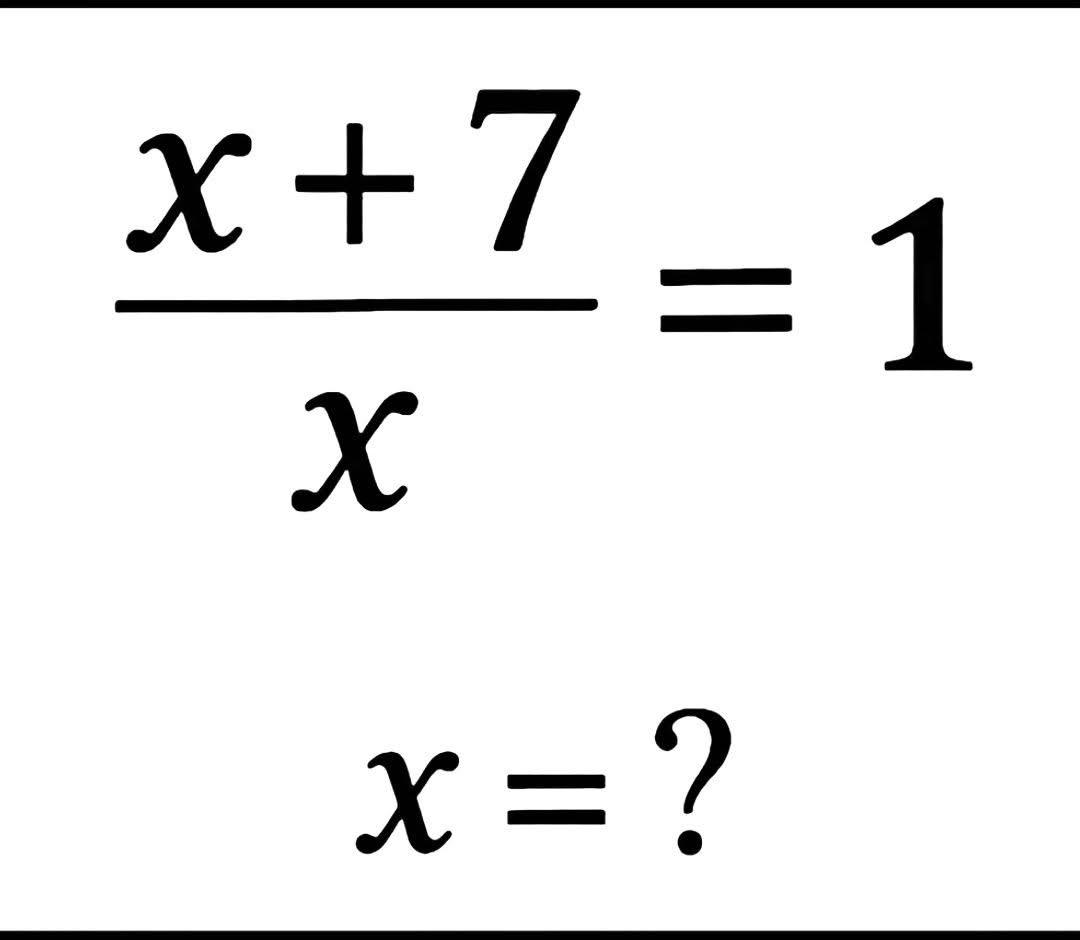


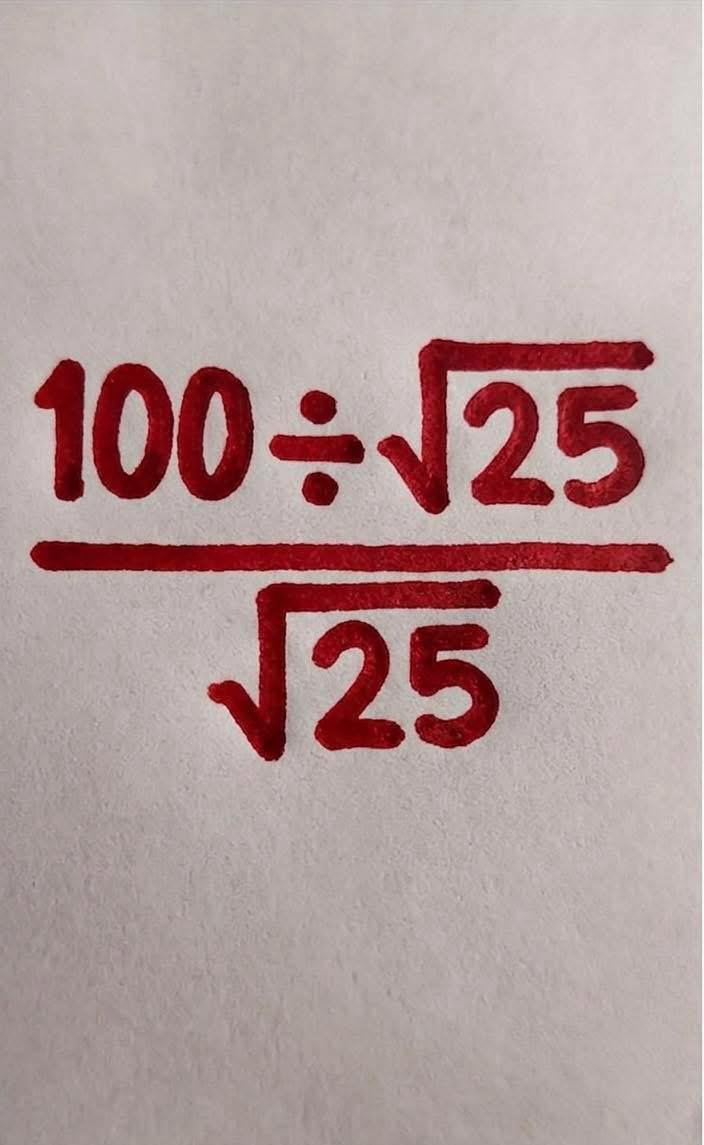


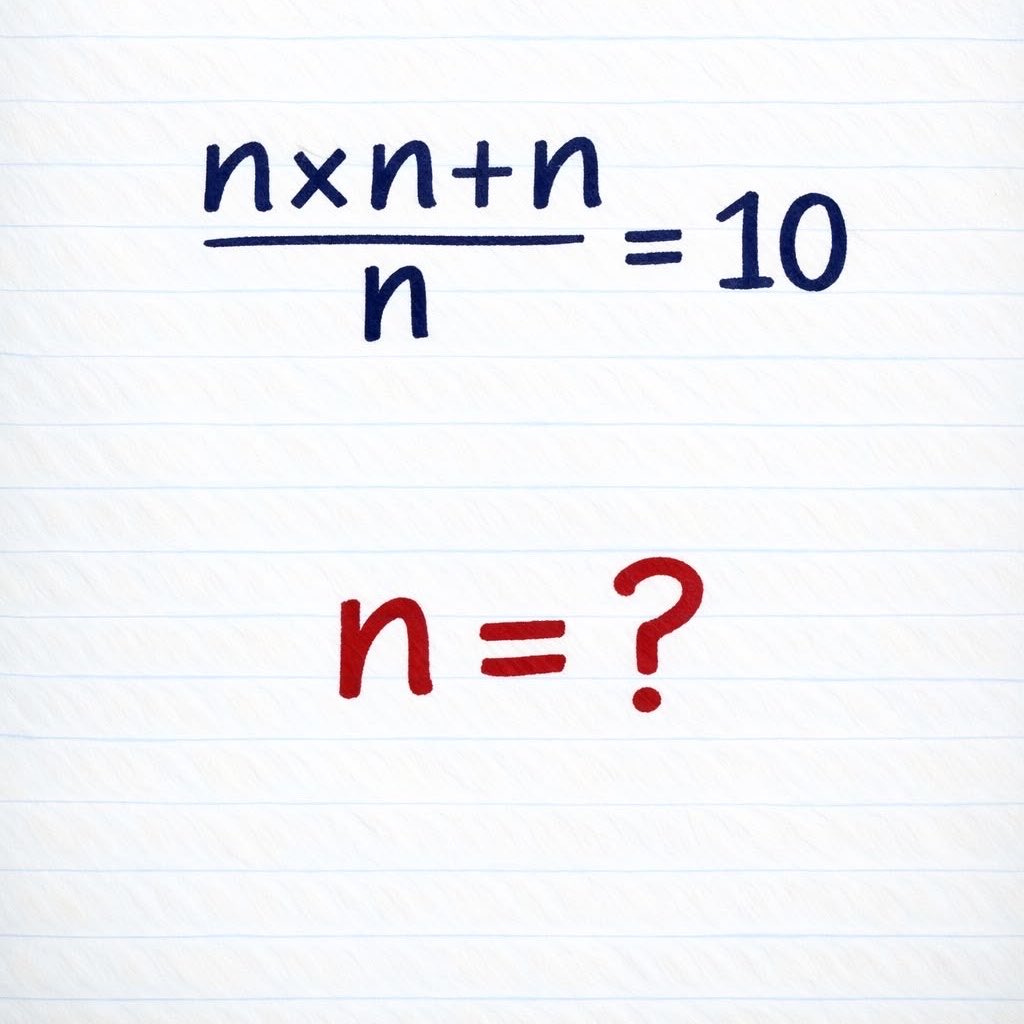

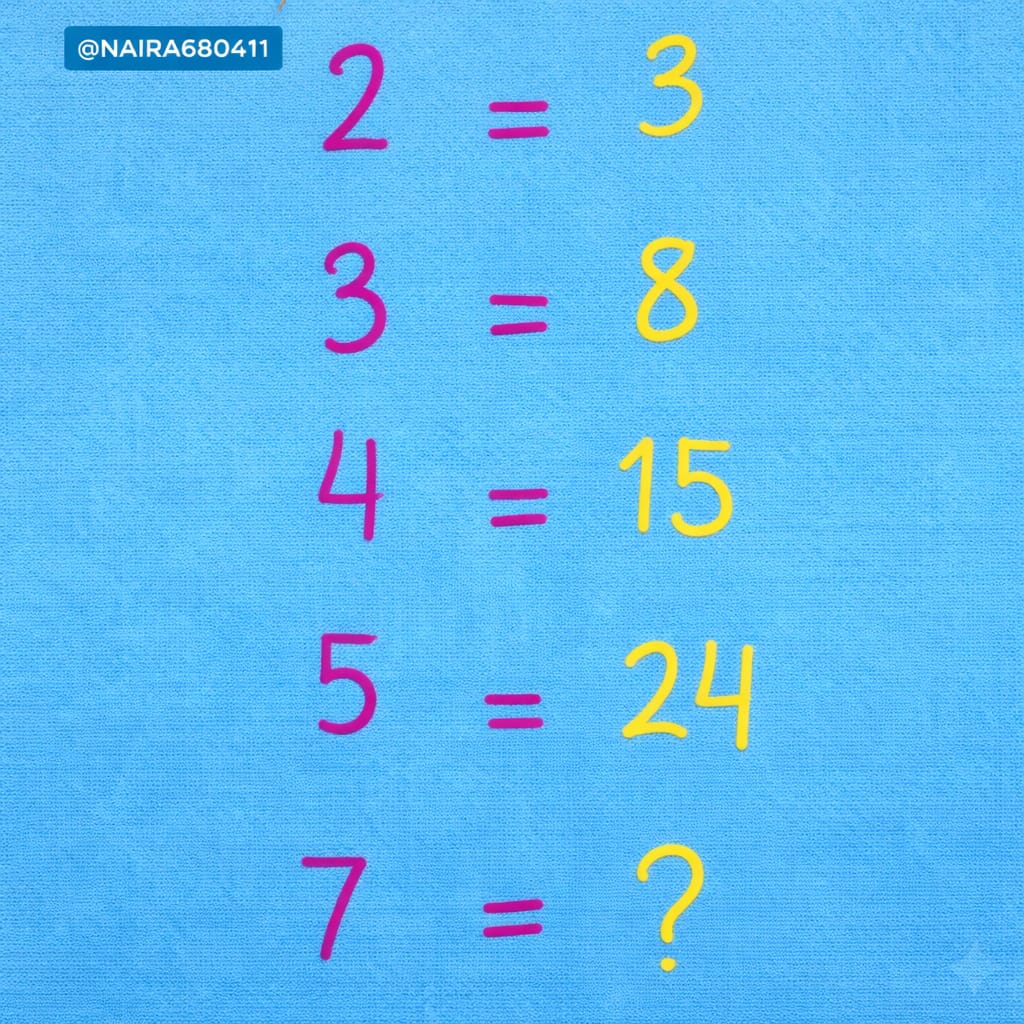


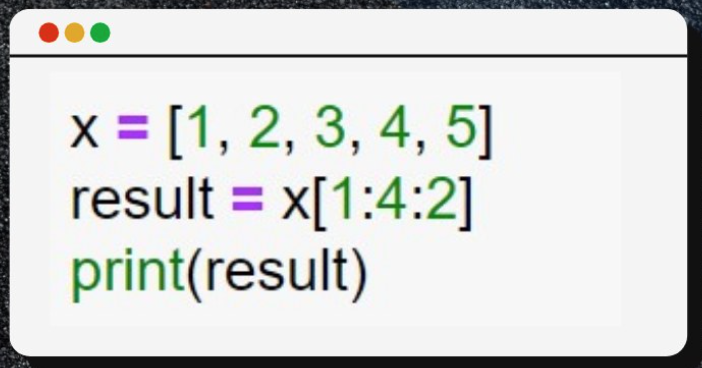
Python Quiz: What is the output of the following Python code?
English


Orca 从 Day 1 就支持 Windows / Linux
github.com/stablyai/orca
不太理解为什么有些 Agent IDE(比如 conductor、superconductor)还只支持 Mac
@orca_build
中文

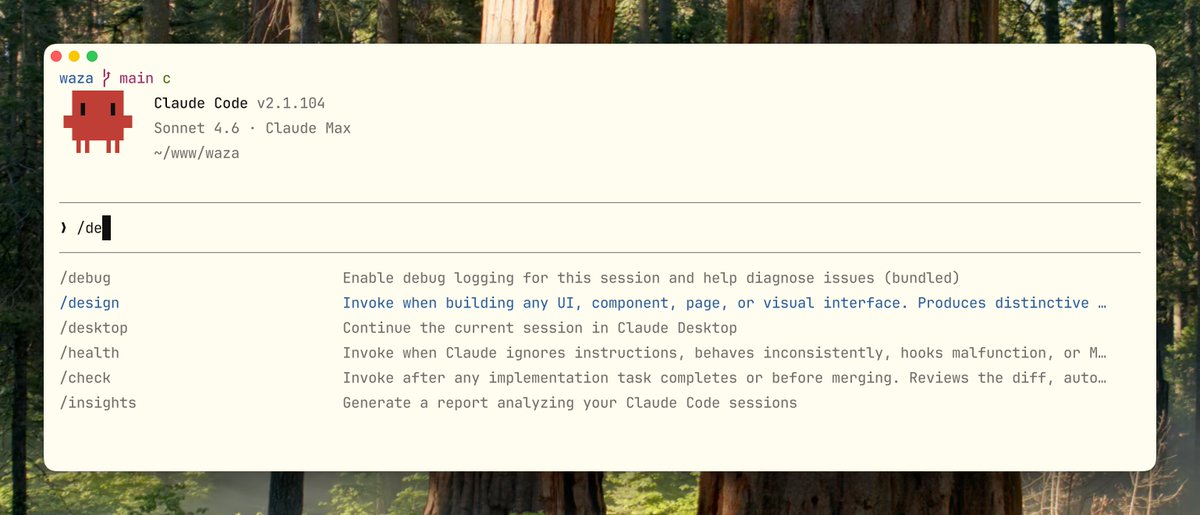
我想陆续用几条推来介绍 Waza 里面一些有趣技能的实现参考,这次来给大伙介绍 /design 技能我的实现考虑点。
首先我非常讨厌 AI 生成的那种千篇一律甚至还带emoji,蓝紫色渐变的网站,觉得非常丑,只能说能用。
于是我把我最近做的所有的带UI的网站让Claude Code去学习我的调教记录,会生成一份基础的我觉得最佳实践和不应该有的反模式,这个基础上会有一个雏形,然后我把 claude frontend design skill 里面有用的学习过来,基本就有一个模式了。
考虑到一些具体规则,我从 pbakaus/impeccable 学习了一些,他给我贡献了大量具体的规则,比如说禁用的字体清单、色彩系统、主题风格、css 模式的禁止项、动画的规范等,用于让 AI 具备一定的审美知识了。
然后从 getdesign 的能力中,获取到设计的一个来源于 Google Stitch 的九段式脚手架的结构,在简化能力基础上汇集到 /design 里面,这里他就有一个知识面体系了。
最后我会在让你用这个技能的时候,先回答几个问题,谁用、美学方向选择、页面想让用户记住的、你最不喜欢的、网页特色微交互是怎么样的,这样 Claude Code 再基于这个重要的上下文以及 /design 去工作 往往会得到事倍功半的效果。
假如你有更多设计的建议,欢迎给 Waza 去贡献好的思路,欢迎 PR,我们一起来做一个最好用的工程师技能库。 github.com/tw93/waza
中文
I’m sharing a few posts on how some of the more interesting skills in Waza are built. This one is about the thinking behind /design.
The starting point was simple: I really dislike the kind of AI-generated websites that all look the same, usually with emojis, blue-purple gradients, and a generic polished look that is technically usable but visually forgettable.
So I took the UI work I’ve made recently and had Claude Code study the way I prompt, refine, and correct design output. That became a base layer of design best practices and anti-patterns. On top of that, I pulled in the useful parts of Claude’s frontend design skill, which gave the whole thing a stronger foundation.
For more specific rules, I learned a lot from pbakaus/impeccable. It contributed many of the concrete constraints: banned font lists, color system guidance, theme direction, CSS anti-patterns, animation rules, and other details that help the model build a more reliable sense of visual taste.
I also borrowed part of the structure from getdesign, especially its simplified adaptation of Google Stitch’s nine-part scaffold. That gave /design a clearer knowledge framework instead of just a loose collection of tips.
The last piece is context. Before using this skill, I ask a few questions first: who the page is for, what aesthetic direction you want, what you want users to remember, what you definitely do not want, and what kind of micro-interactions should define the experience. Once Claude Code has that context along with /design, the results are usually much better, with far less iteration.
If you have strong design ideas, better rules, or useful references, feel free to contribute to Waza. PRs are welcome. Let’s build the most useful skill library for engineers together.
github.com/tw93/waza

English
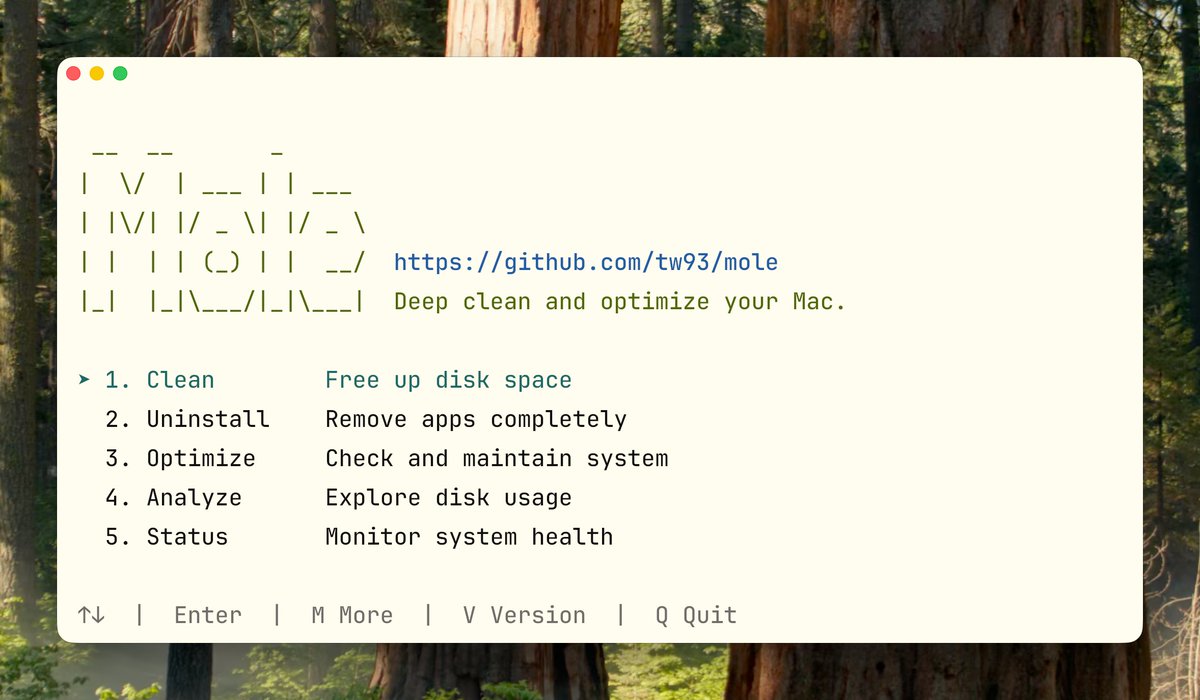
Mole 1.34 is live. The Mac cleaning tool that can free up tens of GBs in one go. 36K stars. github.com/tw93/Mole
Here’s what matters from the last two releases:
· mo optimize: now runs optimization tasks automatically with no confirmation prompts, and adds regular maintenance, quarantine cleanup, broken LaunchAgent repair, .DS_Store protection, and disk SMART checks.
· mo analyze: gives a much clearer view of reclaimable space, including iOS backups, old Downloads, and real cache usage from Xcode, Gradle, JetBrains, Docker, pip, and more. It also shows cleanable items like Trash, system caches, and Xcode artifacts before you run cleanup.
· mo clean: expands cleanup coverage for Zed, Warp, Ghostty, Cursor, Stremio, Brave Service Worker caches, expired iOS/iPadOS firmware, Chrome graphics caches, Stocks app cache, Office container logs, wallpaper thumbnails, and more. Whitelist rules are handled more consistently.
· mo uninstall: now supports mo uninstall directly, with better leftover detection, orphan file cleanup, and improved handling of app-related residue.
· mo check and mo status: better visibility into system health, including battery health and uptime scoring, broken LaunchAgents, missing developer tools, and common version conflicts in local dev environments.
These two releases make Mole more useful in day-to-day cleanup, especially for developers and long-used Macs. If Mole helps, I’d love your ideas on where to dig deeper for safe cleanup and more hidden junk.
English